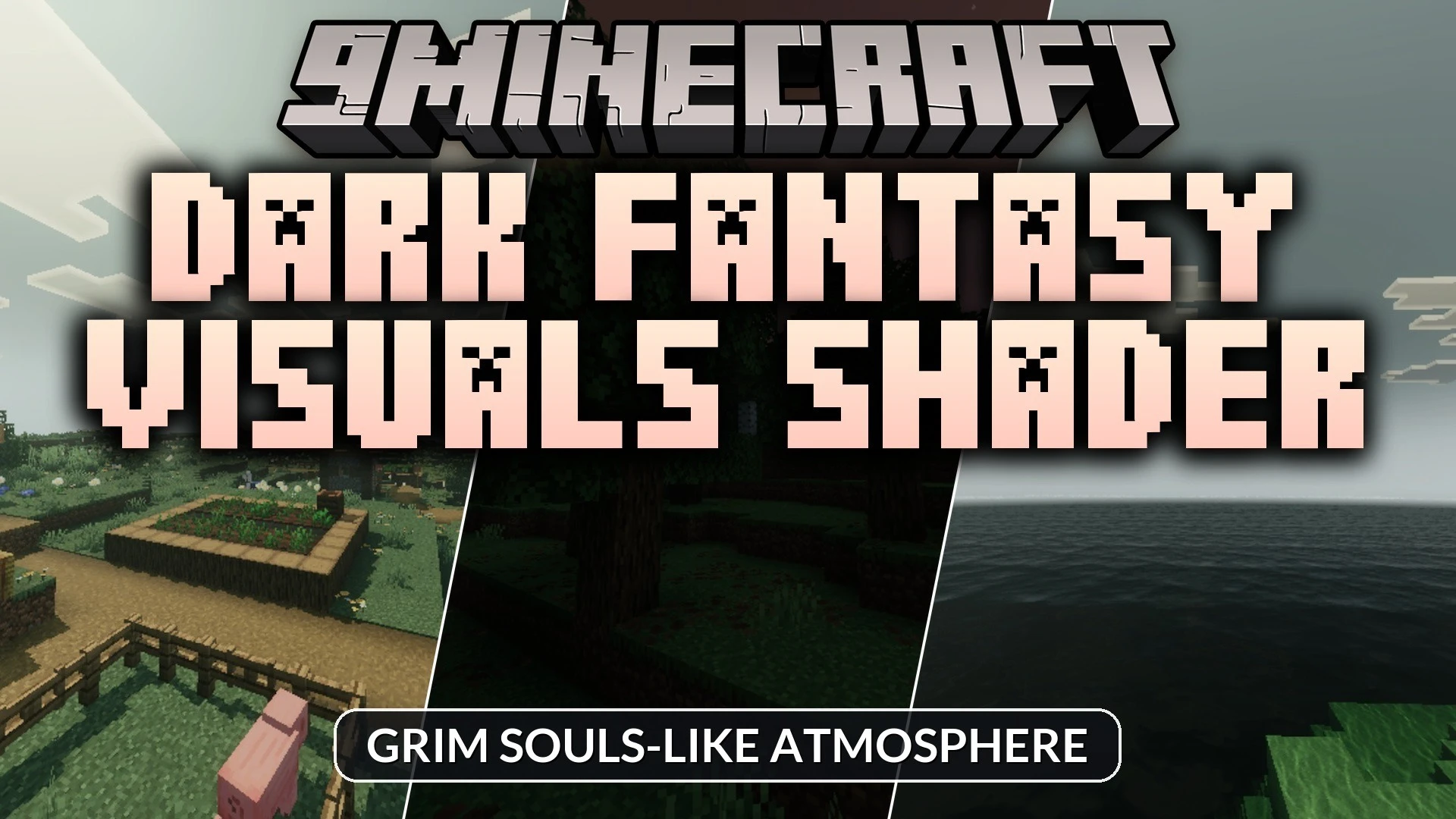
Dark Fantasy Visuals Shader (1.21) – Grim Souls-like Atmosphere
Bedrock shader pack for the Vibrant Visuals mode listed for Minecraft 1.21. File opened and checked on 3 Sep 2026; installs from the MC Bedrock Mods app on Android.
⬇ Download
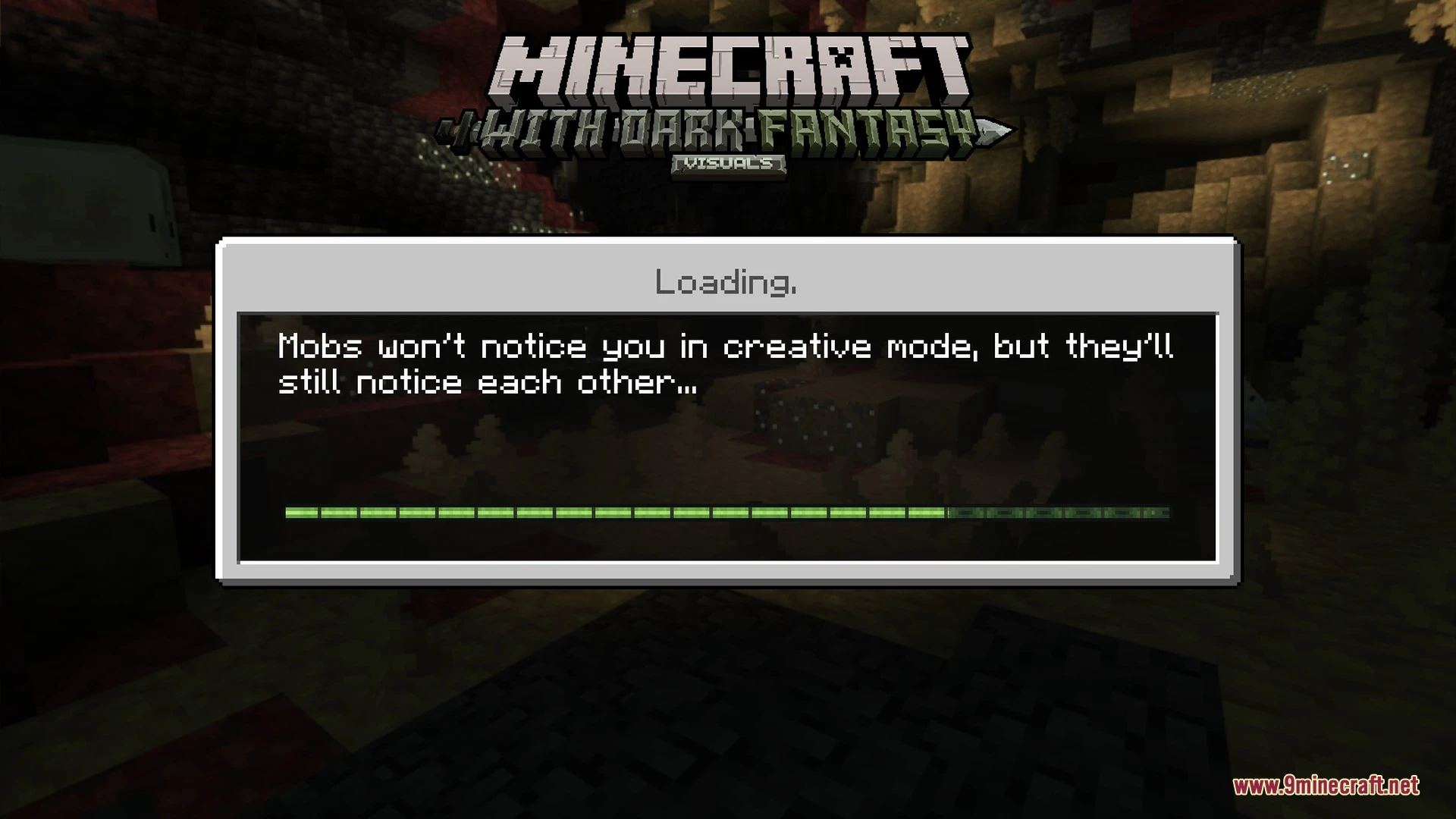
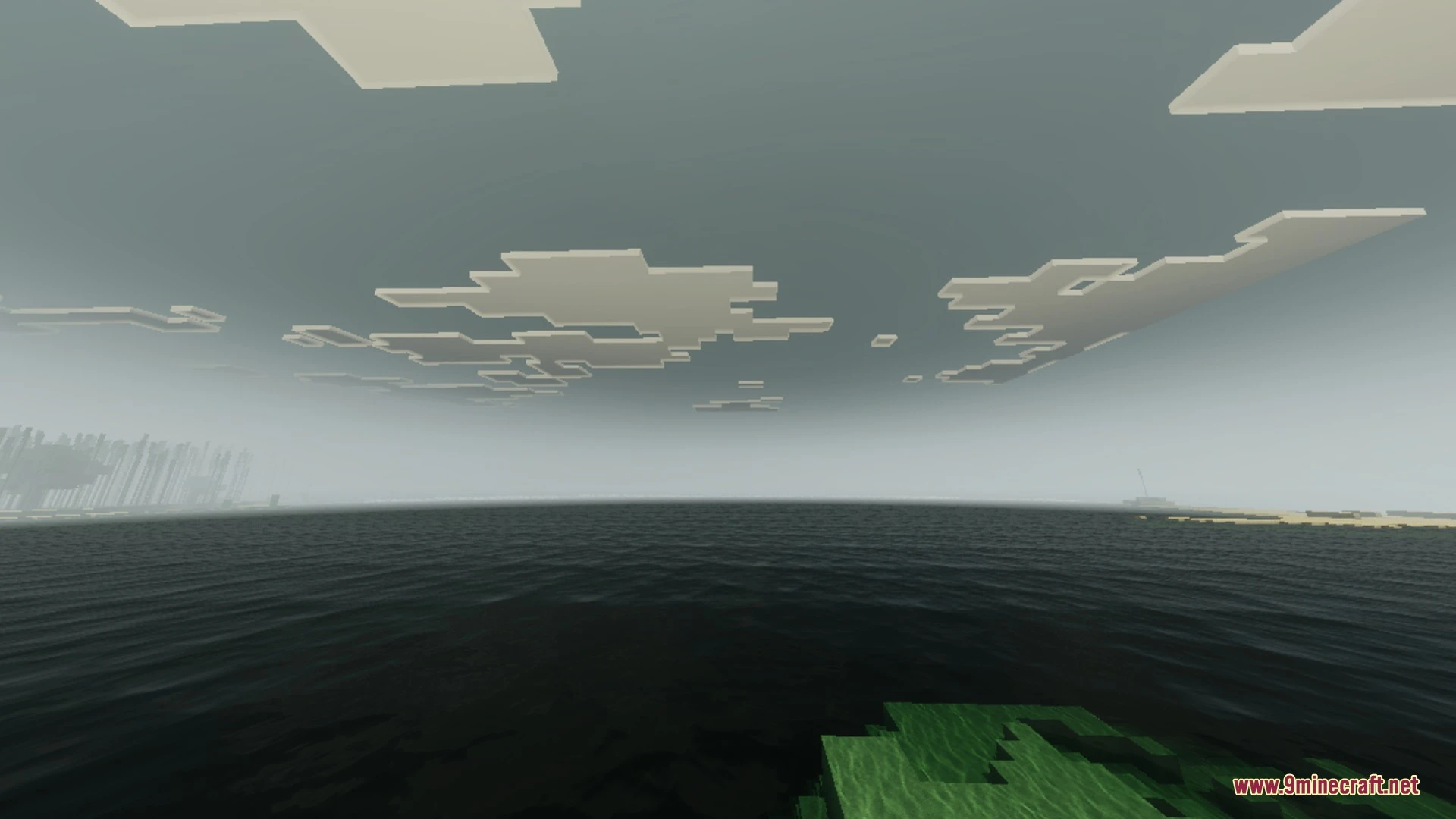
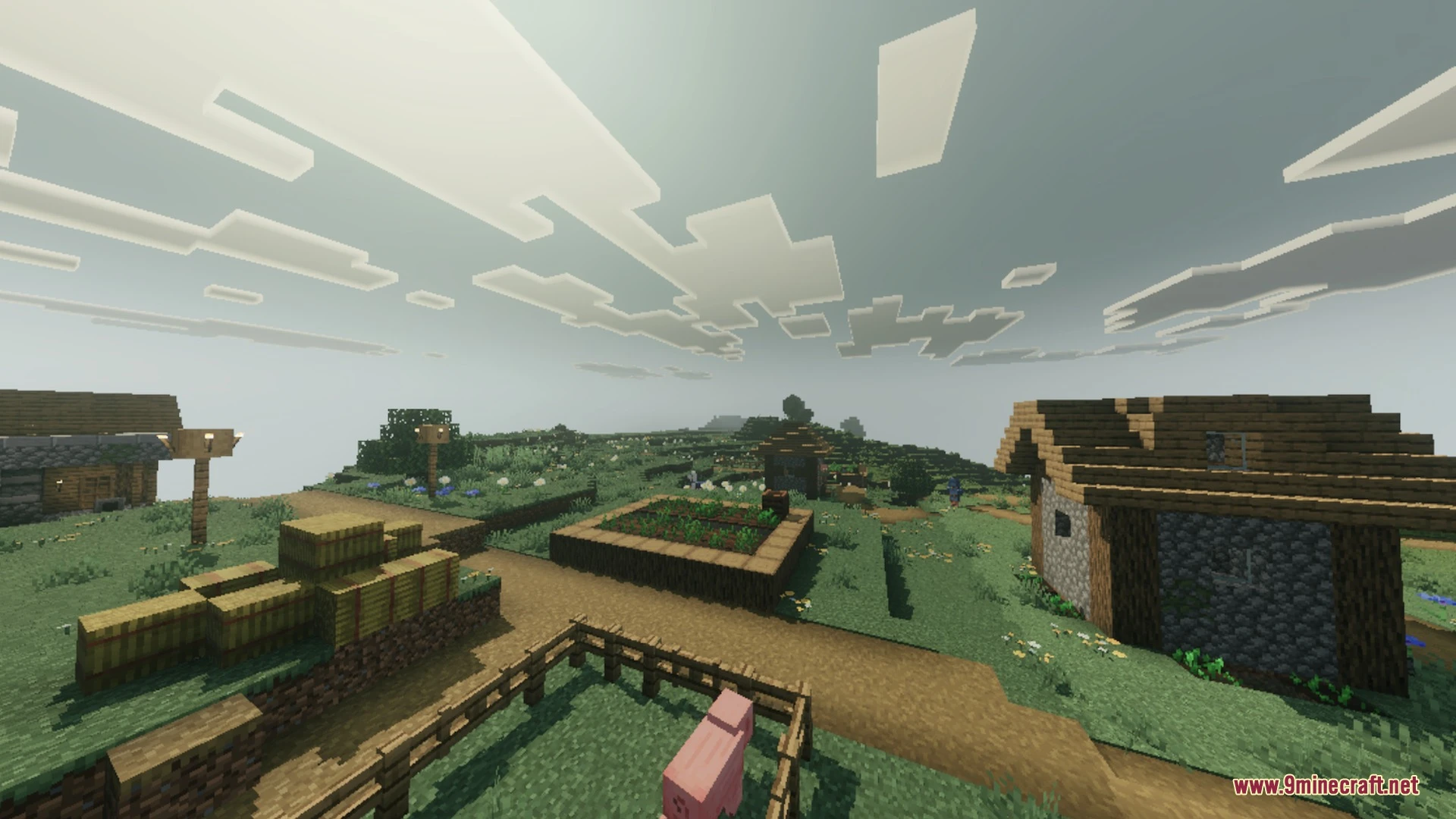
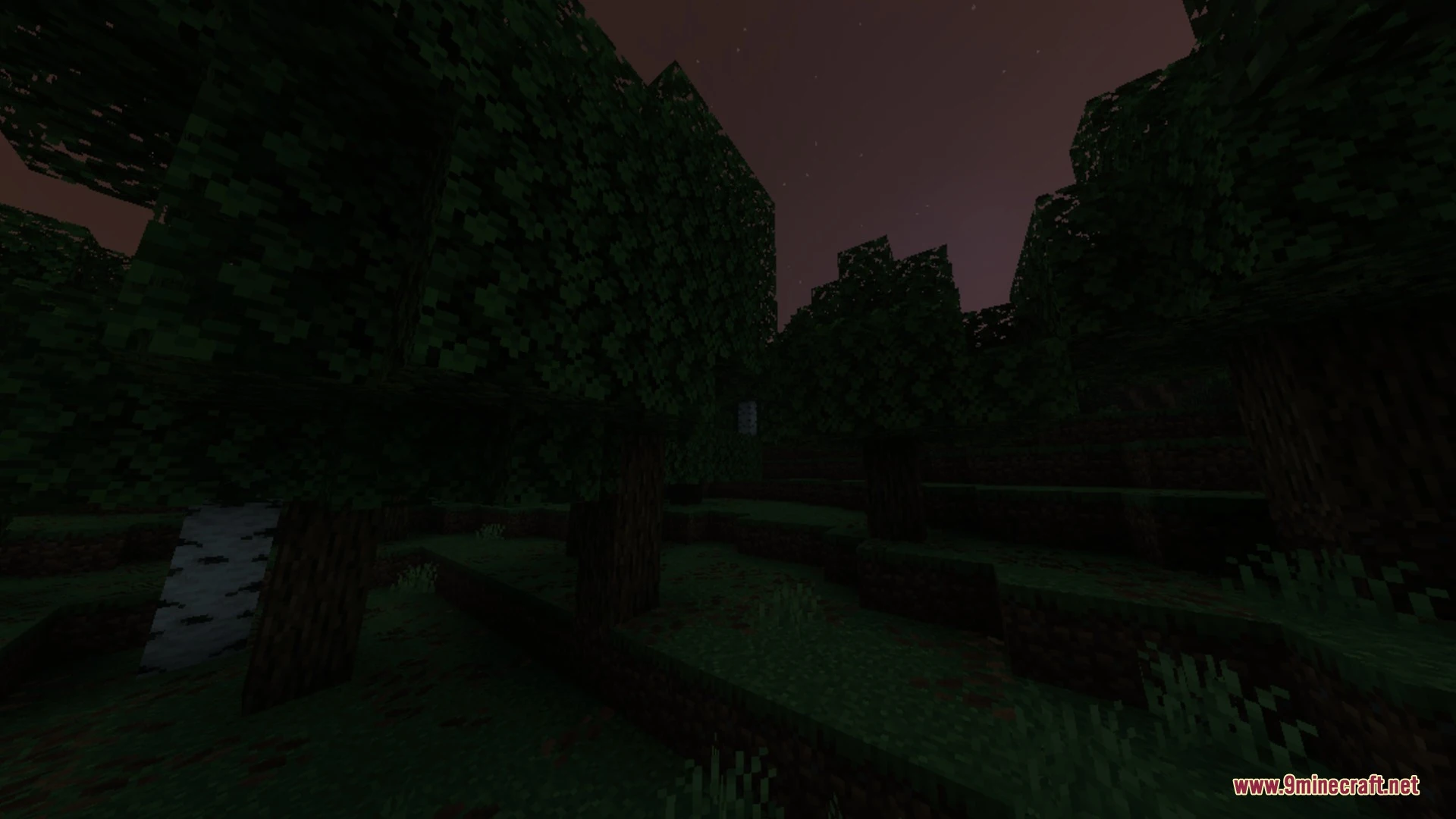
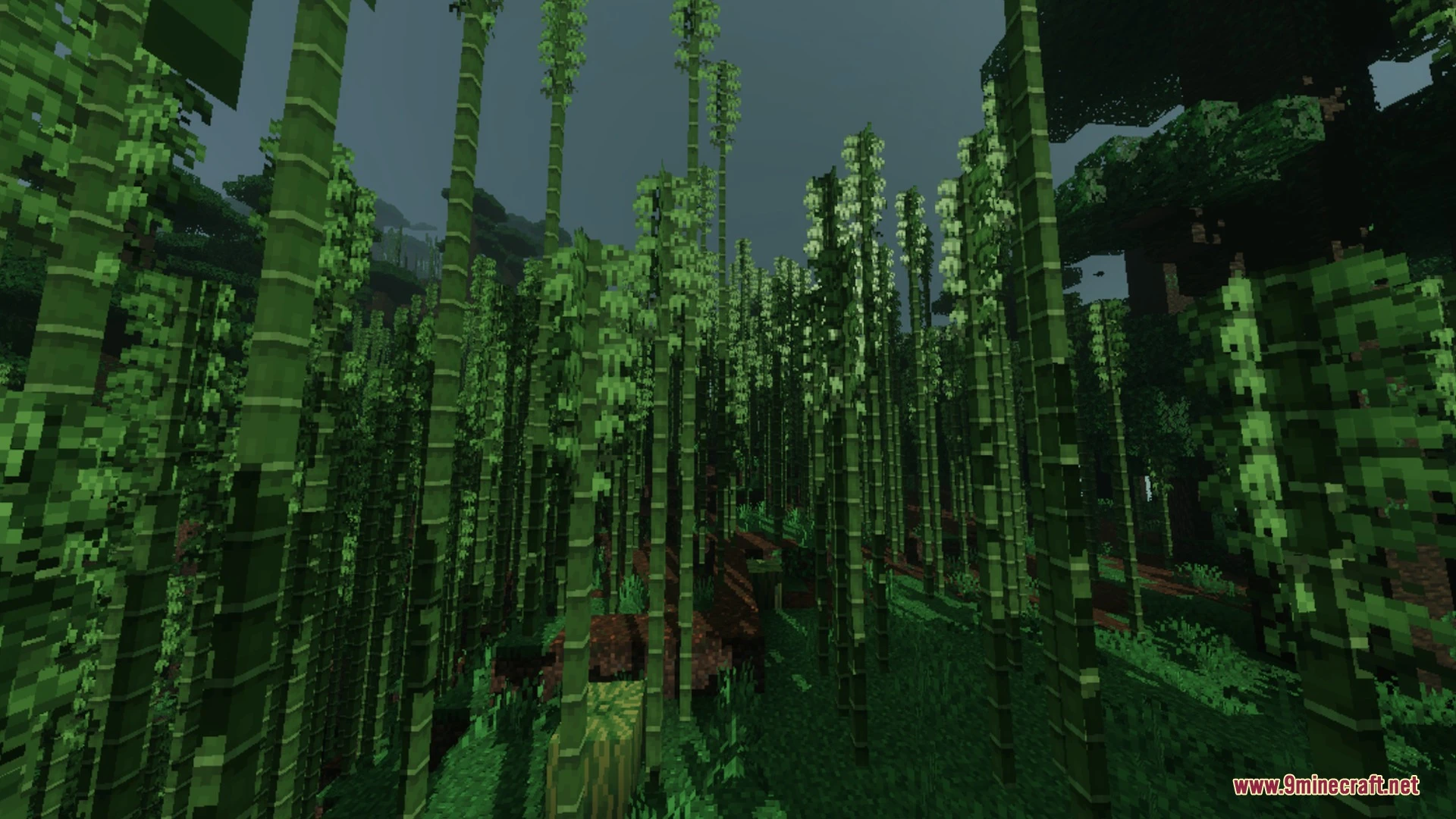
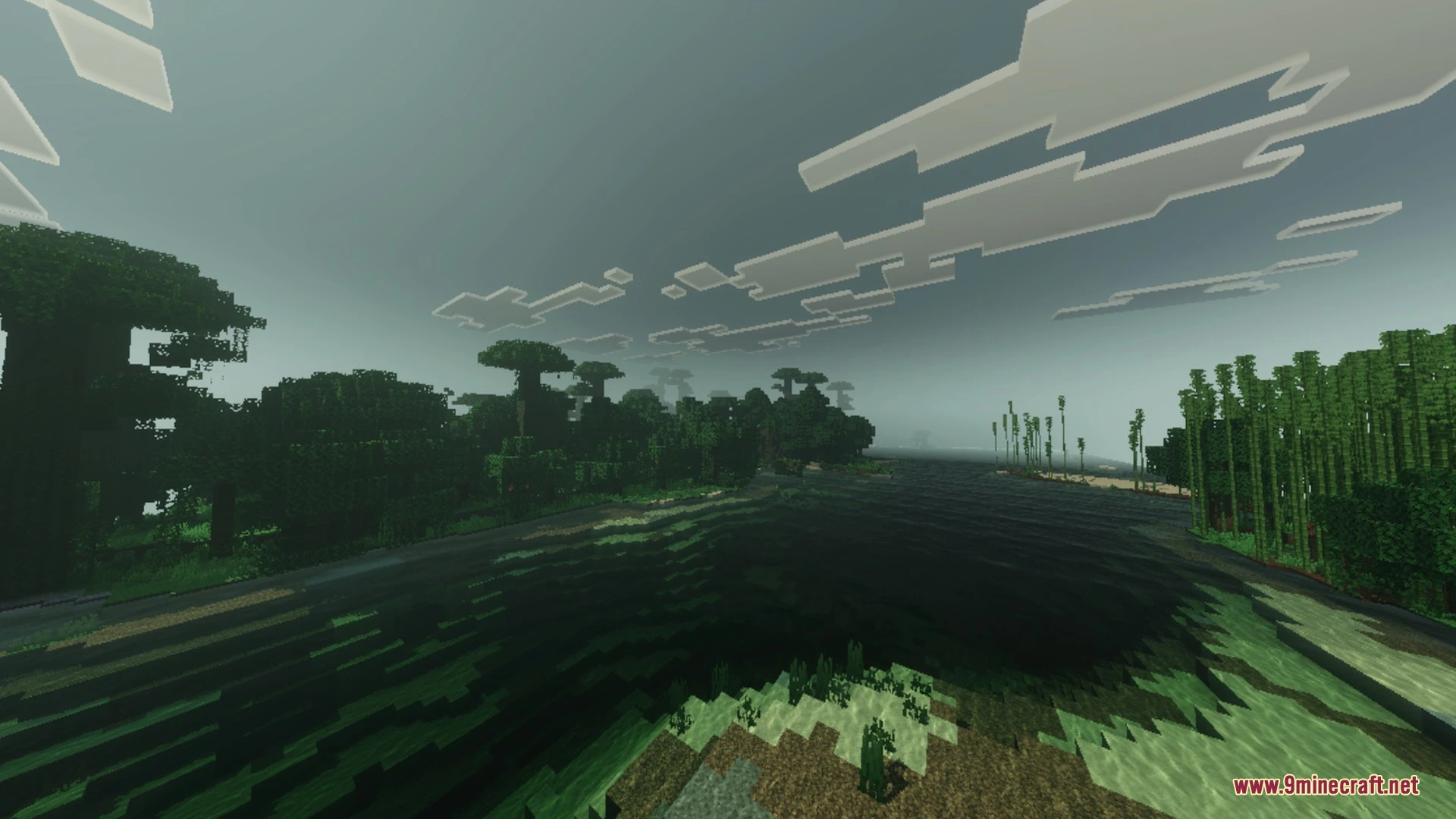
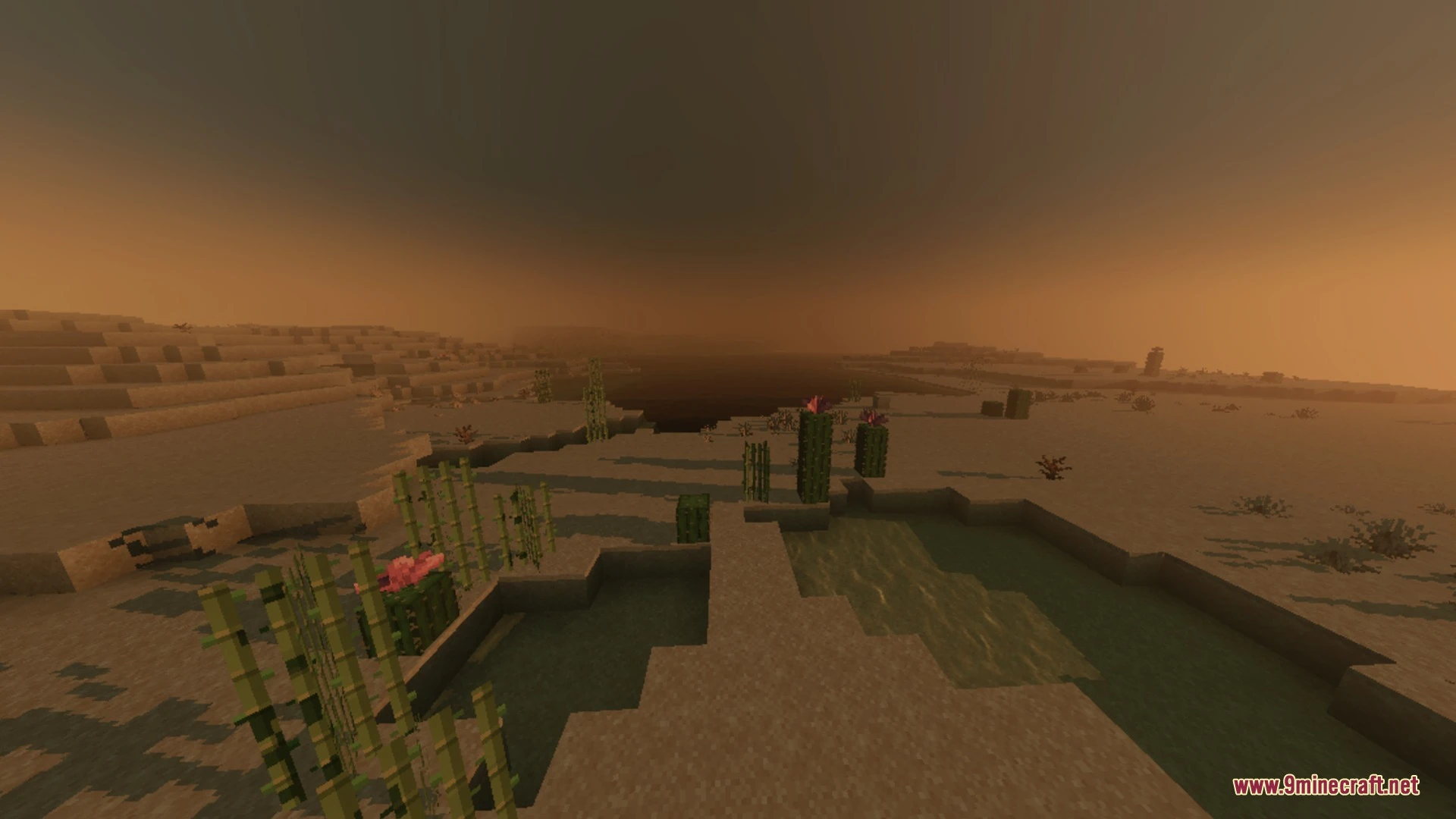
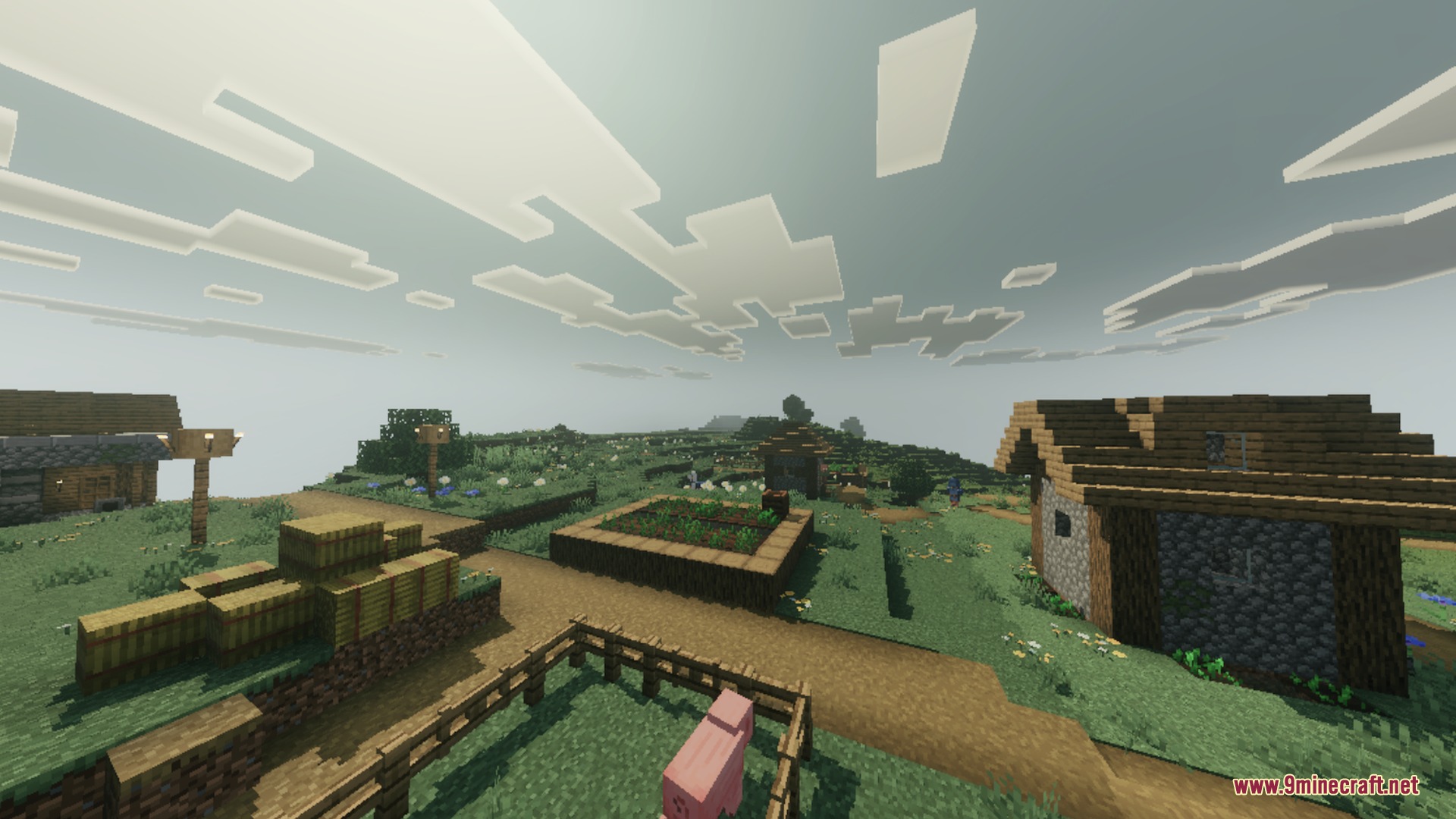
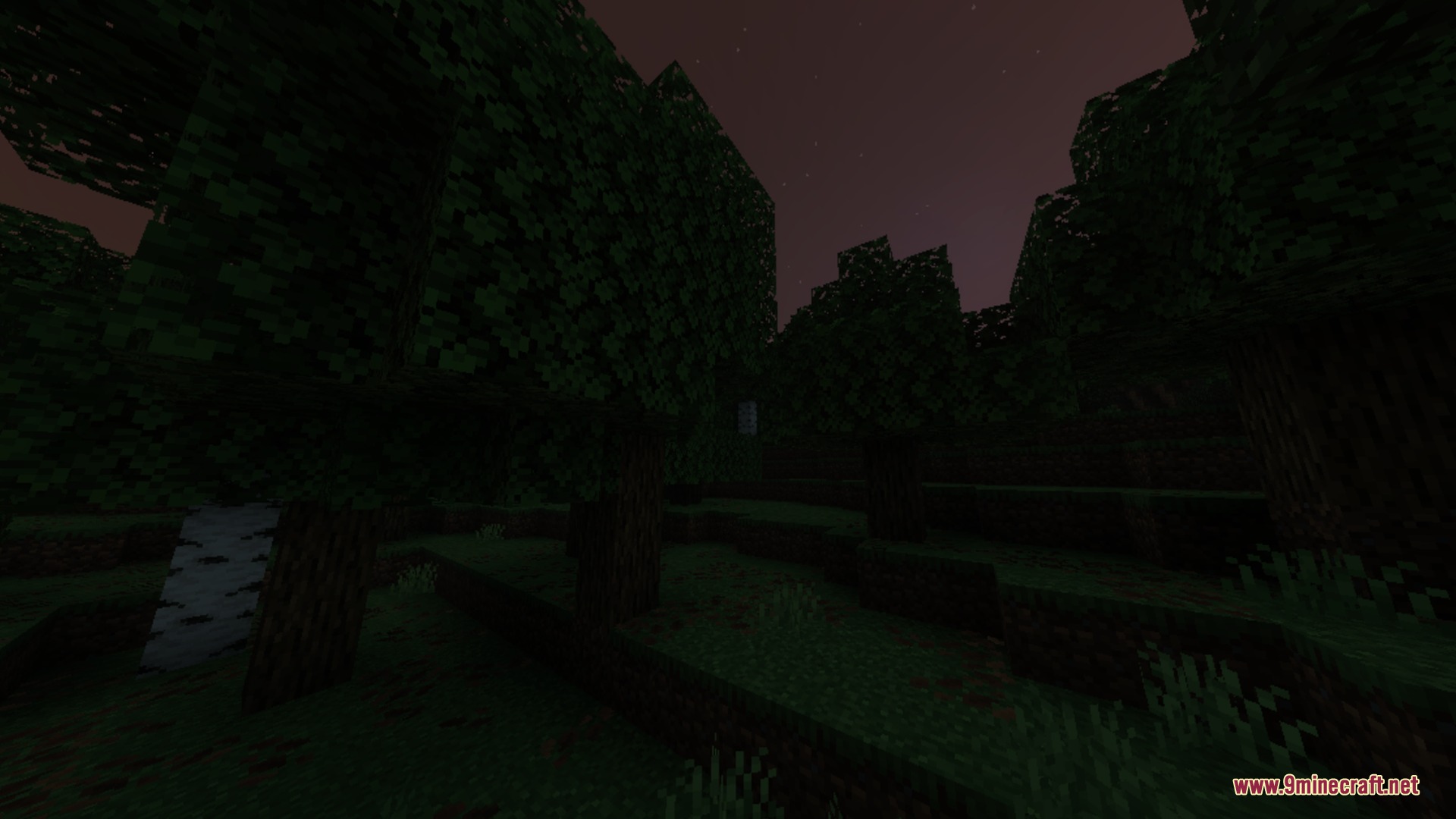
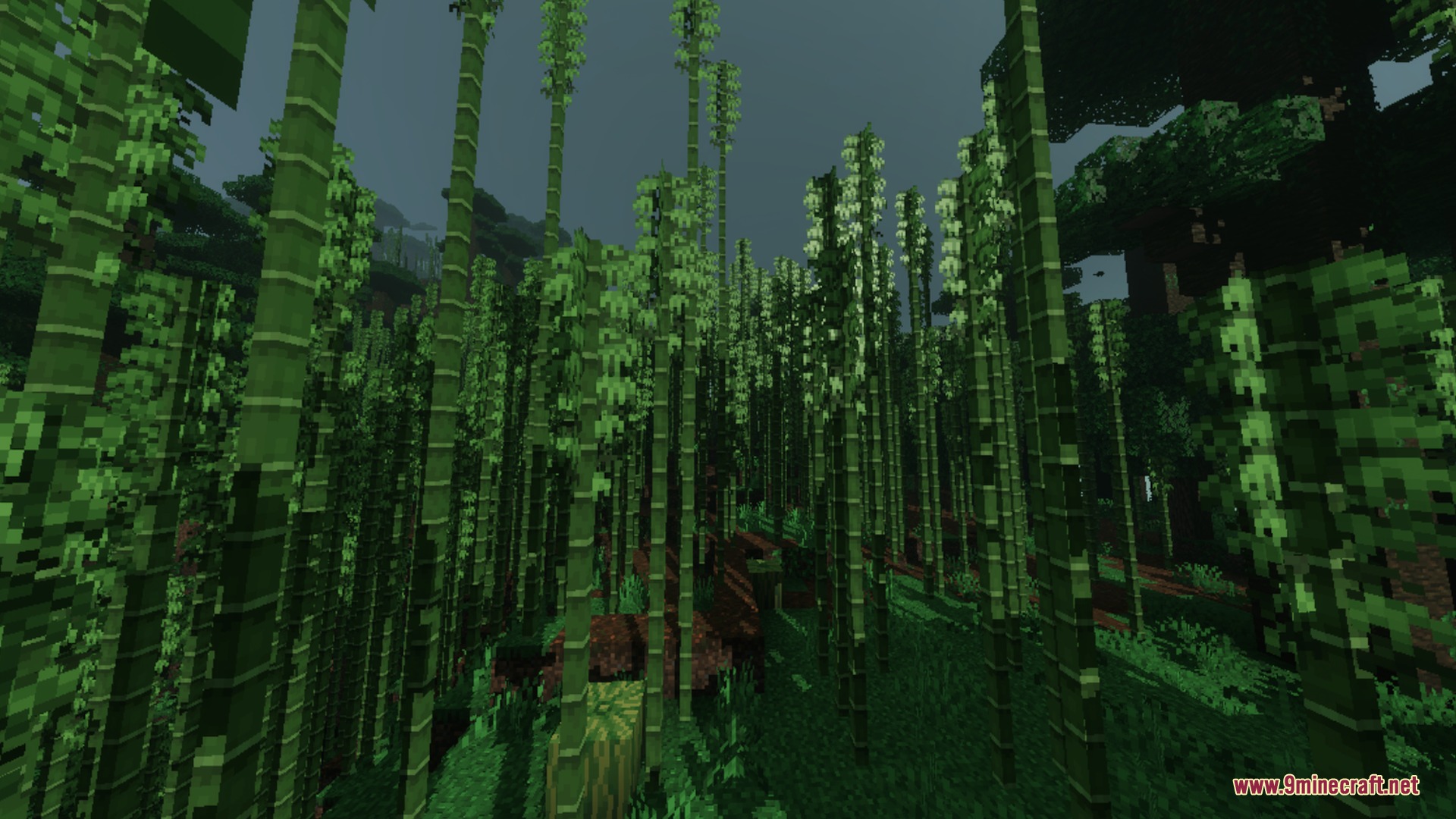
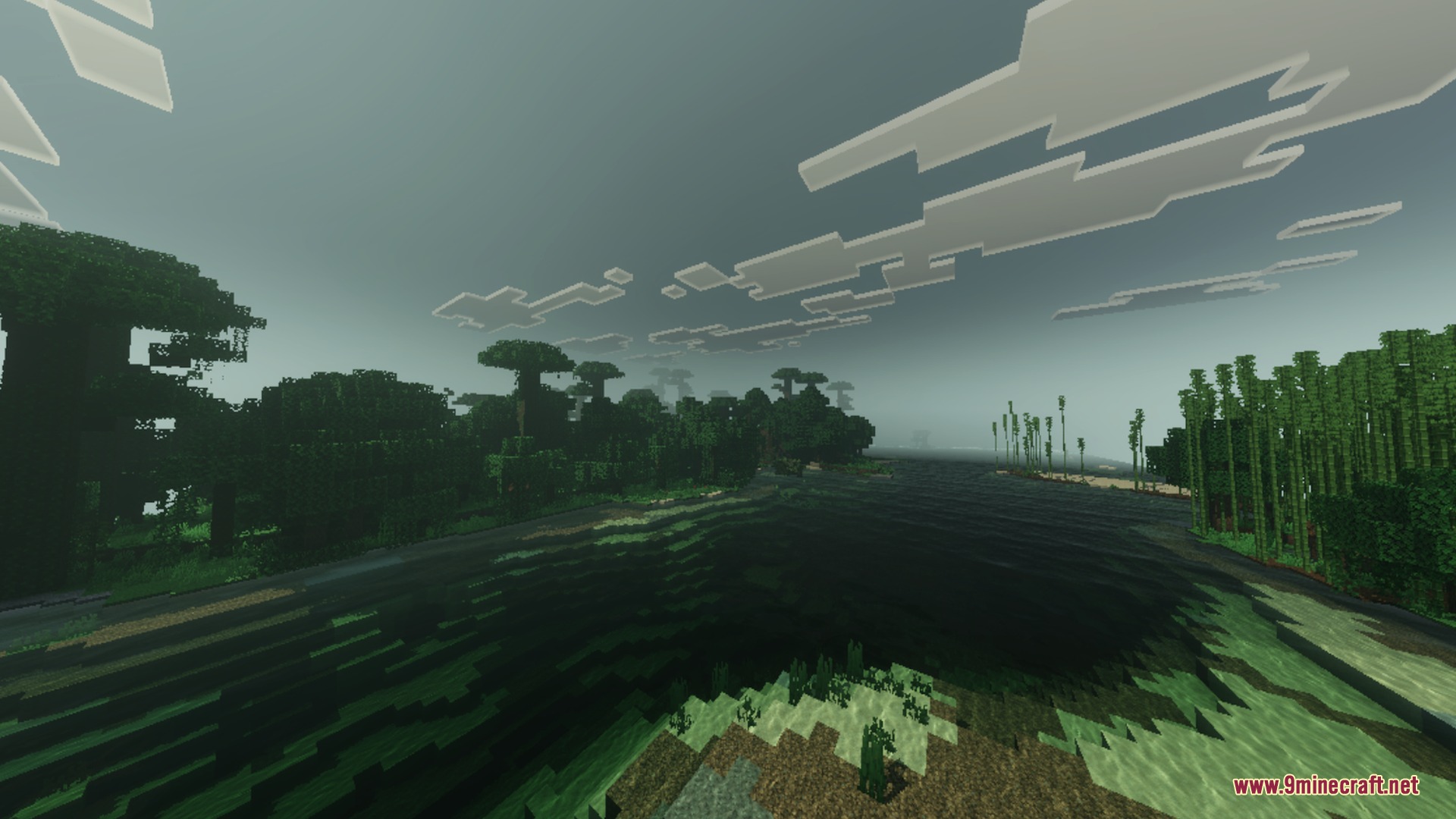
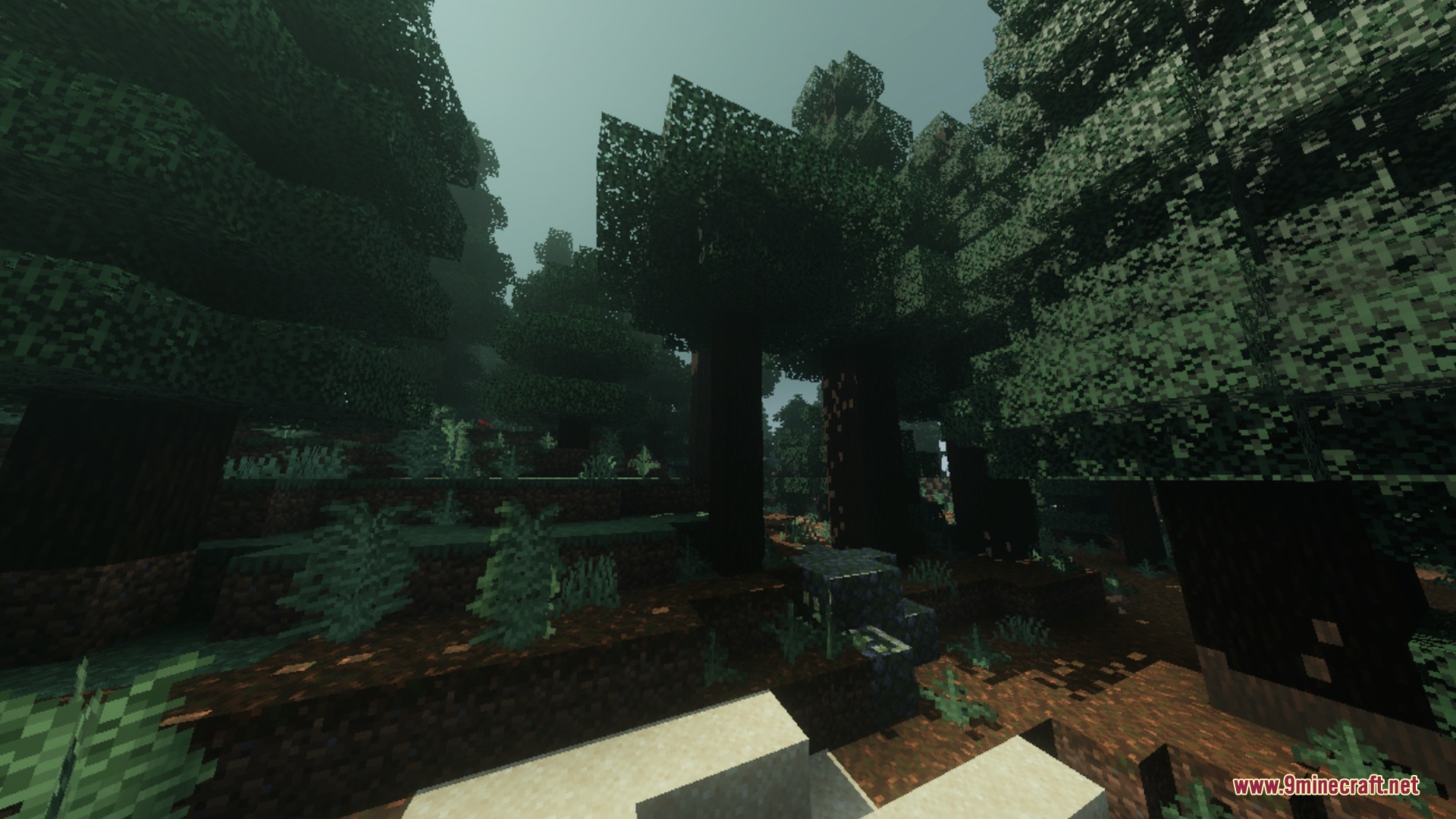
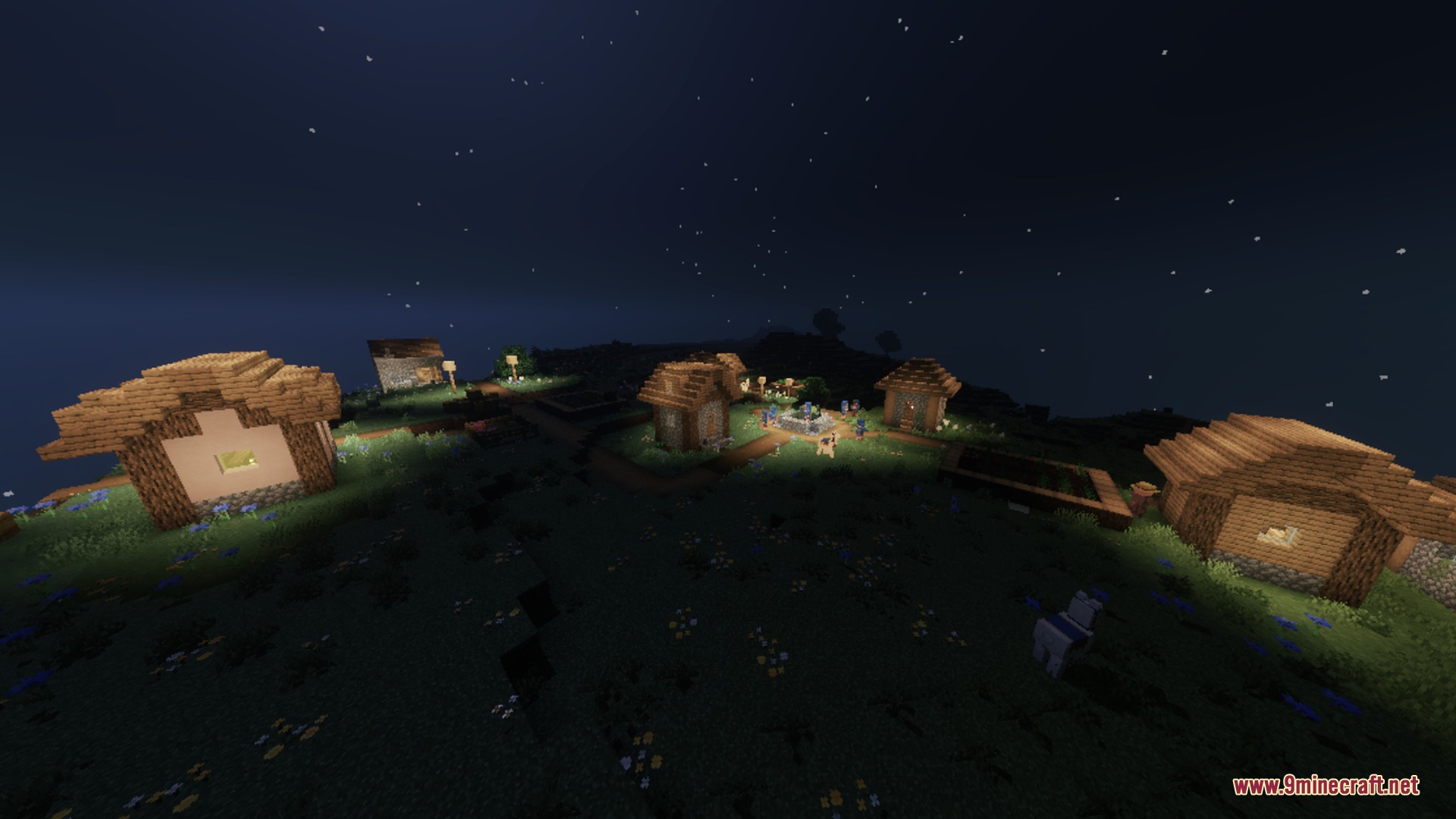
Dark Fantasy Visuals Shader changes your game into a darker and moodier world. This pack adds muted colors and deep shadows to make biomes feel mysterious. It lets you explore survival worlds with thick fog and smooth water ripples.
Features:
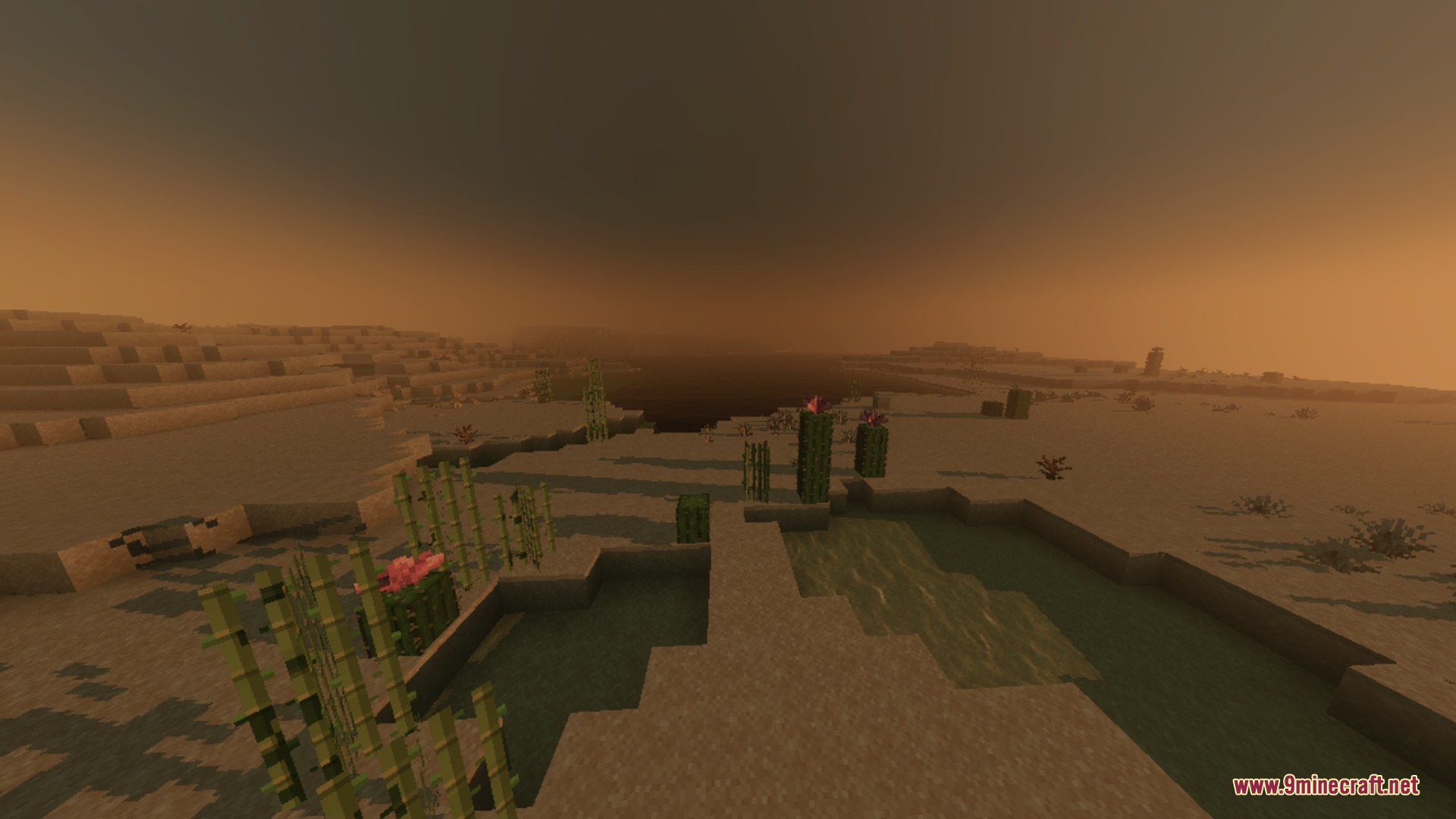
- Adds deep shadows and muted colors to your world.
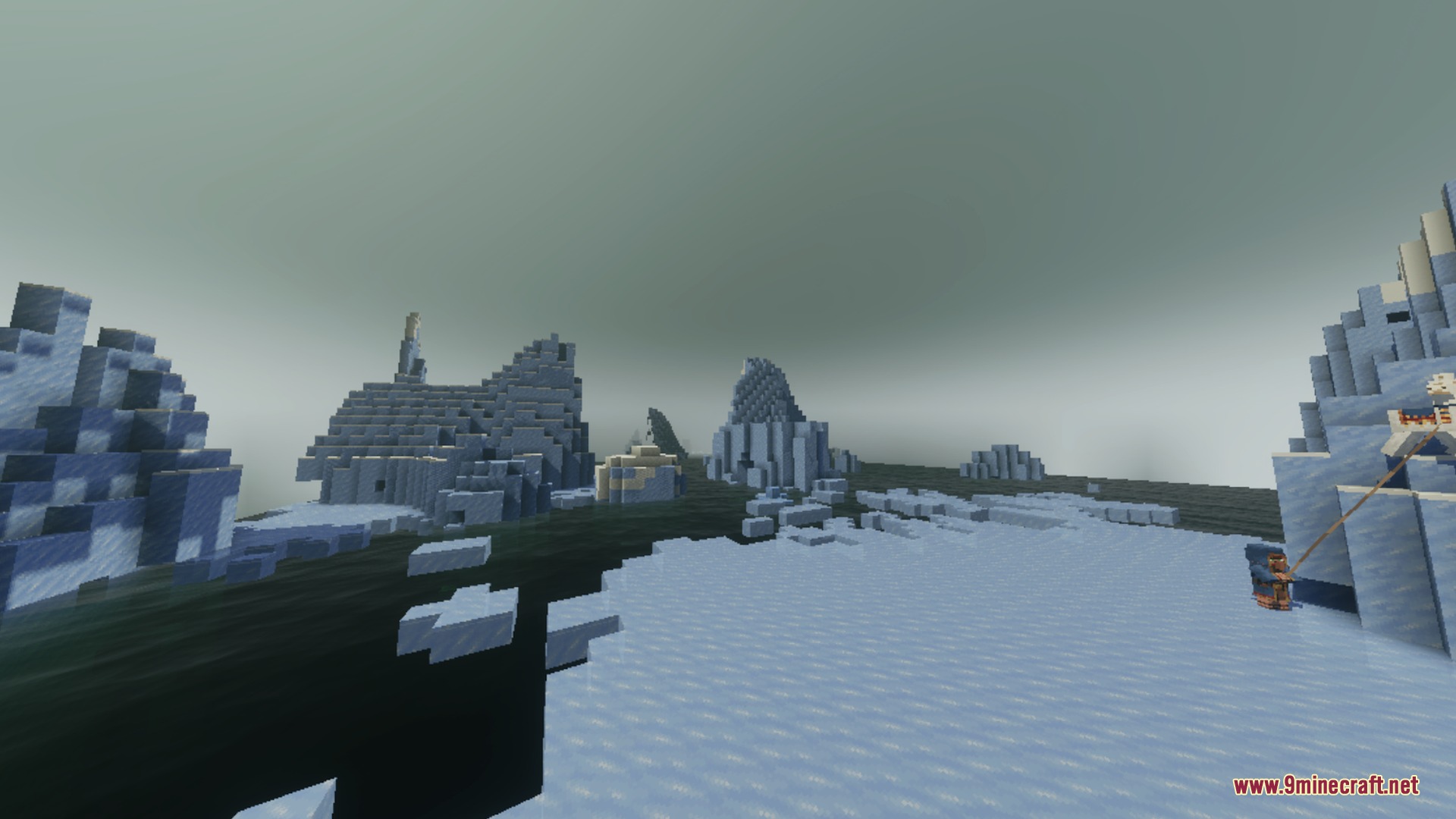
- Creates mysterious thick fog in snowy and cherry biomes.
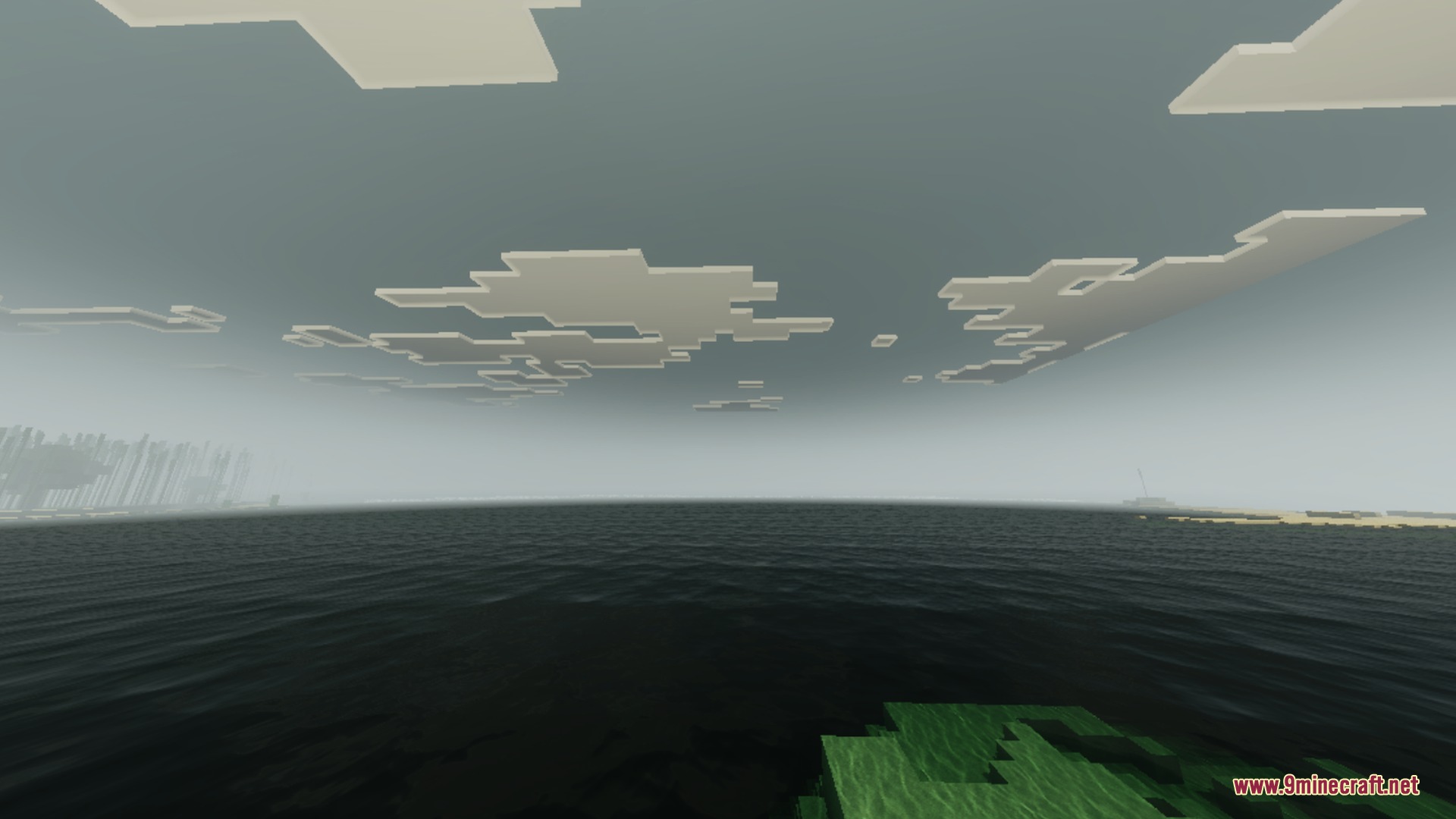
- Brings realistic water ripples to rivers and sandy beaches.
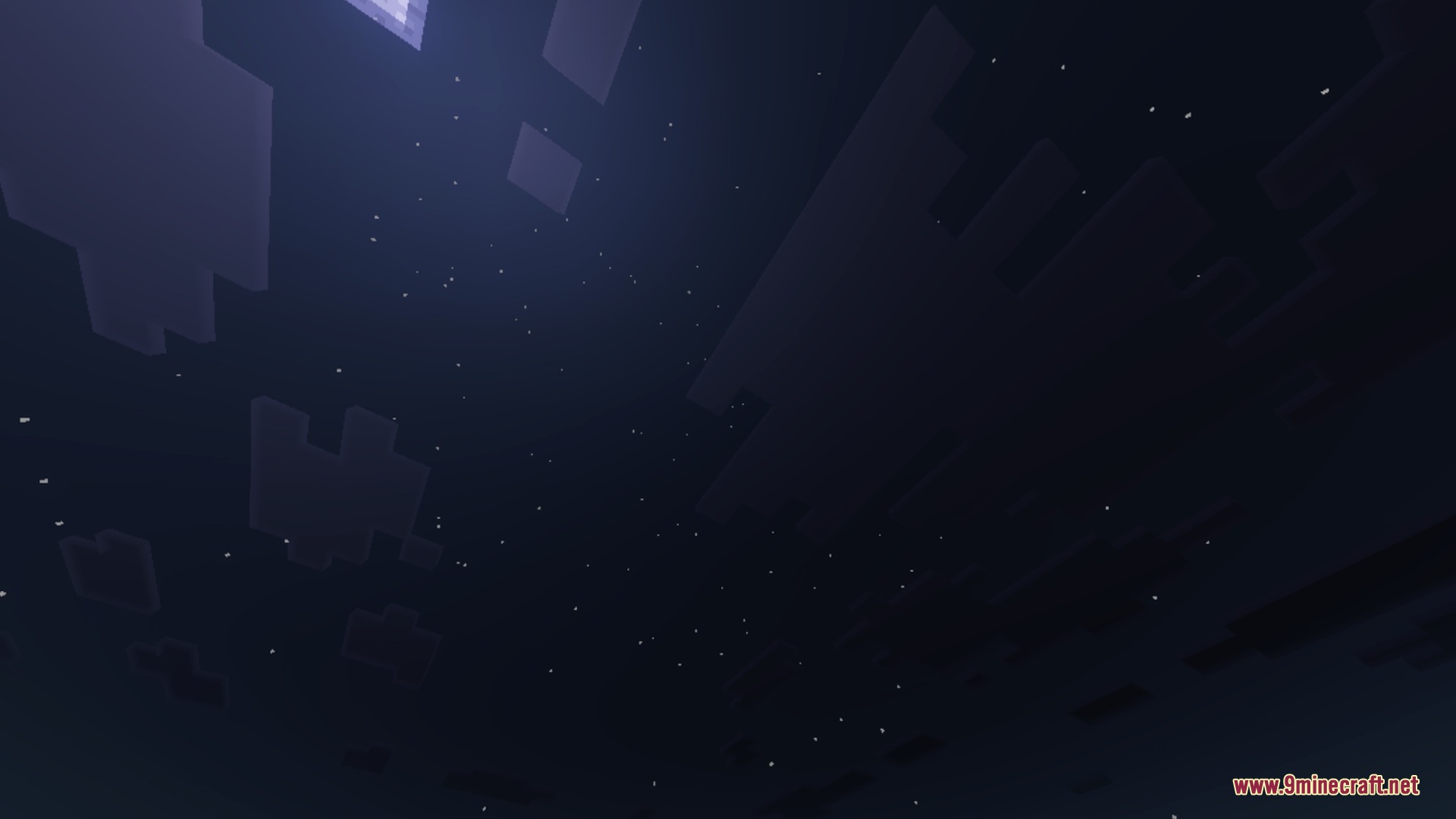
- Changes the sky with a bright square sun.
- Displays dusty orange sunsets over the desert landscapes.
Settings:
You must enable the Vibrant Visuals pack for these shadows to work.
You can adjust your screen brightness using the custom creeper face slider.
🎛️ Compare MCPE Shaders Side by Side →
Drag the slider across real in-game scenes — find YOUR perfect Bedrock shader.
Screenshots:


Motion:
Dark Fantasy Visuals Shader Download Links
- Edition: Minecraft Bedrock
- File type: .mcpack
- Minecraft version listed: 1.21
- How to install: Download the .mcpack. → Open it — Minecraft imports it under Resource Packs. → Activate it in Global Resources, or for one world under Resource Packs → Available.
- Where to get it: In MCModsHub, or directly above on this page.
Install steps are the general flow for this file type — How to install Minecraft Bedrock texture packs walks through it step by step.
- Pack type: .mcpack — a single pack
- Manifest requires Minecraft 1.21.120 or newer
- Complete pack — everything it depends on is inside the file
- Download link checked 25 Jul 2026 — working
- Mirrored on our own servers — the download does not depend on the original host
These come from our own check of the pack file, not from the source page.