Complex Left Hand Texture Pack (26.x, 1.21) – True First Person Offhand
Bedrock texture pack listed for Minecraft 1.21–26.x. File opened and checked on 23 Oct 2026; installs from the MC Bedrock Mods app on Android.
⬇ Download
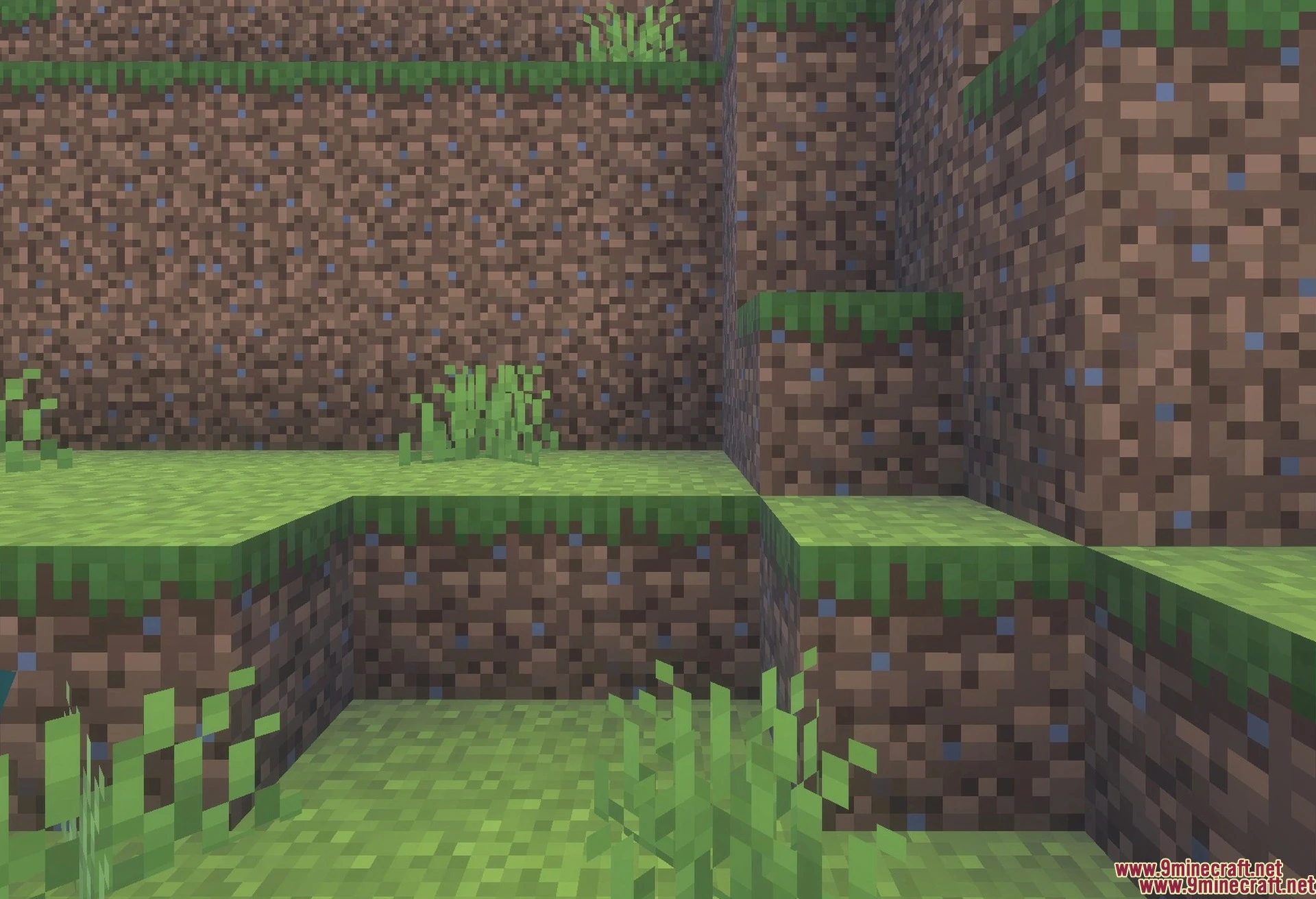
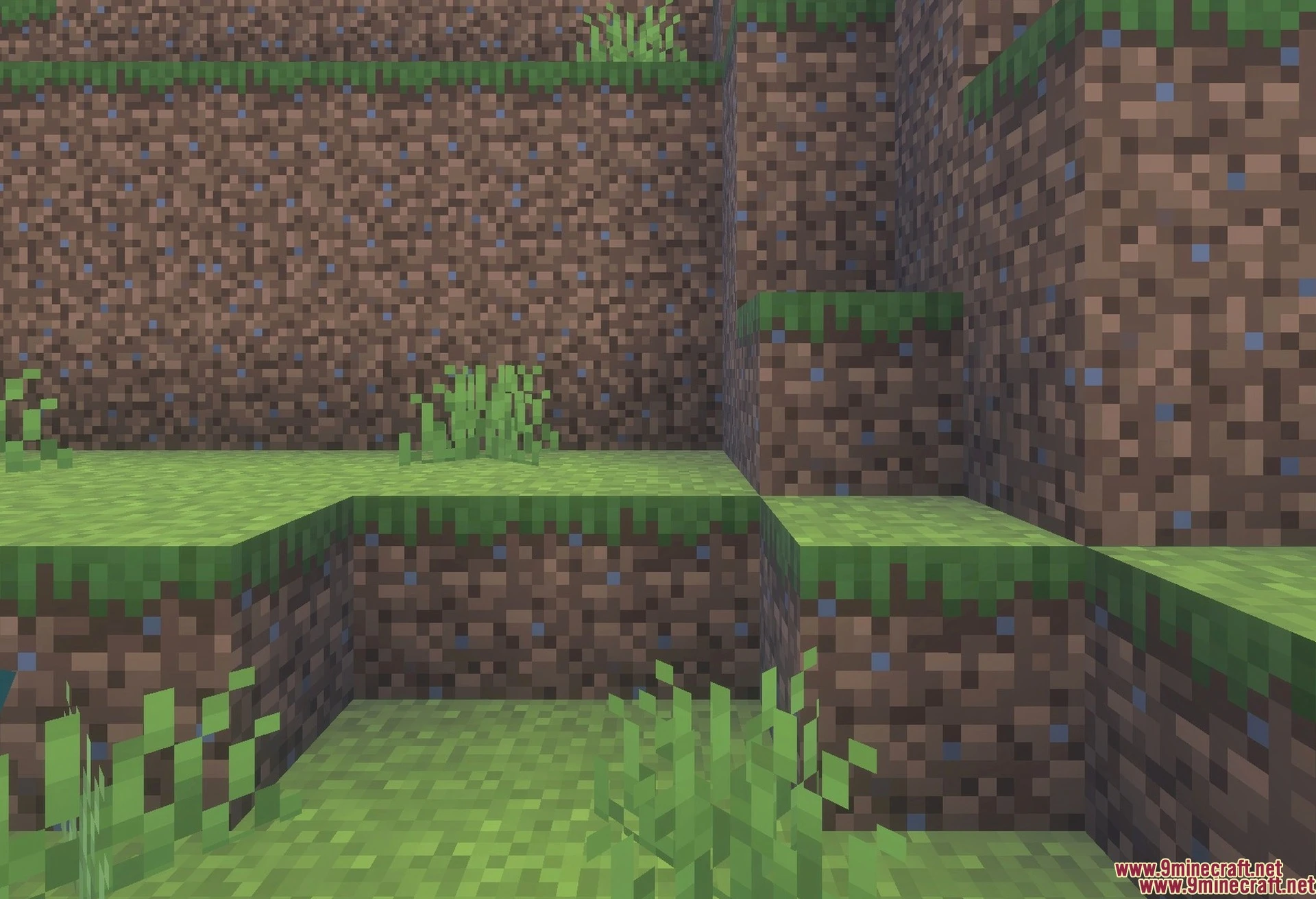
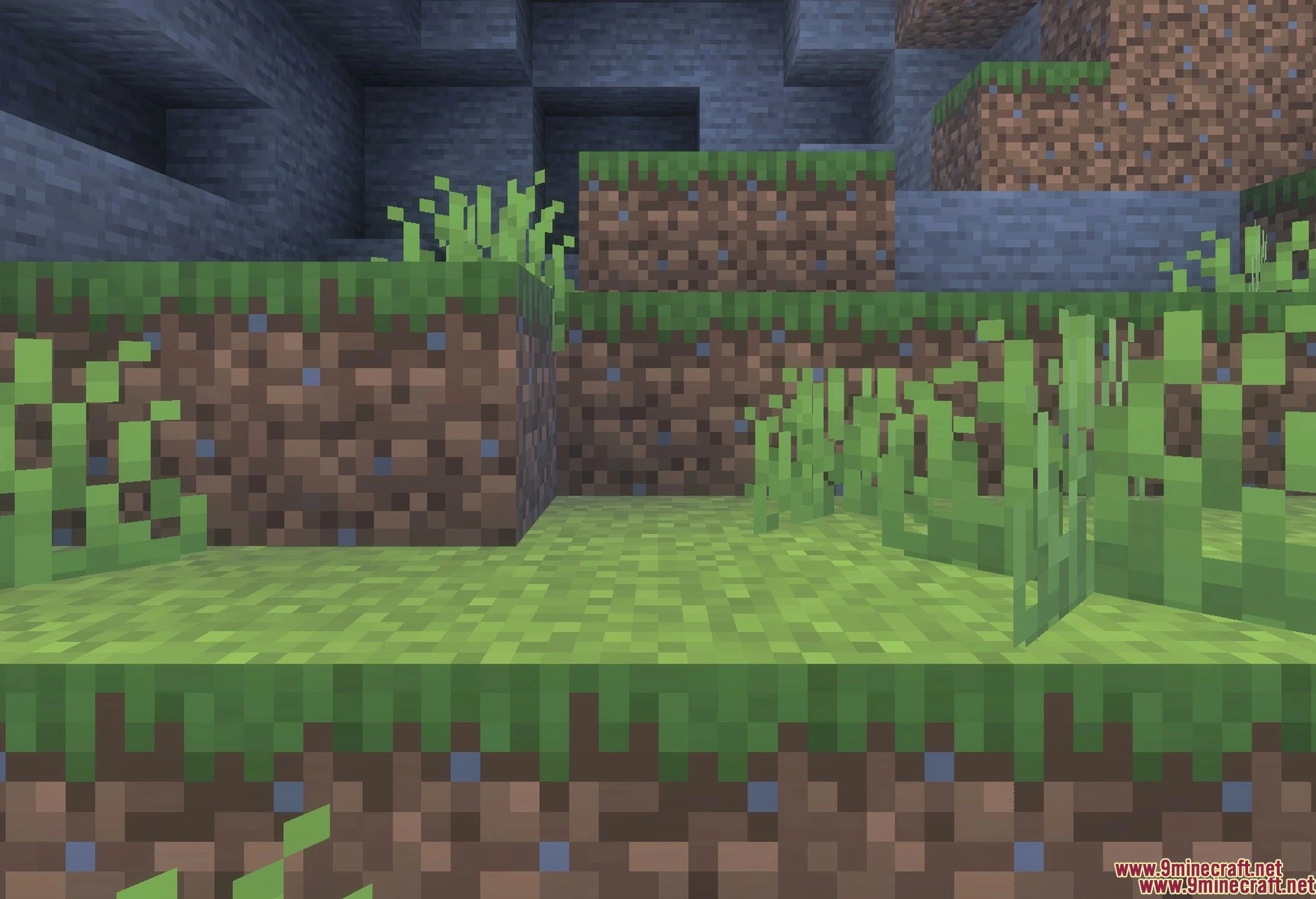
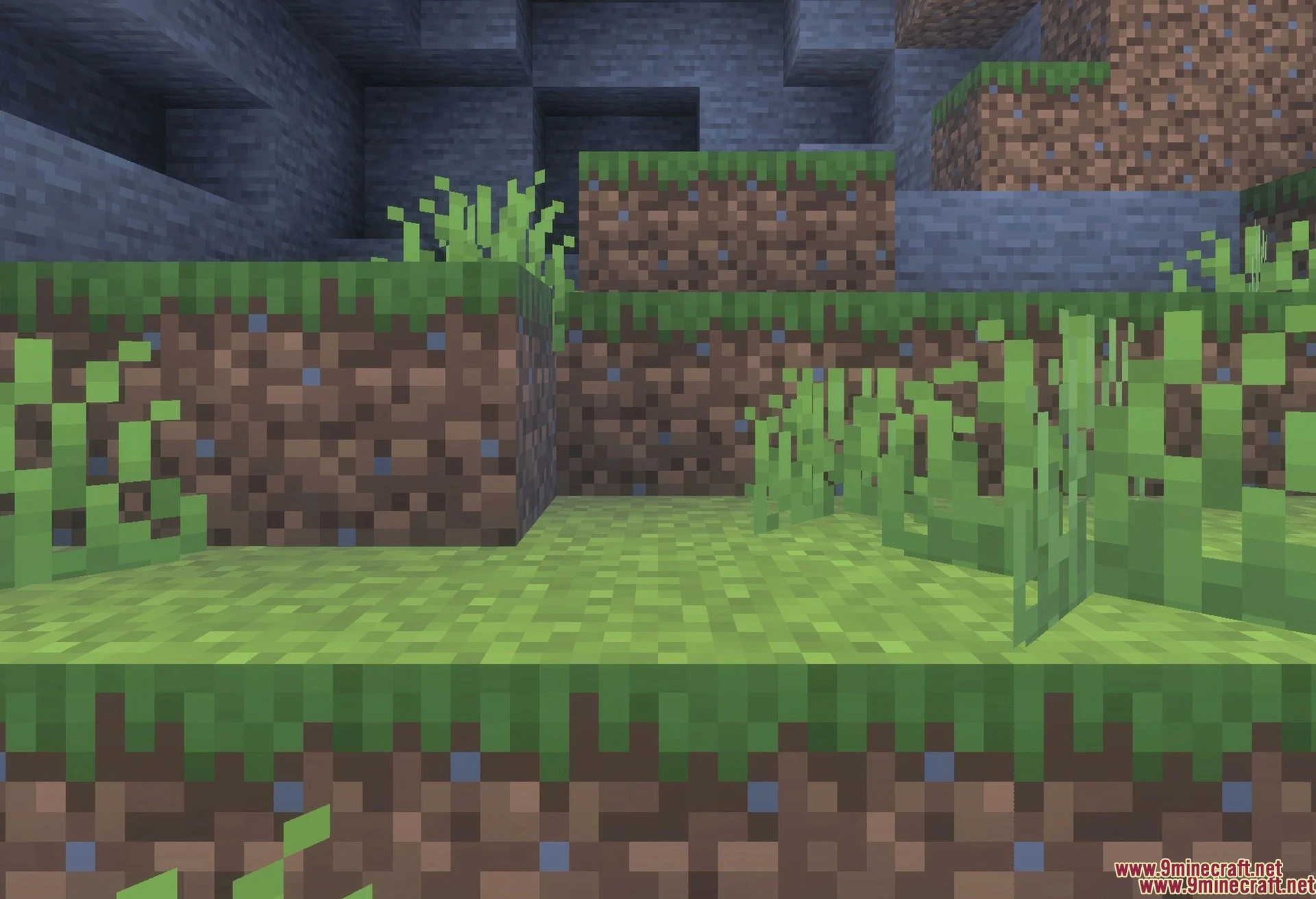
Complex Left Hand Texture Pack lets you play the game as a left-handed person. It changes your main character view so your active item appears on the left side of your screen. This pack allows you to hold weapons and blocks in your left hand while keeping your offhand items on the right.
Features:
- Holds your main items on the left side.
- Works well with offhand items on the right.
- Shows custom player hands in first person view.
- Displays weapons like swords and maces correctly.
- Works with the Blurry Java PvP pack.
Configuration:
You can find the pack configuration inside the pack settings menu.
Older versions require you to wear a cape to use your left hand.
Screenshots:
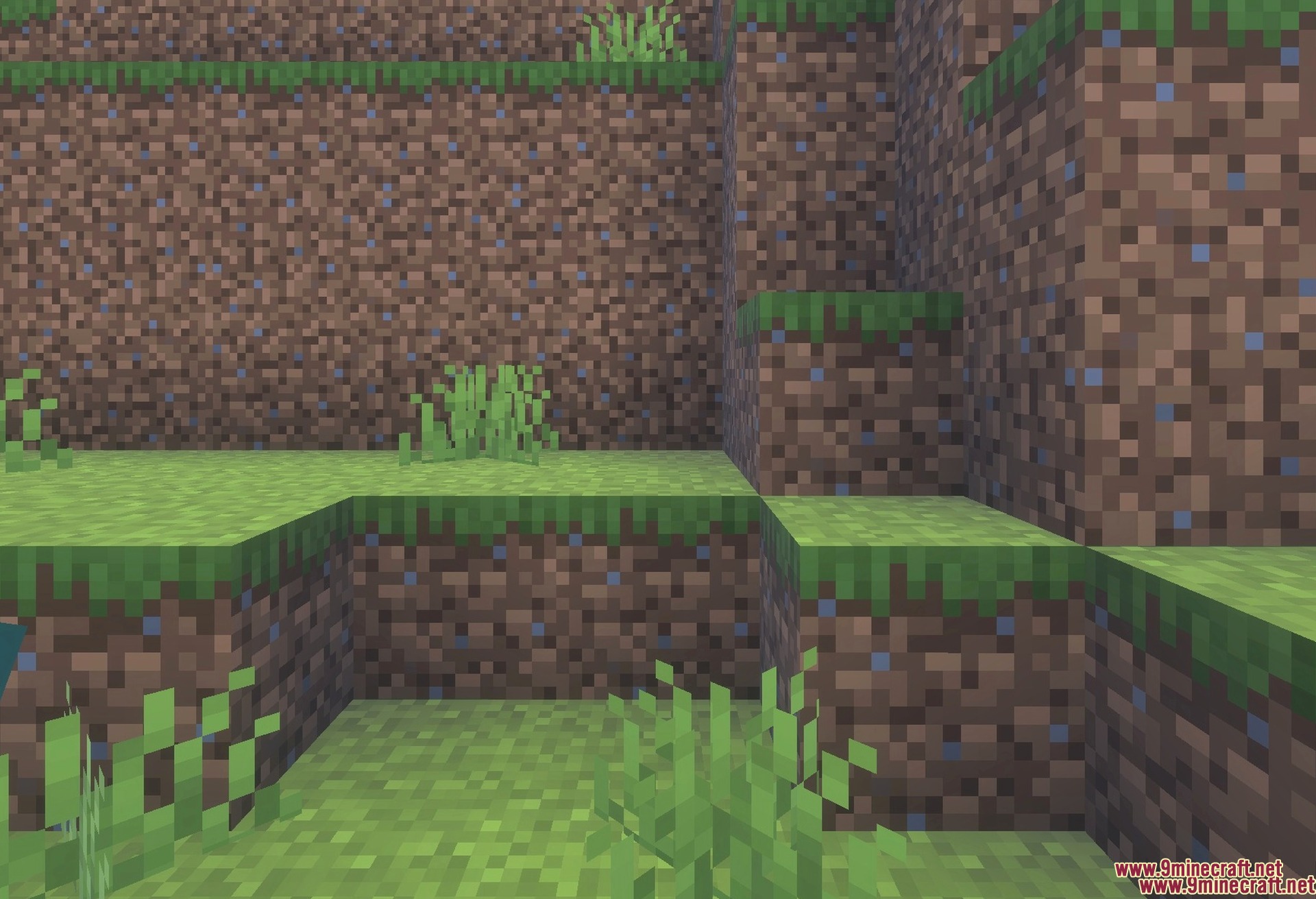
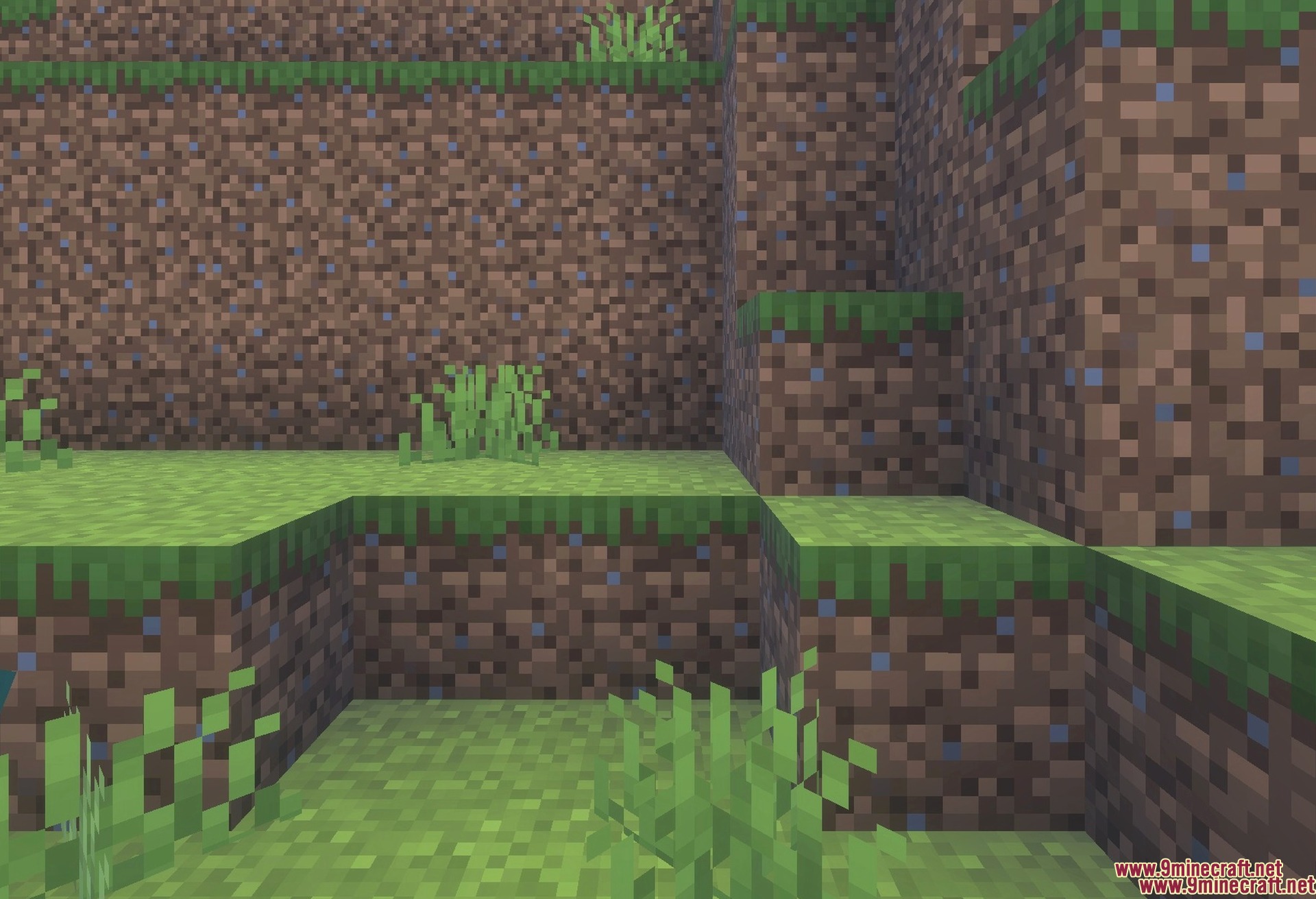
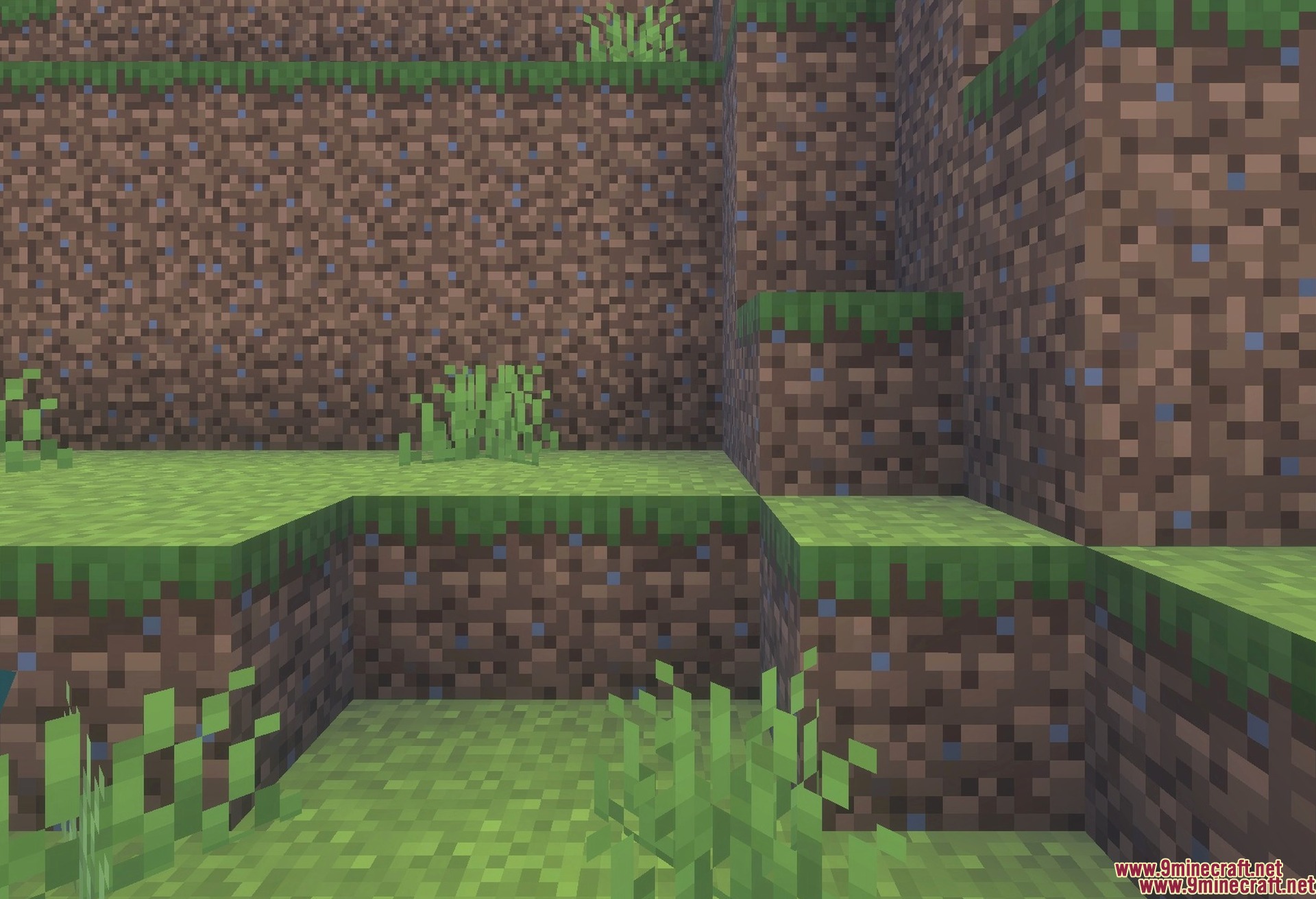
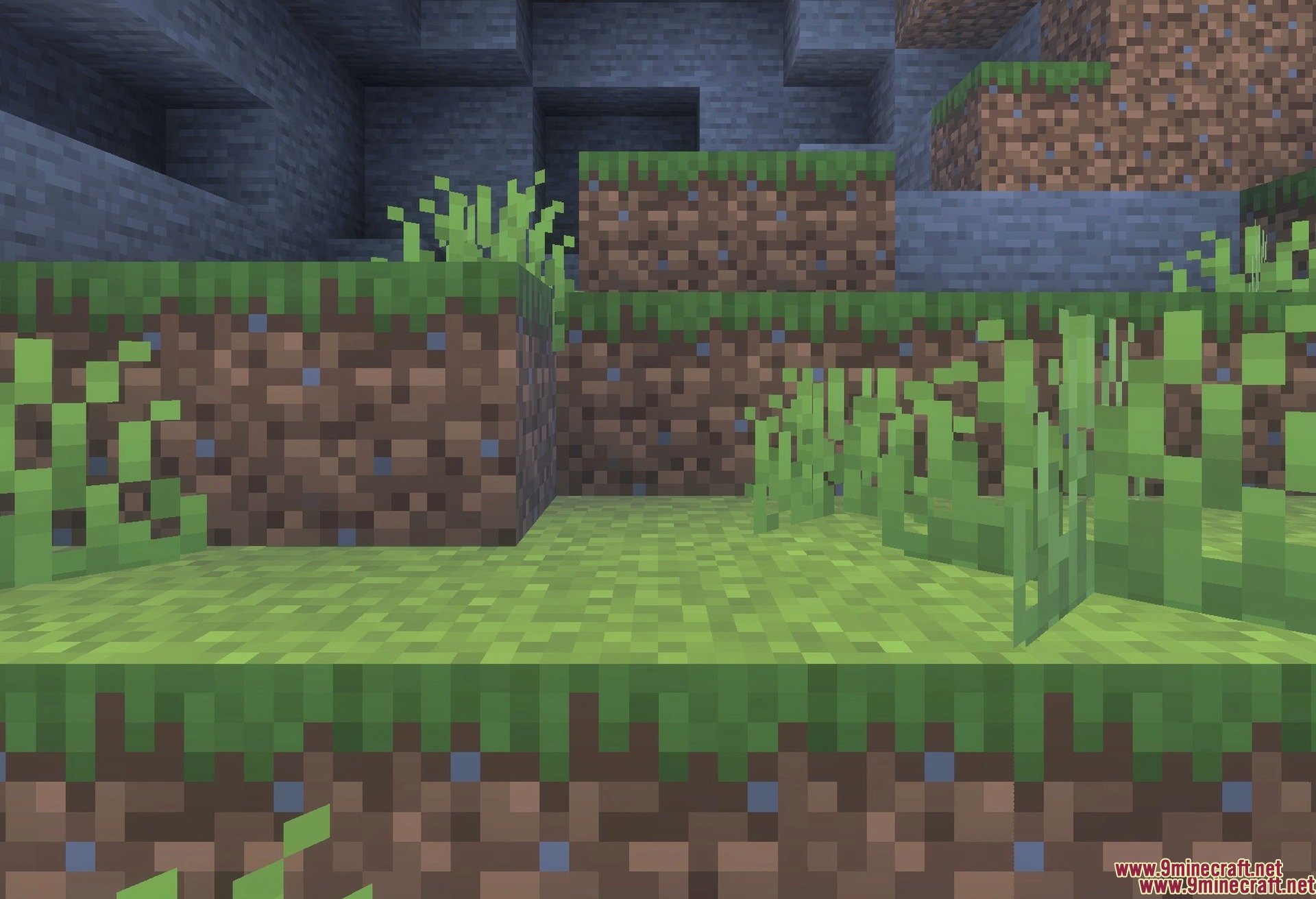
Complex Left Hand Texture Pack Download Links
- Edition: Minecraft Bedrock
- File type: .mcpack
- Minecraft version listed: 1.21
- How to install: Download the .mcpack. → Open it — Minecraft imports it under Resource Packs. → Activate it in Global Resources, or for one world under Resource Packs → Available.
- Where to get it: In MCModsHub, or directly above on this page.
Install steps are the general flow for this file type — How to install Minecraft Bedrock texture packs walks through it step by step.
- Pack type: .mcpack — a single pack
- Manifest requires Minecraft 1.26.10 or newer
- Complete pack — everything it depends on is inside the file
- Download link checked 26 Jul 2026 — working
- Mirrored on our own servers — the download does not depend on the original host
These come from our own check of the pack file, not from the source page.