Home›Bedrock›Texture packs›BetterVanillaBuilding Texture Pack (1.21, 1.19) – Enhanced Building Textures
Texture packsBedrock
BetterVanillaBuilding Texture Pack (1.21, 1.19) – Enhanced Building Textures
Bedrock texture pack listed for Minecraft 1.19–1.21. Installs from the MC Bedrock Mods app on Android.
⬇ Download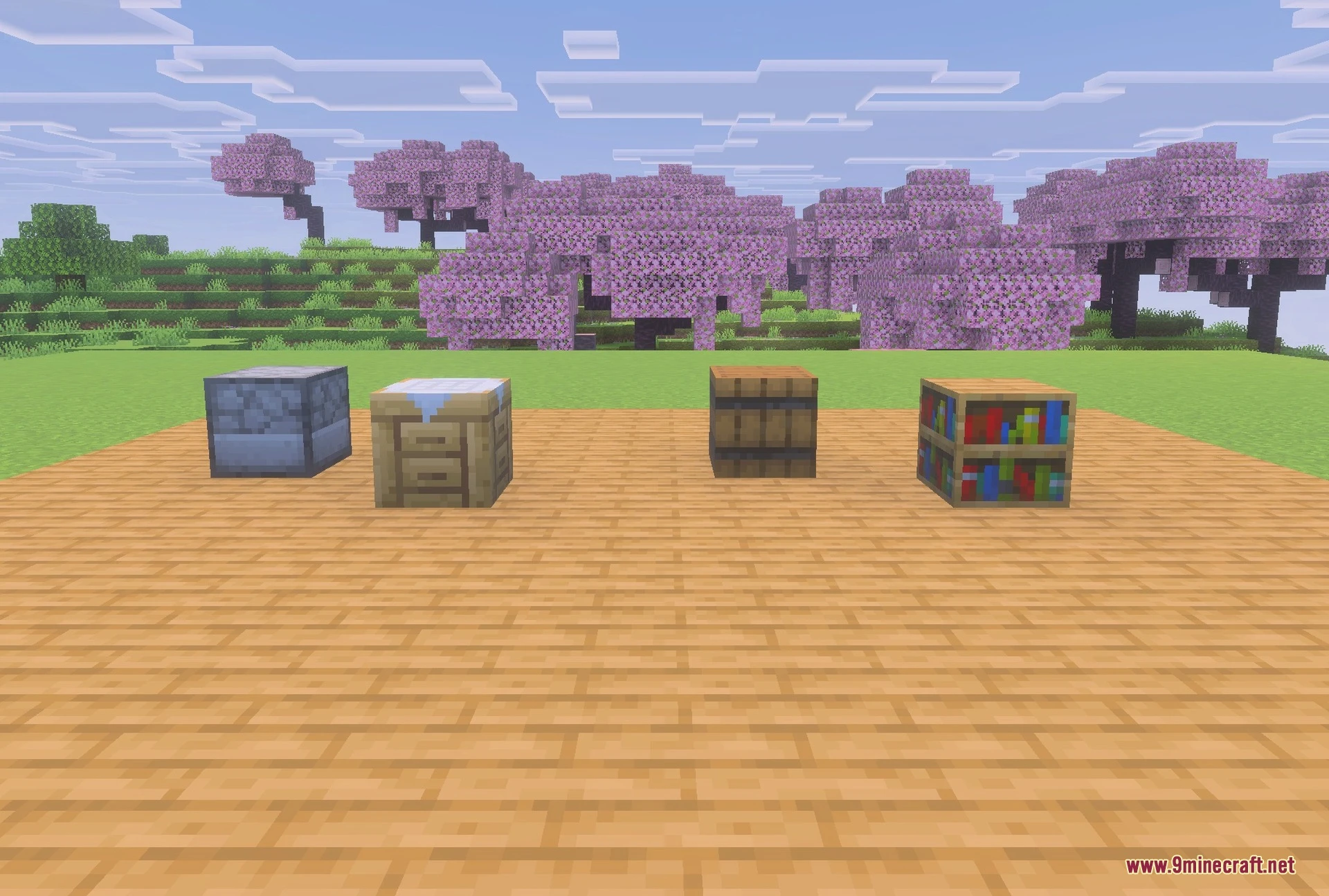
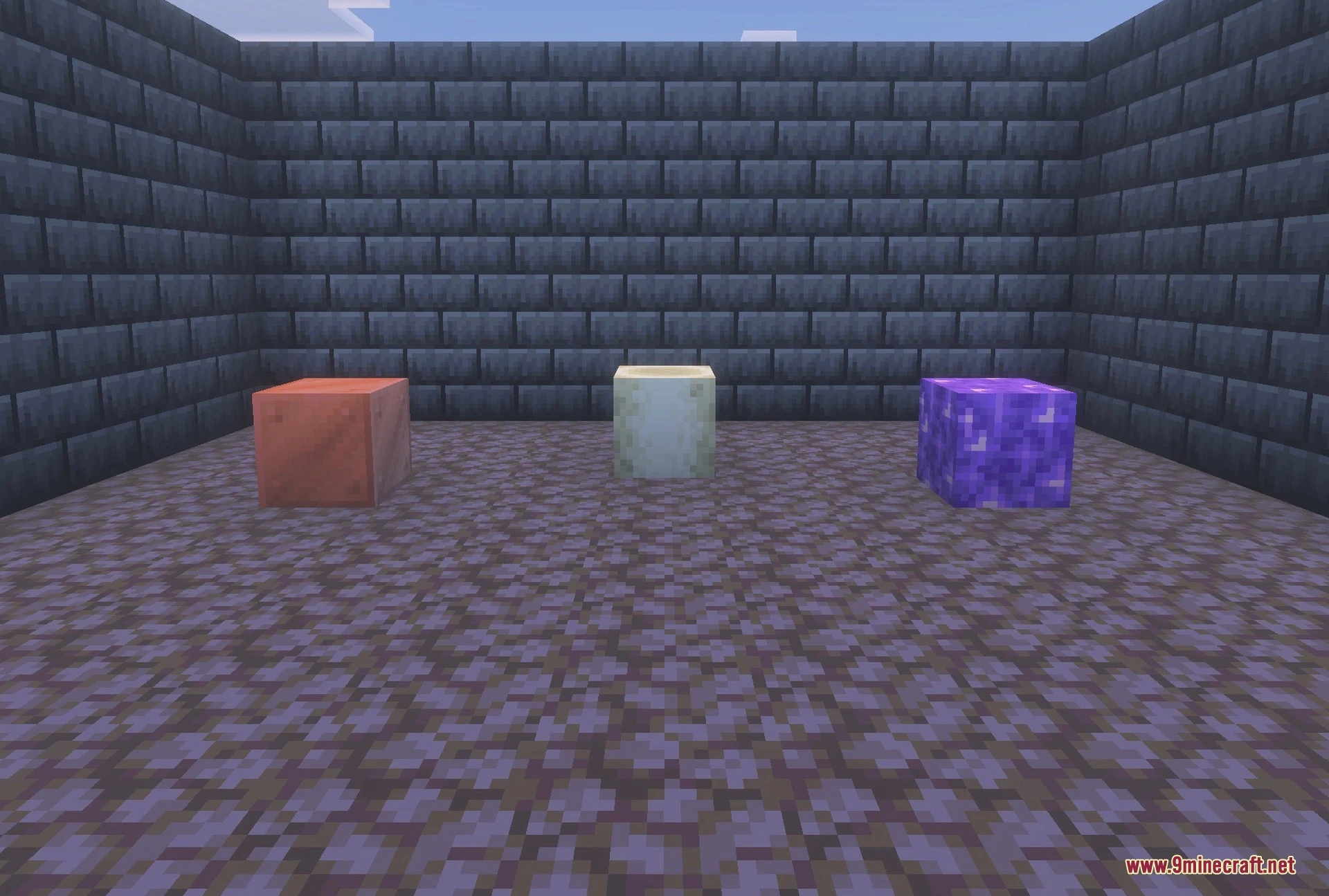
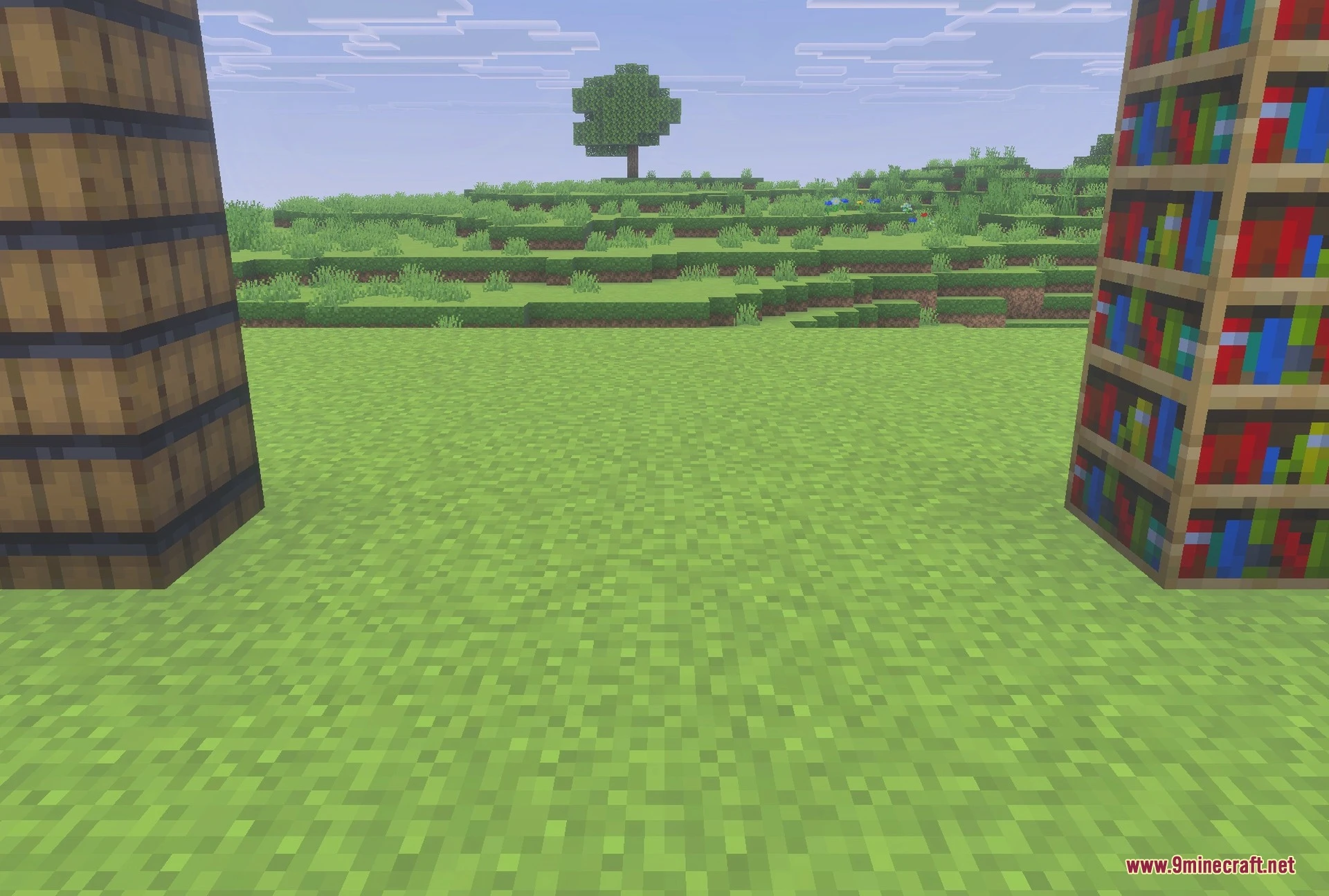
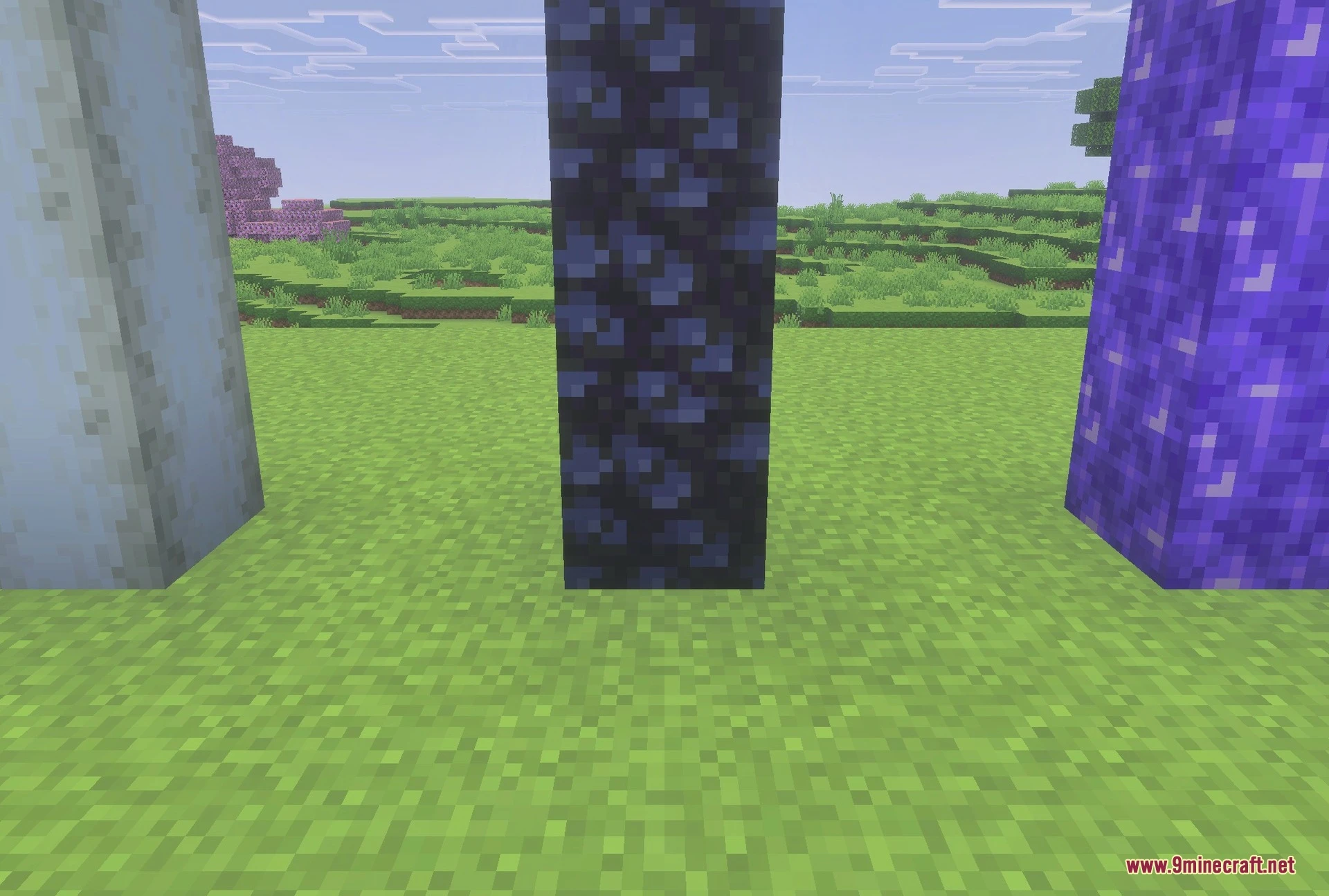
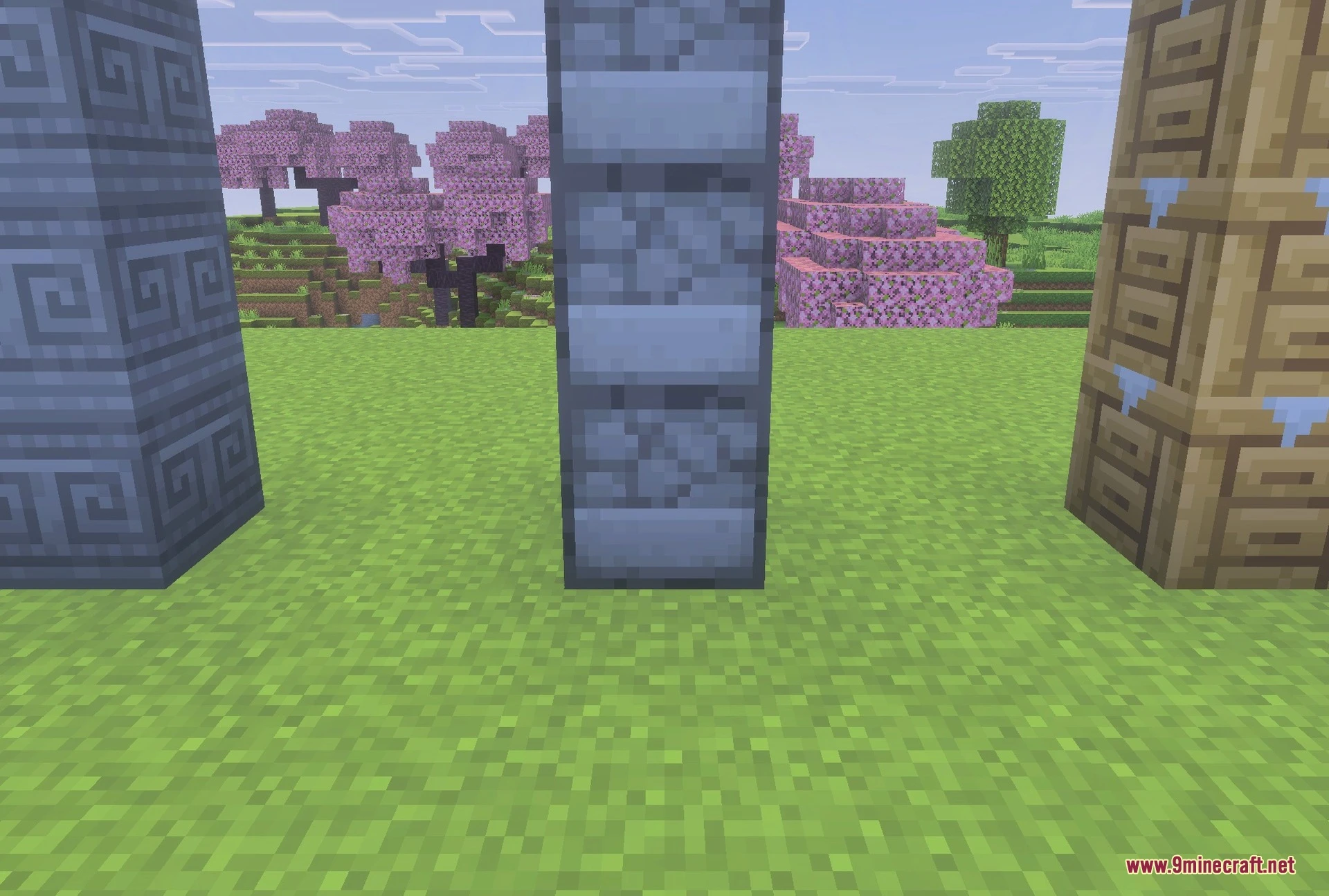
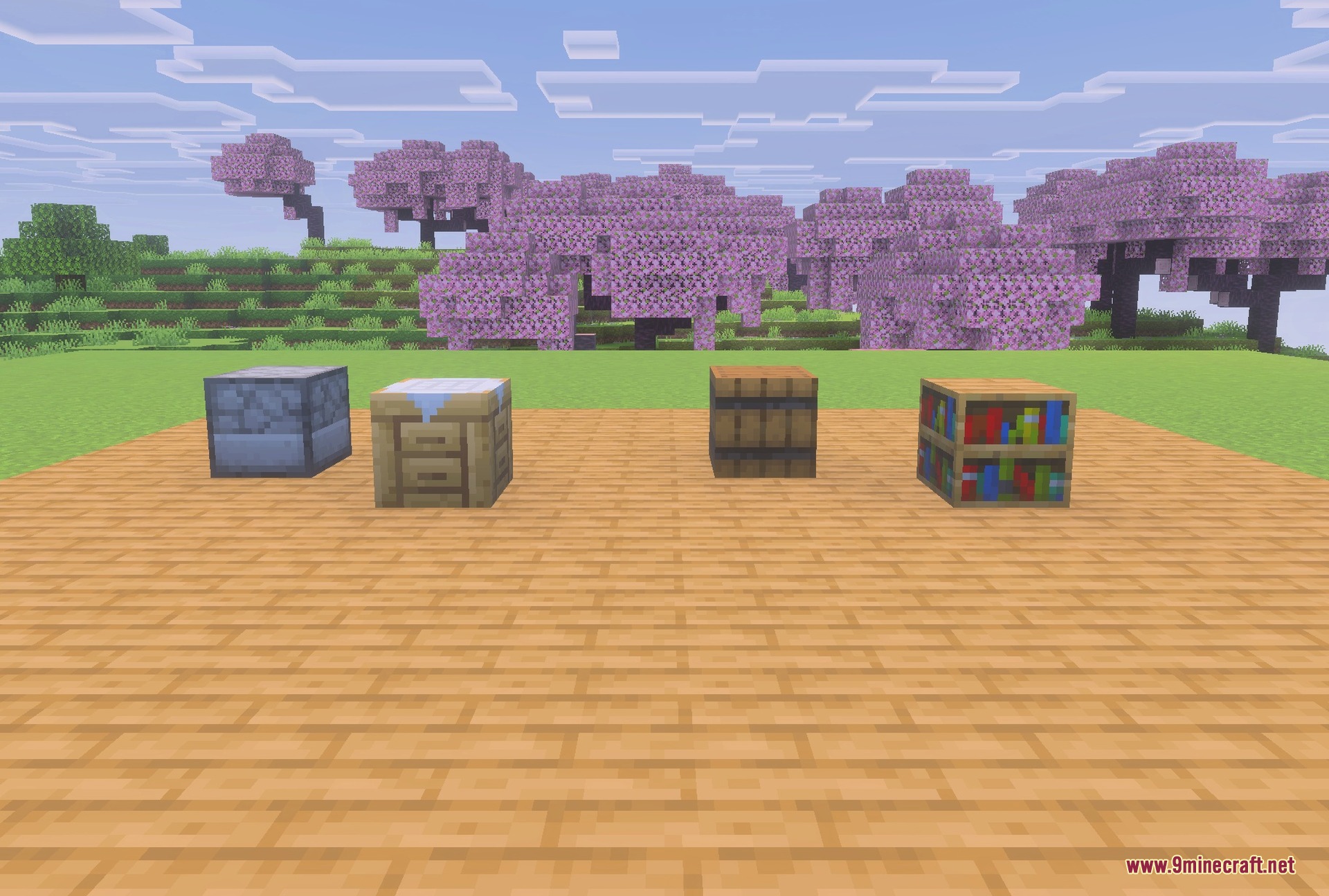
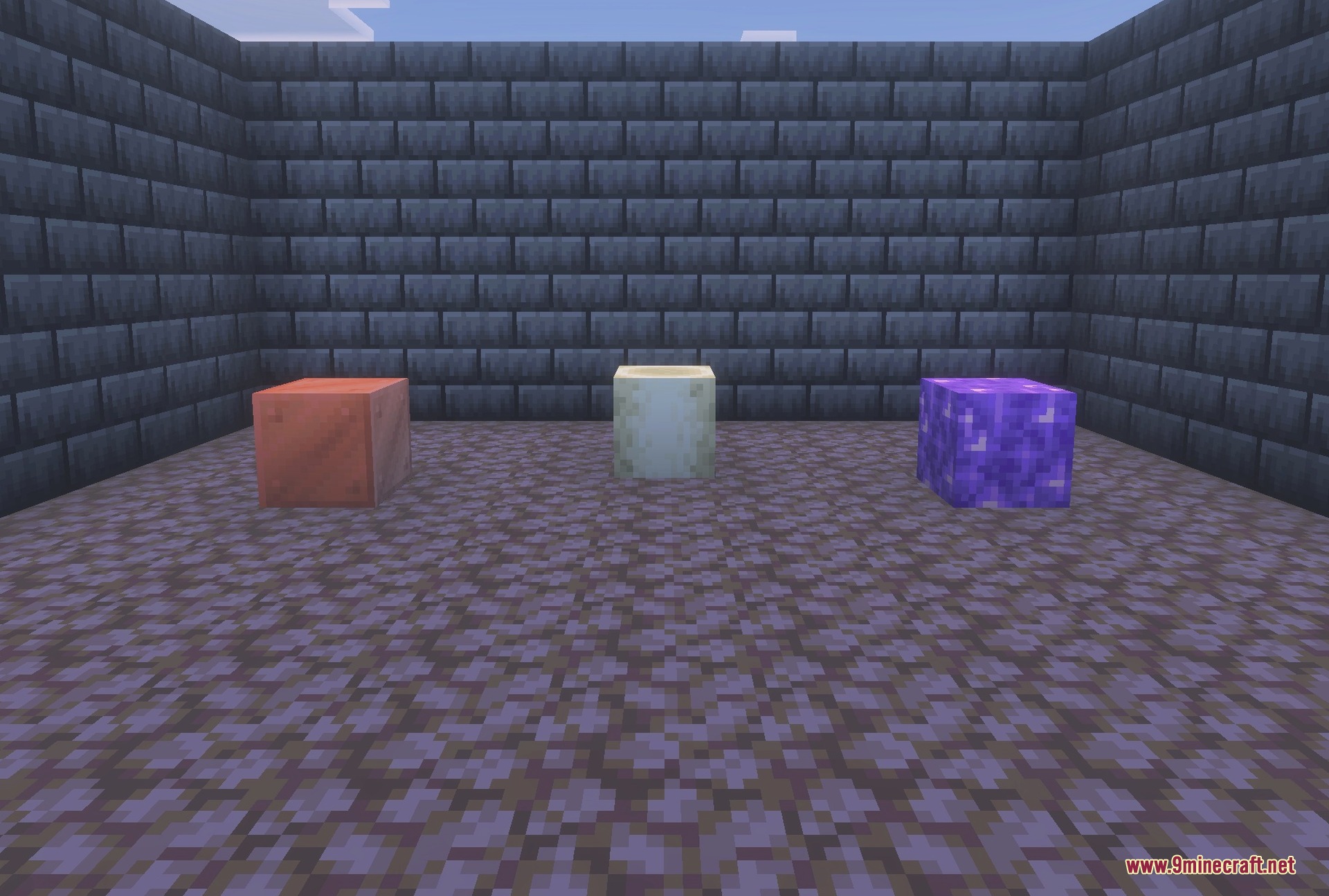
BetterVanillaBuilding Texture Pack brings popular custom block designs to your game. It retextures standard blocks to give your world a fresh look. Future updates plan to add even more custom features like unique armor sets.
Features:
- Retextures many standard vanilla blocks.
- Updates the look of sand blocks.
- Changes underground block appearances.
- Improves the style of the overworld.
- Adds custom armor sets over time.
Screenshots:
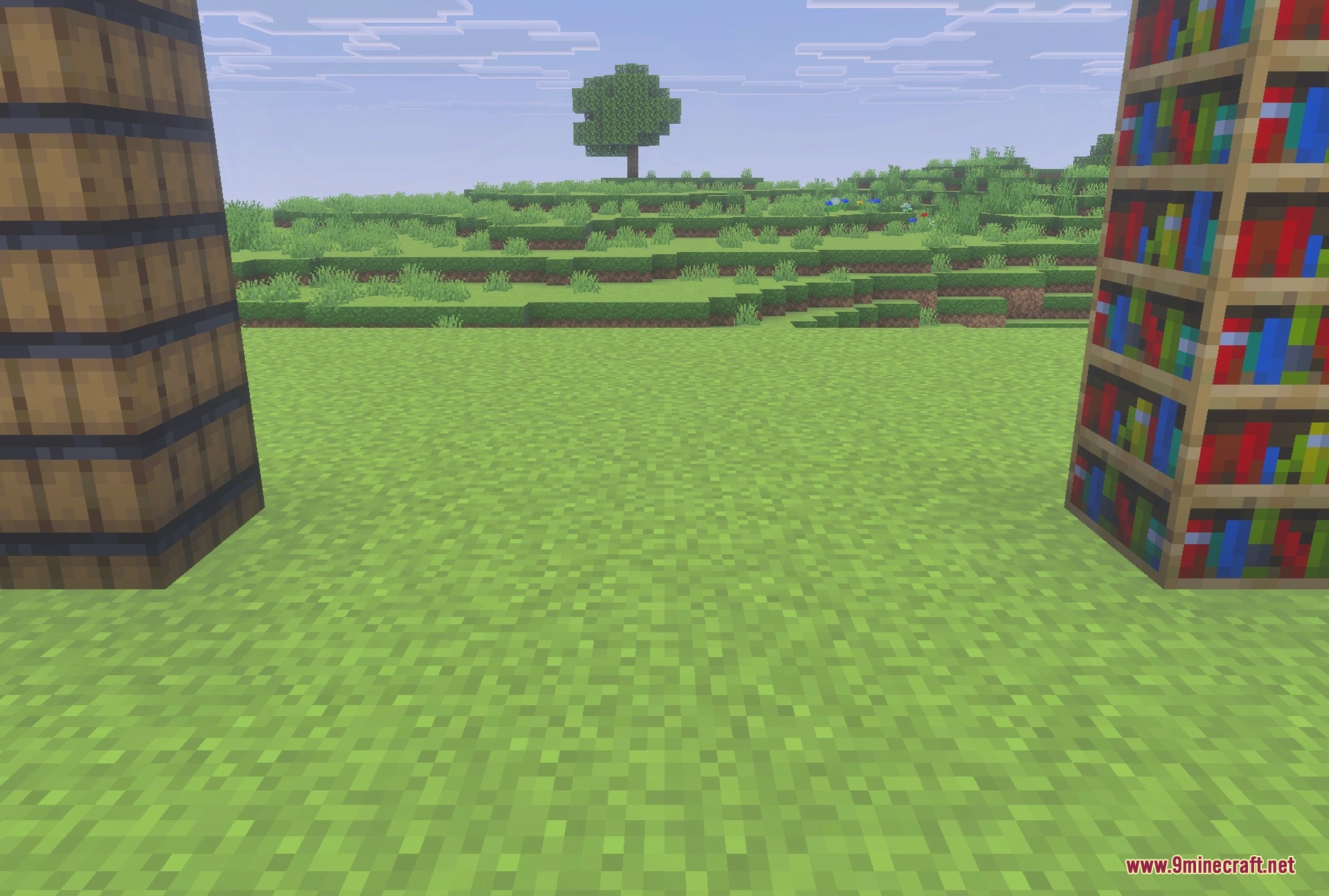
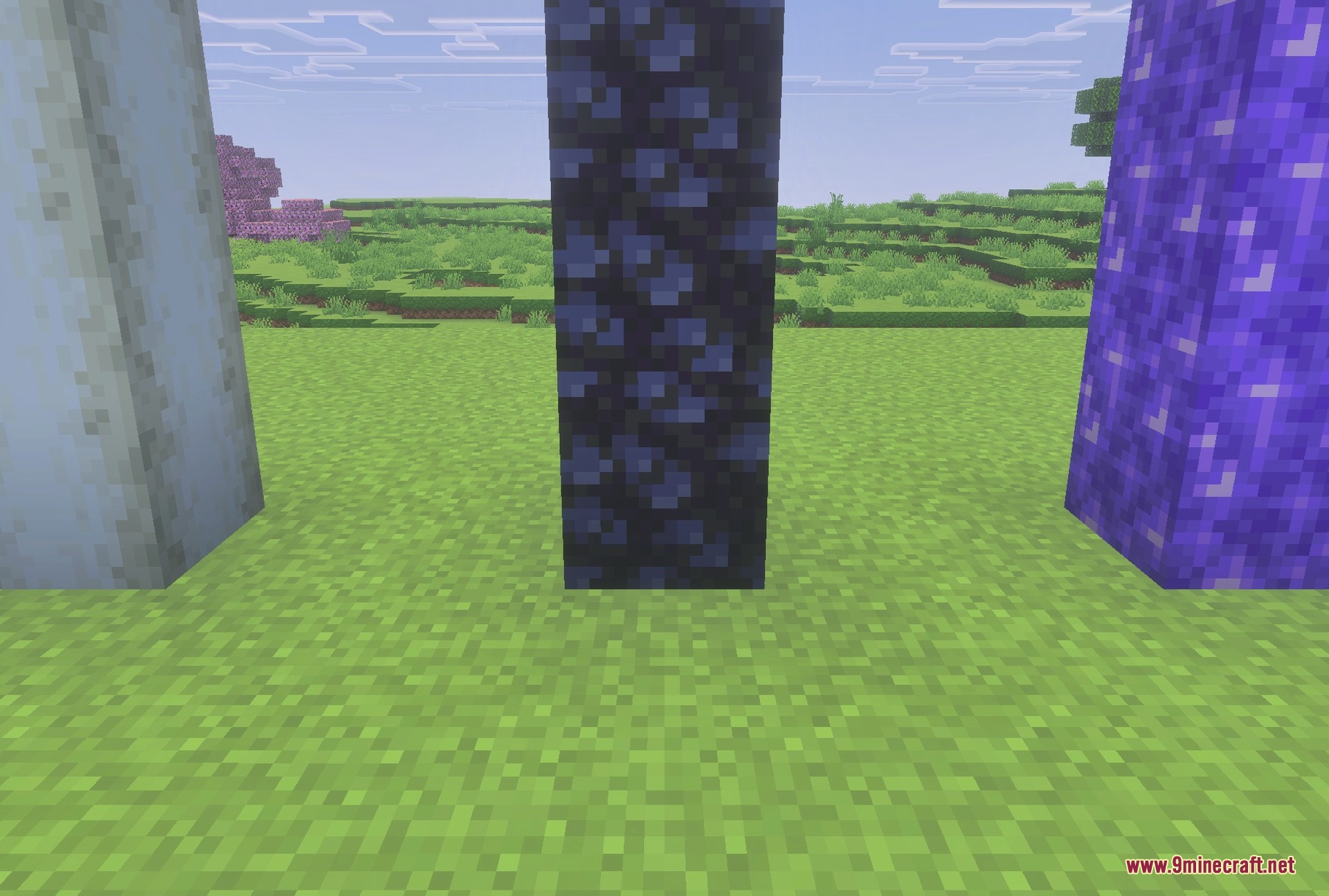
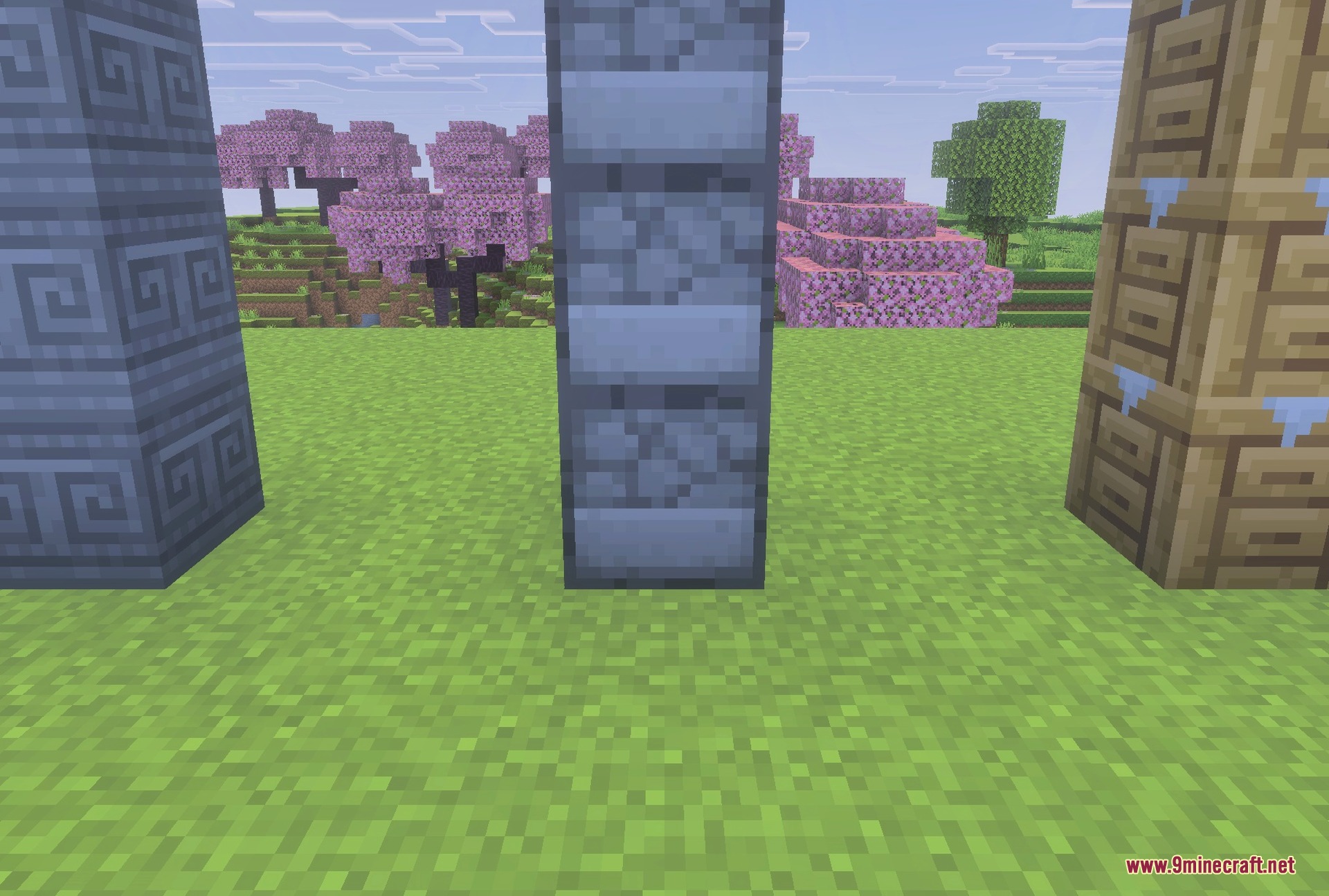
BetterVanillaBuilding Texture Pack Download Links
Quick facts
- Edition: Minecraft Bedrock
- File type: .mcpack
- Minecraft versions listed: 1.21, 1.19
- How to install: Download the .mcpack. → Open it — Minecraft imports it under Resource Packs. → Activate it in Global Resources, or for one world under Resource Packs → Available.
- Where to get it: In MCModsHub, or directly above on this page.
Install steps are the general flow for this file type — How to install Minecraft Bedrock texture packs walks through it step by step.
File checked by MCModsHub
- Pack type: .mcpack — a single pack
- Manifest requires Minecraft 1.21.0 or newer
- Ships one half — this pack asks for another pack that is not included
- Download link checked 26 Jul 2026 — working
- Mirrored on our own servers — the download does not depend on the original host
These come from our own check of the pack file, not from the source page.