Texture packsBedrock
Better Enchant Icons
Enchantment Icons adds unique colored pixel-art icons next to every enchantment name in your inventory tooltips. No more reading through walls of text…
⬇ Download on CurseForgeOpen in MCModsHubGet it on Google Play →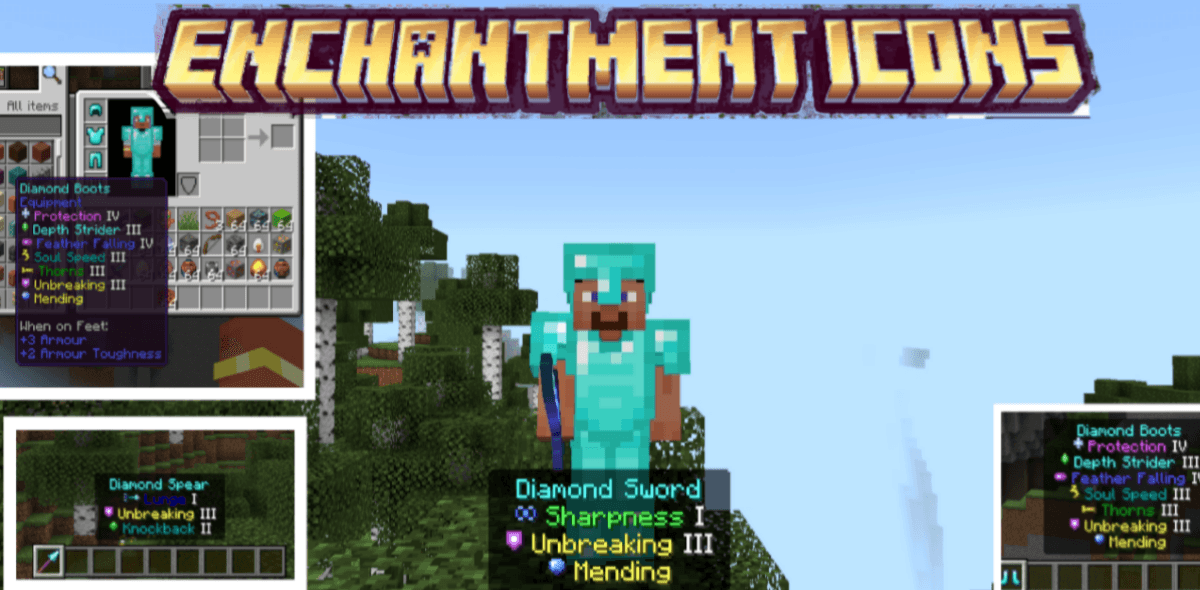
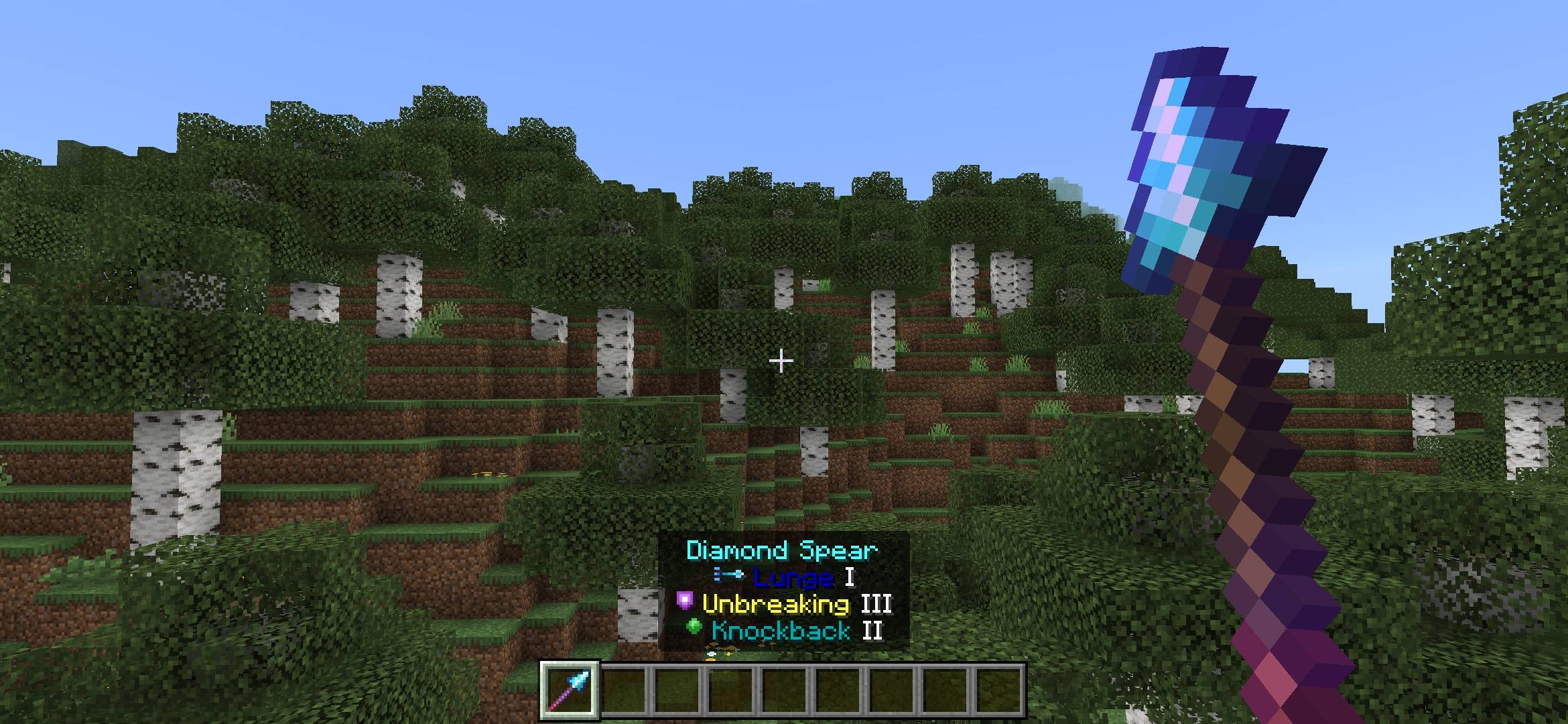
Enchantment Icons adds unique colored pixel-art icons next to every enchantment name in your inventory tooltips. No more reading through walls of text, just glance at the icon and instantly know what each enchantment is.
Verified by MCModsHub
- Pack type: .mcpack — a single pack
- Manifest requires Minecraft 1.21.100 or newer
- Complete pack — everything it depends on is inside the file
- Download size: 184 KB
- Download link checked 26 Jul 2026 — working
These come from our own check of the pack file, not from the source page.
Explore more