Texture packsBedrock
Better Loading Screens Textures
Bedrock texture pack listed for Minecraft 1.21. File opened and checked on 9 Sep 2026; installs from the MC Bedrock Mods app on Android.
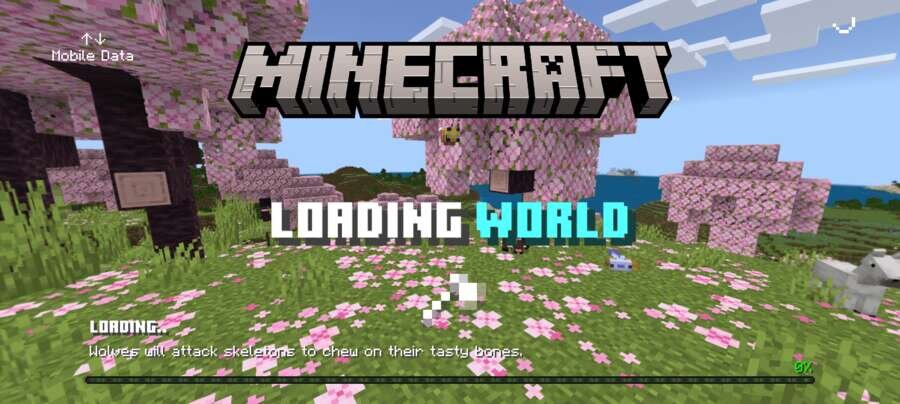
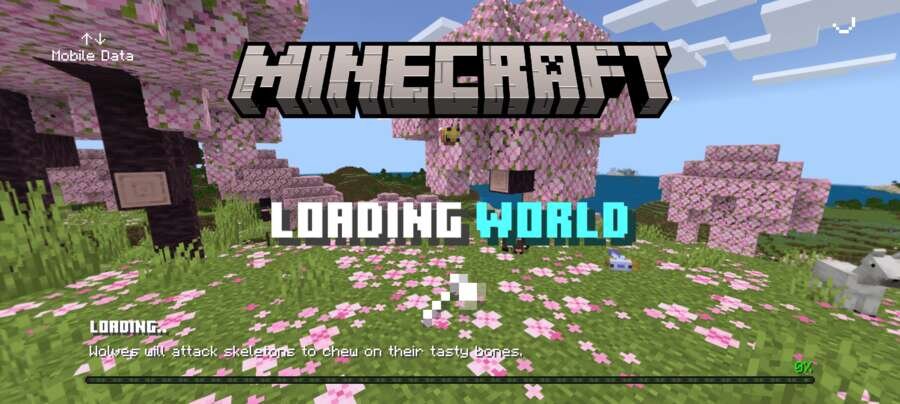
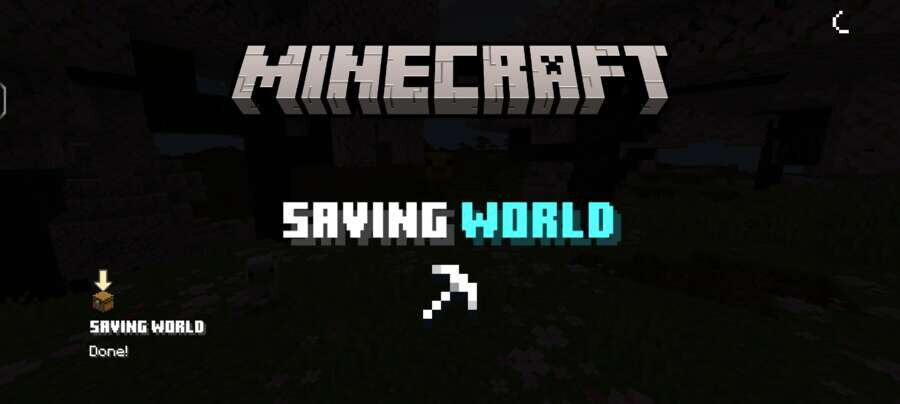
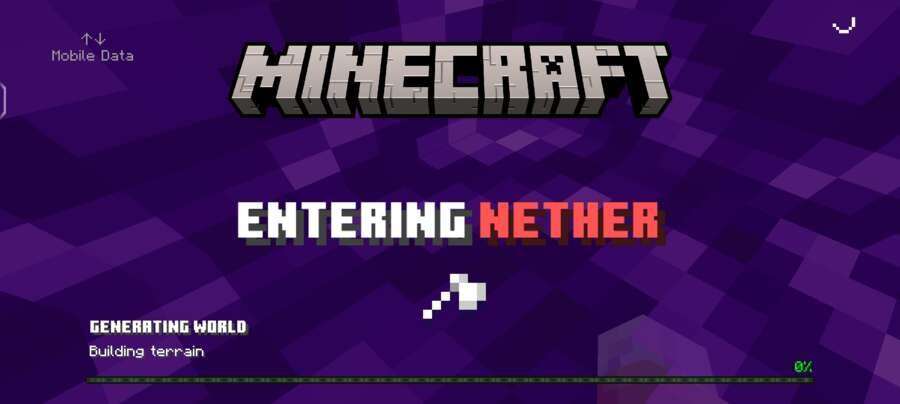
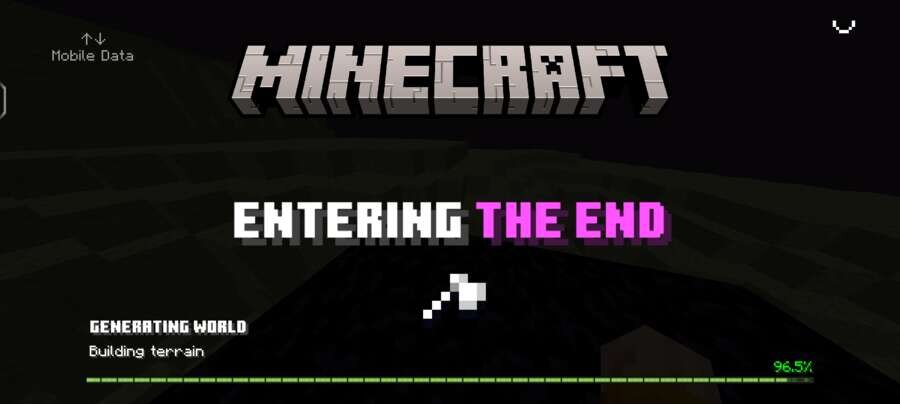
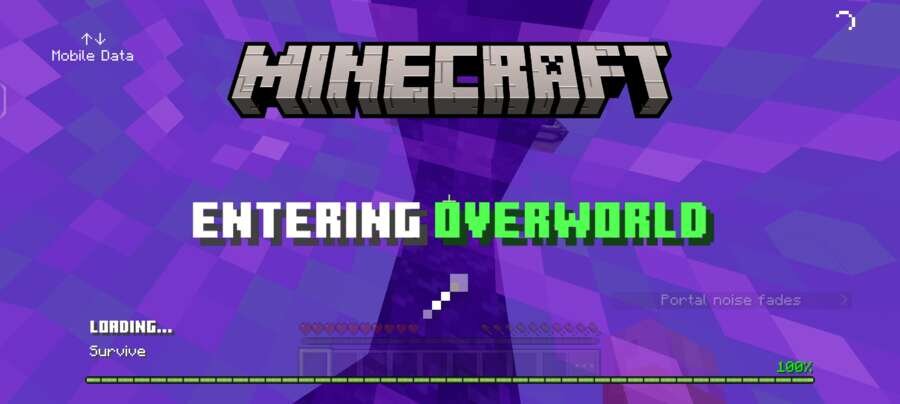
Better Loading Screens textures completely update the standard loading screens, making them more modern and informative. When entering a world or changing…
⬇ Download
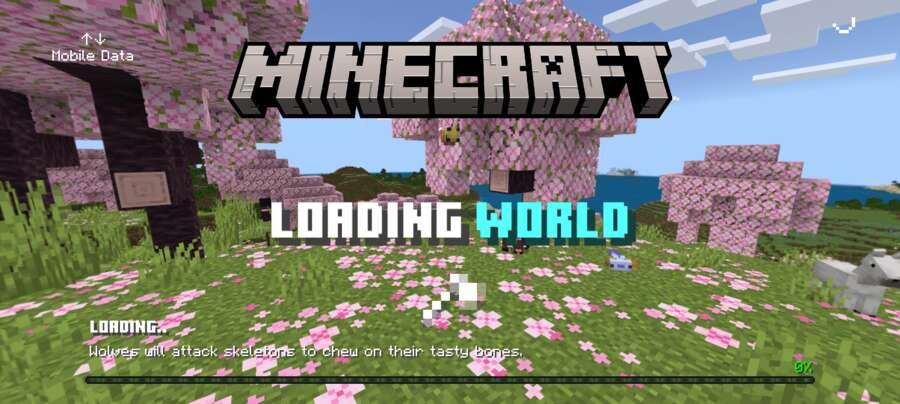
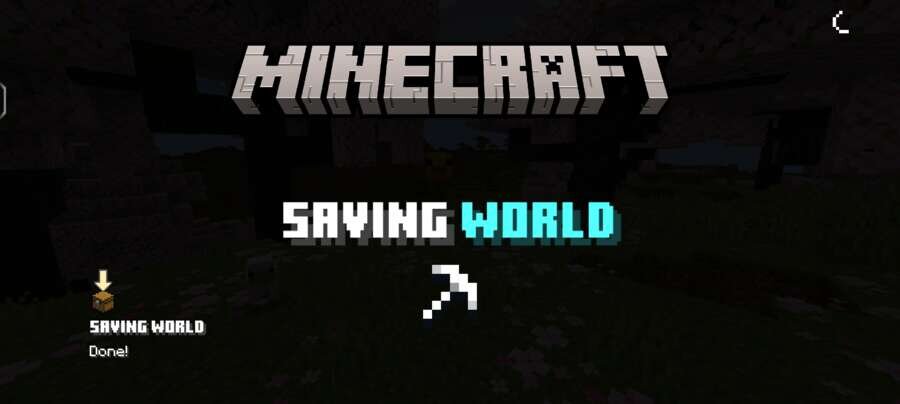
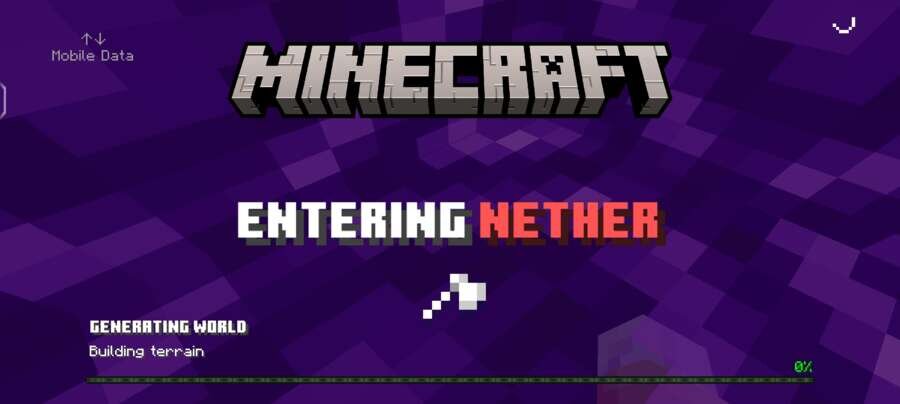
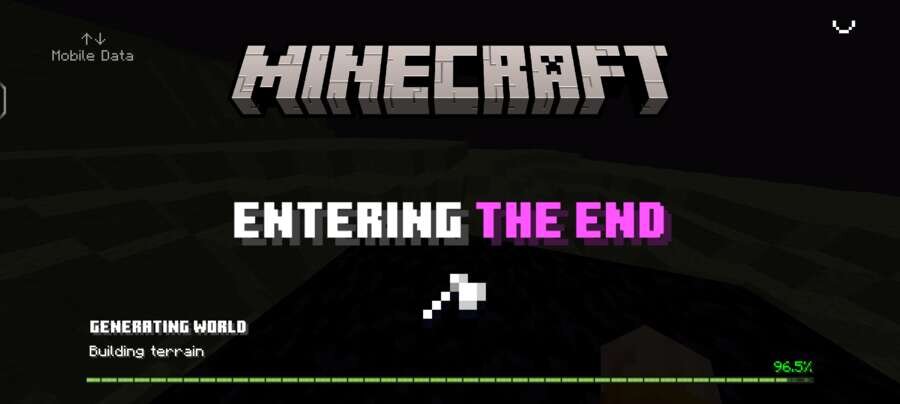
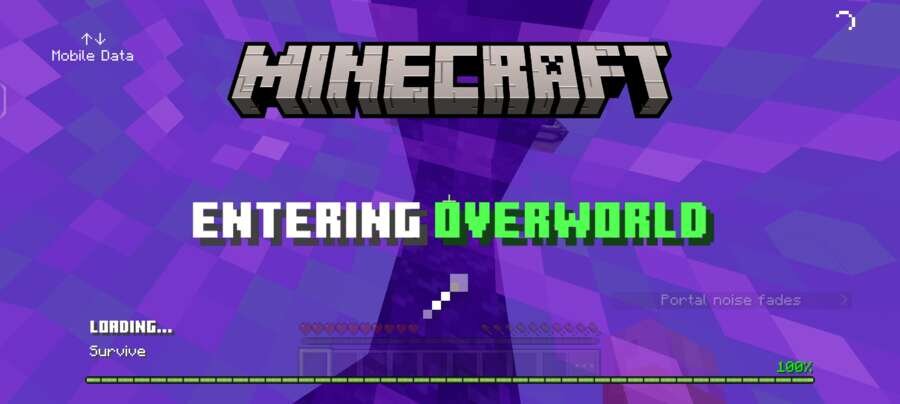

Текстуры Better Loading Screens полностью обновляют стандартные экраны загрузки, делая их более современными и информативными. Во время входа в мир или смены измерения отображается процент выполнения загрузки, а также новые анимированные индикаторы, благодаря которым ожидание в Minecraft Bedrock выглядит значительно приятнее.
Дополнительно доступны настройки с обычным или прозрачным фоном для экранов загрузки измерений.
Дополнительно доступны настройки с обычным или прозрачным фоном для экранов загрузки измерений.
Quick facts
- Edition: Minecraft Bedrock
- File type: .mcpack
- How to install: Download the .mcpack. → Open it — Minecraft imports it under Resource Packs. → Activate it in Global Resources, or for one world under Resource Packs → Available.
- Where to get it: In MCModsHub, or directly above on this page.
Install steps are the general flow for this file type — How to install Minecraft Bedrock texture packs walks through it step by step.
File checked by MCModsHub
- Pack type: .mcpack — a single pack
- Manifest requires Minecraft 1.21.0 or newer
- Complete pack — everything it depends on is inside the file
- Download size: 15 KB
- Download link checked 10 Sept 2026 — working
- Mirrored on our own servers — the download does not depend on the original host
These come from our own check of the pack file, not from the source page.