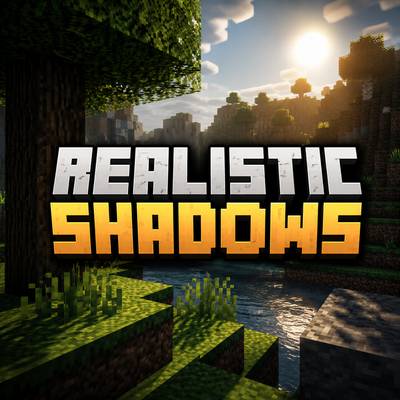


This pack adds Realistic FHD Shadows to Vibrant Visuals, vibrant visuals have pixelated shadows but after activating this pack fixes that issue for a lot of players who like soft and realistic shadows.
Installation:
Download the .mcpack file
Click on the file OR click on share then it should show Minecraft
Then it will automatically install it to your game.
Activate the pack in your world OR global resource packs
Quick facts
- Edition: Minecraft Bedrock
- File type: .mcpack
- Minecraft versions listed: 26.0.02, 26.0, 26.3
- How to install: Download the .mcpack. → Open it — Minecraft imports it under Resource Packs. → Activate it in Global Resources, or for one world under Resource Packs → Available.
- Where to get it: Opens on CurseForge — not every file is mirrored on our own servers.
Install steps are the general flow for this file type — How to install Minecraft Bedrock texture packs walks through it step by step.
Verified by MCModsHub
- Pack type: .mcpack — a single pack
- Manifest requires Minecraft 1.21.90 or newer
- Complete pack — everything it depends on is inside the file
- Download size: 2.9 MB
- Download link checked 9 Sept 2026 — working
These come from our own check of the pack file, not from the source page.