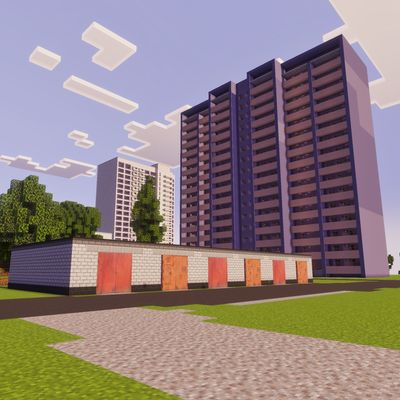
Kalischensk - City Map
Explore Kalischensk, the atmospheric post-Soviet city featured in Nuckem's famous 'Zhiguli Restoration' series! Includes a built-in custom blocks add-on…
⬇ Download on CurseForgeThe author built this one for Minecraft 26.30. On other versions it may install and then do nothing.
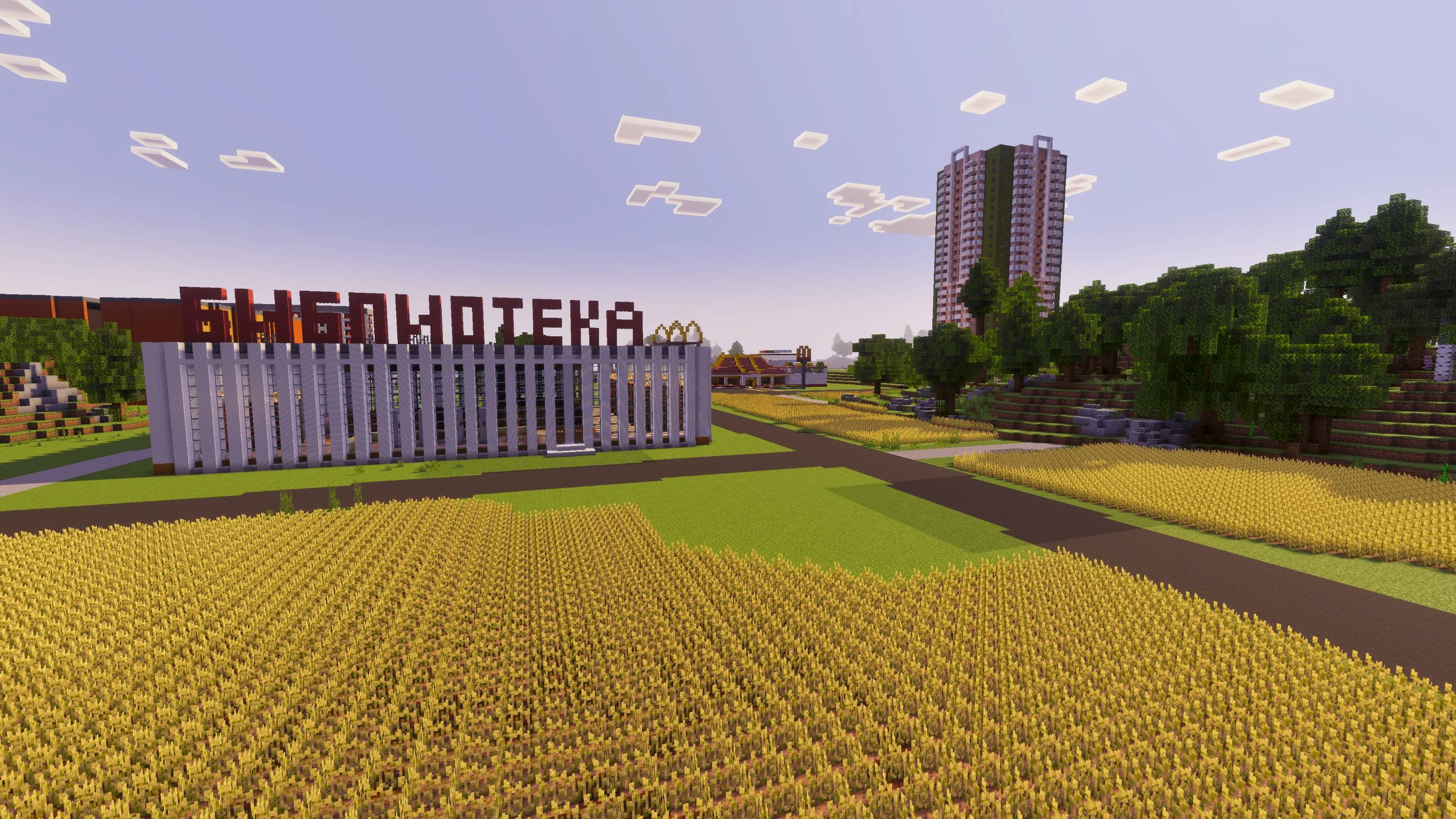
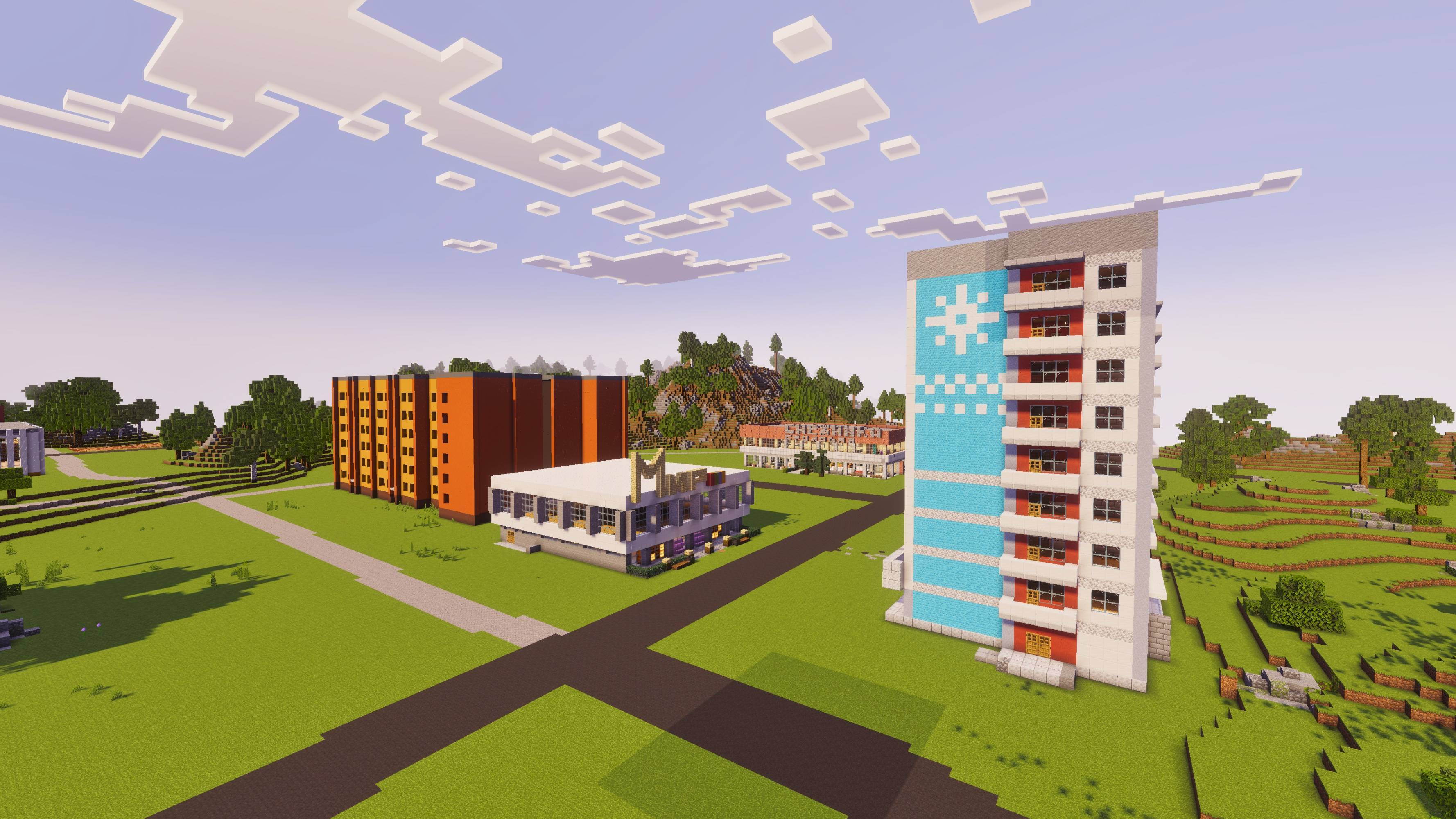
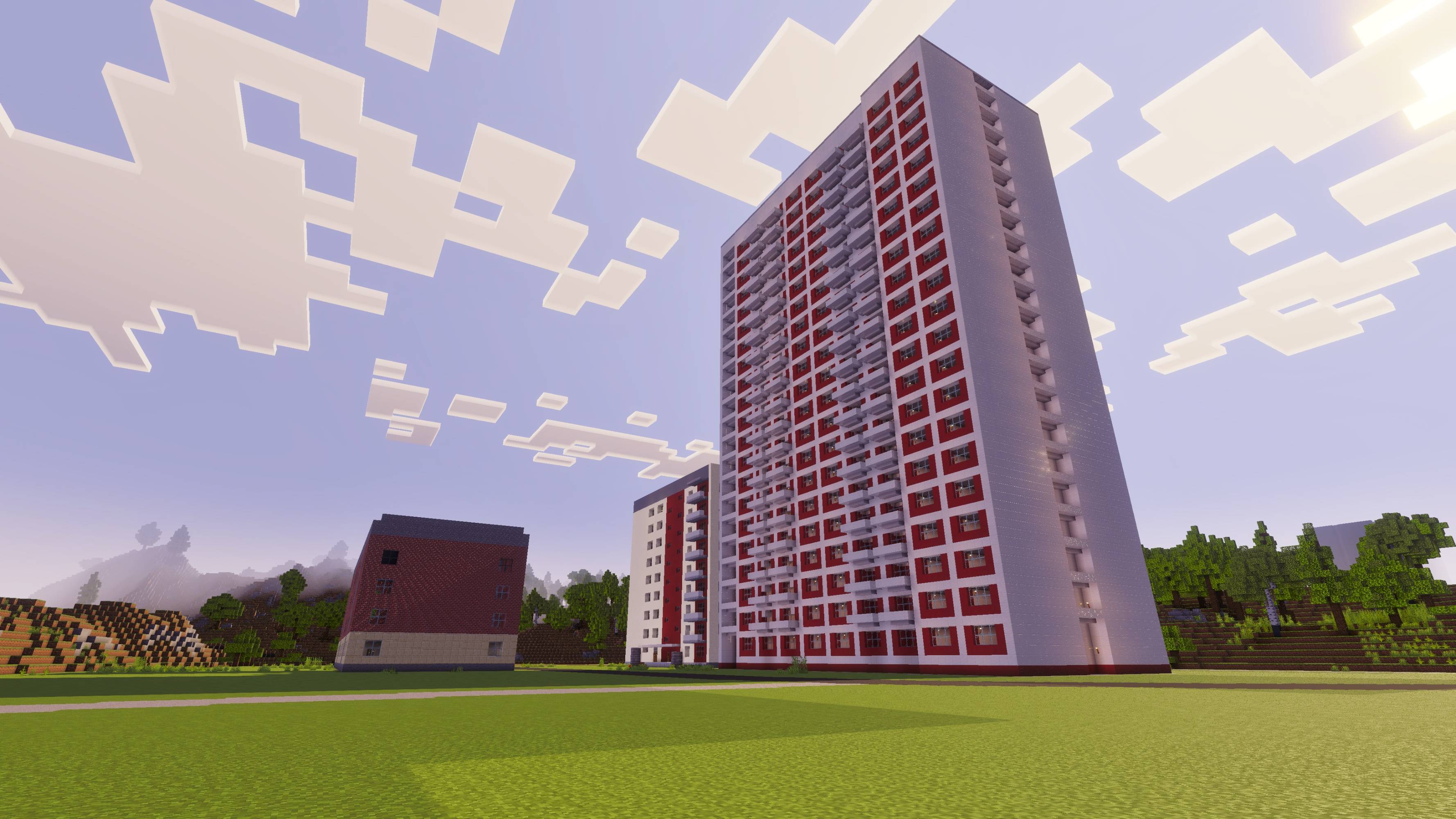
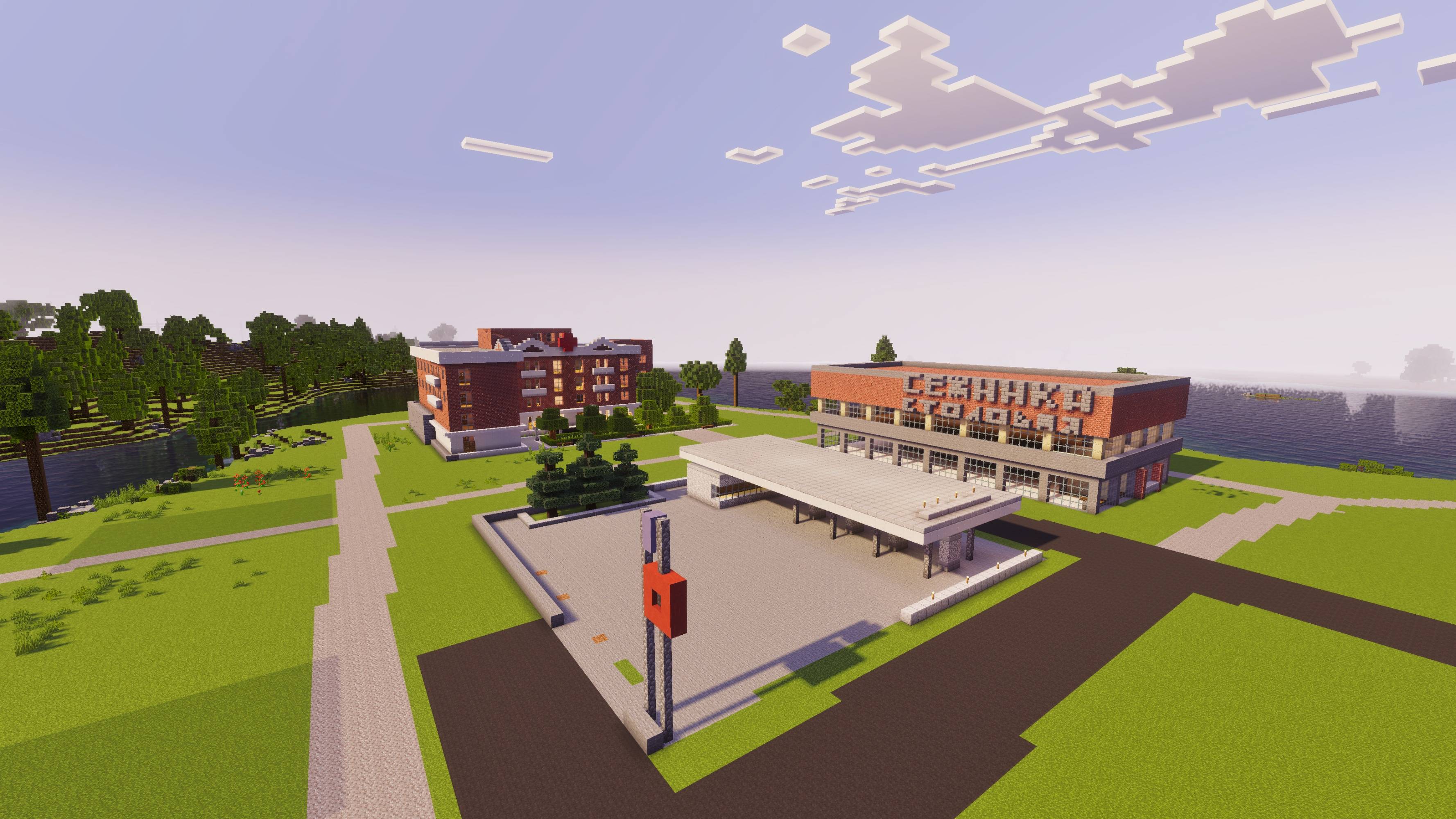
Kalischensk: Post-Soviet Provincial Map & Building Add-On
Welcome to Kalischensk, the highly atmospheric, detailed provincial city inspired by the popular cinematic Minecraft series "Restoration of Zhiguli" by YouTuber Nuckem.
This project combines a fully detailed exploration map with a built-in custom building blocks add-on, allowing you to experience the nostalgic aesthetic of Eastern European and post-Soviet suburbs or build your own!
🗺️ Map Features & Iconic Locations
- The Garage Cooperative: The central hub of the series where the iconic Zhiguli restoration projects take place. Complete with tool racks, workspaces, and nearby muddy roads.
- Provincial Urban Scenery: Explore authentic "Panelka" (panel apartment buildings), local shops, industrial zones, and typical residential yards.
- Countryside & Rural Roads: Wind through dense forests on unpaved, bumpy dirt roads designed specifically for challenging off-road driving.
- Full Add-On Compatibility: The map is designed to be played alongside the Nuckem Vehicles Pack and Garage Doors add-ons for the ultimate roleplay and driving experience.
🛠️ How to Play & Install
- Download and import the world file into your Minecraft Bedrock client.
- The custom building blocks resource and behavior packs are already integrated into the world file and will load automatically.
- If you want to use the vehicle pack or garage doors shown in the series, make sure to download them separately and enable them in this world’s settings.
⚠️ Required World Settings
For all custom blocks and scripts to function properly, please ensure the following Experiments are turned ON in the world options:
- Beta APIs
- Upcoming Creator Features
- Edition: Minecraft Bedrock
- File type: .mcworld
- Minecraft version listed: 26.30
- How to install: Download the .mcworld file. → Open it — Minecraft imports it as a new world. → Find it in your Worlds list and play.
- Where to get it: Opens on CurseForge — not every file is mirrored on our own servers.
Install steps are the general flow for this file type — How to install Minecraft Bedrock maps walks through it step by step.
- Pack type: .mcworld — a ready-made world
- Manifest requires Minecraft 1.17.0 or newer
- Complete pack — everything it depends on is inside the file
- Download size: 43.3 MB
- Download link checked 10 Sept 2026 — working
These come from our own check of the pack file, not from the source page.