
MapsBedrock
Escape From The Prison: Odyssey
The story of "Escape From The Prison" saga continues! Alone again, you will have to solve mysteries and face dangers on your own. Will you be able to get…
⬇ Download on CurseForgeThe author built this one for Minecraft 26.30. On other versions it may install and then do nothing.
ABOUT THE MAP:
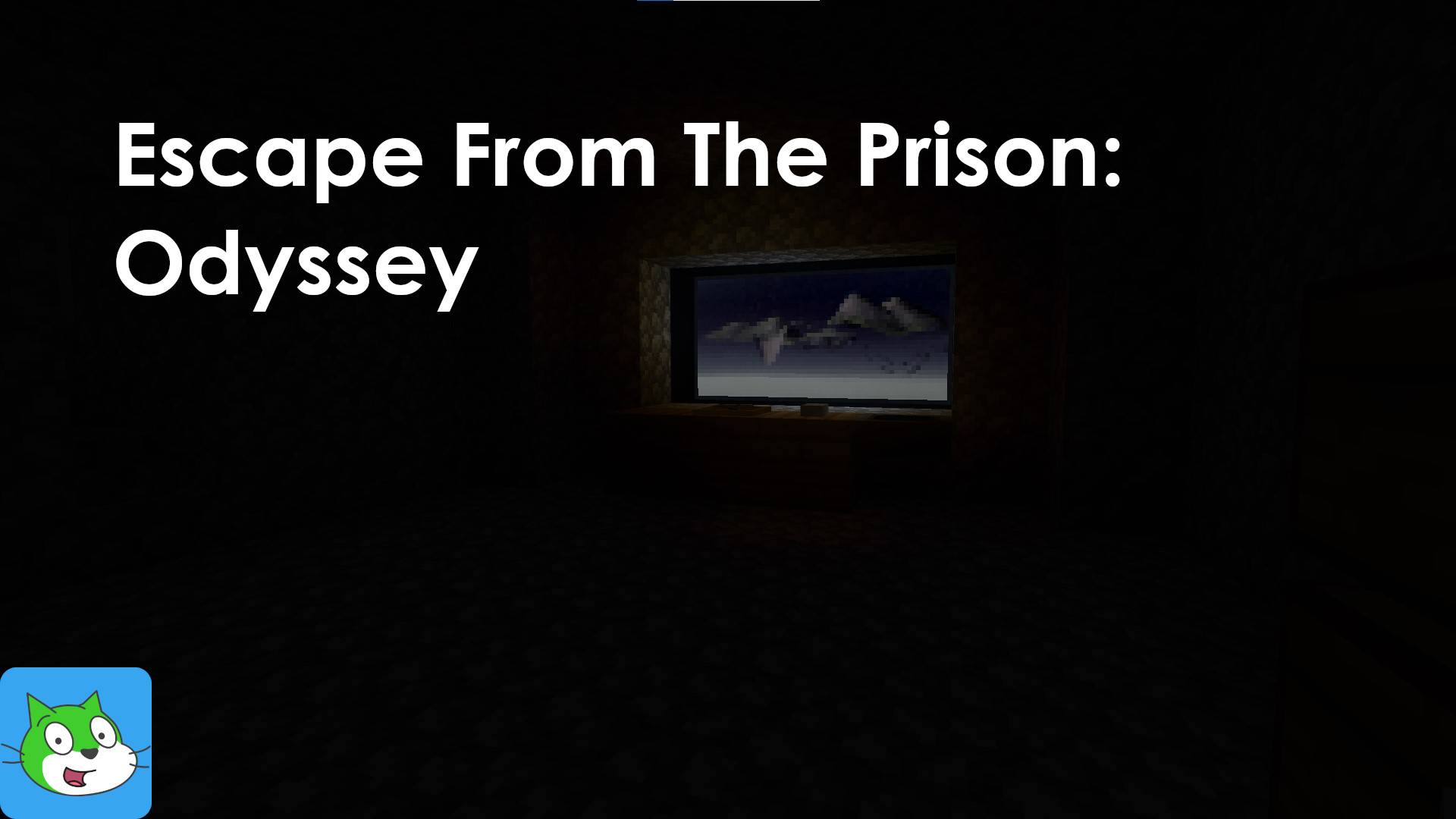
- Escape From The Prison: Odyssey is an puzzle-themed escape room from the Escape From The Prison saga. It's the continuation of "Escape From The Prison: Unusual Worlds", where you have a mystery pending to resolve. You previously allied with a teammate, but you're alone this time. Will you be able to resolve what's going on there?
- Required at least Minecraft: Bedrock Edition 26.33 or above (Beta/Preview versions supports this map).
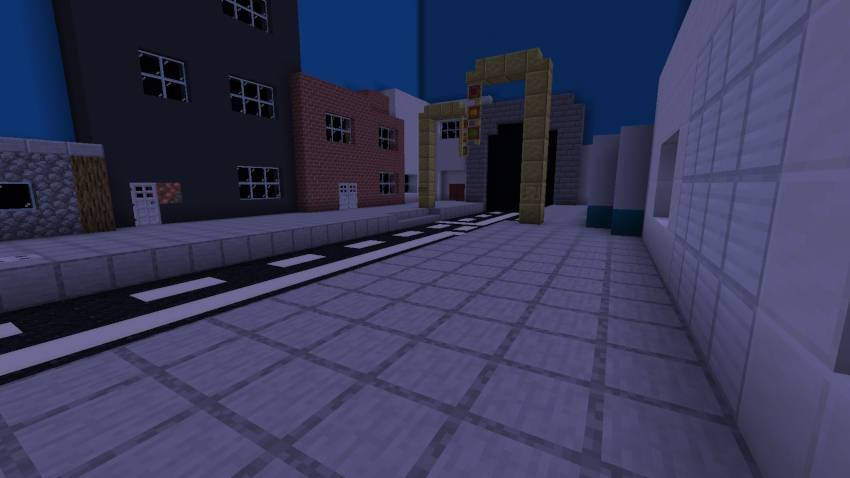
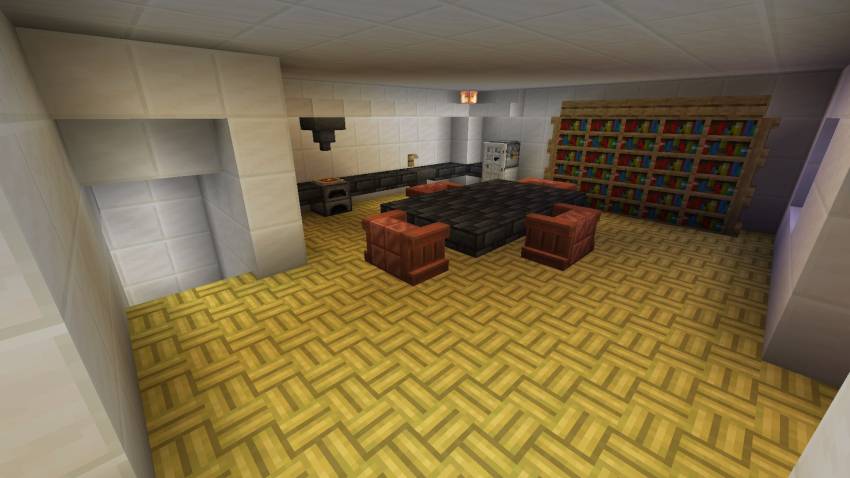
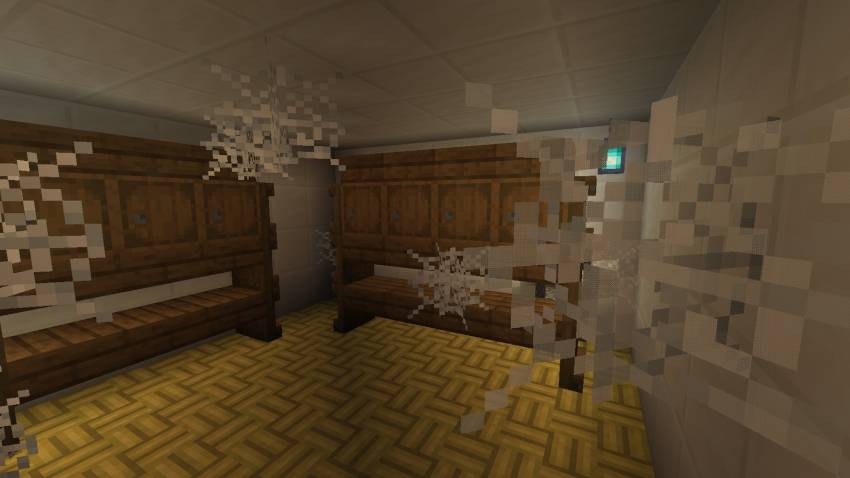
MAP SCREENSHOTS:
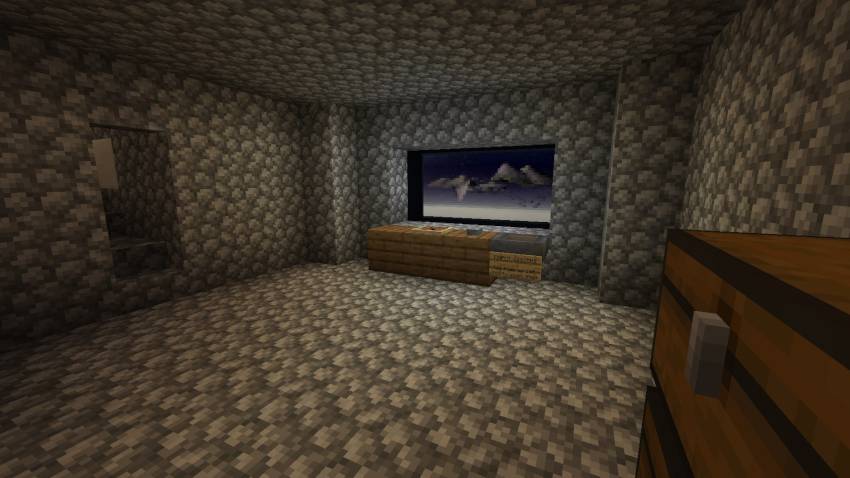
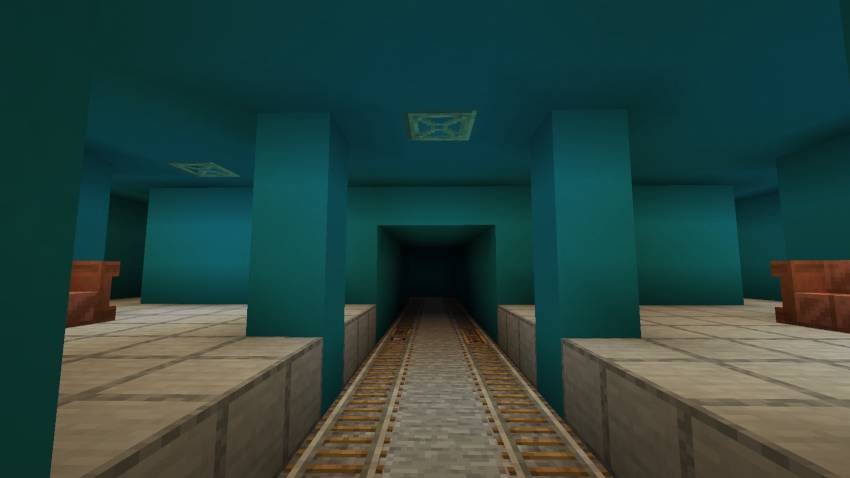
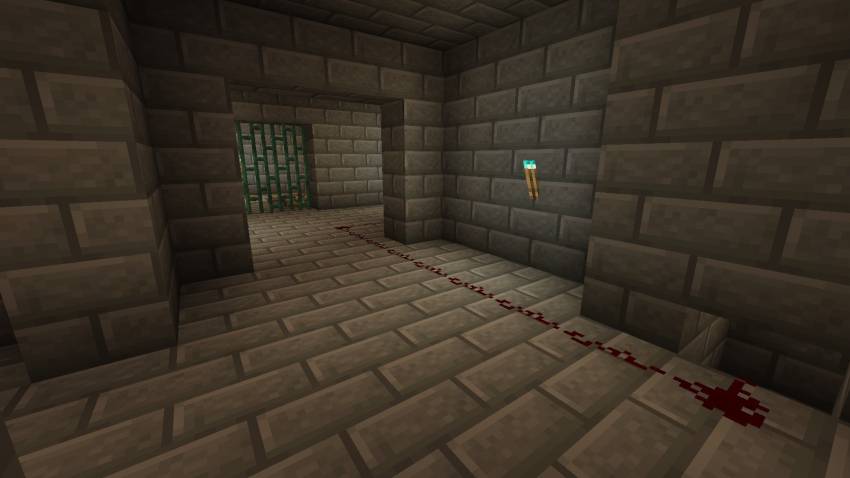
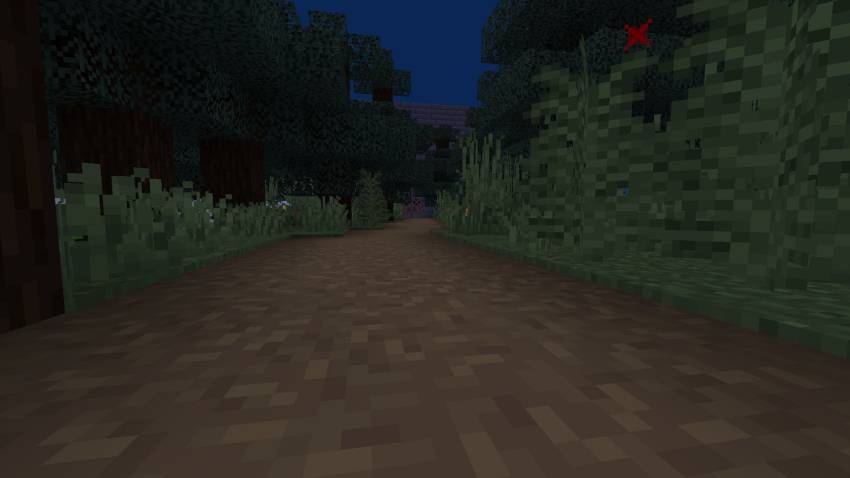
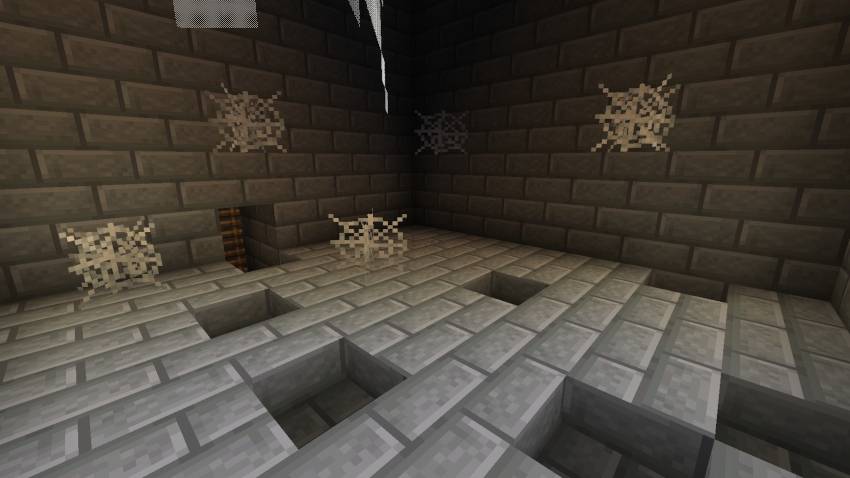
WALKTHROUGH:
If you're stuck with some puzzles or areas, you can watch the walkthrough video uploaded to the creator's official YouTube channel:
CREDITS:
- CREATOR: MCM Tuber.
HOW TO INSTALL TO MINECRAFT?
- Importing this map to Minecraft Bedrock is easy. When you click the .mcworld file, automatically opens Minecraft Bedrock and imports it on Android, iOS and Windows.
- NOTE: Some devices might transform the mcworld file into a ZIP one automatically. OneUI (Android 14 or later) devices might require a PC to import the map, due to Android data folder access restrictions.
LICENSE:
- This creation is licensed under a CC-BY-NC-SA 4.0 license.
- Users are allowed to play the map (solo or with people) and record videos and upload them to YouTube, always giving credit to the creator at the title or the description of the video.
The download links (CurseForge, MCPEDL or the creator's website) are also allowed as giving credit. - Users aren't allowed to distribute or re-import the map or its content to other websites, apps or else without the creator's permission.
If you got any questions about how to use our maps (redistribution and else), you check our Copyright Policy at our official website.
Quick facts
- Edition: Minecraft Bedrock
- File type: .mcworld
- Minecraft version listed: 26.30
- How to install: Download the .mcworld file. → Open it — Minecraft imports it as a new world. → Find it in your Worlds list and play.
- Where to get it: Opens on CurseForge — not every file is mirrored on our own servers.
Install steps are the general flow for this file type — How to install Minecraft Bedrock maps walks through it step by step.
Verified by MCModsHub
- Pack type: .mcworld — a ready-made world
- Download size: 193 KB
- Download link checked 11 Sept 2026 — working
These come from our own check of the pack file, not from the source page.