# 🏆 Golden Armor Bar (Bedrock Edition)
Tired of the plain old iron armor icons on your HUD? Give your game a sleek, vibrant, and luxurious upgrade!
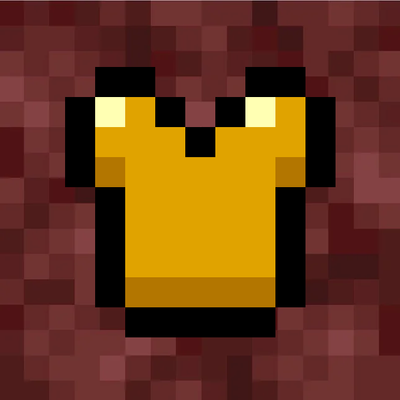
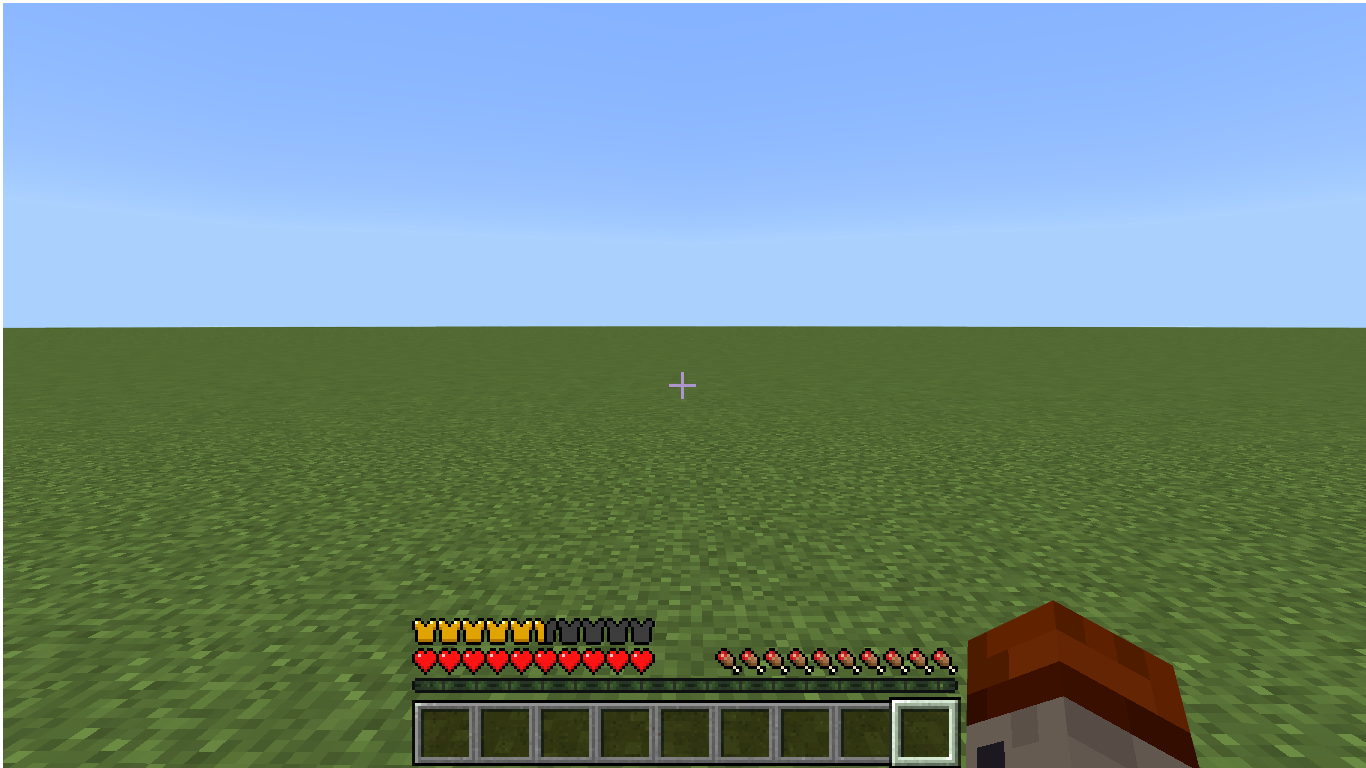
**Golden Armor Bar** is a lightweight texture pack designed for Minecraft Bedrock Edition that changes the standard gray armor bar icons on your Heads-Up Display (HUD) into clean, golden armor icons.
---
### ✨ Features
* **Golden Aesthetic:** Replaces the classic iron armor icons with custom golden armor textures.
* **Vanilla Friendly:** Clean design that fits seamlessly with the default Minecraft Bedrock UI.
* **Lightweight & Fast:** Zero impact on game performance.
* **Bedrock Compatible:** Works perfectly across mobile, PC, and console versions.
---
### ⚙️ How to Install
1. Download the `.mcpack` file.
2. Double-click or tap the file to automatically import it into Minecraft Bedrock Edition.
3. Go to **Settings** > **Global Resources** (or World Settings) and activate **Golden Armor Bar**.
4. Enjoy your new golden HUD!
- Edition: Minecraft Bedrock
- File type: .mcpack
- Minecraft versions listed: 26.0.02, 26.0, 26.3
- How to install: Download the .mcpack. → Open it — Minecraft imports it under Resource Packs. → Activate it in Global Resources, or for one world under Resource Packs → Available.
- Where to get it: Opens on CurseForge — not every file is mirrored on our own servers.
Install steps are the general flow for this file type — How to install Minecraft Bedrock texture packs walks through it step by step.
Golden Armor Bar is a free Minecraft Bedrock texture pack. Compatible with Minecraft 26.0.02, 26.0, 26.3, 26.10 and newer. Downloaded 33 times (via CurseForge). Download it and open it directly in the game.