Chinese translation
Bedrock texture pack listed for Minecraft 1.21–26.x. Download on the author's site.
The "zh_HK" language has been added, and the content in the original vanilla "zh_TW" has been changed to "zh_HK".
⬇ Download on CurseForge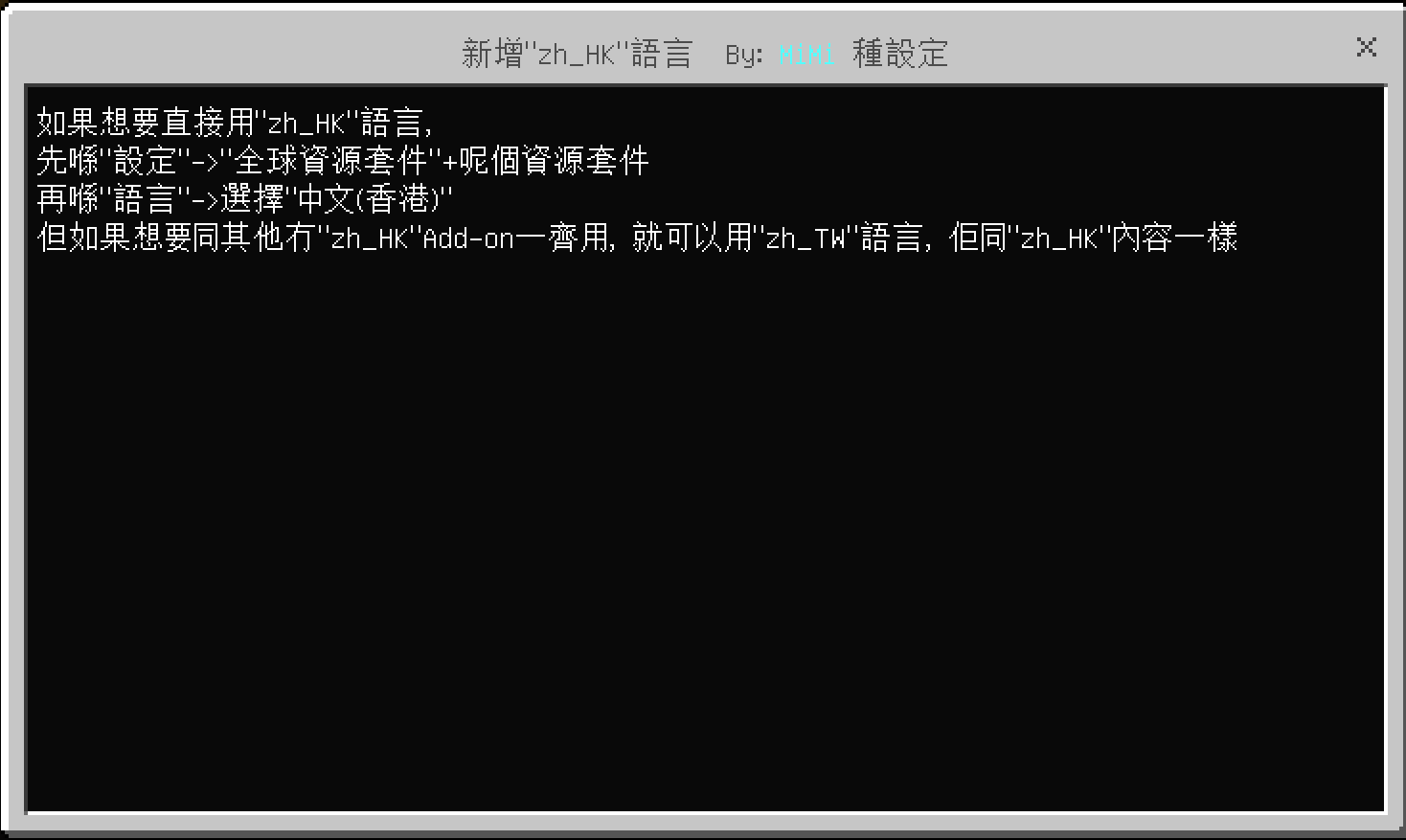
已知問題:
由於官方公開的語言文件不完整,部分文字不能自行翻譯。(除非私下將遊戲解包。)
所以將語言設置為HK時,會有部分文字顯示英文。
如介意,請將語言設置為TW,欠缺的翻譯會由官方的TW翻譯替代。
Scenario 1:
Scenario 1: You want to play Minecraft in Traditional Chinese (Hong Kong), and other add-ons offer "zh_HK" language.
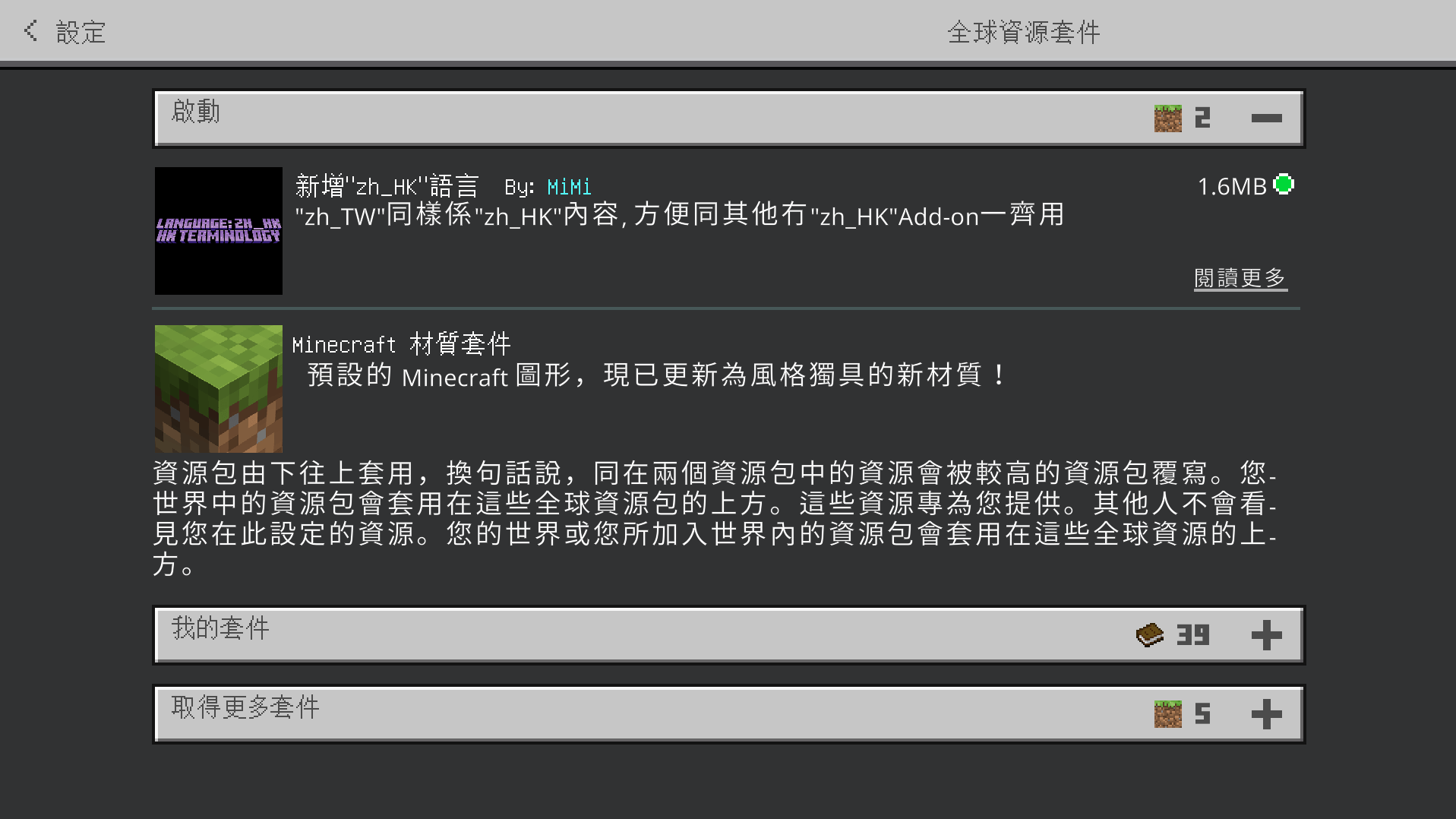
Add this resource pack to your global resource packs, then restart Minecraft.
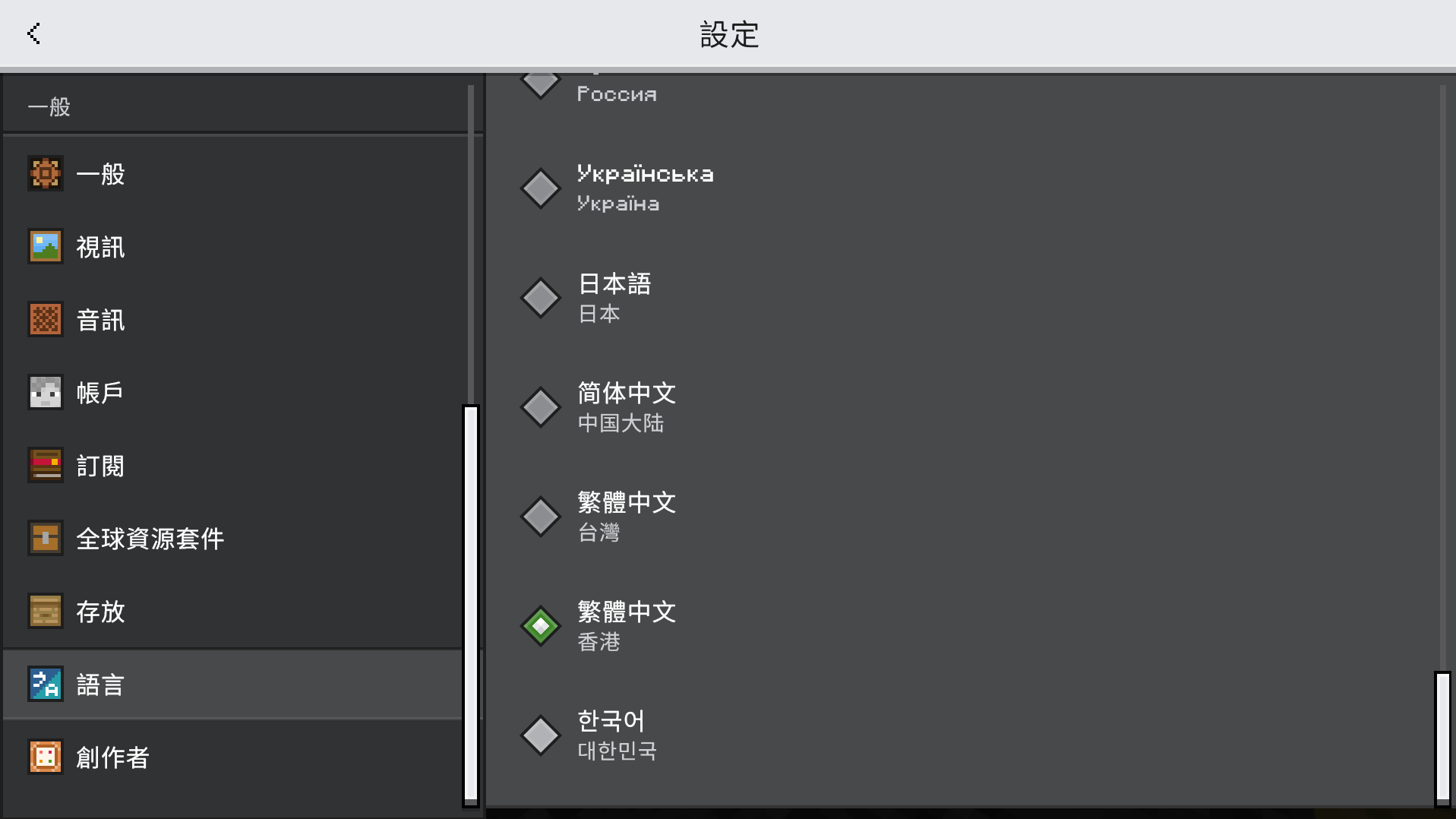
Then select Traditional Chinese (Hong Kong) in the language settings.
Scenario 2: You want to play Minecraft in Traditional Chinese (Hong Kong), but other add-ons only offer "zh_TW" language. Add this resource pack to the global resource pack, and then select Traditional Chinese (Taiwan) in the language settings.
The original Traditional Chinese (Taiwan) content has been changed to Traditional Chinese (Hong Kong).
So, apart from the new content in other add-ons, everything else is in Traditional Chinese (Hong Kong).
Scenario 3: You only want to play in Traditional Chinese (Hong Kong) in a specific world.
Select Traditional Chinese (Taiwan) in the language settings, and then add this resource pack to that world.
- Edition: Minecraft Bedrock
- File type: .mcpack
- Minecraft versions listed: 1.21.131, 26.0.02, 26.0
- How to install: Download the .mcpack. → Open it — Minecraft imports it under Resource Packs. → Activate it in Global Resources, or for one world under Resource Packs → Available.
- Where to get it: Opens on CurseForge — not every file is mirrored on our own servers.
Install steps are the general flow for this file type — How to install Minecraft Bedrock texture packs walks through it step by step.
Chinese translation is a free Minecraft Bedrock texture pack. Compatible with Minecraft 1.21.131, 26.0.02, 26.0, 26.3 and newer. Downloaded 32 times (via CurseForge). Download it and open it directly in the game.