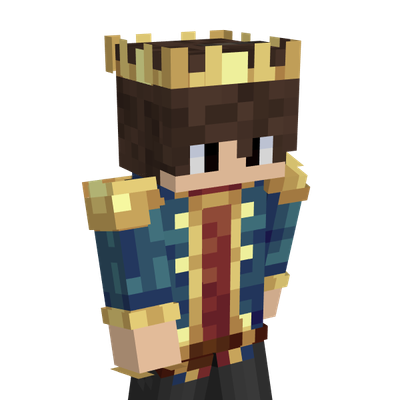
Gamerfleet Skin by BedrockForge
Become GamerFleet (Anshu Bisht) in Minecraft Bedrock Edition! Inspired by one of India's biggest Minecraft creators, this high-quality skin is perfect for…
⬇ Download on CurseForge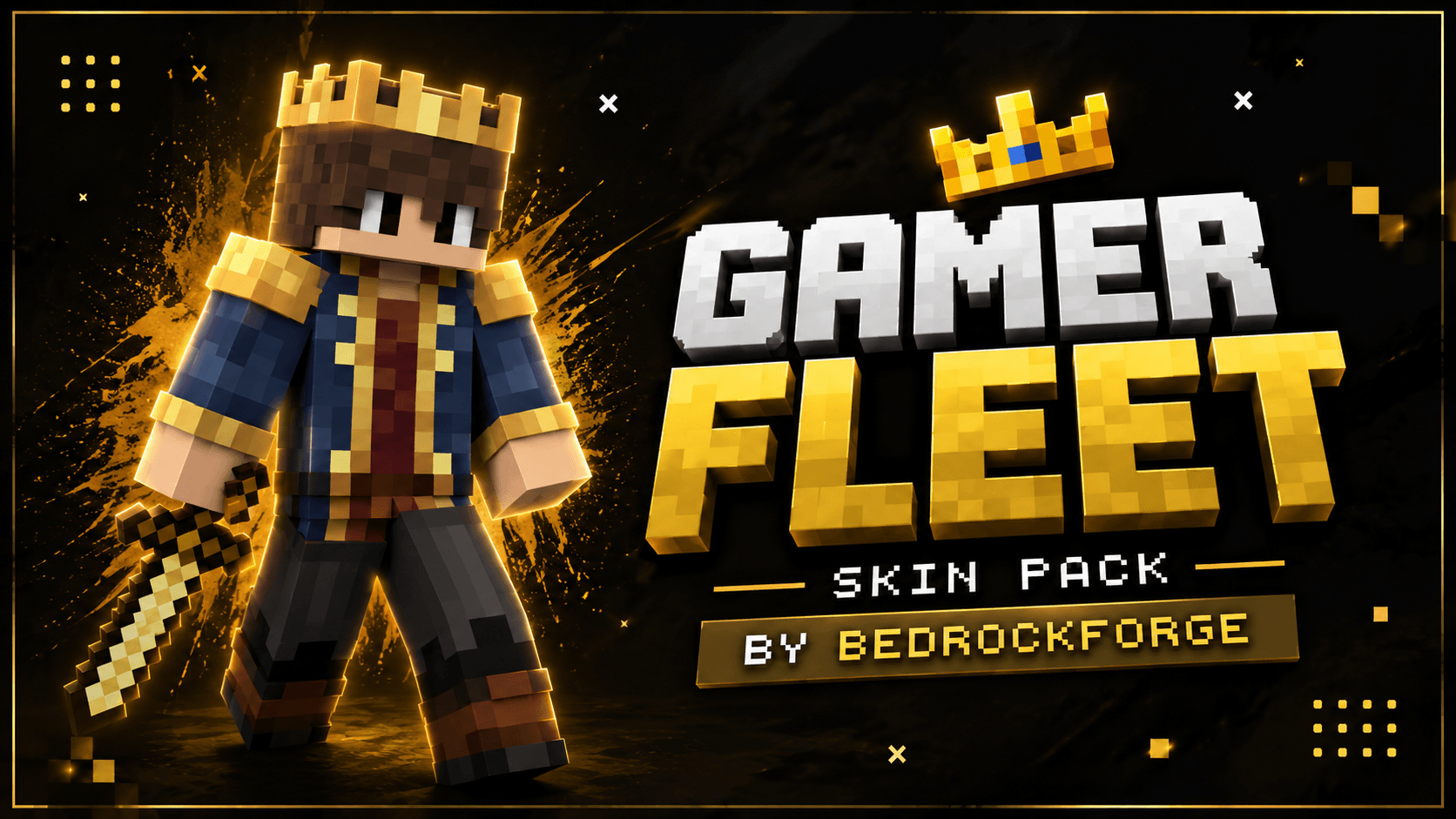
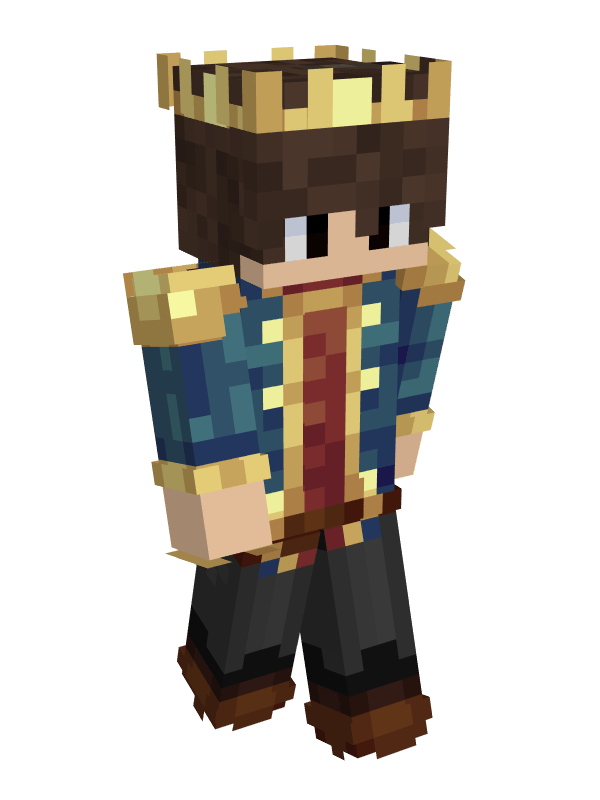
GamerFleet Skin
Represent one of India's biggest Minecraft creators with the GamerFleet Skin for Minecraft Bedrock Edition. Inspired by GamerFleet (Anshu Bisht), this skin recreates his signature Minecraft appearance, making it the perfect choice for fans who enjoy his exciting survival series, hardcore adventures, Minecraft challenges, and entertaining livestreams.
Whether you're surviving your first night, taking on difficult challenges, joining SMPs, or exploring massive worlds with friends, this skin lets you experience Minecraft in true GamerFleet style. It's a must-have for fans who want to show their support while standing out on multiplayer servers.
✦ Features
- Inspired by the popular Indian Minecraft YouTuber GamerFleet.
- Based on GamerFleet's iconic in-game appearance.
- Perfect for Hardcore Survival, SMPs, challenges, and multiplayer gameplay.
- High-quality pixel-art design.
- Lightweight and performance-friendly.
- Easy installation process.
- Compatible with Minecraft Bedrock Edition.
✦ Why You'll Love This Skin
If you've followed GamerFleet's incredible Minecraft journey, this skin is the perfect way to bring that same adventure into your own world. Inspired by the creator known for his thrilling Hardcore series, creative Minecraft challenges, entertaining livestreams, and unforgettable moments with the Lilyville community, this skin is ideal for every true fan. Whether you're recording videos, building epic bases, or surviving with friends, you'll feel ready for your next big adventure.
✦ Installation Guide
- Scroll down and download the Skin Pack.
- Open the downloaded file using ZArchiver or any file manager app.
- Tap Open With and choose Minecraft.
- Wait for Minecraft to import the Skin Pack automatically.
- Open Dressing Room or Change Skin.
- Navigate to the imported Skin Pack.
- Select any skin you want to use.
- Start your adventure and enjoy your new look.
✦ Compatibility
- Minecraft Bedrock Edition Supported ✅
- Works on Android, iOS, Windows, and Console ✅
- Multiplayer Friendly ✅
- Easy To Install ✅
- Credit:NAMEMC
Made by BedrockForge
Images 👇🏻
- Edition: Minecraft Bedrock
- File type: .mcpack
- Minecraft versions listed: 26.20, 26.30
- How to install: Download the .mcpack skin pack. → Open it — Minecraft imports it. → Open the Dressing Room and select the skin.
- Where to get it: Opens on CurseForge — not every file is mirrored on our own servers.
Install steps are the general flow for this file type — How to apply a custom Minecraft skin walks through it step by step.
- Pack type: .mcpack — a single pack
- Complete pack — everything it depends on is inside the file
- Download size: 5 KB
- Download link checked 11 Sept 2026 — working
These come from our own check of the pack file, not from the source page.