Better Loading Screen
Bedrock texture pack listed for Minecraft 1.16–26.x. File opened and checked on 25 Sep 2026; installs from the MC Bedrock Mods app on Android.
Overhauls default Minecraft Bedrock loading screens with new visual styling, layout frames, and updated loading bar aesthetics.
⬇ Download on CurseForge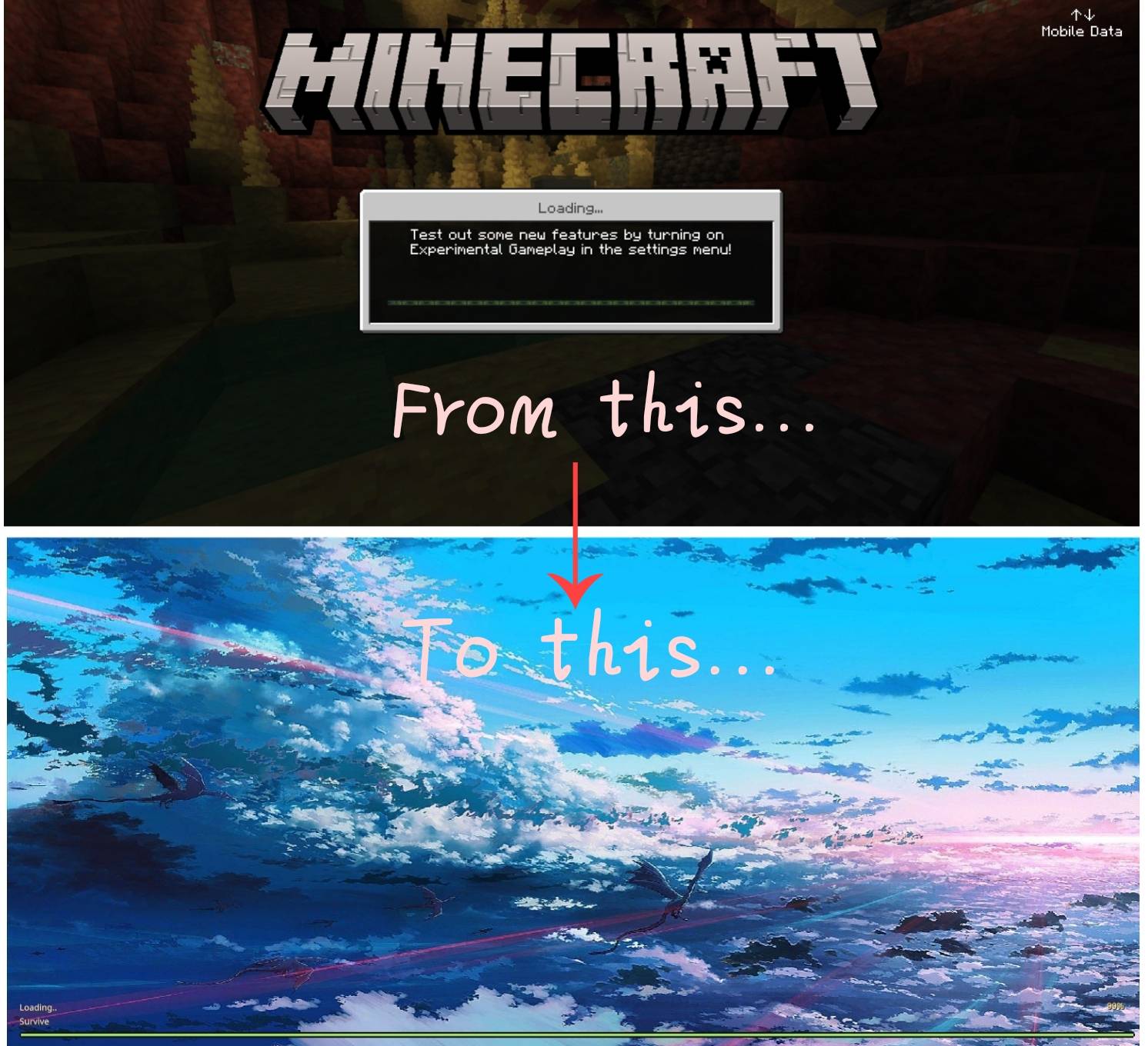

Better Loading Screen
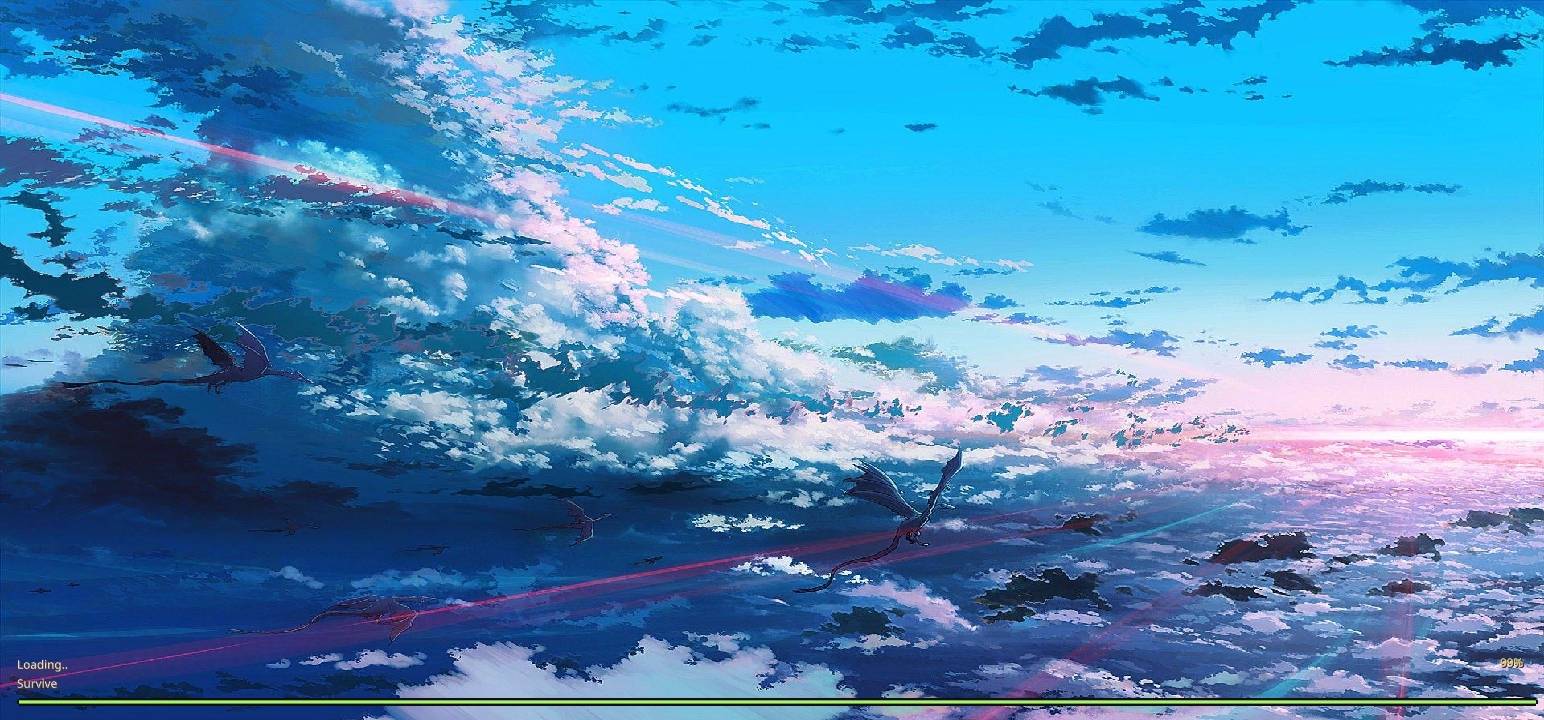
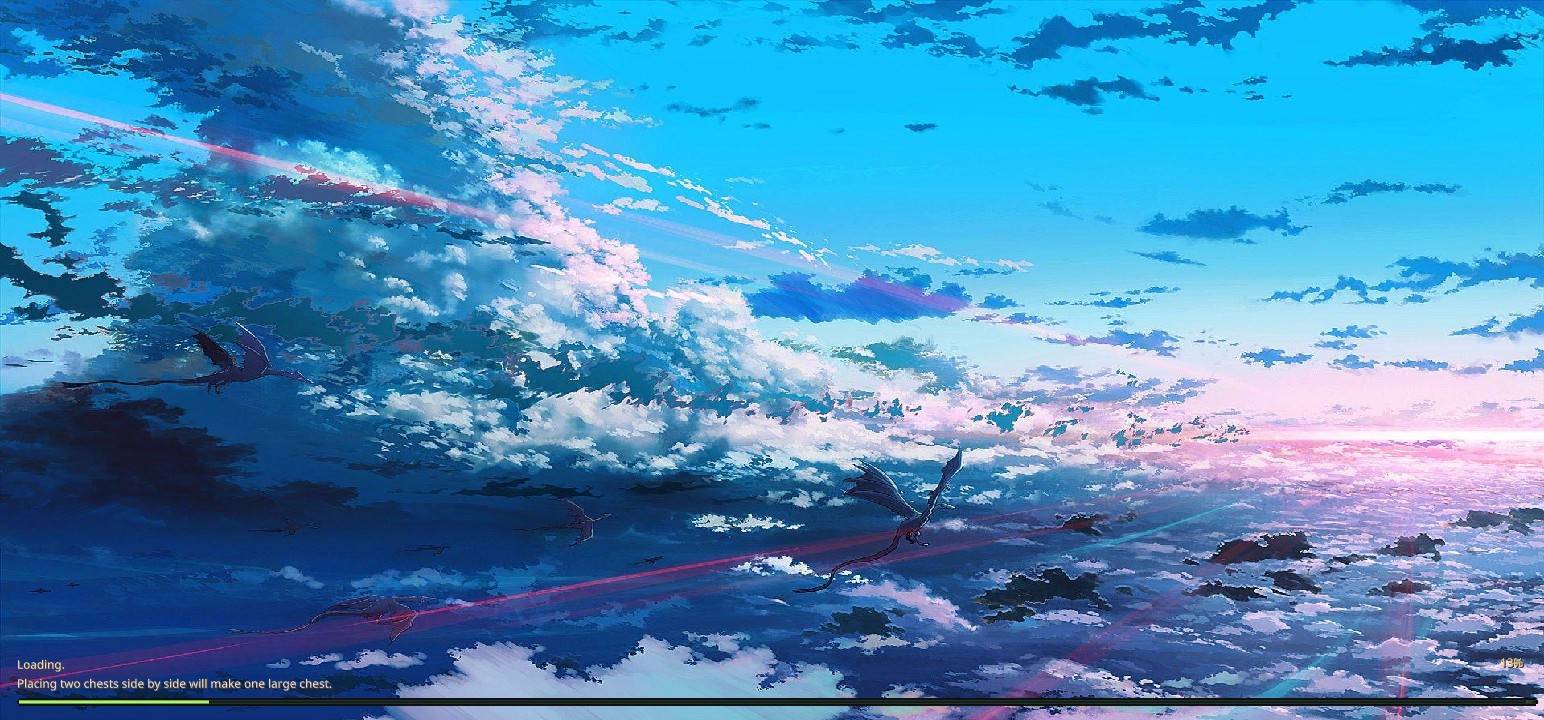
• Modern Bright Theme: Replaces the default interface with a bright, sleek color palette designed to be easier on the eyes during world loading.
• Vibrant Glowing Accents: Features eye-catching accent colors—primarily glowing purples, blues, and bright neon greens—to give the interface a stylized, futuristic look.
Overview :-
• Loading Screen Overhaul: Redesigns the default Minecraft loading layout into a cleaner, more modern interface when joining worlds, dimensions, or servers.
• Custom Loading Bar & Frames: Updates the progress bar aesthetics and surrounding visual frames to match the new bright-and-glowing theme.
- Edition: Minecraft Bedrock
- File type: .mcpack
- Minecraft versions listed: 26.30, 26.40, 26.50
- How to install: Download the .mcpack. → Open it — Minecraft imports it under Resource Packs. → Activate it in Global Resources, or for one world under Resource Packs → Available.
- Where to get it: Opens on CurseForge — not every file is mirrored on our own servers.
Install steps are the general flow for this file type — How to install Minecraft Bedrock texture packs walks through it step by step.
- Save it as Better Loading Screen.mcaddon before opening — it downloads as .mcpack, but it is a .mcaddon pack
- Manifest requires Minecraft 1.16.0 or newer
- Complete pack — everything it depends on is inside the file
- Download size: 1.6 MB
- Download link checked 4 Oct 2026 — working
These come from our own check of the pack file, not from the source page.