SD Shader
SD Shader is a dark-themed shader which you can use for creepy/horror style content.
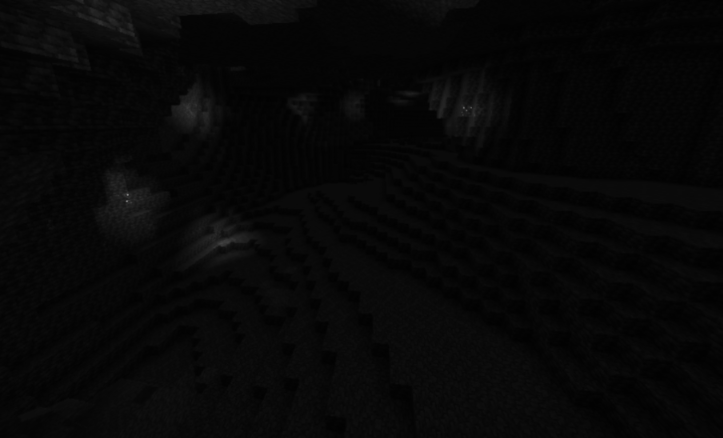
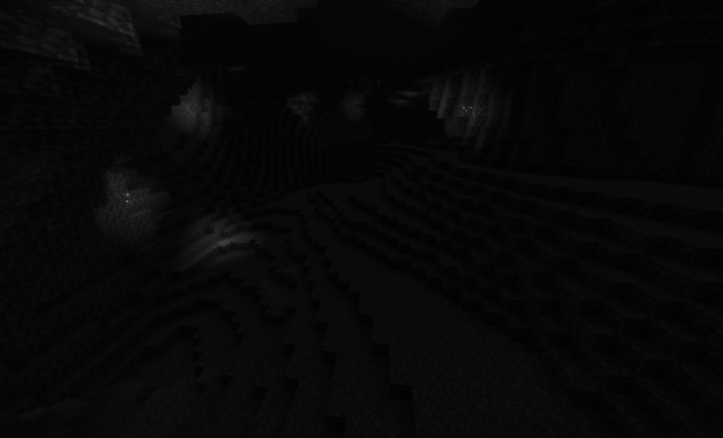
Caves:
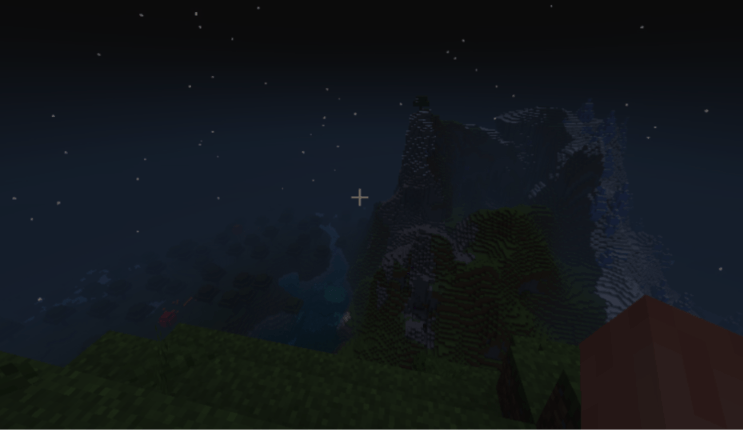
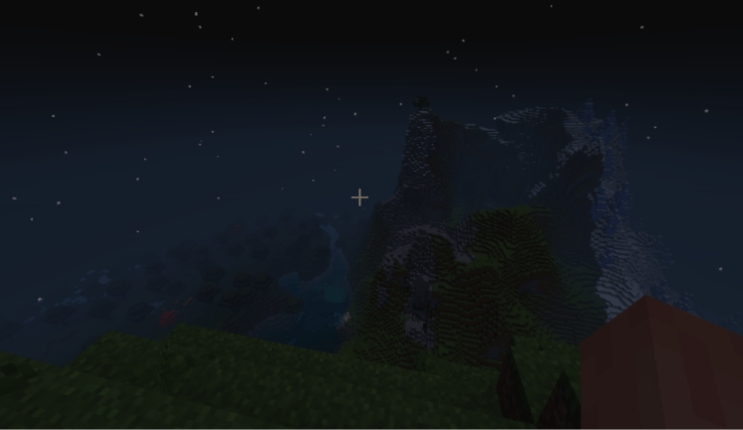
Mountain View
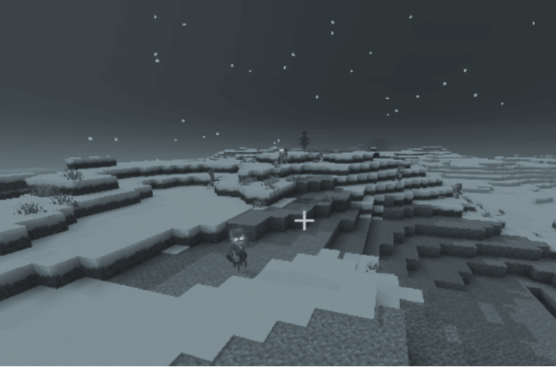
Snowy Biome (Forgot the name)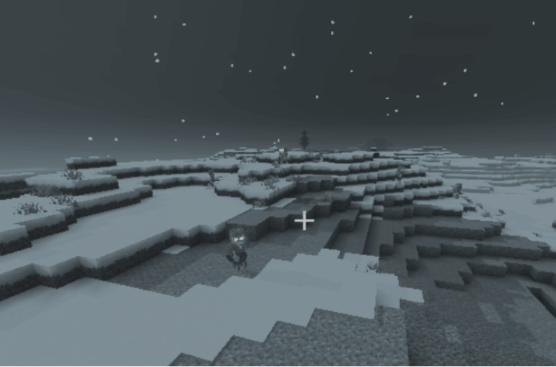
SD Shader is my first ever shader, so I would appreciate constructive critism and ideas/suggestions to improve this shader.
<->
INSTRUCTIONS:
1. Download the shader .mcpack.
2. Open the file, which starts Minecraft.
3. Create a world with the shader by adding it through Resource Packs or turn it on in Global Resources.
Enjoy!
- Edition: Minecraft Bedrock
- File type: .mcpack
- Minecraft versions listed: 1.21.81, 1.21.93, 1.21.90
- How to install: Download the .mcpack. → Open it — Minecraft imports it under Resource Packs. → Activate it in Global Resources, or for one world under Resource Packs → Available.
- Where to get it: Opens on CurseForge — not every file is mirrored on our own servers.
Install steps are the general flow for this file type — How to install Minecraft Bedrock texture packs walks through it step by step.
SD Shader is a free Minecraft Bedrock texture pack. Compatible with Minecraft 1.21.81, 1.21.93, 1.21.90, 1.21.101 and newer. Downloaded 517 times (via CurseForge). Download it and open it directly in the game.