Texture packsBedrock
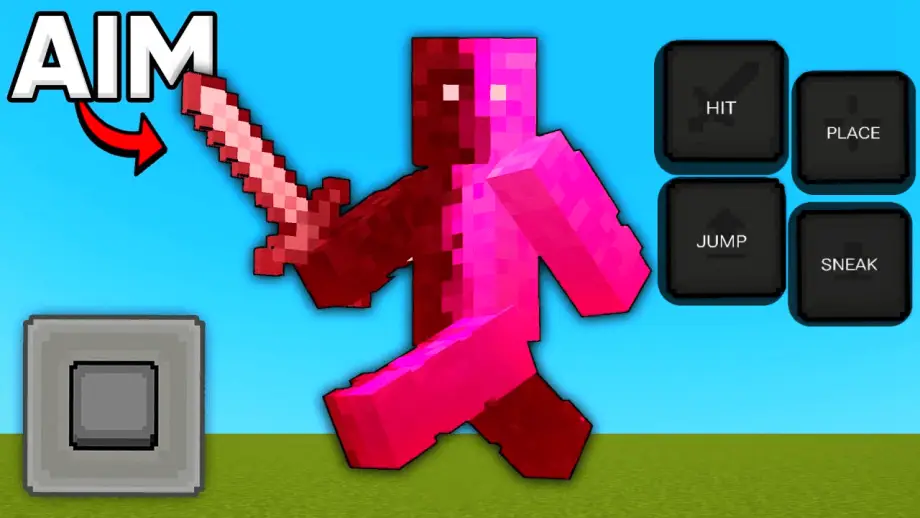
HD Controls Texture Pack for Minecraft
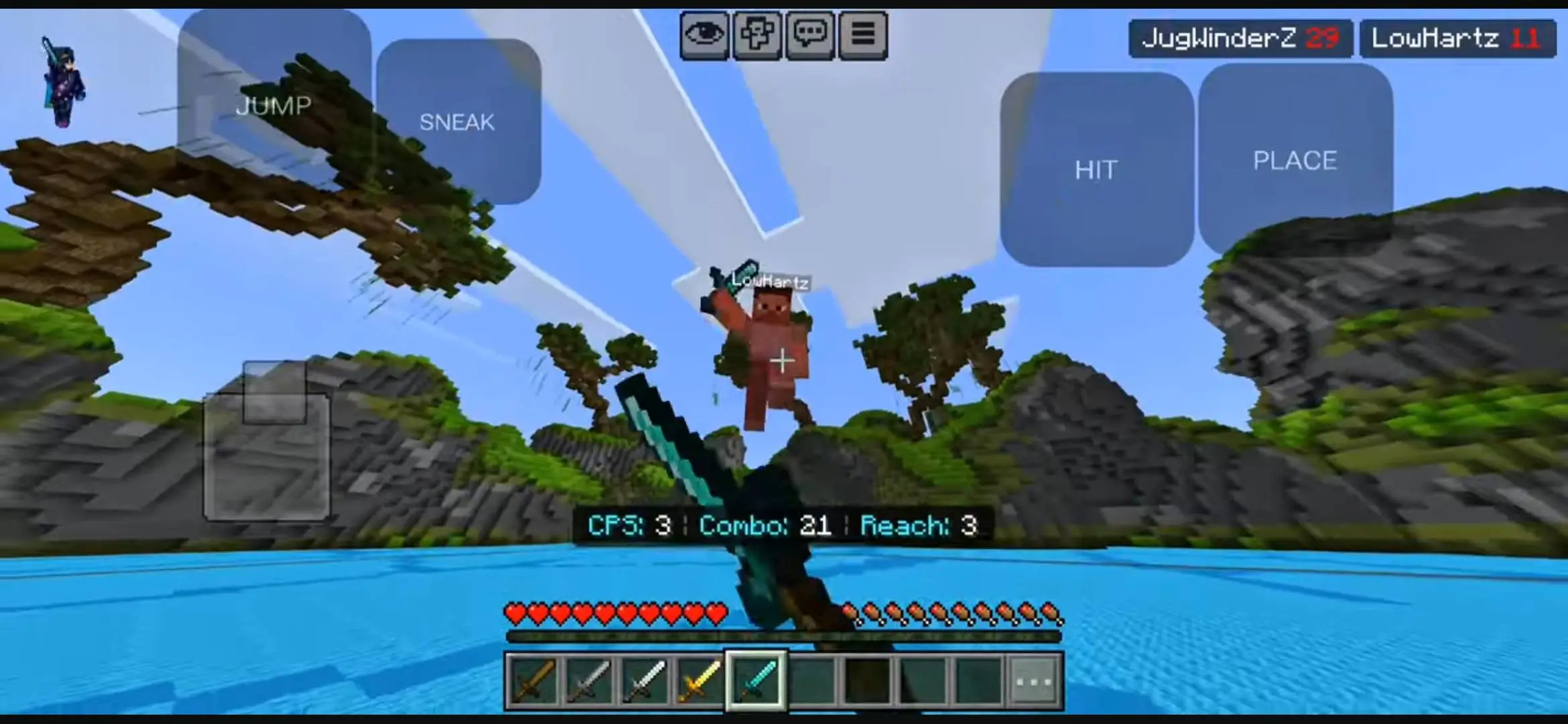
High-definition touch UI pack for Minecraft PE with customizable buttons and layouts for clearer screen visibility and improved mobile PvP.
⬇ Download on Modbay"HD Controls" in Minecraft PE refers to custom user interface (UI) texture packs or built-in settings that optimize mobile touch buttons.
Core Features
- Cleaner Visuals: Replaces large, bulky default buttons with crisp, transparent, or entirely invisible overlays.
- Custom Layouts: Allows resizing and moving individual buttons anywhere on the screen for better comfort.
- PvP Advantage: Clears up your screen view, making it easier to track enemies and aim during combat.
Quick facts
- Edition: Minecraft Bedrock
- File type: .mcpack
- Minecraft versions listed: 1.21.130, 1.21.120, 1.21.110
- How to install: Download the .mcpack. → Open it — Minecraft imports it under Resource Packs. → Activate it in Global Resources, or for one world under Resource Packs → Available.
- Where to get it: Opens on Modbay — not every file is mirrored on our own servers.
Install steps are the general flow for this file type — How to install Minecraft Bedrock texture packs walks through it step by step.
HD Controls Texture Pack for Minecraft is a free Minecraft Bedrock texture pack. Compatible with Minecraft 1.21.130, 1.21.120, 1.21.110, 1.21.100 and newer. Available via Modbay. Download it and open it directly in the game.