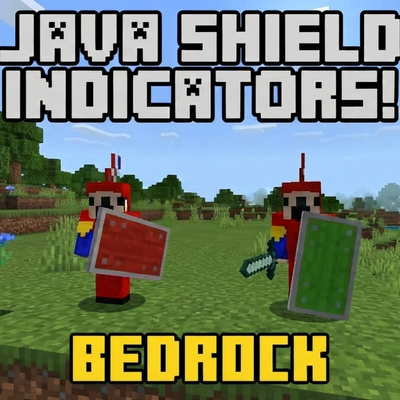
Java shield Indicators
Java Shield Indicators brings Java-style shield feedback to Minecraft Bedrock Edition,making PvP more responsive and easier to read[very light weighted…
⬇ Download on CurseForgeThe author built this one for Minecraft 26.30. On other versions it may install and then do nothing.
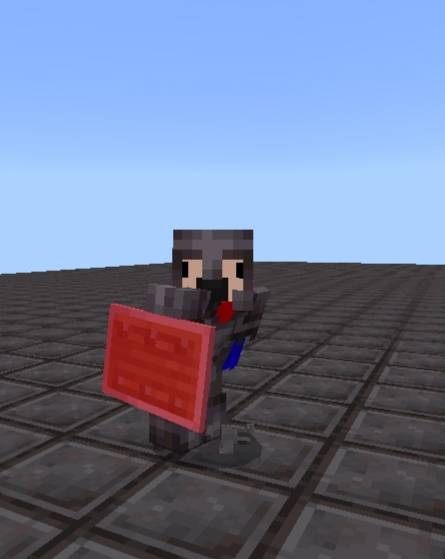
Java Shield Indicators for Minecraft Bedrock
Make your Bedrock PvP experience feel closer to Java Edition with Java Shield Indicators!
Features
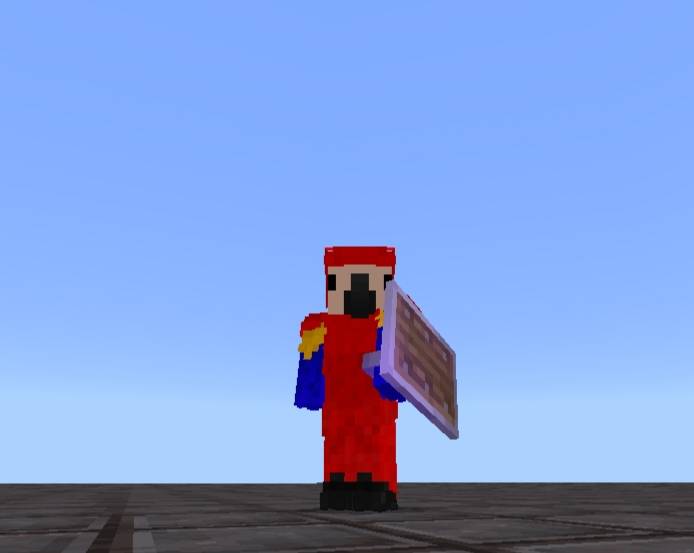
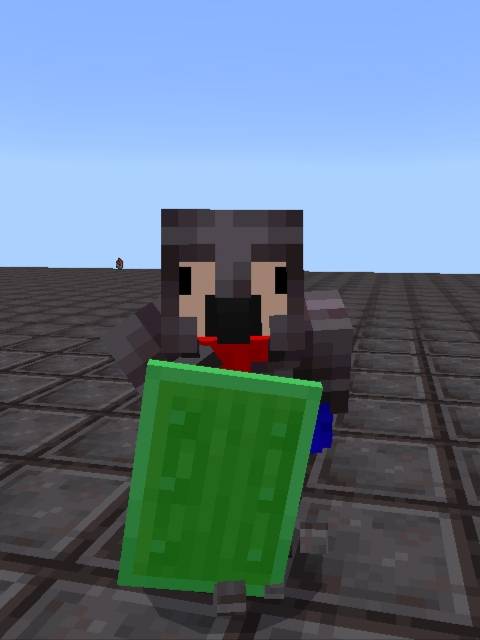
- 🛡️ Small shield model for better visibility.
- 🔴 Shield turns red when it is disabled.
- 🟢 Shield turns green while you are crouching.
- ⚔️ Compatible with Java PvP Addon.
Community
For any help and suggestions Join discord:-
Discord: https://discord.gg/Ew3w9rUhP
YouTube: @ParrotMC_PE
Terms of Use
You are permitted to:
- Use this pack for your personal gameplay.
- Create videos, streams, or reviews featuring this pack.
- Share the original CurseForge download page when linking this pack.
You are not permitted to:
- Reupload this pack or any edited version to any website or platform.
- Claim this pack or any of its contents as your own work.
- Share download links that are not from the official CurseForge page.
- Redistribute modified versions of this pack to the public.
By downloading and using this pack, you agree to follow these terms.
- Edition: Minecraft Bedrock
- File type: .mcpack
- Minecraft version listed: 26.30
- How to install: Download the .mcpack. → Open it — Minecraft imports it under Resource Packs. → Activate it in Global Resources, or for one world under Resource Packs → Available.
- Where to get it: Opens on CurseForge — not every file is mirrored on our own servers.
Install steps are the general flow for this file type — How to install Minecraft Bedrock texture packs walks through it step by step.
- Save it as Java Shield Indicators V1.1.mcaddon before opening — it downloads as .mcpack, but it is a .mcaddon pack
- Manifest requires Minecraft 1.20.0 or newer
- Complete pack — everything it depends on is inside the file
- Download size: 782 KB
- Download link checked 15 Sept 2026 — working
These come from our own check of the pack file, not from the source page.