MapsBedrock
Sky Block Lucky World
I don't know my version
Open Minecraft and look at the bottom-left corner of the main screen — the version is printed there, like v1.26.30.
The game writes a 1. in front; the buttons above leave it off. v1.26.30 in the game is 26.30 here.

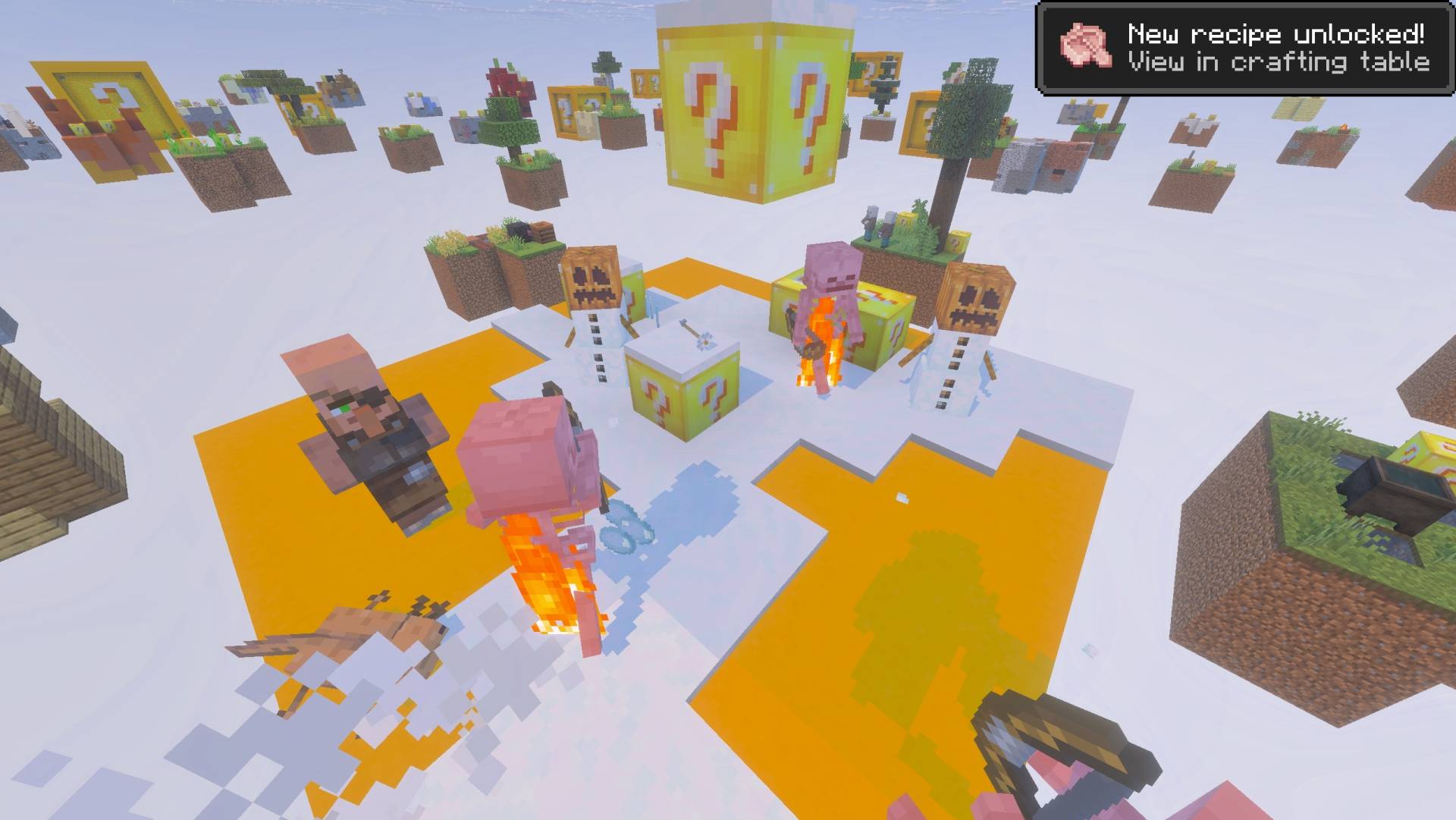
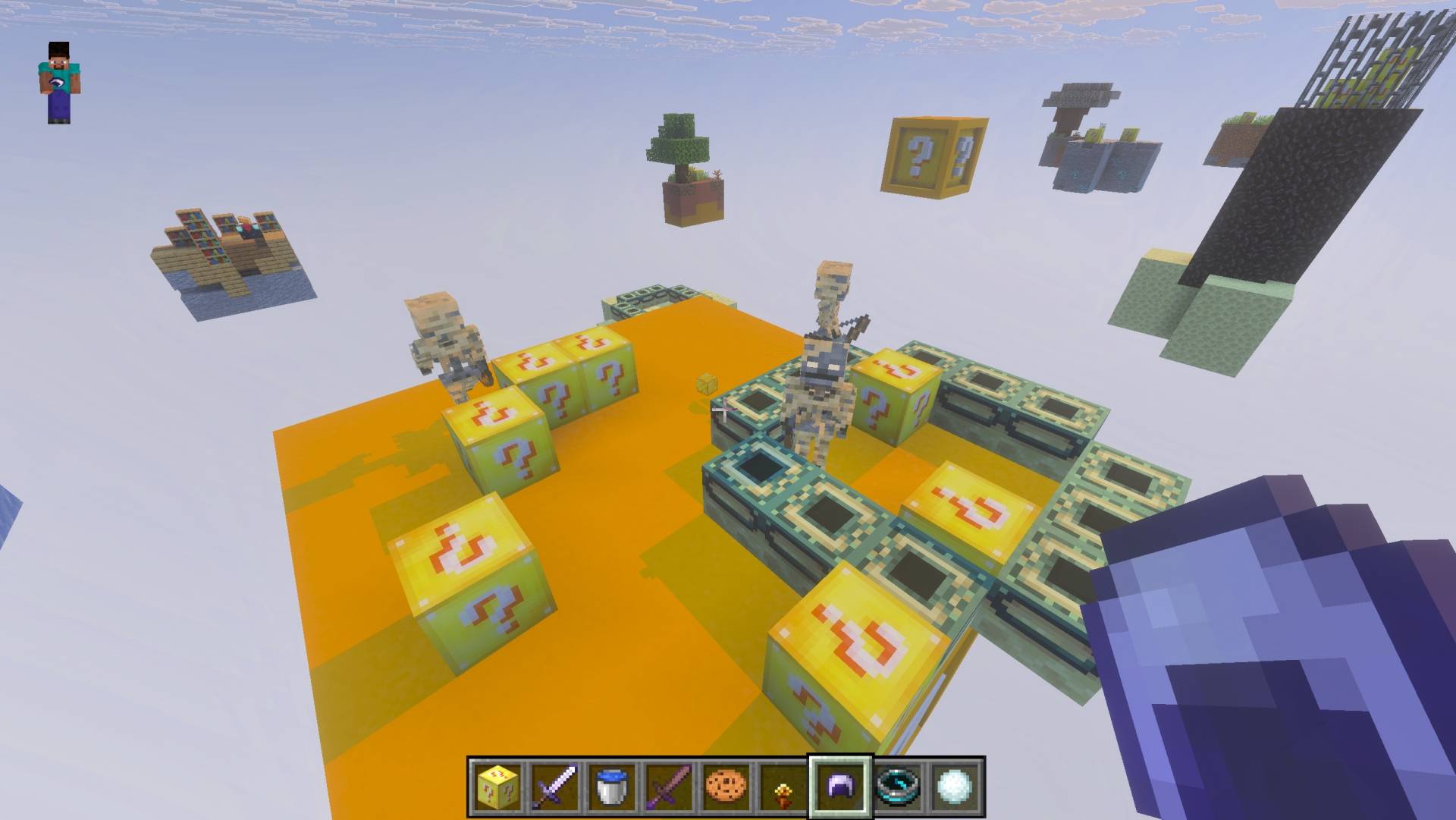
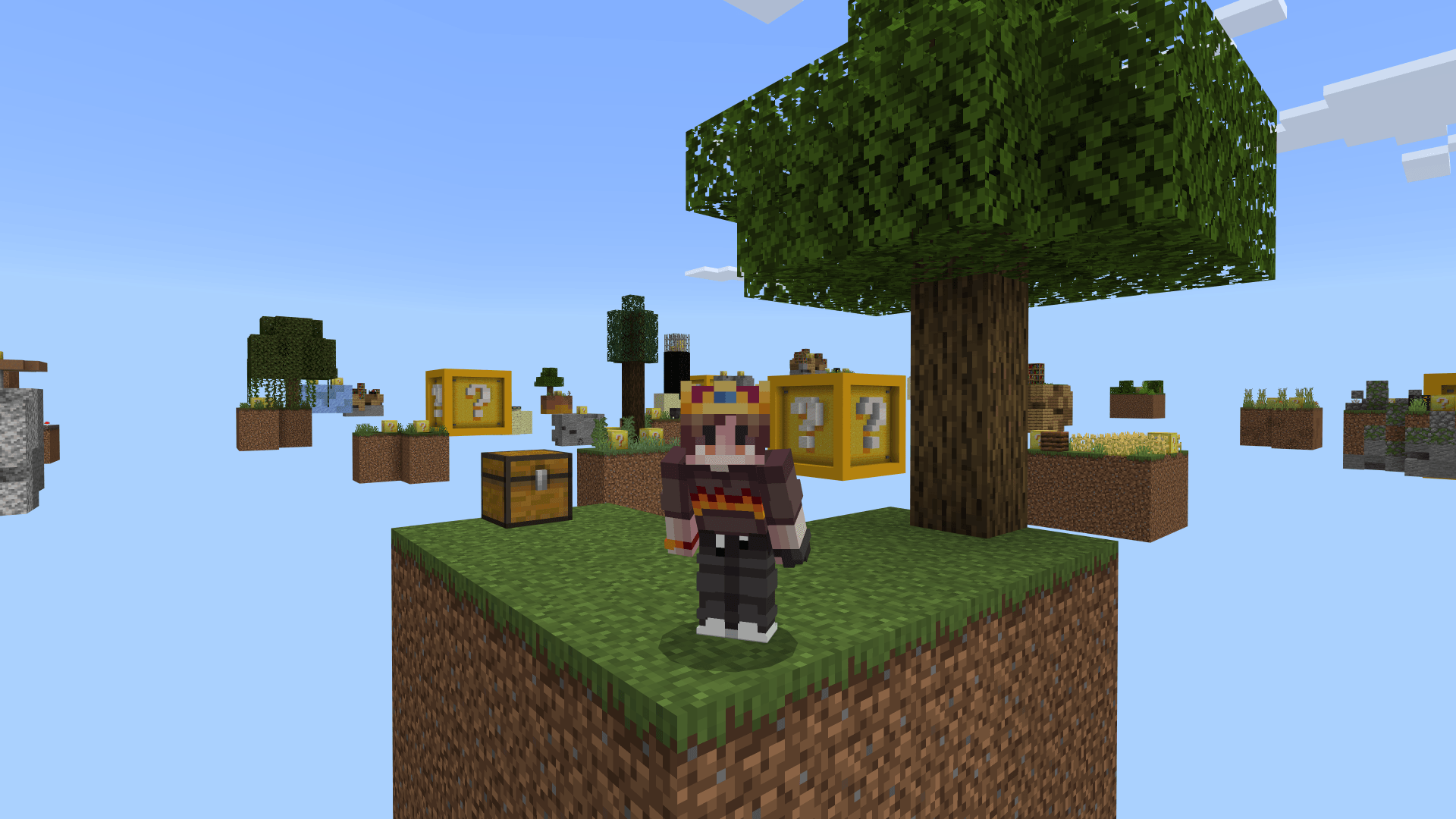
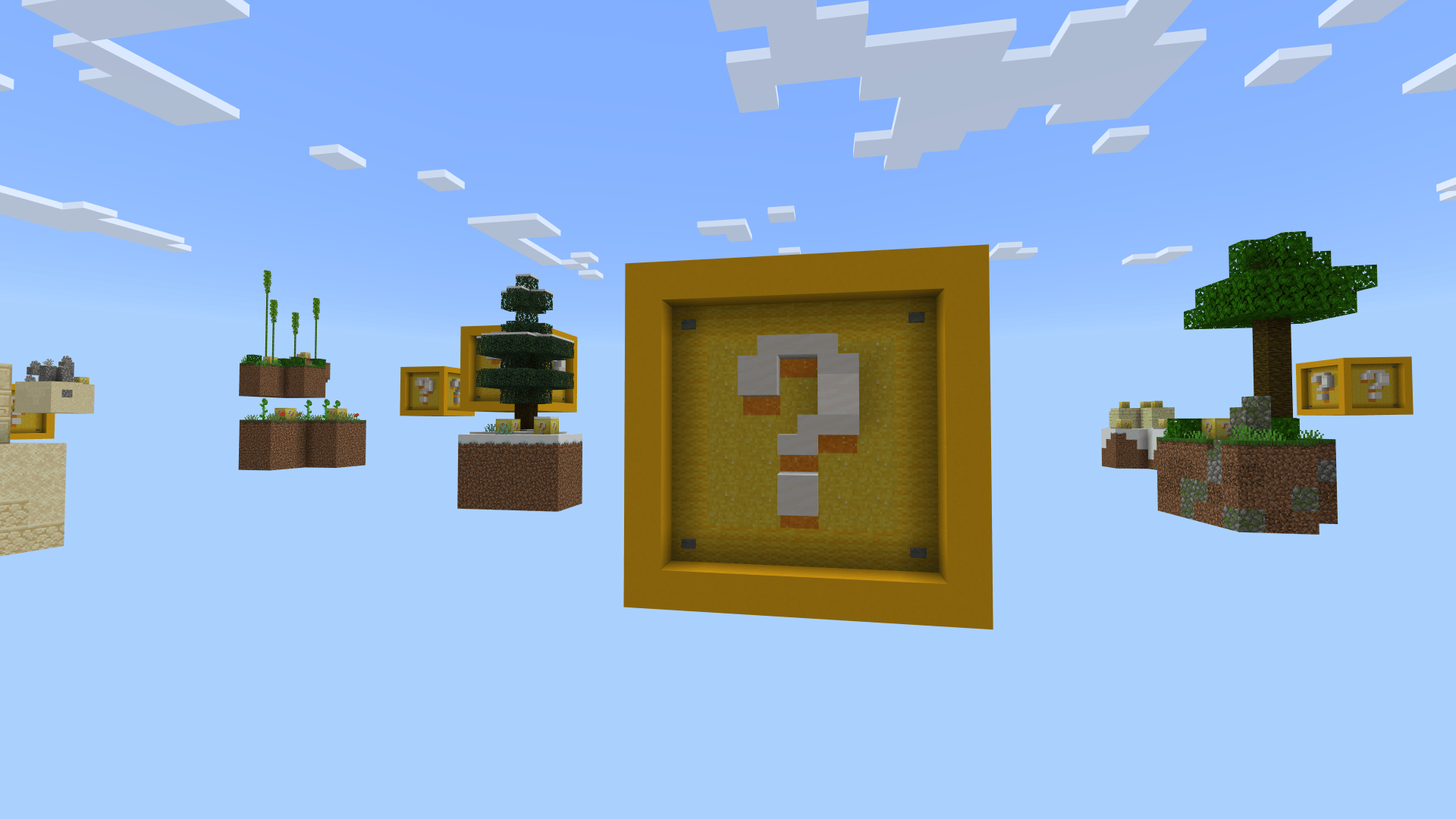
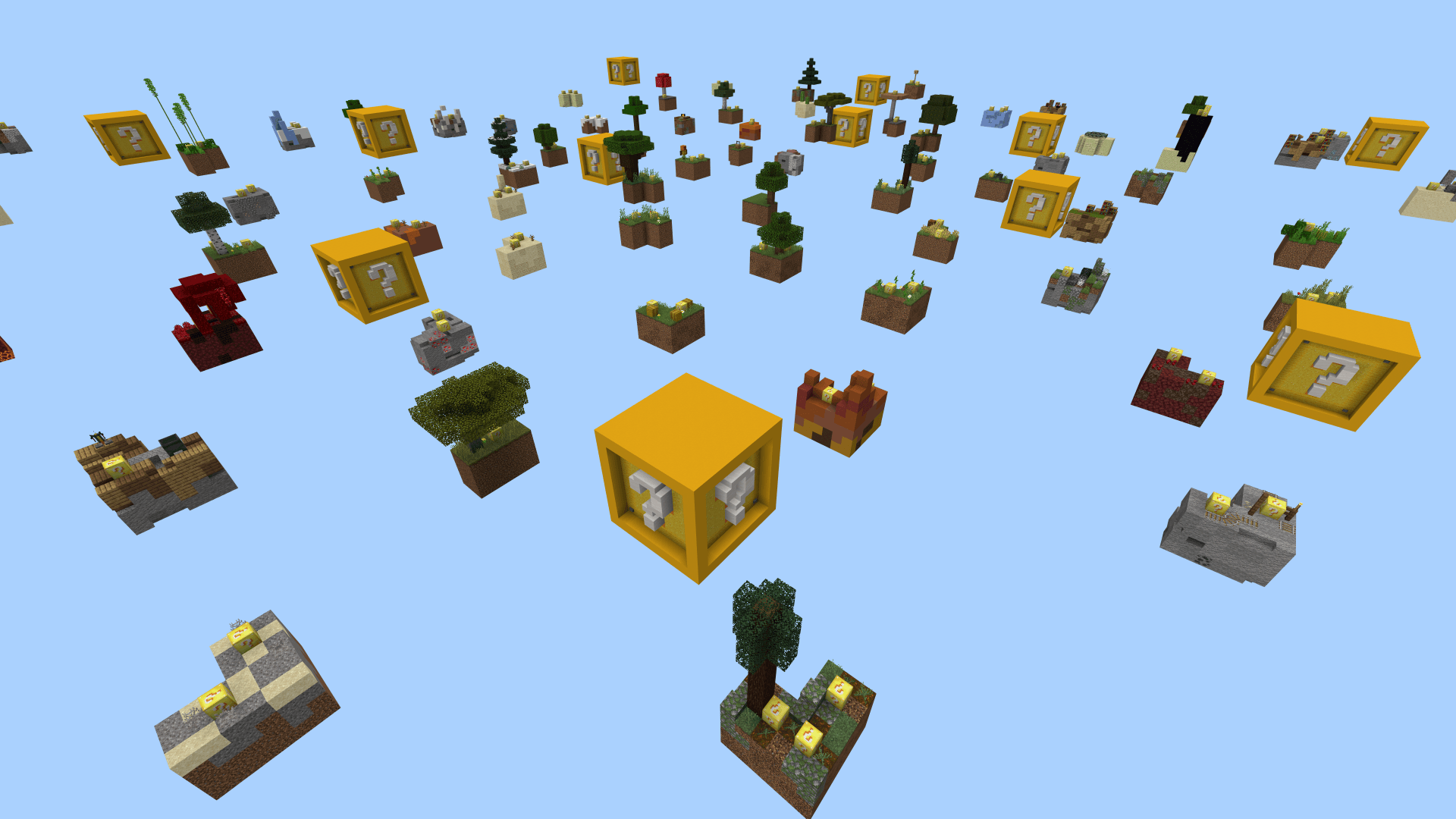
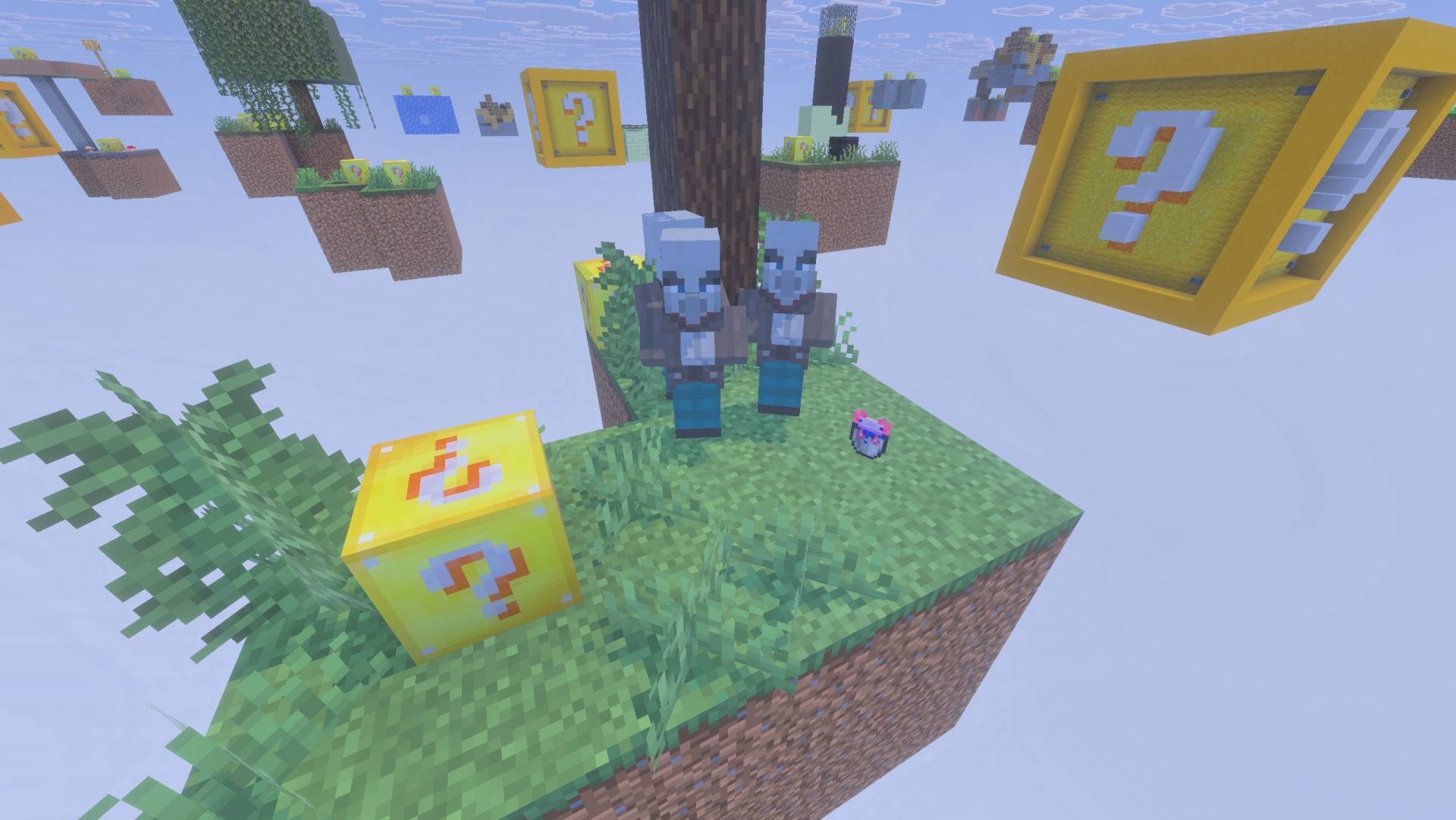
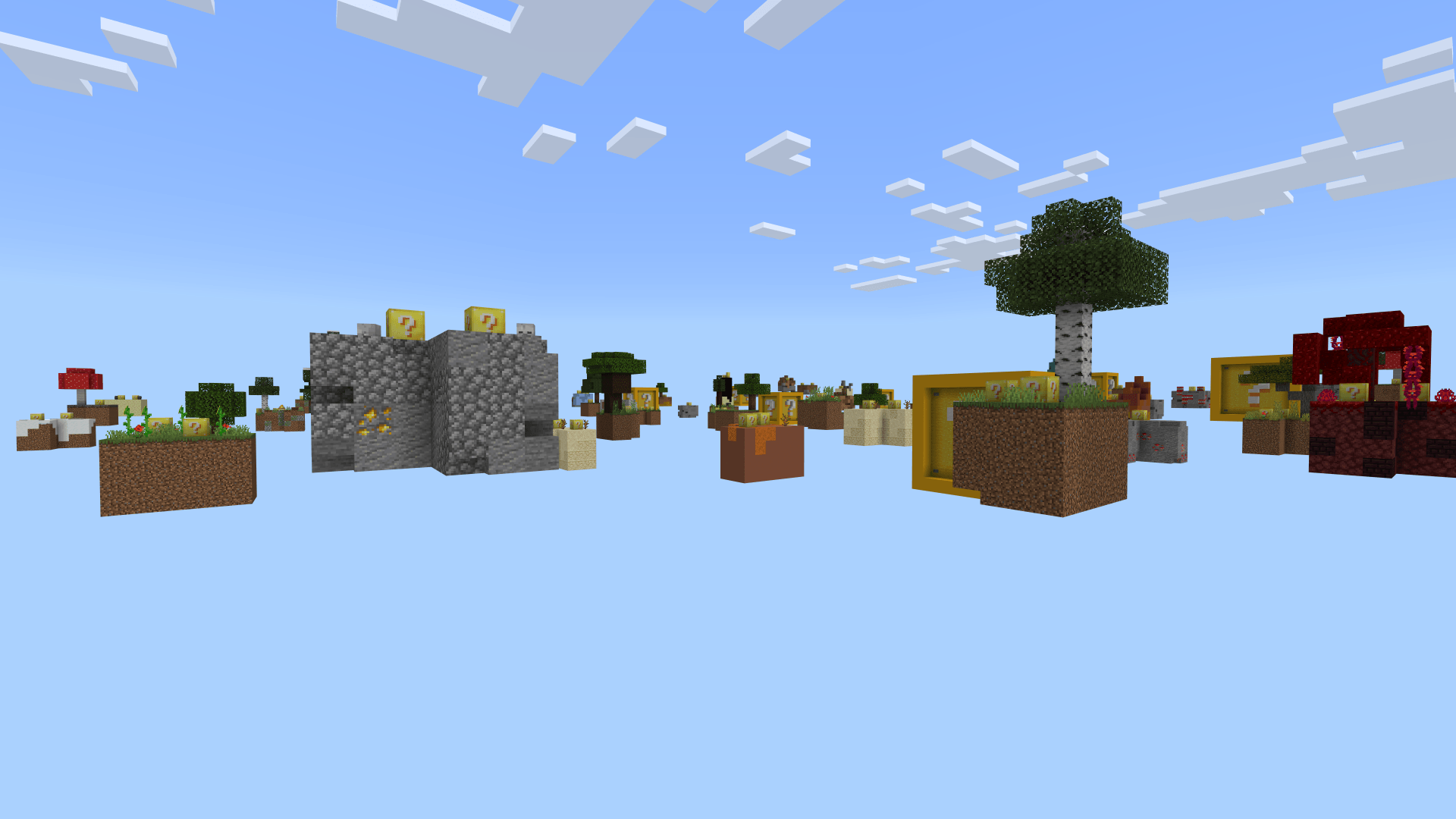

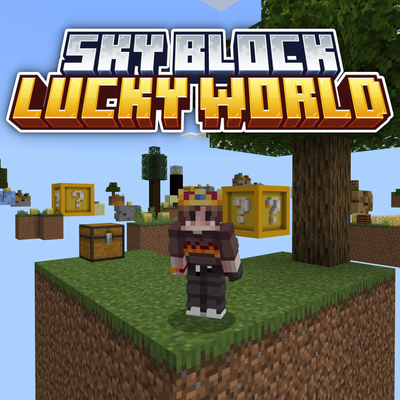
What's better than Lucky Blocks or Sky Block? Both combined!
Break the Lucky Blocks, build your way through the sky and take on the fight against the Ender Dragon!


Lots of small islands and big Lucky Blocks with secrets inside!

Works with Vibrant Visuals!

Terms of use
You can use all my projects for non-commercial purposes if you credit the original download page.
(This also includes monetized social media videos / livestreams and small servers up to 20 players)
Any other use, especially commercial, must be discussed with me in advance!
(This also includes monetized social media videos / livestreams and small servers up to 20 players)
Any other use, especially commercial, must be discussed with me in advance!
Quick facts
- Edition: Minecraft Bedrock
- File type: .mcworld
- Minecraft versions listed: 26.30, 26.40, 26.20
- How to install: Download the .mcworld file. → Open it — Minecraft imports it as a new world. → Find it in your Worlds list and play.
- Where to get it: Opens on CurseForge — not every file is mirrored on our own servers.
Install steps are the general flow for this file type — How to install Minecraft Bedrock maps walks through it step by step.
Verified by MCModsHub
- Pack type: .mcworld — a ready-made world
- Manifest requires Minecraft 1.21.0 or newer
- Complete pack — everything it depends on is inside the file
- Download size: 785 KB
- Download link checked 15 Sept 2026 — working
These come from our own check of the pack file, not from the source page.