Solscape Shaders
atleast make something different once Solscape Shaders wraps Bedrock in warm, sun-soaked lighting — vibrant skies, golden fog, and glowing ores, without…
⬇ Download on CurseForgeThe author built this one for Minecraft 1.21–26.40. On other versions it may install and then do nothing.
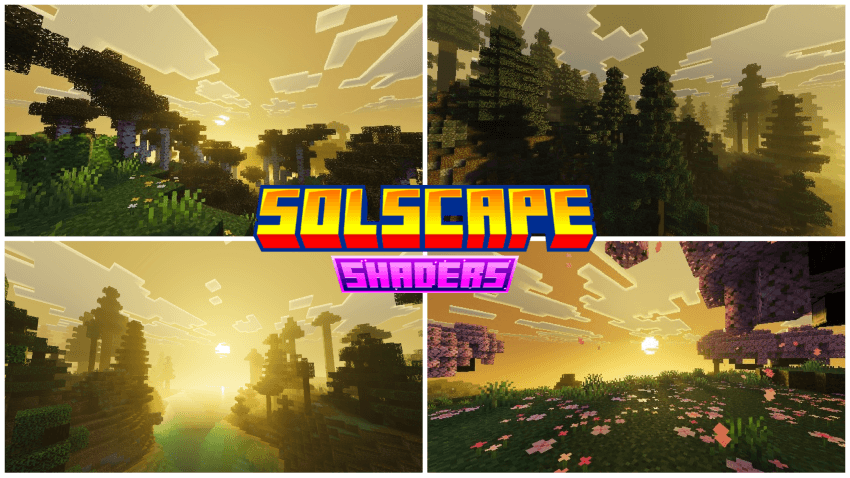
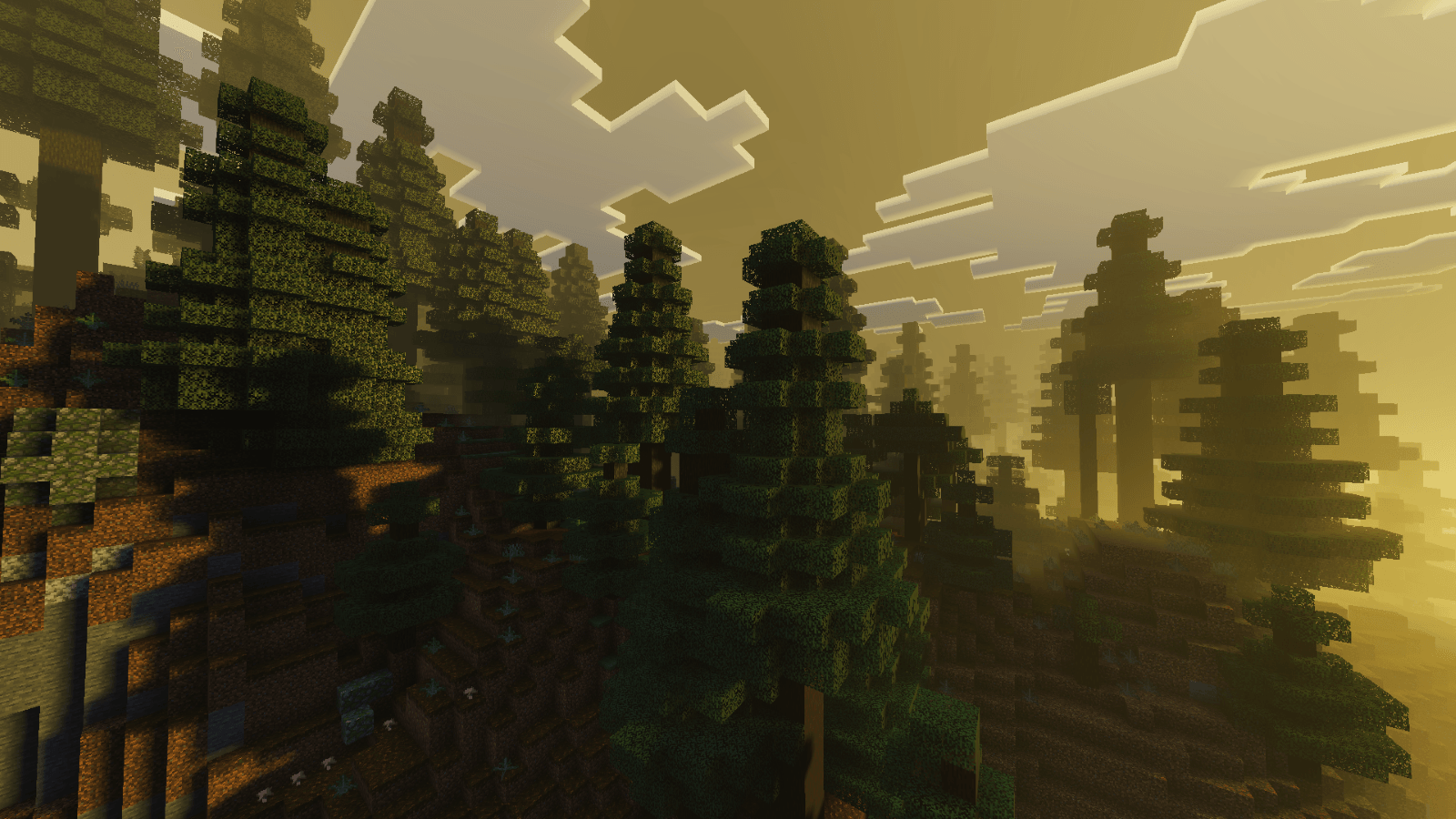
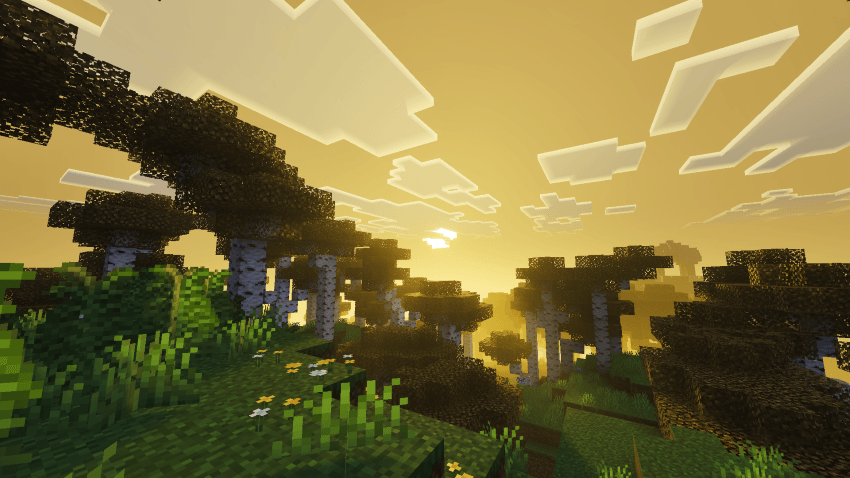
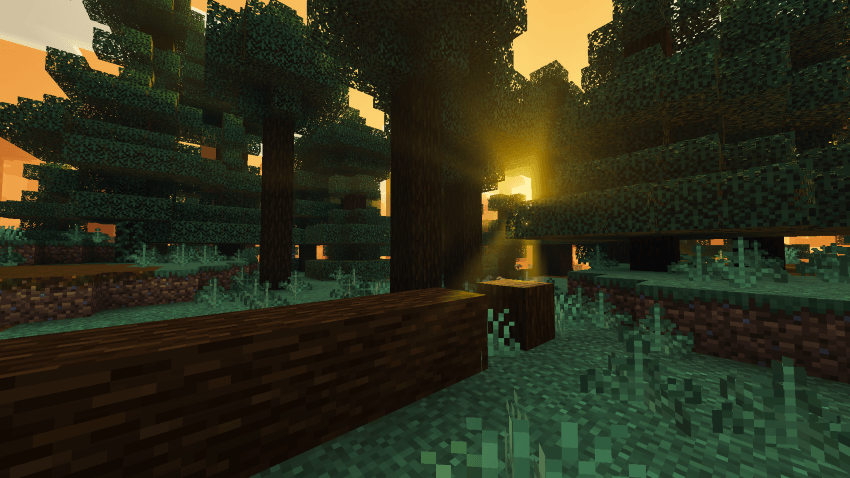
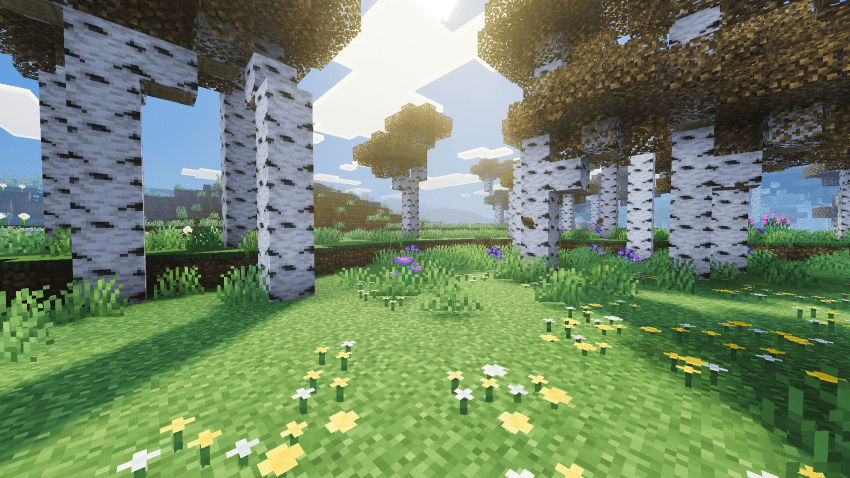
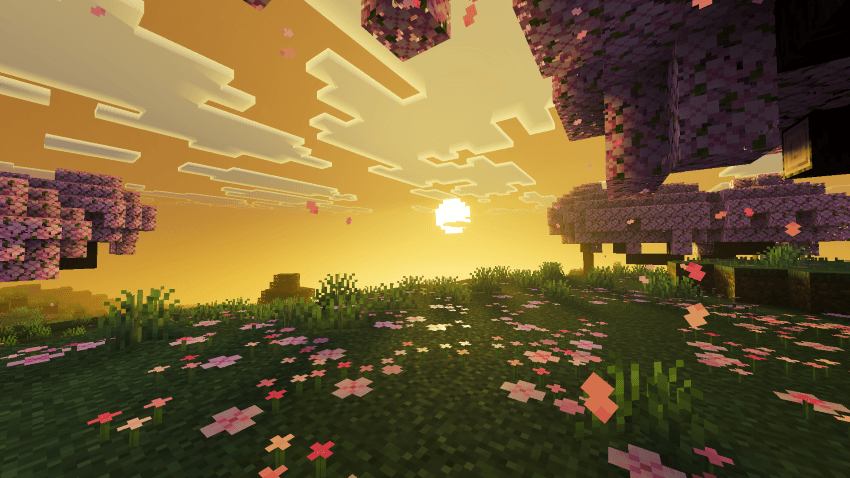
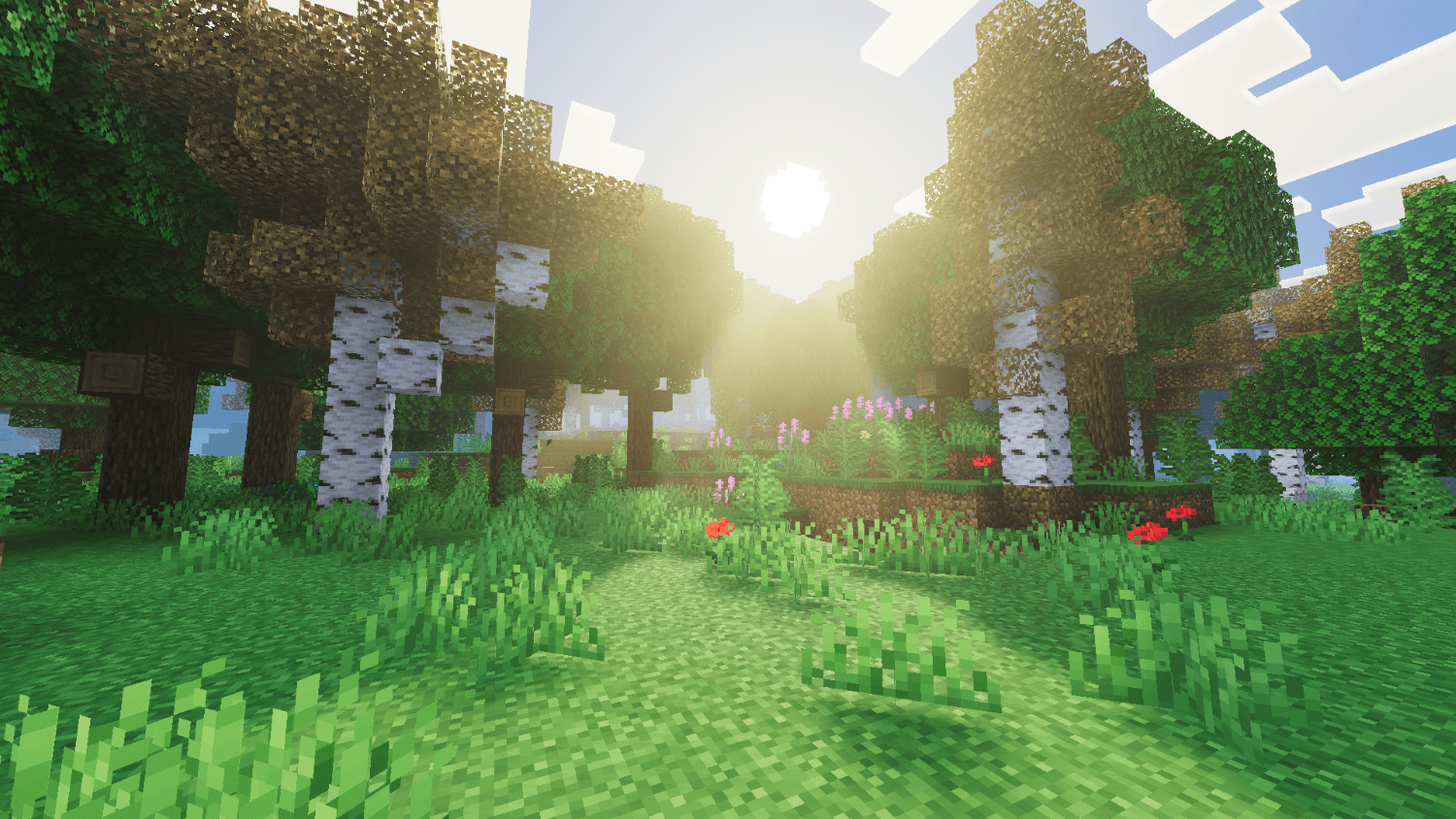
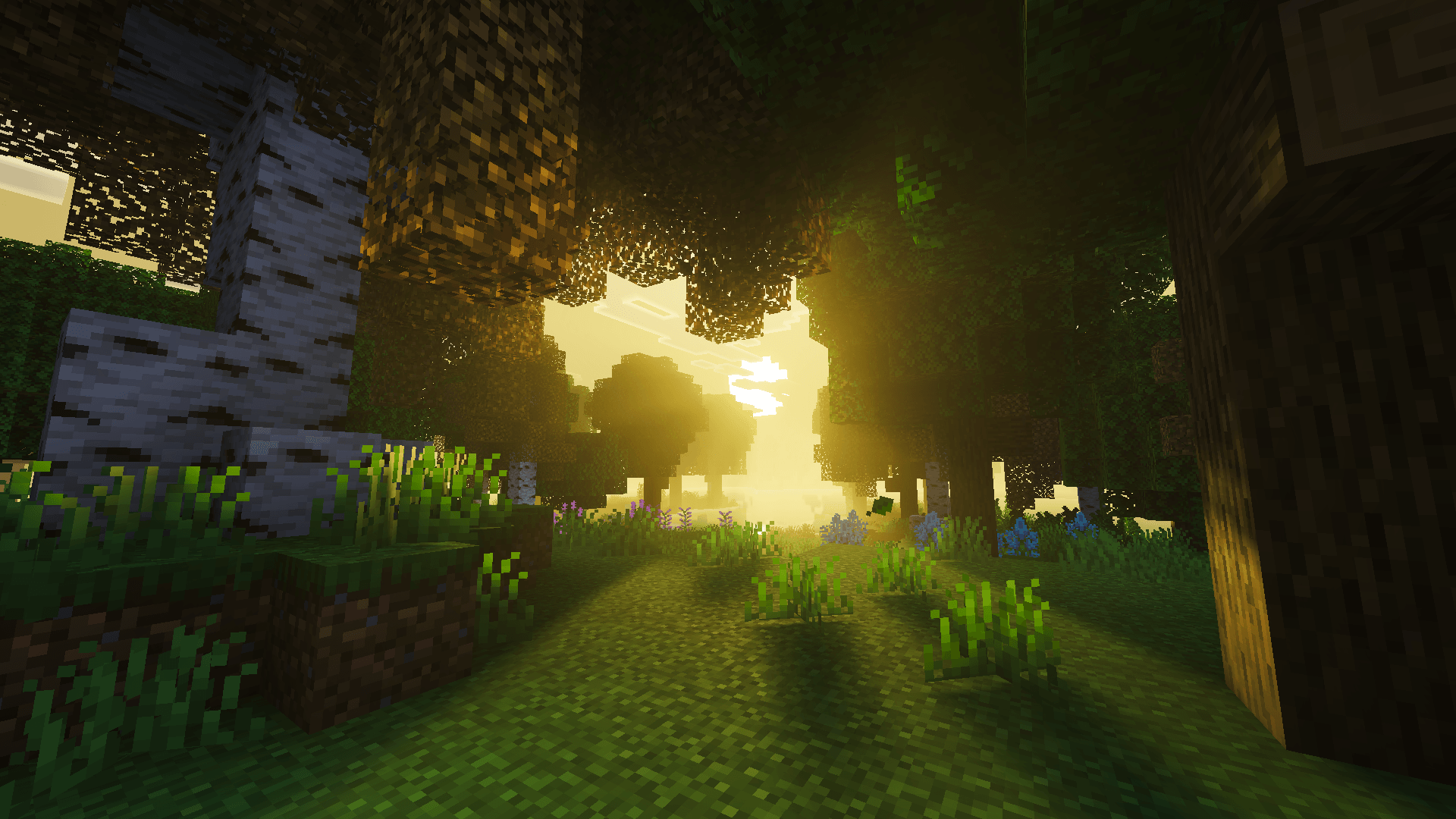
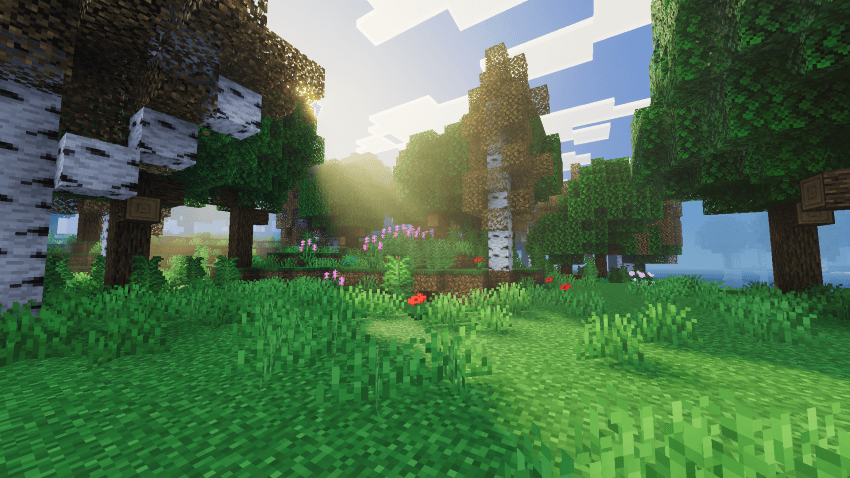
Solscape reimagines Minecraft Bedrock's atmosphere with warm, golden-hour lighting that turns every sunrise and sunset into a cinematic moment — built for both stunning visuals and smooth performance.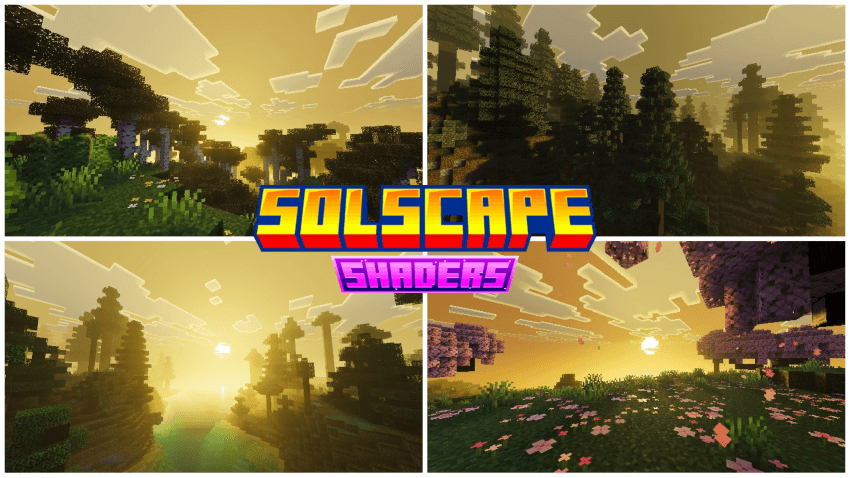
From glowing caves to hazy sunlit horizons, every detail is tuned to give your world a warmer, more immersive feel without sacrificing the vanilla charm you know.
Features:
- Warm dynamic skies with custom sunrise/sunset gradients
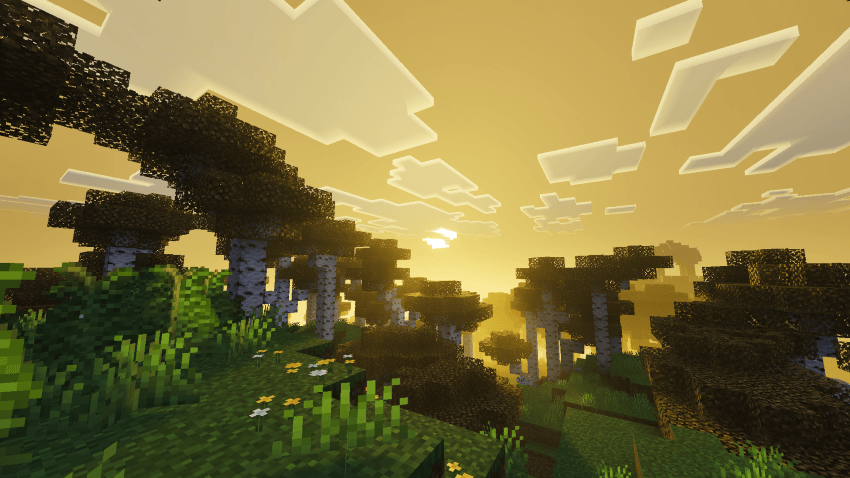
- Golden volumetric fog for a sun-drenched, hazy look
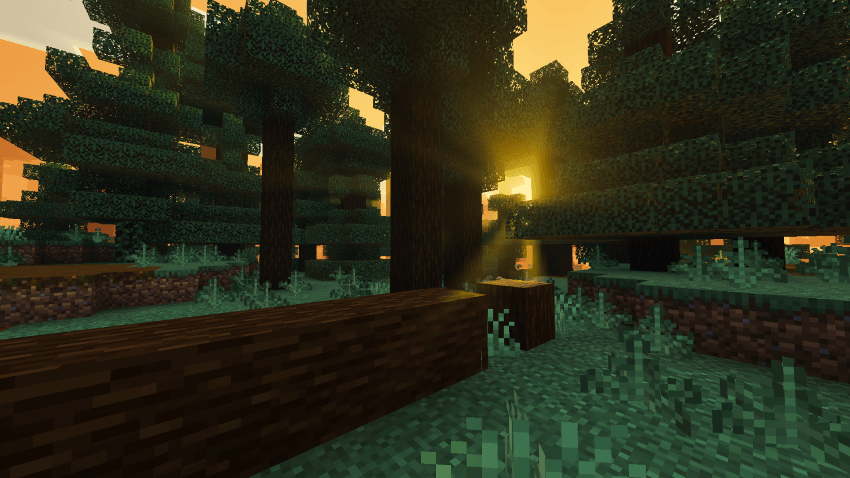
- Cinematic ACES color grading with warm white balance
- Glowing PBR ores with full MER support
- Lightweight and vanilla-friendly performance
Requirements:
Minecraft Bedrock 1.21.80+ with Vibrant Visuals / RenderDragon enabled
Installation:
- Download the
.mcpackfile - Open with Minecraft or place in
games/com.mojang/resource_packs - Activate in Settings > Global Resources, move to top
- Enable Vibrant Visuals in Settings > Video
- Apply under World Settings > Resource Packs
- Edition: Minecraft Bedrock
- File type: .mcpack
- Minecraft versions listed: 1.21.90, 1.21.101, 1.21.100
- How to install: Download the .mcpack. → Open it — Minecraft imports it under Resource Packs. → Activate it in Global Resources, or for one world under Resource Packs → Available.
- Where to get it: Opens on CurseForge — not every file is mirrored on our own servers.
Install steps are the general flow for this file type — How to install Minecraft Bedrock texture packs walks through it step by step.
- Pack type: .mcpack — a single pack
- Manifest requires Minecraft 1.21.80 or newer
- Complete pack — everything it depends on is inside the file
- Download size: 1.1 MB
- Download link checked 15 Sept 2026 — working
These come from our own check of the pack file, not from the source page.