Fast Craft & Quick Loot & Drop
Bedrock texture pack listed for Minecraft 26.x. File opened and checked on 22 Sep 2026; installs from the MC Bedrock Mods app on Android.
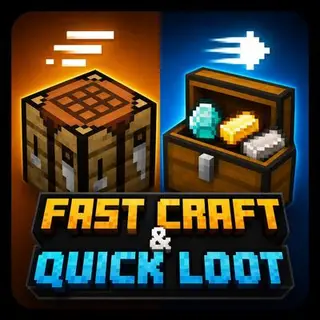
Fast Craft & Quick Loot is a Minecraft Bedrock texture pack that speeds up crafting and loot collection with a cleaner, faster crafting interface and…
⬇ Download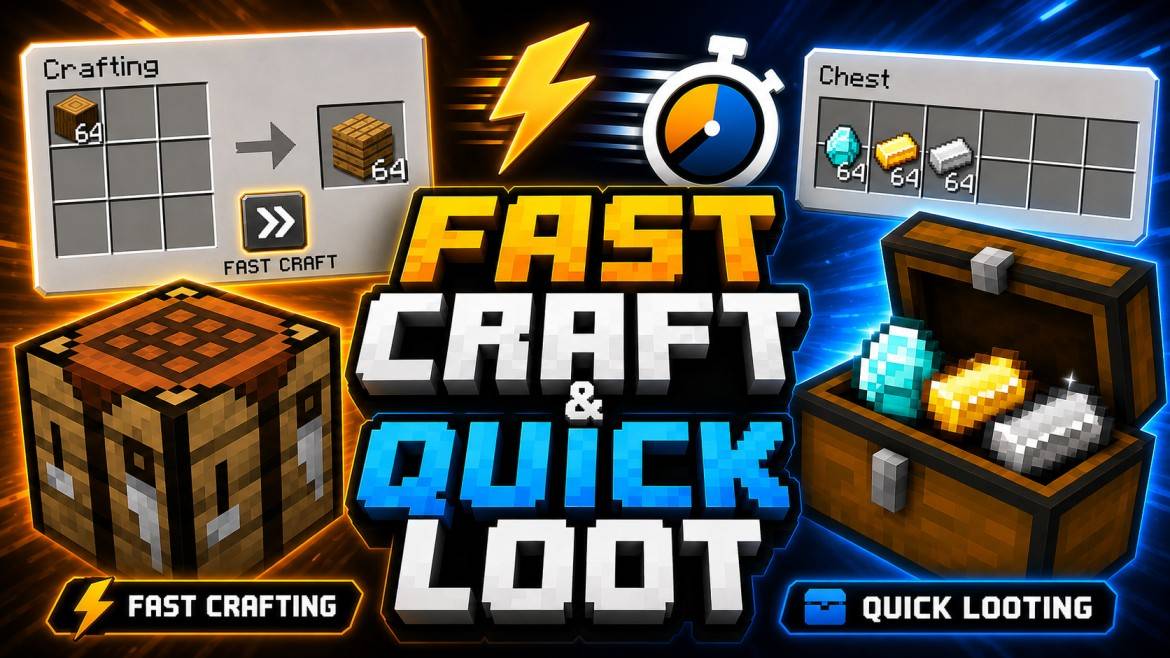
⚡ FAST CRAFT + QUICK LOOT + QUICK DROP ⚡
A GAVTI PvP & Inventory Utility Pack
🔥 What This Pack Does
This lightweight resource pack upgrades Minecraft's inventory and container interfaces with faster crafting, looting, trading, and item dropping tools. It is designed for players who want fewer unnecessary clicks while fighting, building, looting, or managing storage.
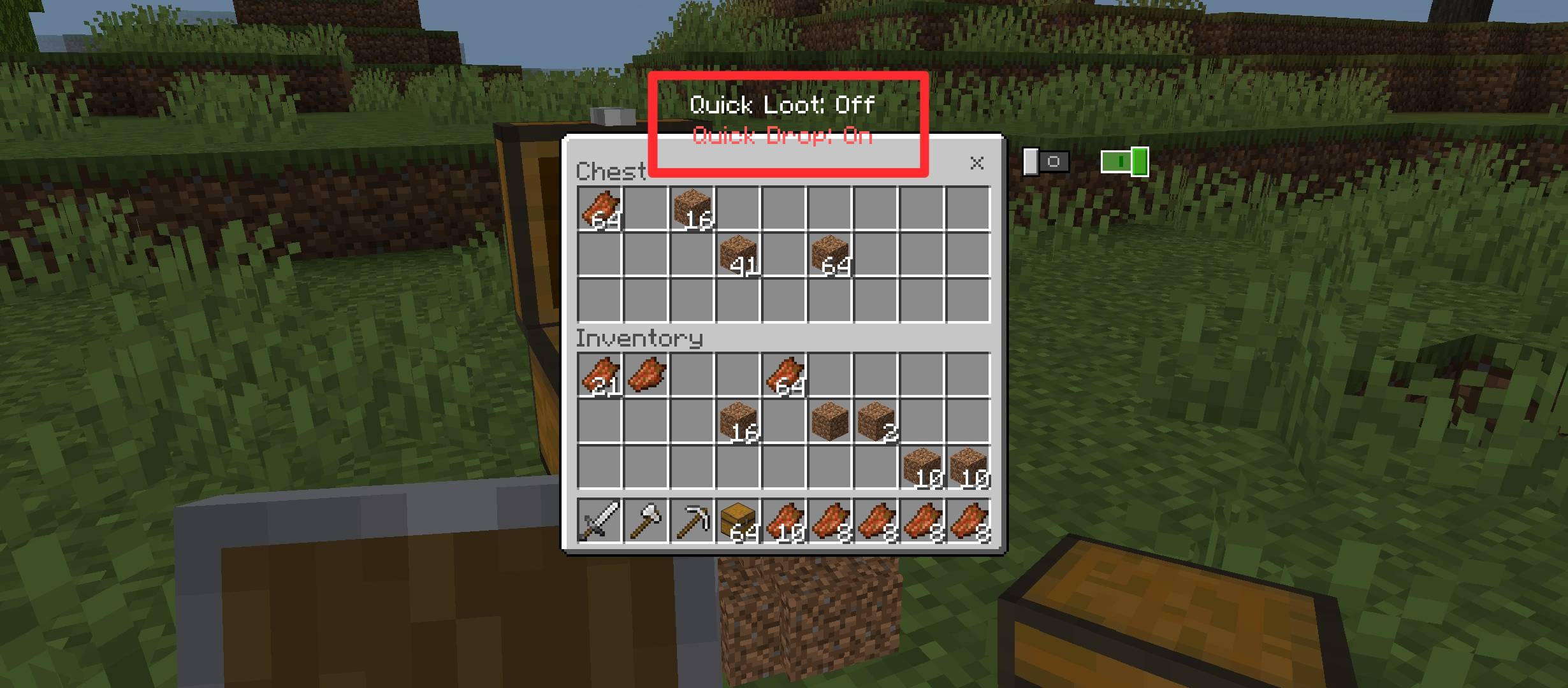
- ⚡ Fast Craft Button — a compact quick-take button appears around supported crafting output areas. One tap quickly moves the crafted result into your inventory without repeatedly dragging items manually.
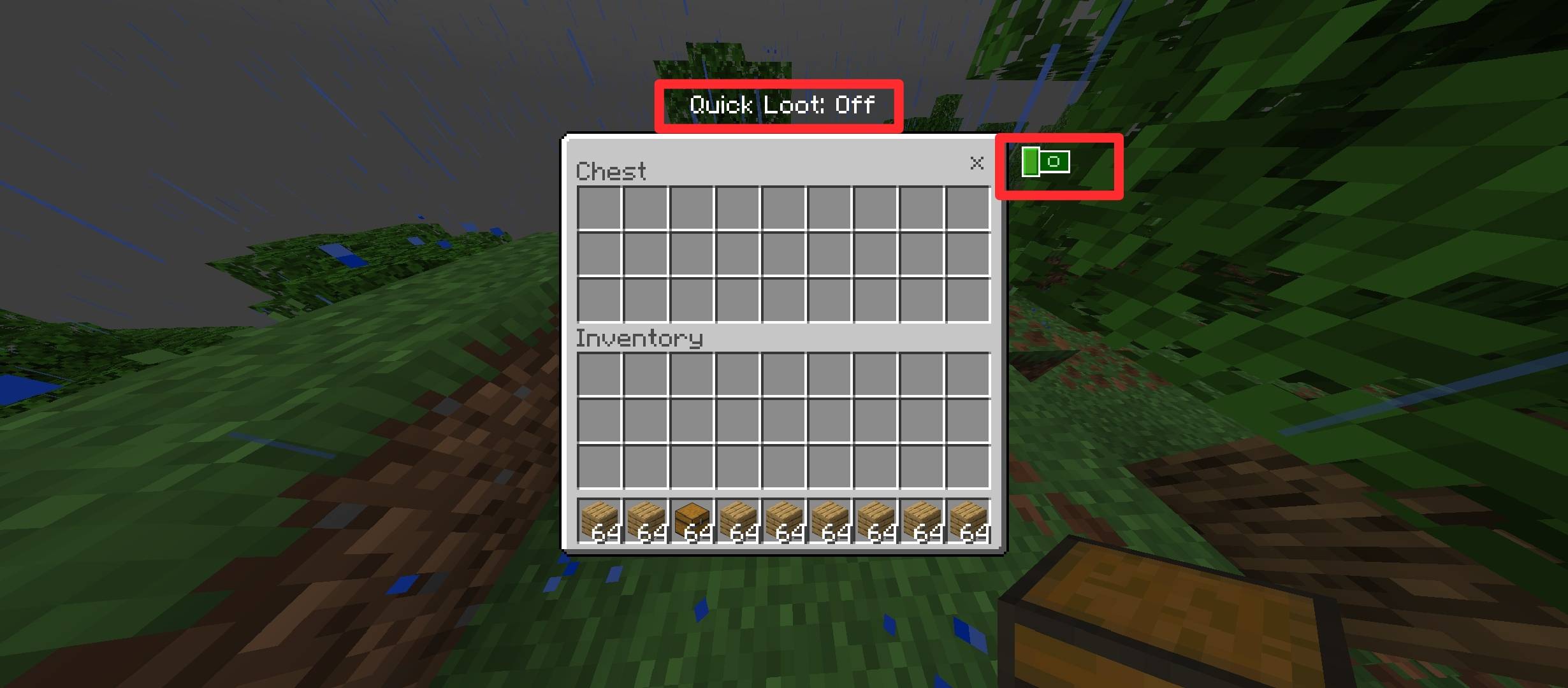
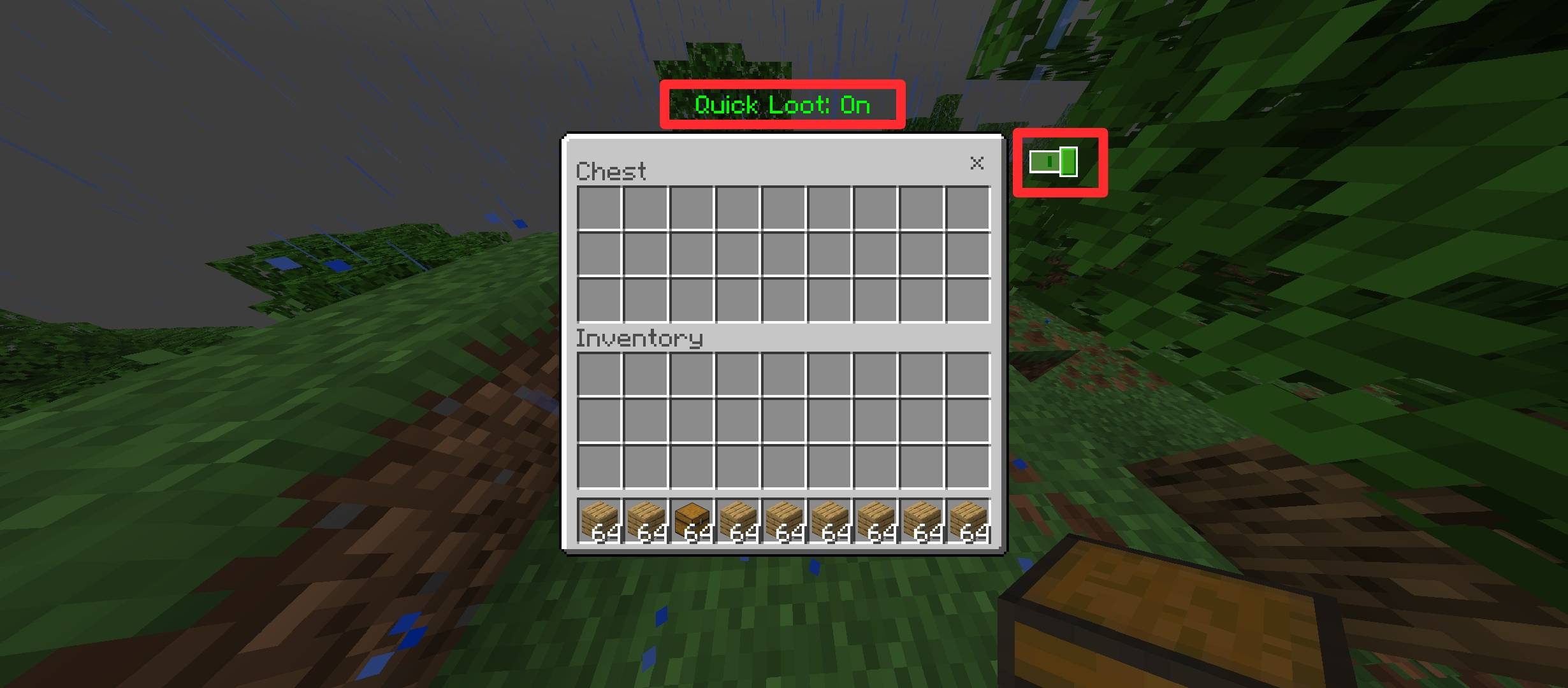
- 📦 Quick Loot Toggle — enable Quick Loot while using supported inventory or container screens to rapidly transfer selected items between your inventory and storage. Perfect for raids, PvP looting, farms, and fast storage management.
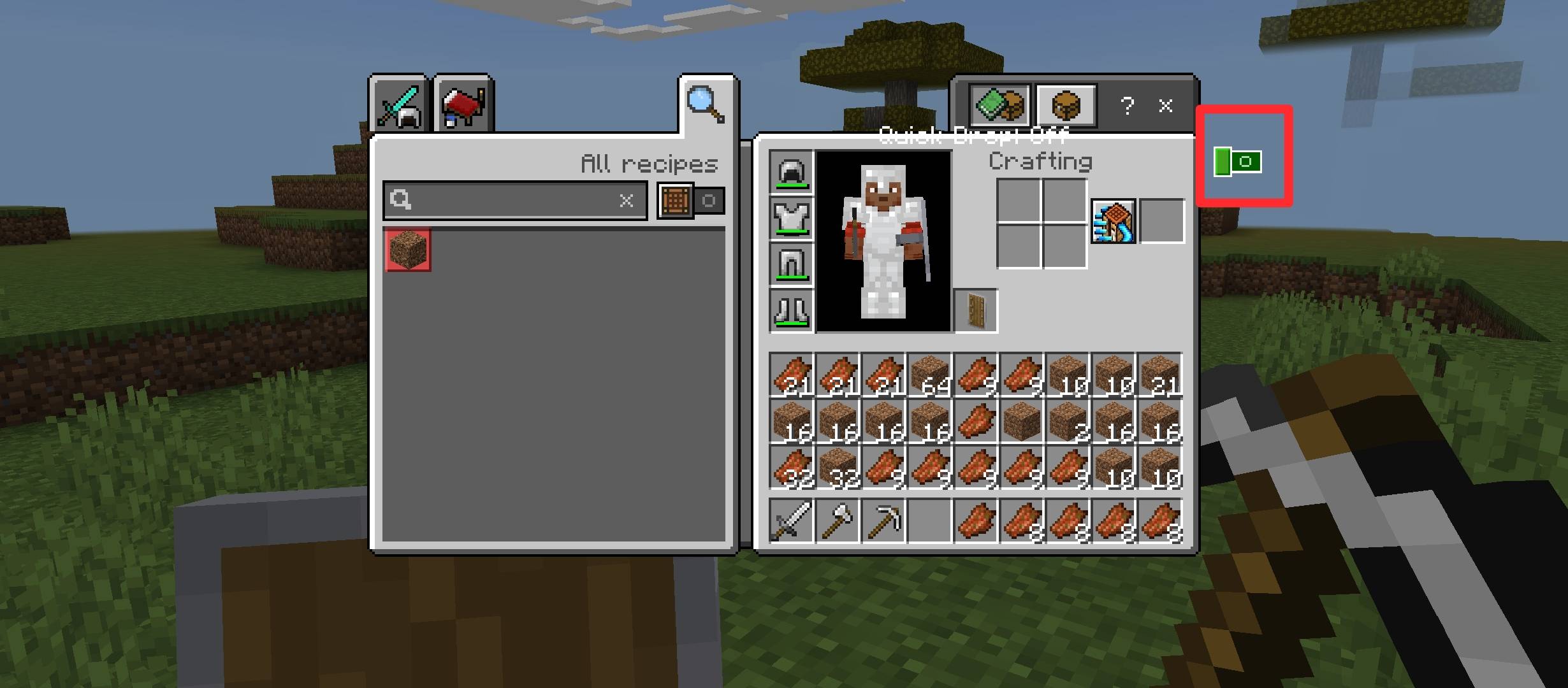
- 🗑️ Quick Drop Toggle — the new Quick Drop mode lets you instantly throw selected item stacks outside. Turn the toggle on, select an item from your inventory or supported container, and the stack is dropped directly instead of requiring the normal multi-step drop process.
- 💎 Quick Trade Support — fast item-taking behavior is also integrated into the villager trading interface, making repeated trades smoother and quicker.
- 📱 Mobile-Friendly UI — controls are kept compact and easy to access without filling the screen with unnecessary interface elements.
🗑️ How Quick Drop Works
- Open your inventory or a supported storage/container screen.
- Enable the Quick Drop toggle.
- Select the item stack you want to remove.
- The selected stack is immediately dropped outside.
- Turn Quick Drop off whenever you want normal inventory controls again.
⚠️ Quick Drop Warning: Be careful while this mode is enabled. Selecting valuable items can immediately drop them outside.
🎮 Perfect For
- ⚔️ PvP & competitive gameplay
- 🏹 Raids and fast looting
- 📦 Storage organization
- 🧱 Builders and survival players
- 💎 Villager trading halls
- 🗑️ Quickly clearing unwanted inventory items
✨ Key Features
- ⚡ Faster crafting interaction
- 📦 Quick container looting
- 🗑️ Instant stack dropping
- 💎 Faster villager trading
- 📱 Compact interface design
- 🚀 Lightweight resource-pack implementation
- 🎯 Built for speed and convenience
📦 Installation
- Download the .mcpack file.
- Open the file with Minecraft and wait for the pack to import.
- Enable it from Settings → Global Resources or activate it directly on your world.
- Open your inventory, chest, or another supported interface and use the available Quick Loot / Quick Drop controls whenever needed.
⚠️ Disclaimer: All preview/showcase images used for this pack may be AI-enhanced for presentation purposes. Actual in-game visuals can vary slightly depending on Minecraft version, device, UI scale, and other active resource packs.
💜 You are free to use these assets, textures, and code in your own maps, addons, resource packs, or other Minecraft projects.
The only condition — always provide proper credit to:
@GAVTI
Made with ⚡ by GAVTI — Craft Faster • Loot Faster • Drop Faster
- Edition: Minecraft Bedrock
- File type: .mcpack
- Minecraft versions listed: 26.20, 26.30, 26.40
- How to install: Download the .mcpack. → Open it — Minecraft imports it under Resource Packs. → Activate it in Global Resources, or for one world under Resource Packs → Available.
- Where to get it: In MCModsHub, or directly above on this page.
Install steps are the general flow for this file type — How to install Minecraft Bedrock texture packs walks through it step by step.
- Pack type: .mcpack — a single pack
- Complete pack — everything it depends on is inside the file
- Download size: 333 KB
- Download link checked 15 Sept 2026 — working
These come from our own check of the pack file, not from the source page.