
Complimentory Vibrant Visuals
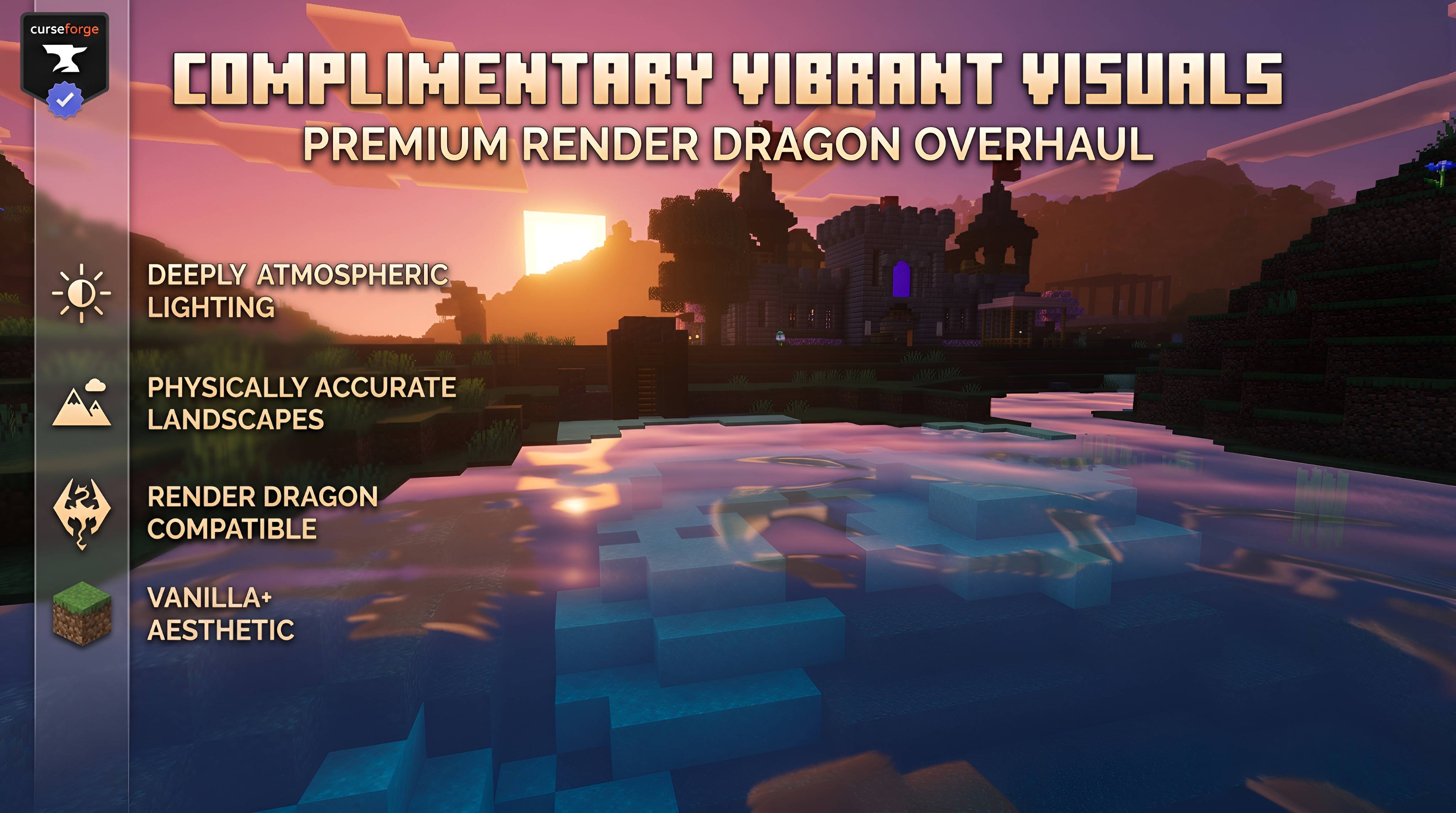
A premium graphics overhaul for Minecraft Bedrock! Features rich Deferred PBR textures, vibrant color grading, and performance-friendly tiers optimized…
⬇ Download on CurseForgeThe author built this one for Minecraft 1.21–26.10. On other versions it may install and then do nothing.
COMPLIMENTARY VIBRANT VISUALS

CREATED BY VEDA77


✨ A New Era of Bedrock Graphics
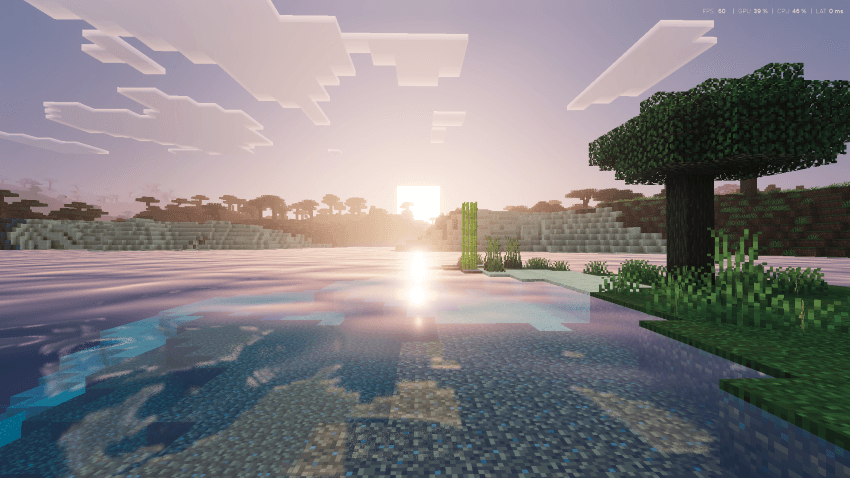
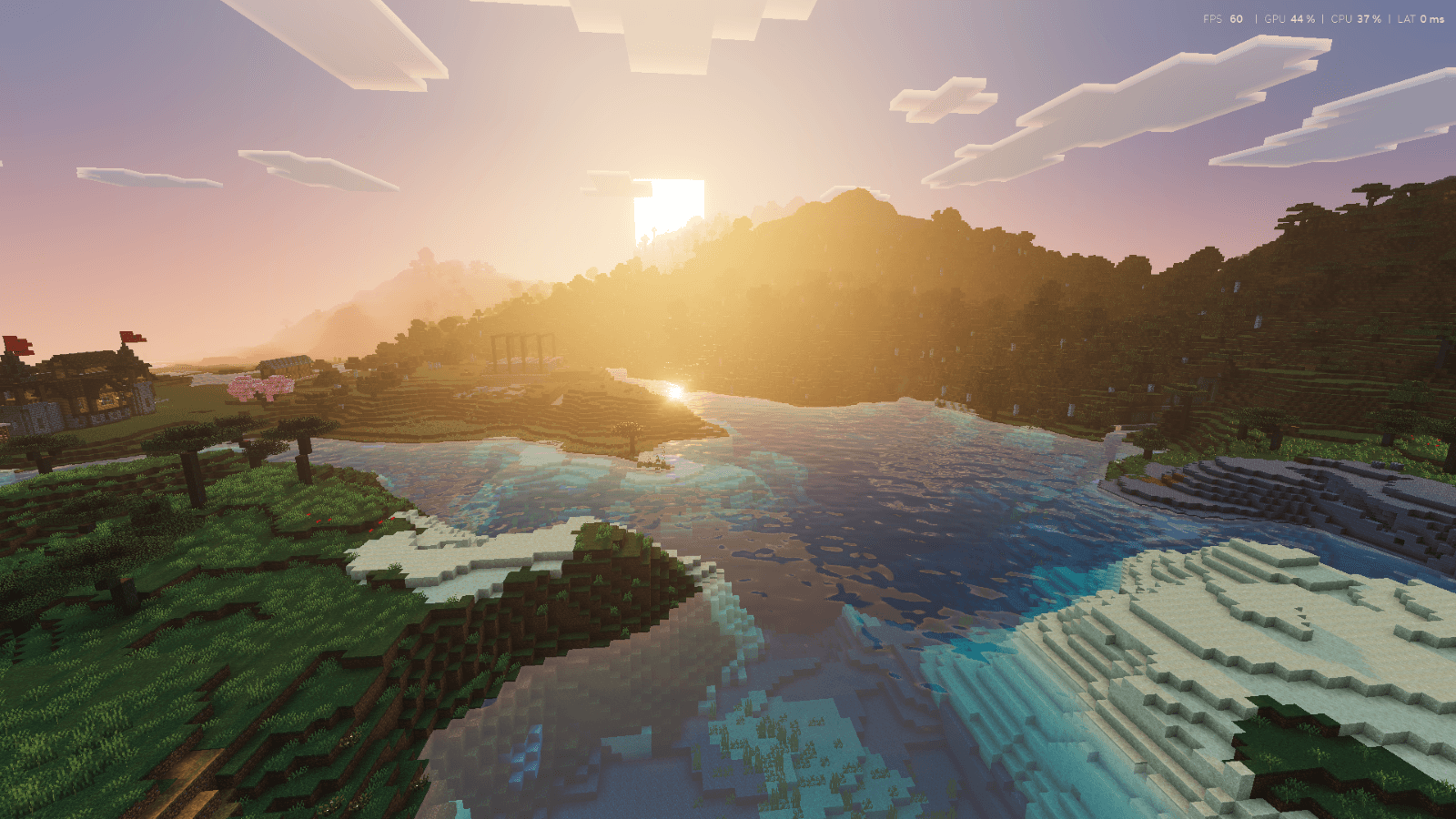
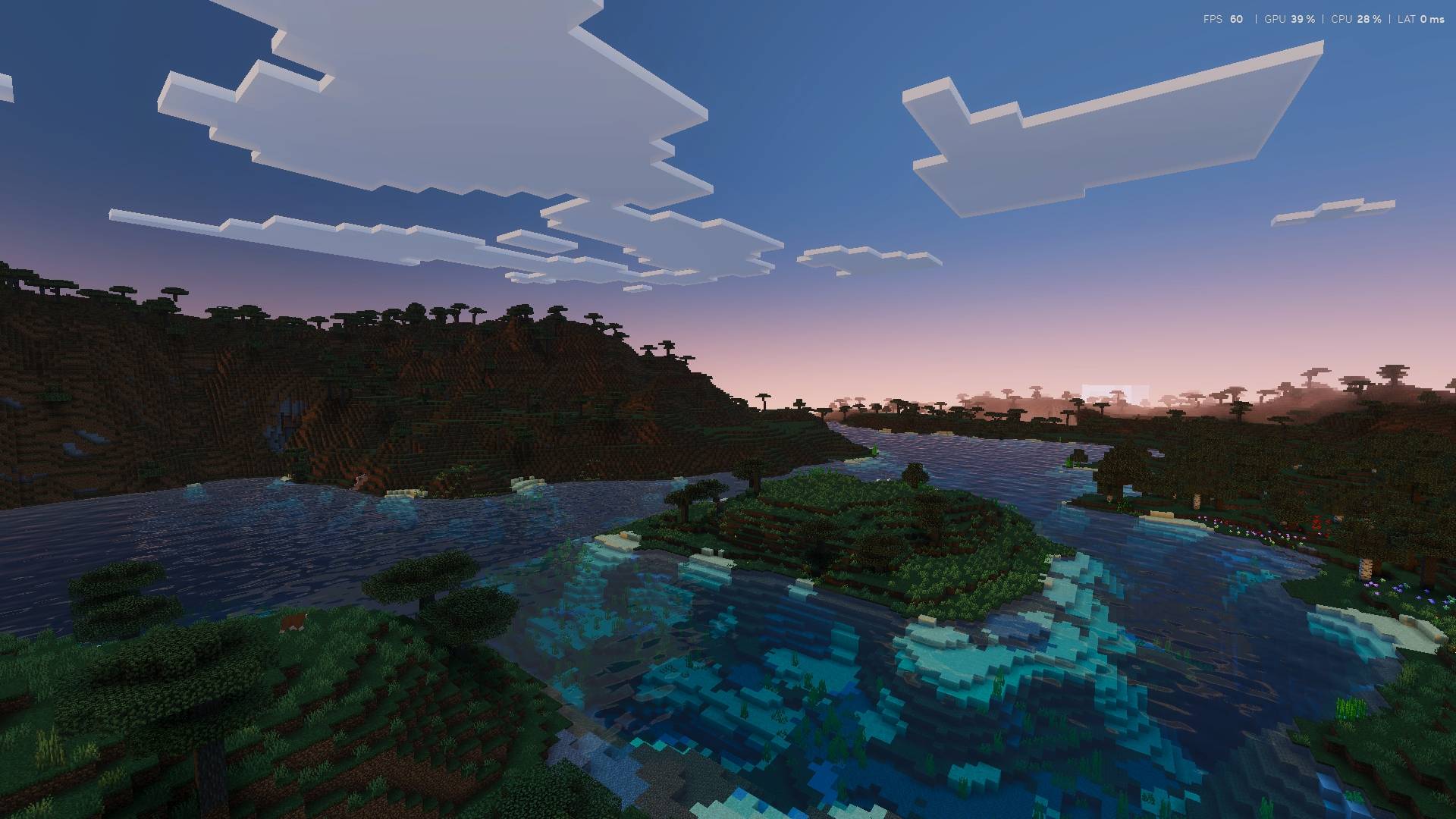
Complimentary Vibrant Visuals is a premium graphics overhaul engineered specifically for the Minecraft Bedrock Render Dragon engine. It transforms standard, flat environments into deeply atmospheric, physically accurate landscapes.
Whether you are capturing cinematic screenshots or building your ultimate survival base, this shader provides a definitive visual upgrade without compromising the beloved aesthetic of vanilla Minecraft.
🚀 Next-Gen Capabilities
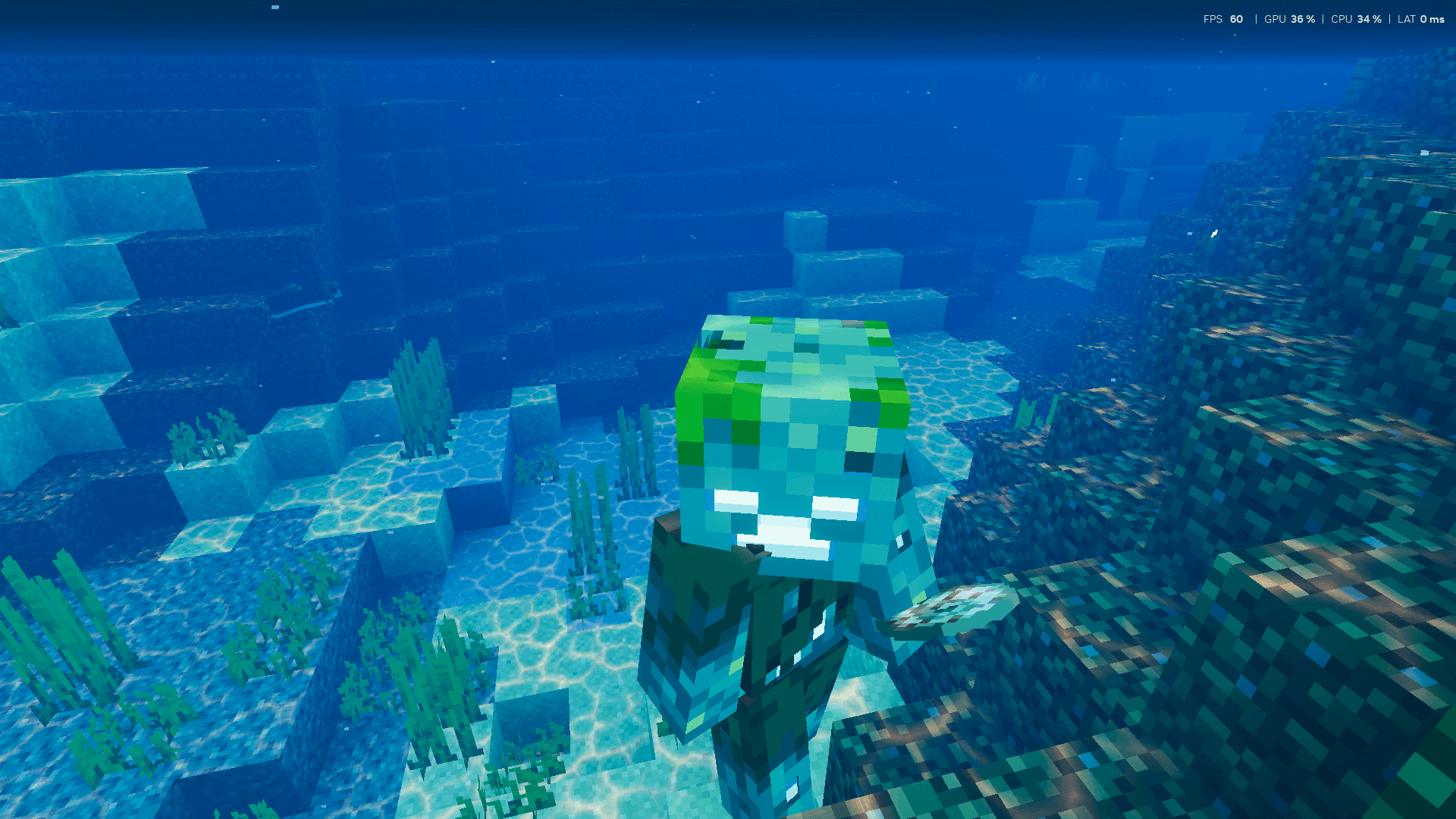
🔮 PBR TexturingComplete integration of normal and specular maps. Experience realistic material roughness, depth, and reactive light reflections across terrains. |
🎨 Color GradingEliminates the washed-out tone of the base game. Biomes feature rich, carefully calibrated color palettes that dramatically enhance environmental mood. |
⚙️ Optimized TiersIncludes highly optimized memory tiers via subpack configurations (Low Featured & Default Featured) to ensure maximum stability. |
🌙 Atmospheric LightingStunning sunrises, glowing ores, and deep shadows completely change the way you explore the world at night and in caves. |
📥 Installation & Setup
- Download the .mcpack file and open it to import into Minecraft.
- Navigate to Settings > Global Resources and activate the pack.
- Click the Gear Icon on the pack to select your performance tier (Low Featured or Default Featured).
- Crucial: Ensure that Deferred Technical Preview is enabled in your Video settings!
🔥 Support My Work!
If you love my high-quality Add-Ons and Shader packs, make sure to follow my official pages! It helps me create more amazing, professional content for the community.


Developed by Veda77 (Veda Official). Leave a rating and let us know your favorite looking biome!
- Edition: Minecraft Bedrock
- File type: .mcpack
- Minecraft versions listed: 1.21.30, 1.21.50, 1.21.81
- How to install: Download the .mcpack. → Open it — Minecraft imports it under Resource Packs. → Activate it in Global Resources, or for one world under Resource Packs → Available.
- Where to get it: Opens on CurseForge — not every file is mirrored on our own servers.
Install steps are the general flow for this file type — How to install Minecraft Bedrock texture packs walks through it step by step.
- Pack type: .mcpack — a single pack
- Manifest requires Minecraft 1.20.0 or newer
- Complete pack — everything it depends on is inside the file
- Download size: 7.3 MB
- Download link checked 15 Sept 2026 — working
These come from our own check of the pack file, not from the source page.