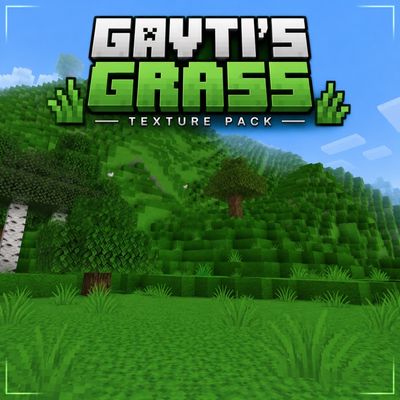
Better Grass by Gavti
Transform your Minecraft world with lush full-grass textures, matching short & tall grass, and a cleaner natural look. Enjoy smoother blending, greener…
⬇ DownloadThe author built this one for Minecraft 26.20–26.40. On other versions it may install and then do nothing.
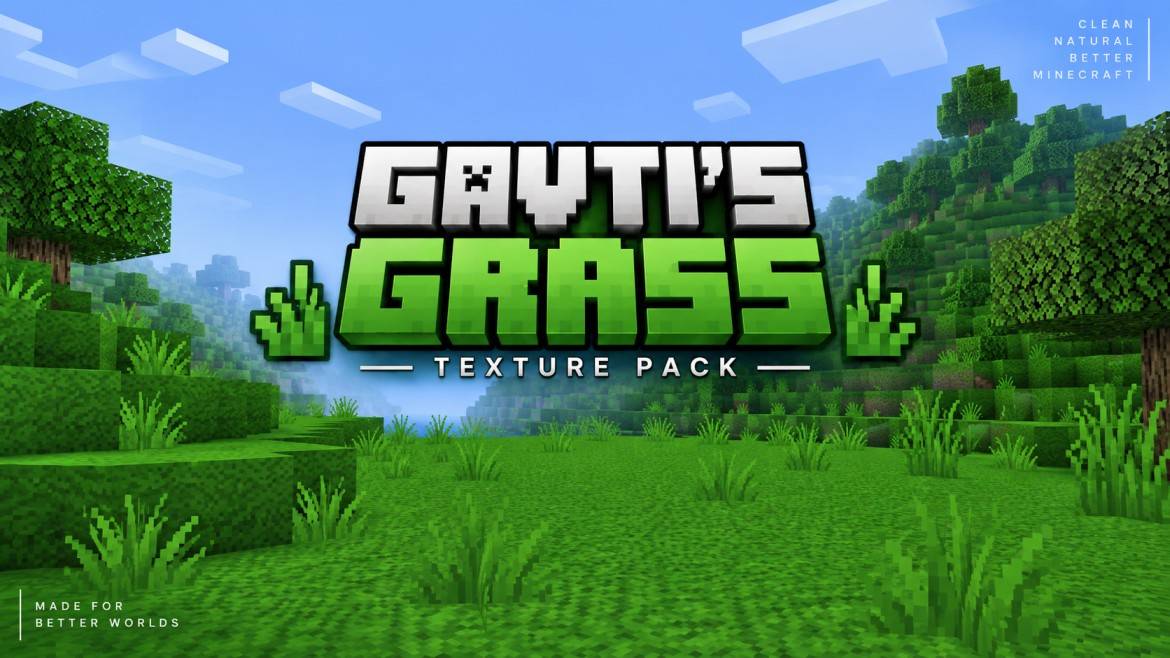
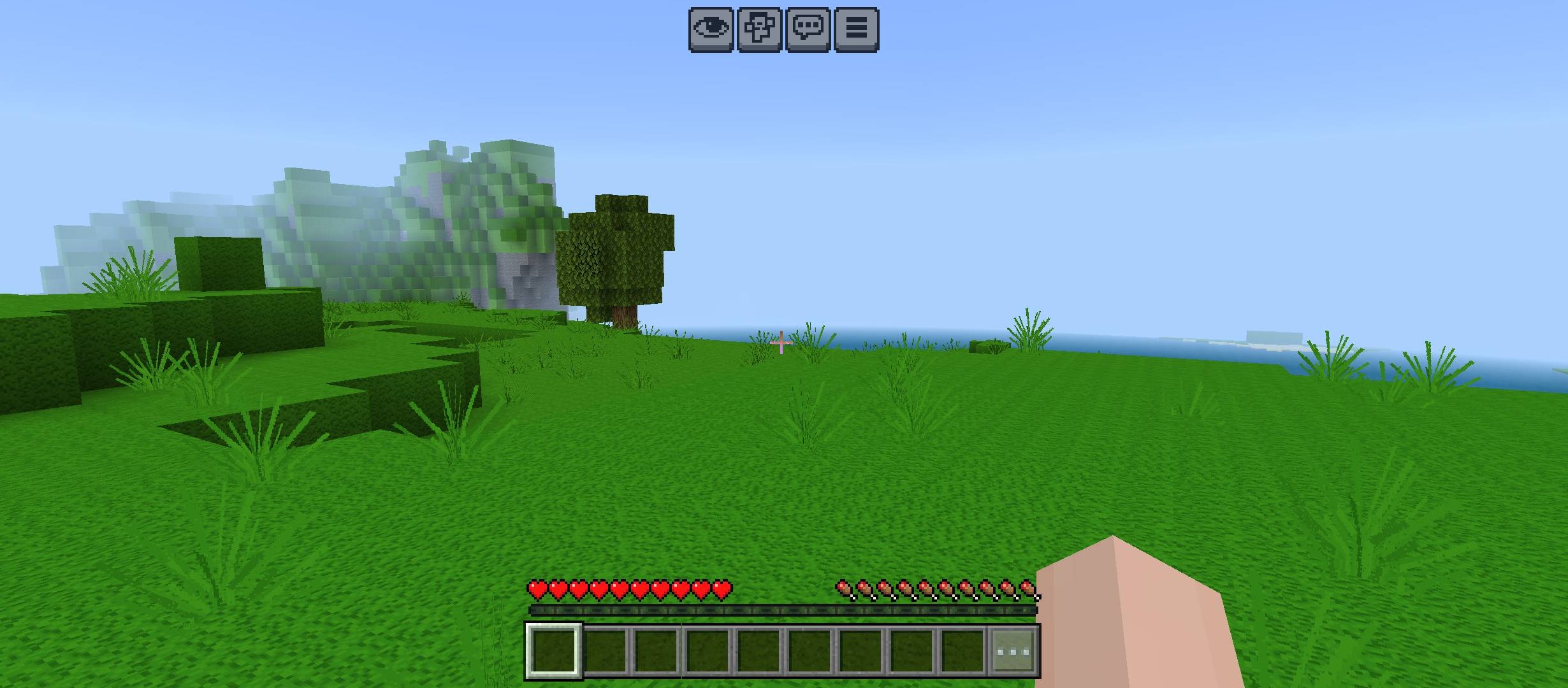
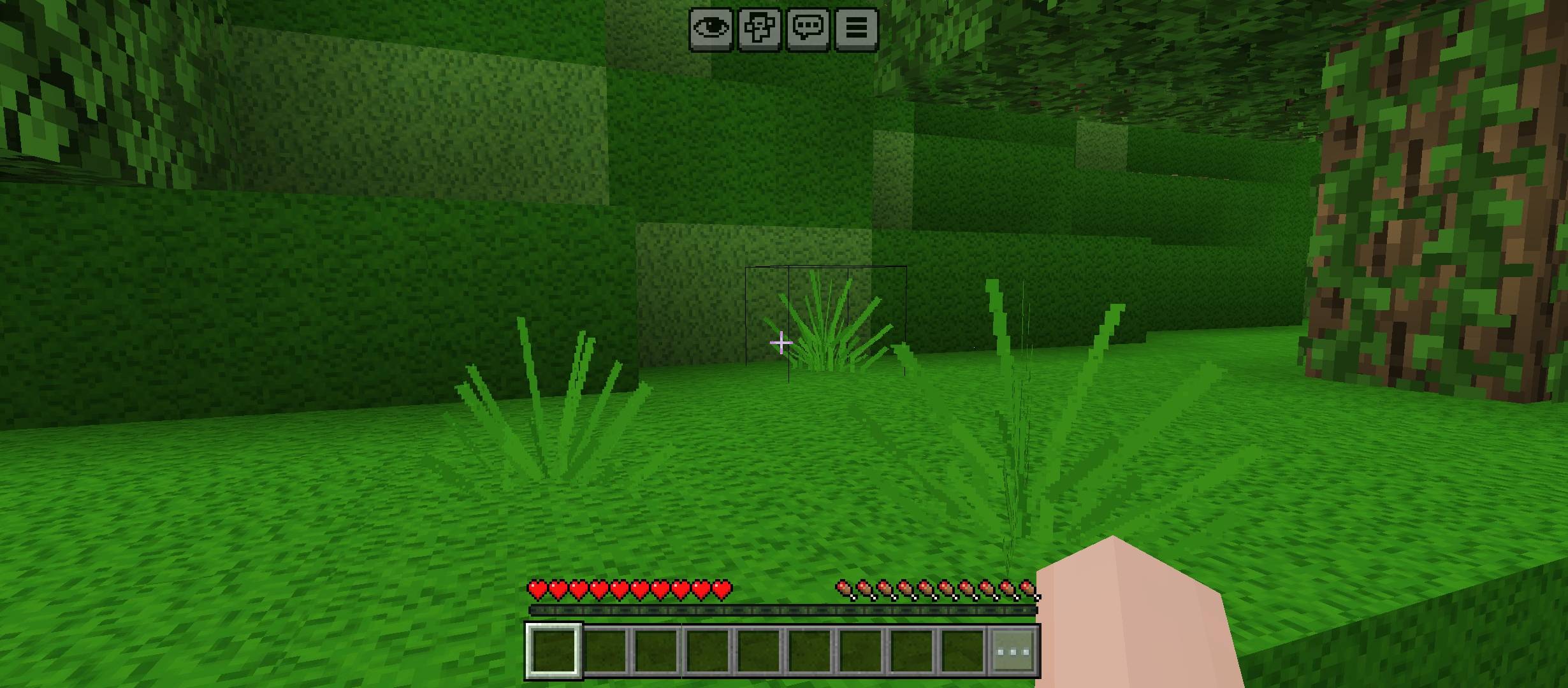
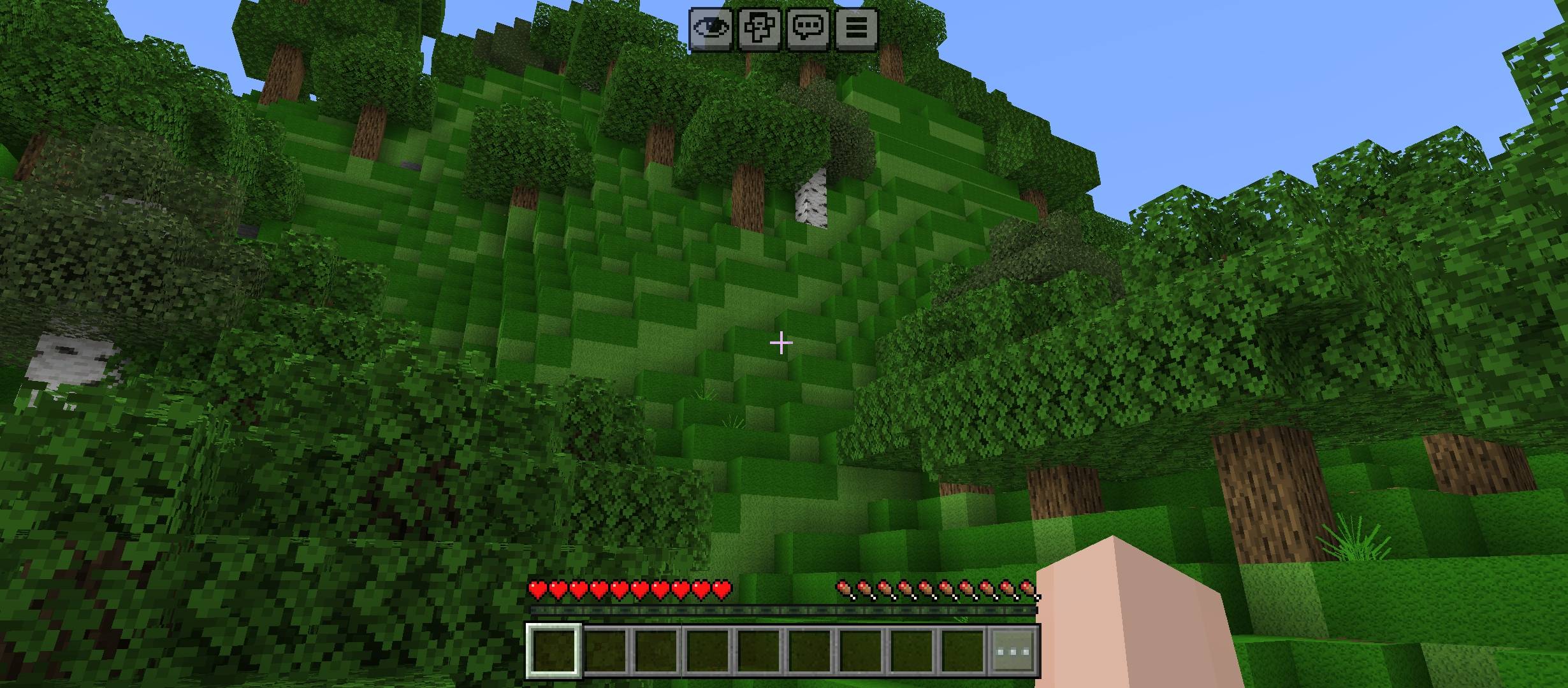
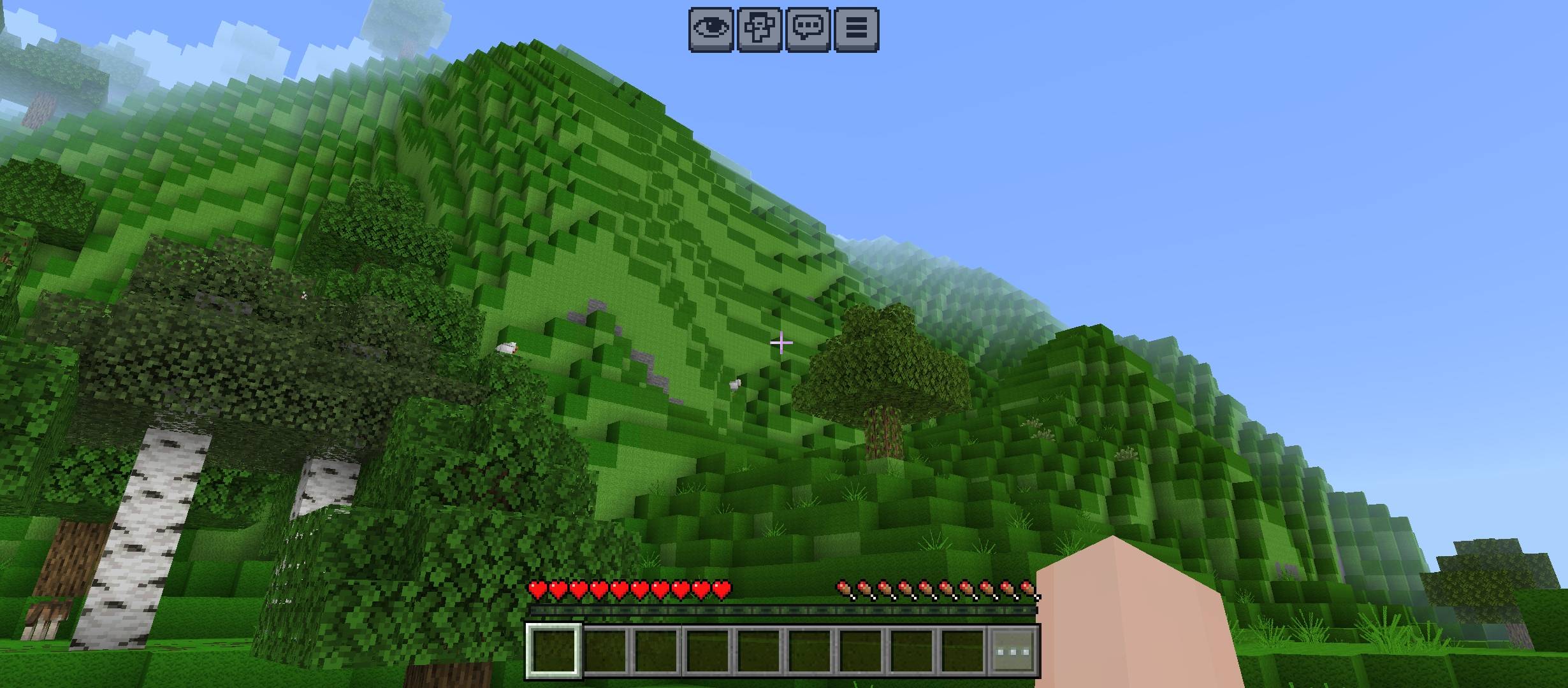
🌿 Gavti's Grass — Clean Full Grass Texture Pack
🟩 Full Grass Look • 🌱 Matching Short Grass • 🌾 Matching Tall Grass
🏞️ Cleaner Landscapes • 🎨 Smooth Texture Blending • ✨ Natural Vanilla Style
✨ Main Features
- 🌿 Full Grass Terrain • Cleaner hills • Better plains • Smoother green landscapes
- 🌱 Short Grass Improved • Matching green tone • Better blending • Less visible mismatch
- 🌾 Tall Grass Improved • Matching top & bottom • Consistent shades • Natural placement look
- 🎨 Better Blending • Grass + vegetation match • Cleaner terrain flow • More unified visuals
- 🏞️ Landscape Upgrade • Mountains • Forests • Plains • Survival bases look fresher
🌱 What Changes?
- 🟩 Grass Blocks • Full grassy appearance • Reduced visible dirt look • Cleaner sides
- 🌱 Short Grass • Same color family • Better ground merge • Cleaner screenshots
- 🌾 Tall Grass • Matching texture tone • Better height blending • More consistent vegetation
- 🎒 Grass Item Textures • Matching carried textures • Consistent inventory appearance
🏡 Best For
🏡 Survival • 🌍 SMP • 🏰 Building Worlds
📸 Screenshots • 🎥 Videos • 🧭 Exploration
🌲 Forests • ⛰️ Mountains • 🌾 Plains
🔍 Vanilla vs Gavti's Grass
- ❌ Vanilla: Different grass shades • Visible texture separation • Basic terrain look
- ✅ Gavti's Grass: Matching shades • Smooth blending • Cleaner full-grass world
⚡ Quick Pack Info
🧩 Type: Resource Pack • 🎨 Style: Clean & Natural • 🌿 Focus: Grass Visuals
🌱 Short Grass: Improved • 🌾 Tall Grass: Improved • 🟩 Terrain: Full Grass
🎮 Gameplay: Vanilla Friendly • 📦 Lightweight: Yes • ✨ Visual Goal: Better Worlds
💚 Why Use It?
- 🌿 Cleaner environment • 🌱 Better grass matching • 🏞️ More natural landscapes
- 🎨 Consistent visuals • 📸 Better screenshots • 🎥 Cleaner gameplay videos
- ✨ Simple improvement • 🧩 No unnecessary changes • 🎮 Familiar Minecraft feel
📦 Included
🟩 Full Grass Texture • 🌱 Short Grass Texture • 🌾 Tall Grass Textures
🎒 Matching Item Textures • 🖼️ Custom Pack Icon • 🎨 Unified Green Palette
🎯 Pack Goal
🌿 Cleaner Grass • 🎨 Better Blending • 🏞️ Better Looking Worlds
Simple Grass • Natural Style • Cleaner Minecraft
👑 Credits
👤 Created By: Gavti • ✨ Credits: Gavti • © All Rights Reserved To Gavti
- Edition: Minecraft Bedrock
- File type: .mcpack
- Minecraft versions listed: 26.20, 26.30, 26.40
- How to install: Download the .mcpack. → Open it — Minecraft imports it under Resource Packs. → Activate it in Global Resources, or for one world under Resource Packs → Available.
- Where to get it: In MCModsHub, or directly above on this page.
Install steps are the general flow for this file type — How to install Minecraft Bedrock texture packs walks through it step by step.
- Pack type: .mcpack — a single pack
- Complete pack — everything it depends on is inside the file
- Download size: 251 KB
- Download link checked 16 Sept 2026 — working
These come from our own check of the pack file, not from the source page.