
Crystal 3d animation custom
Bedrock texture pack listed for Minecraft 26.x. Download on the author's site.
⬇ Download on CurseForge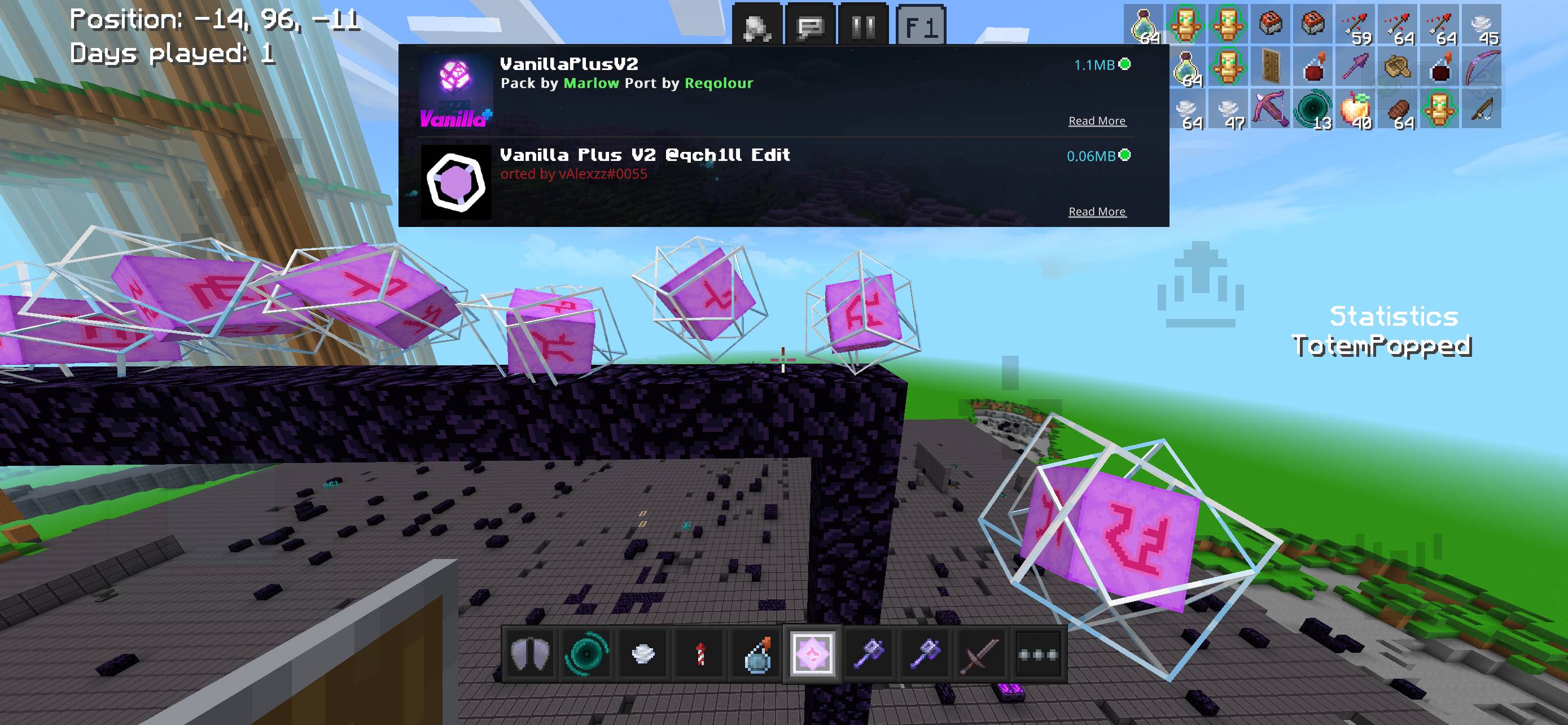
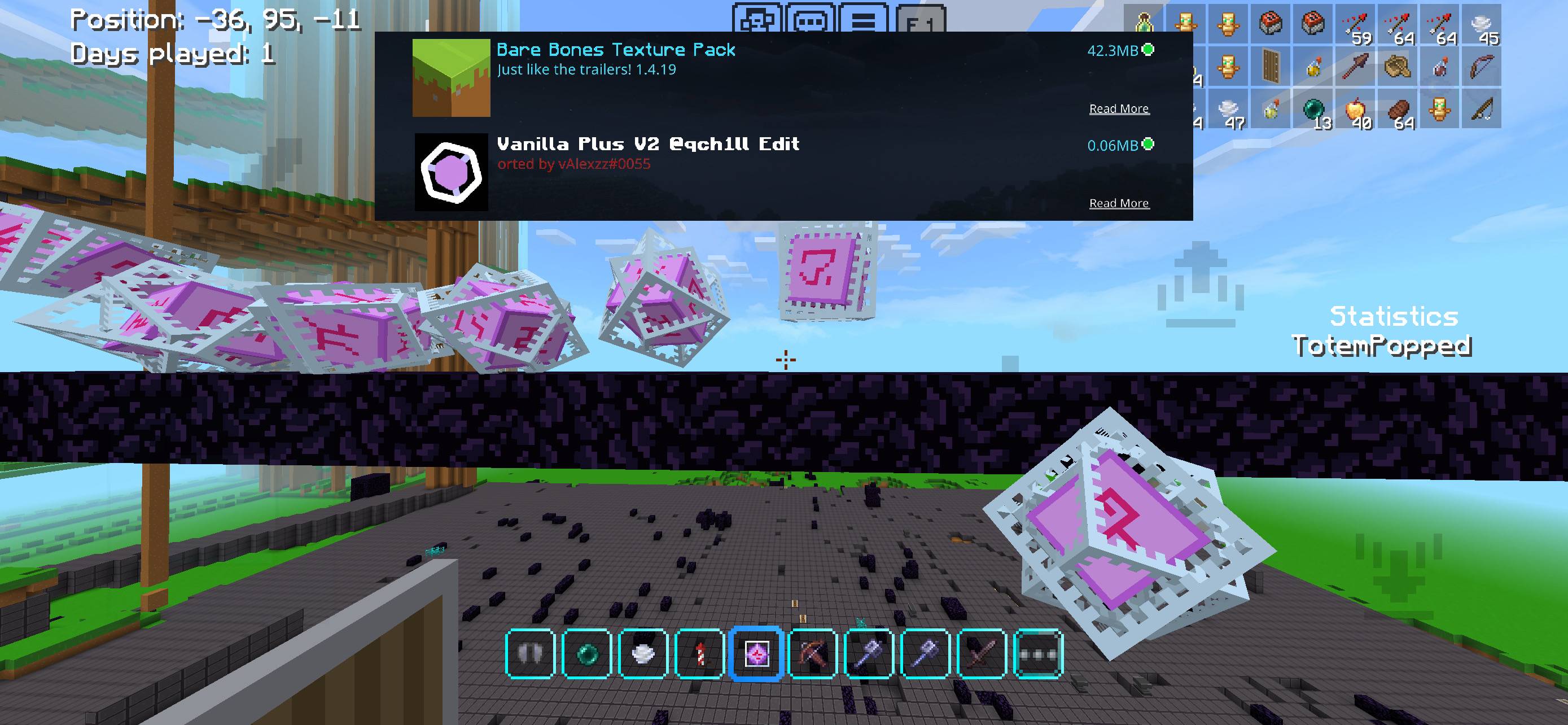
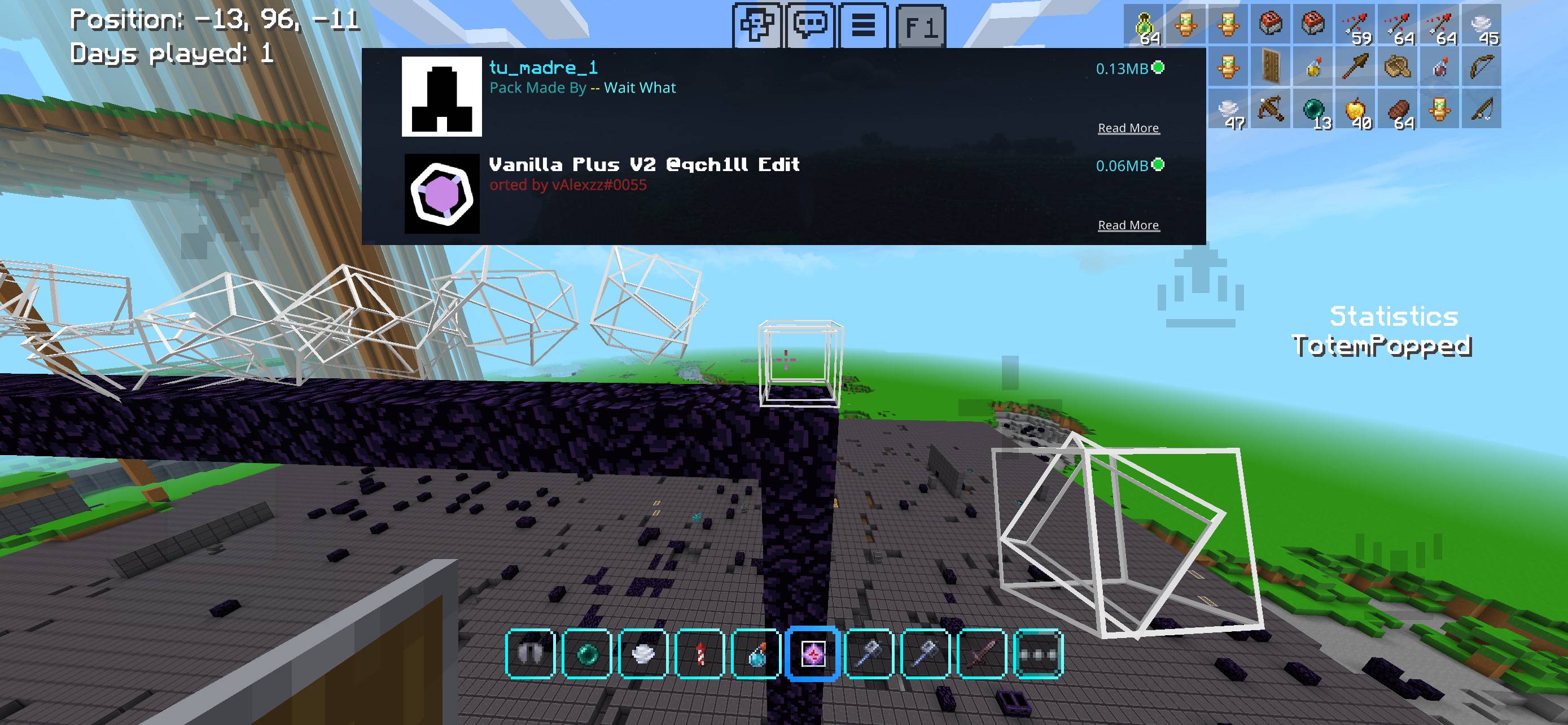
Transform your Minecraft Bedrock experience with this Animated 3D End Crystal resource pack! It replaces the flat, default 2D item icon with a dynamic, fully three-dimensional model that brings your crystals to life.
✨This texture pack adapts to other custom crystals texture skin
Key Features
- True 3D Model: Upgrades the flat 2D sprite into a detailed, spinning 3D crystal structure.
- Smooth Animations: Features constant floating and rotating animations when held in your hand, viewed in your inventory, or placed on the ground.
- Dynamic Resolution: The 3D model adapts smoothly to the resolution of whatever active texture pack you stack underneath it.
- PvP Advantage: Delivers improved depth perception and cleaner screen visibility, perfect for intense Crystal PvP (CPVP).
- Bedrock Optimized: Designed to run flawlessly across mobile devices, consoles, and Windows 10/11 with zero performance drops.
Installation Instructions
iOS / Android / Windows 10 & 11
- Download the .mcpack file from the Files tab.
- Open the file directly. Minecraft Bedrock will launch automatically and import the pack.
- Go to Settings > Global Resources > My Packs.
- Select this pack and click Activate. Ensure it is at the top of your list for the best results! [1, 2, 3, 4, 5]
Xbox / PlayStation / Nintendo Switch
- Download the pack onto a mobile device or PC.
- Upload it to a Minecraft Realm that you own.
- Join the Realm from your console to download and use the pack automatically
- Edition: Minecraft Bedrock
- File type: .mcpack
- Minecraft versions listed: 26.11, 26.12, 26.20
- How to install: Download the .mcpack. → Open it — Minecraft imports it under Resource Packs. → Activate it in Global Resources, or for one world under Resource Packs → Available.
- Where to get it: Opens on CurseForge — not every file is mirrored on our own servers.
Install steps are the general flow for this file type — How to install Minecraft Bedrock texture packs walks through it step by step.
Crystal 3d animation custom is a free Minecraft Bedrock texture pack. Compatible with Minecraft 26.11, 26.12, 26.20, 26.13 and newer. Downloaded 1,148 times (via CurseForge). Download it and open it directly in the game.