Texture packsBedrock
Animated Menu: Anime Girl Eye Blinking
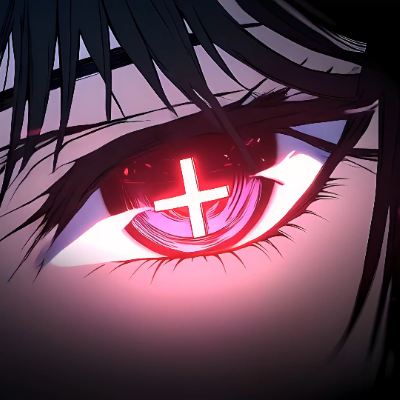
A glowing red cross-shaped anime eye blinks and stares forward as red petals drift across the dark background. Mysterious, striking and cinematic. The…
⬇ Download on CurseForgeThe author built this one for Minecraft 26.30. On other versions it may install and then do nothing.
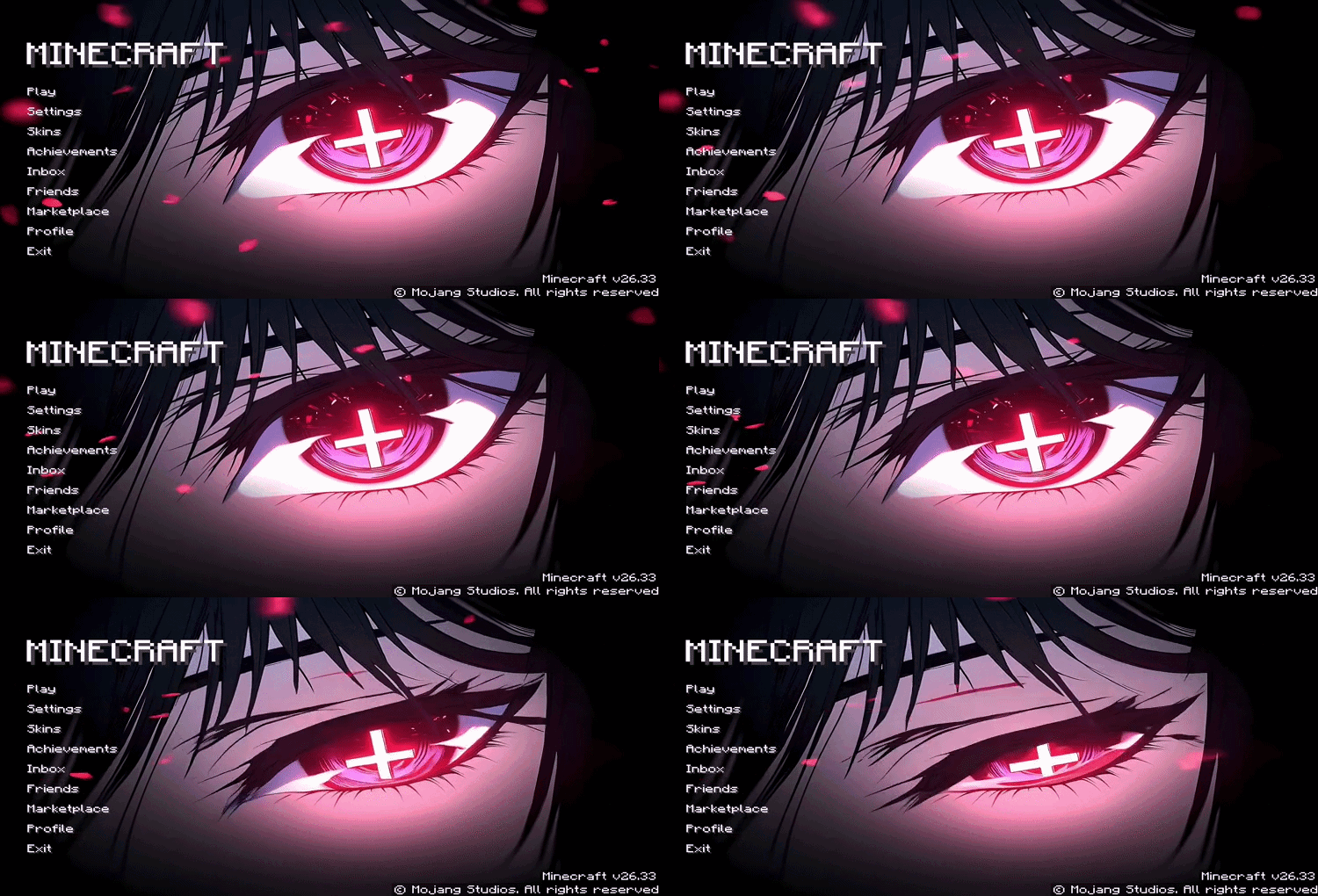
Transform your Minecraft start screen with a fully animated close-up anime eye scene. A glowing red cross-shaped pupil stares forward with intense detail as red petals drift across the dark background — setting a mysterious and striking mood the moment the game opens.
Features
- Animated start screen background featuring a detailed close-up anime eye with blinking animation
- Glowing red cross-shaped pupil with dark moody atmosphere
- Drifting red petals adding a dramatic and mysterious feel
- Smooth looping animation — no lag or stutter on load
- No setup required — just apply and the new menu shows instantly
Quick facts
- Edition: Minecraft Bedrock
- File type: .mcpack
- Minecraft version listed: 26.30
- How to install: Download the .mcpack. → Open it — Minecraft imports it under Resource Packs. → Activate it in Global Resources, or for one world under Resource Packs → Available.
- Where to get it: Opens on CurseForge — not every file is mirrored on our own servers.
Install steps are the general flow for this file type — How to install Minecraft Bedrock texture packs walks through it step by step.
Verified by MCModsHub
- Save it as Animated_Menu__Anime_Girl_Eye_Blinking.mcaddon before opening — it downloads as .mcpack, but it is a .mcaddon pack
- Manifest requires Minecraft 1.21.0 or newer
- Complete pack — everything it depends on is inside the file
- Download size: 43.5 MB
- Download link checked 16 Sept 2026 — working
These come from our own check of the pack file, not from the source page.