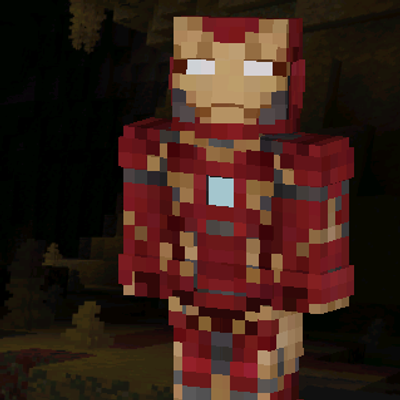
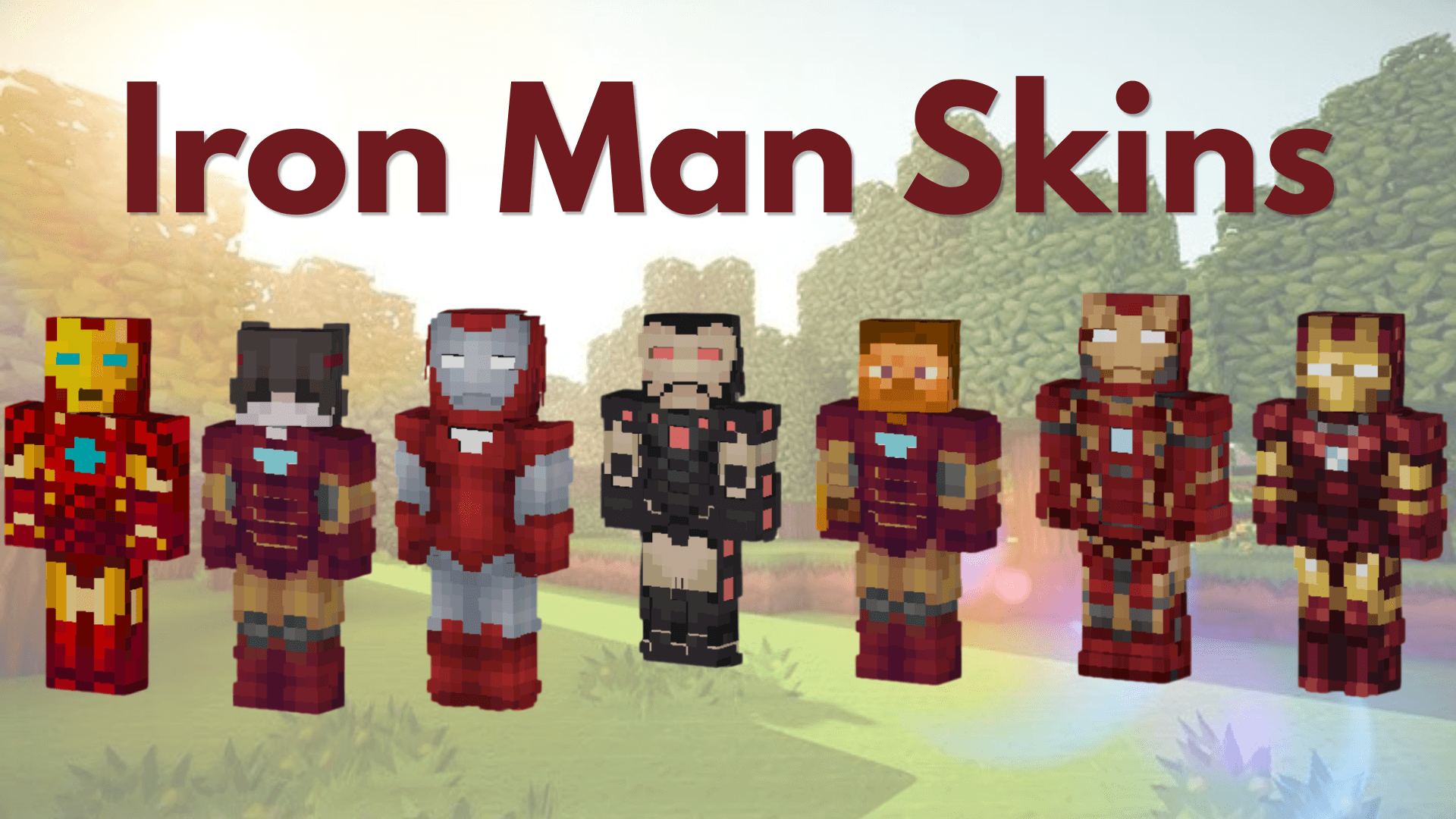
Iron Armor Skins Collection
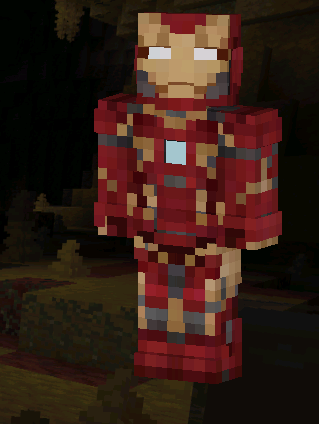
Iron Armor Skins Collection includes seven detailed red-and-gold armored hero skins featuring classic, futuristic, dark, damaged, and alternate armor designs.
Features
- 7 Unique Skins: Choose from seven different armored suit designs.
- Multiple Styles: Includes classic, modern, futuristic, dark, and battle-damaged variants.
- Easy Installation: All skins are included in one
.mcpackfile. - Bedrock Compatible: Designed for Windows, Android, and iOS.
Installation
- Download the
.mcpackfile. - Open it with Minecraft and wait for the import to complete.
- Open Dressing Room.
- Go to Classic Skins → Owned.
- Select Iron Armor Skins Collection.
- Choose and equip your preferred skin.
Showcase




Socials


Terms of Use
You may use the skins in personal worlds and showcase them in videos or livestreams with proper credit. You may also share the official project-page link.
Re-uploading, redistributing, selling, publicly sharing edited versions, using monetized download links, or claiming the pack as your own is not allowed.
- Edition: Minecraft Bedrock
- File type: .mcpack
- Minecraft versions listed: 1.20.40, 1.21.30, 1.21.50
- How to install: Download the .mcpack skin pack. → Open it — Minecraft imports it. → Open the Dressing Room and select the skin.
- Where to get it: Opens on CurseForge — not every file is mirrored on our own servers.
Install steps are the general flow for this file type — How to apply a custom Minecraft skin walks through it step by step.
- Pack type: .mcpack — a single pack
- Complete pack — everything it depends on is inside the file
- Download size: 44 KB
- Download link checked 16 Sept 2026 — working
These come from our own check of the pack file, not from the source page.