
Texture packsBedrock
Better Slot Highlight Textures
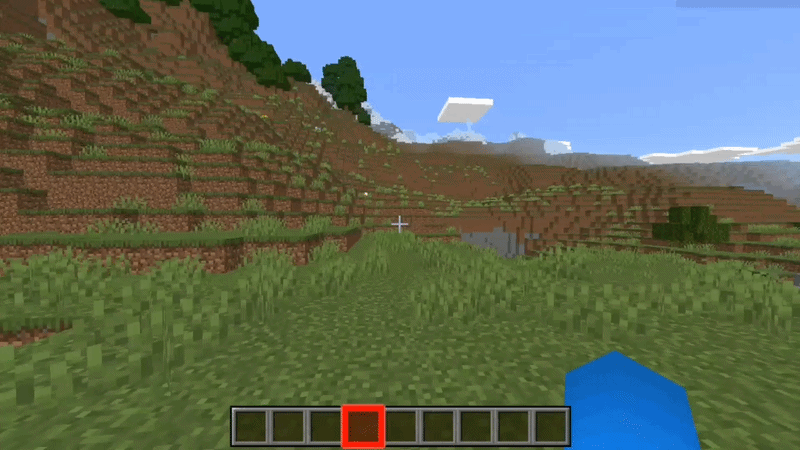
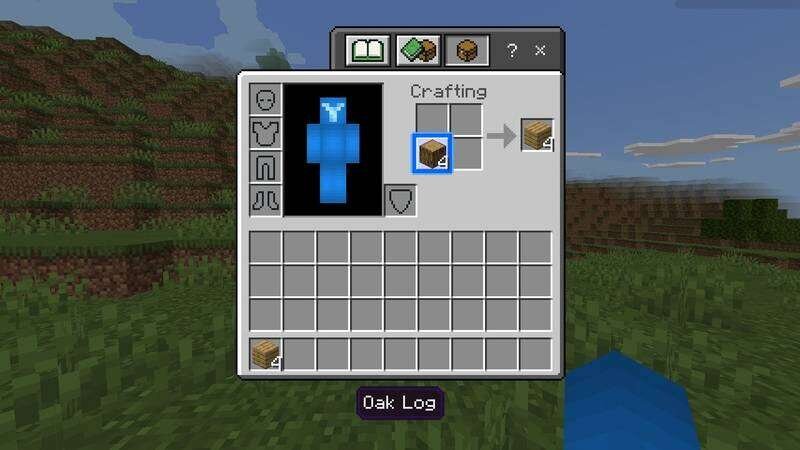
The default active item highlighting is not always clearly visible in Minecraft, especially during intense combat or fast building. Better Slot Highlight…
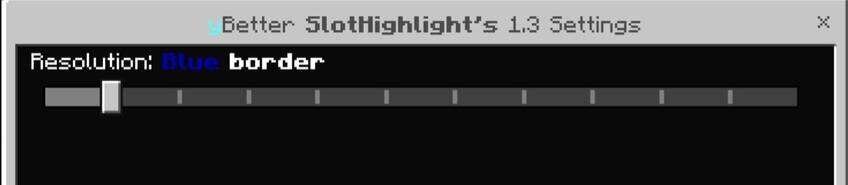
⬇ DownloadОбычное выделение активного предмета не всегда хорошо заметно в Minecraft, особенно во время напряженных сражений или быстрого строительства. Текстуры Better Slot Highlight делает выбранную ячейку гораздо ярче и позволяет выбрать один из нескольких доступных цветов оформления.
Дополнение работает не только с инвентарем быстрого доступа, но и с другими элементами интерфейса, делая использование предметов в игре более комфортным.
Дополнение работает не только с инвентарем быстрого доступа, но и с другими элементами интерфейса, делая использование предметов в игре более комфортным.
Quick facts
- Edition: Minecraft Bedrock
- File type: .mcpack
- How to install: Download the .mcpack. → Open it — Minecraft imports it under Resource Packs. → Activate it in Global Resources, or for one world under Resource Packs → Available.
- Where to get it: In MCModsHub, or directly above on this page.
Install steps are the general flow for this file type — How to install Minecraft Bedrock texture packs walks through it step by step.
Verified by MCModsHub
- Pack type: .mcpack — a single pack
- Manifest requires Minecraft 1.16.0 or newer
- Complete pack — everything it depends on is inside the file
- Download size: 20 KB
- Download link checked 10 Sept 2026 — working
- Mirrored on our own servers — the download does not depend on the original host
These come from our own check of the pack file, not from the source page.