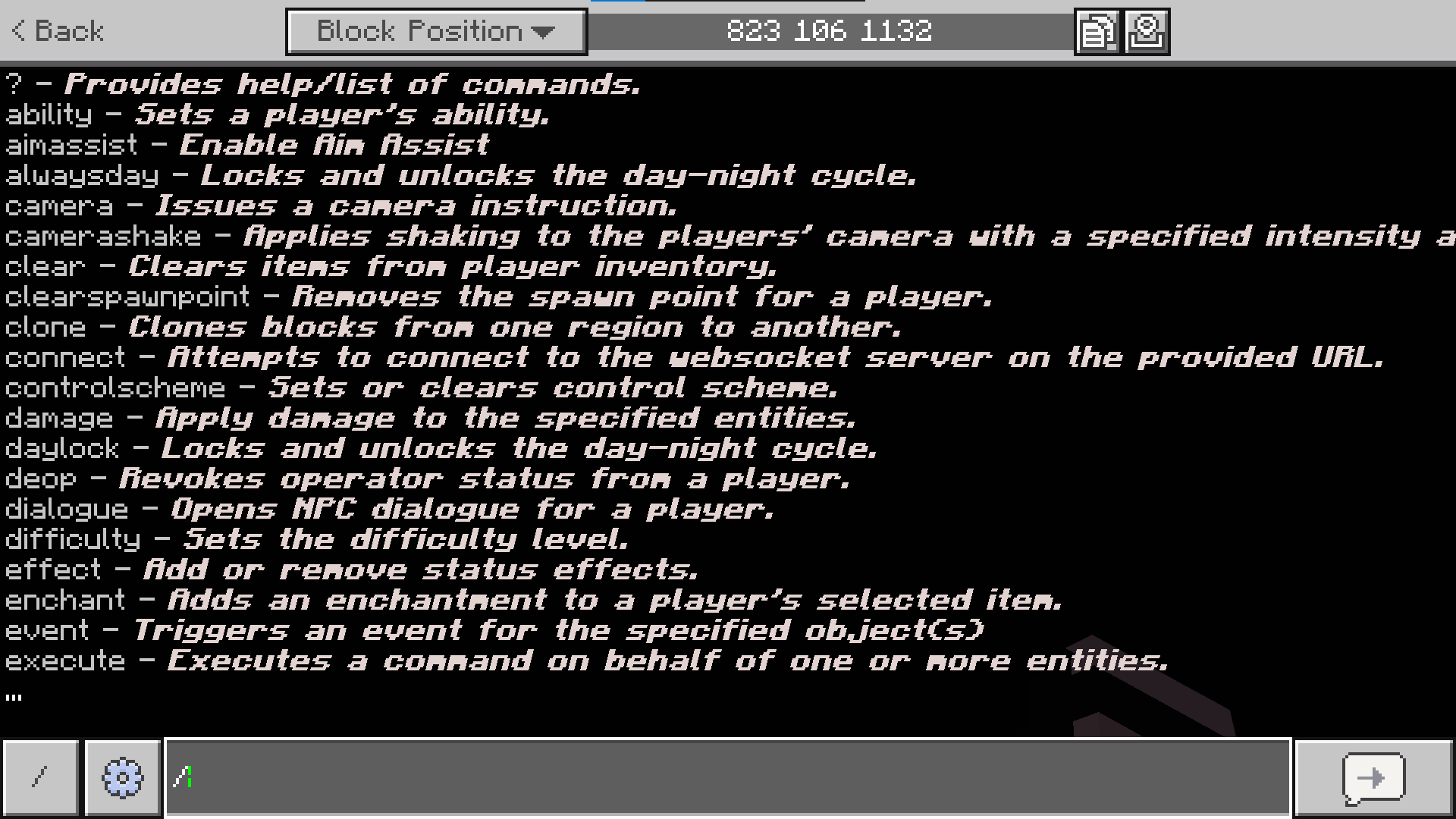
- Commands
- Descriptions
- Others
- Success
- + Positive
- - Negative
- Errors / Failures
- Entities
- Quantities
- Time / Ticks
- Coords / IDs
- Things
- Grander Things
Feedback & Suggestions
Have an idea for improving the project, found something that doesn't work quite right, or just have a suggestion? Feel free to send me feedback or suggestions through my Discord (Link down below)
Credits
Commands: GrapeGamer8978
Building: GrapeGamer8978
Testers: Nan
Please do not use, copy, or redistribute my work without permission.If you would like to use this project for a server, public realm, or other project, please either join my Discord — the fastest way to contact me — or leave a comment here and ask first.
Thank you for taking the time to check out my creation!
Links
YouTube: @GrapeGamer8978
CurseForge: @Graqegamer8978
Plannet MC: @GrapeGamer8978
MCPEDL: @GraqeGamer8978
Discord: discord.gg/Ykf9CNXJdq
- Edition: Minecraft Bedrock
- File type: .mcpack
- Minecraft versions listed: 26.20, 26.30
- How to install: Download the .mcpack. → Open it — Minecraft imports it under Resource Packs. → Activate it in Global Resources, or for one world under Resource Packs → Available.
- Where to get it: Opens on CurseForge — not every file is mirrored on our own servers.
Install steps are the general flow for this file type — How to install Minecraft Bedrock texture packs walks through it step by step.
- Save it as Better CMD Outputs.mcaddon before opening — it downloads as .mcpack, but it is a .mcaddon pack
- Manifest requires Minecraft 1.21.0 or newer
- Complete pack — everything it depends on is inside the file
- Download size: 91 KB
- Download link checked 18 Sept 2026 — working
These come from our own check of the pack file, not from the source page.