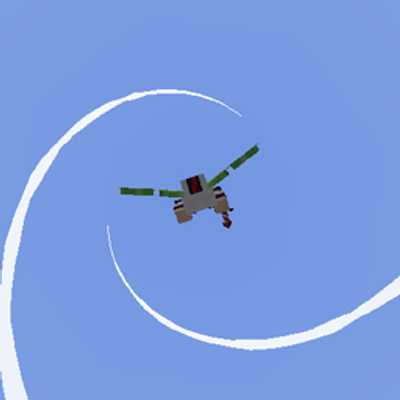
Elytra trails - Myloveee
Elytra Trails — Myloveee is a visual particle enhancement resource pack for Minecraft Bedrock Edition that adds dynamic, high-visibility particle trails…
⬇ Download on CurseForge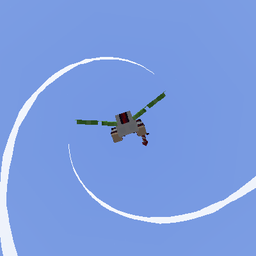
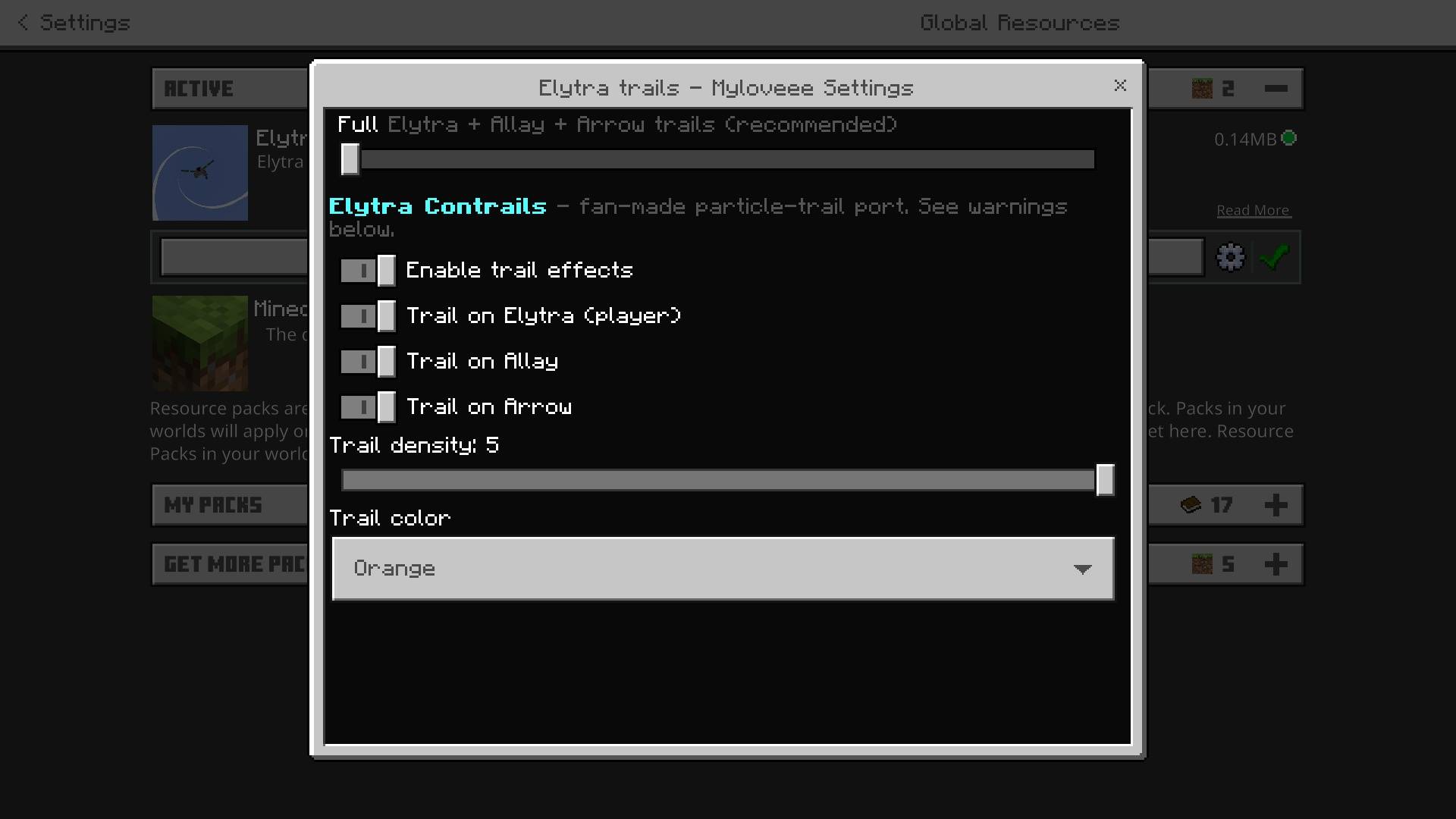
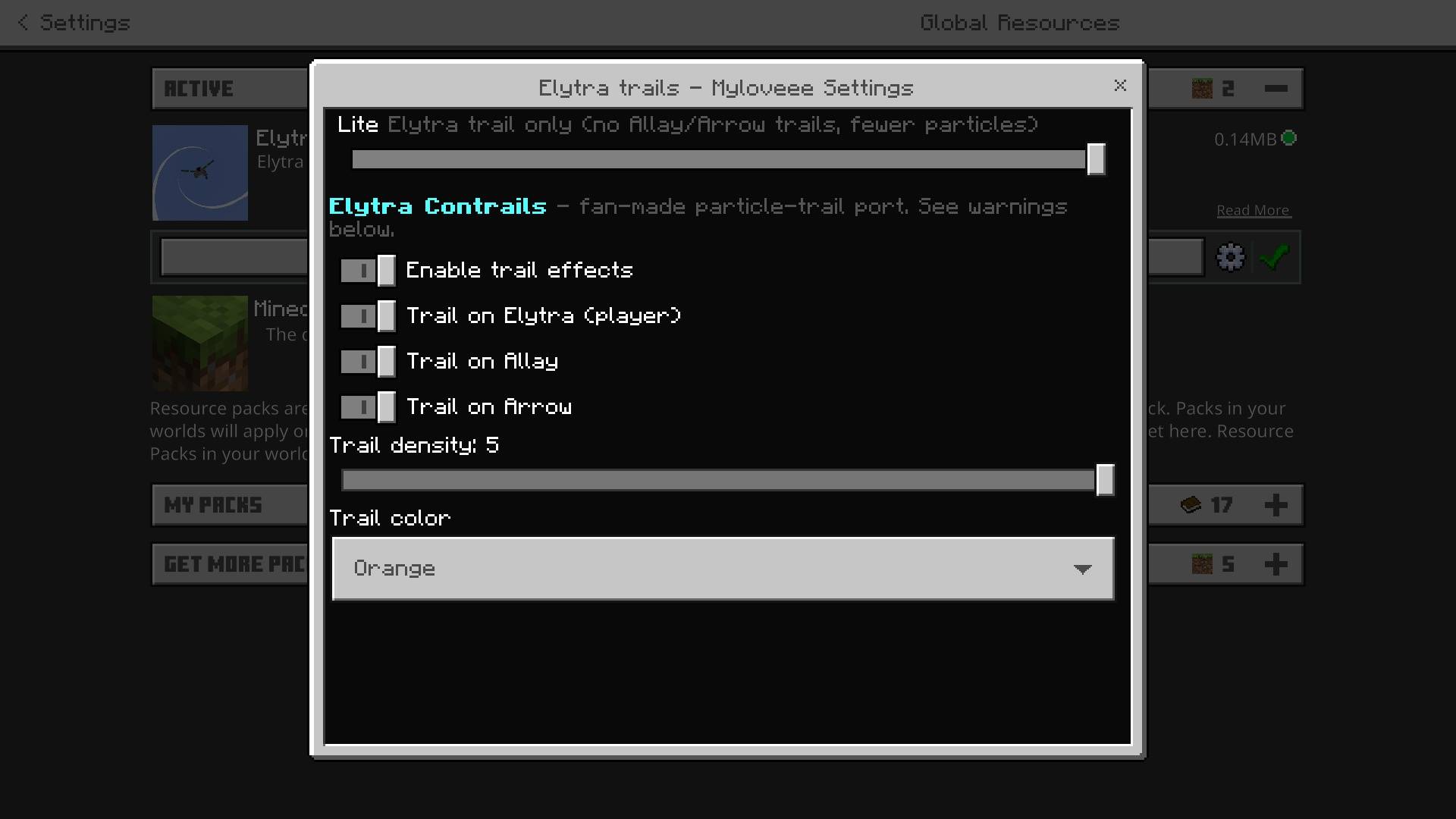
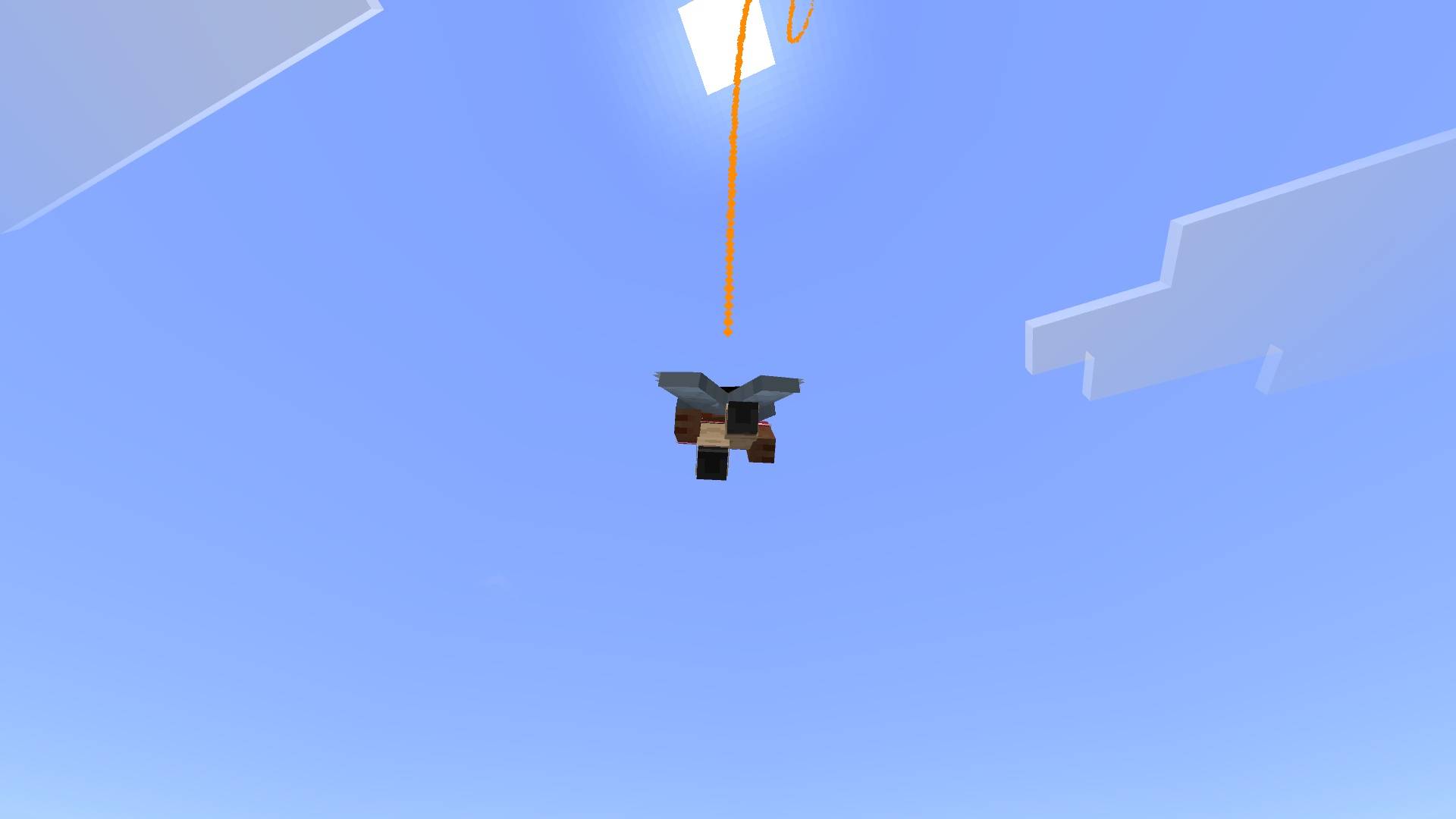
Elytra Trails — Myloveee — Bedrock Edition
Leave a stunning, radiant particle trail behind as you soar through the skies!
Elytra Trails — Myloveee is a visual particle enhancement resource pack for Minecraft Bedrock Edition that adds dynamic, high-visibility particle trails to your Elytra flight. Instead of flying unnoticed, every loop, dive, and firework boost leaves a brilliant energetic stream behind you—turning flight into a mesmerizing spectacle!
Perfect for SMP servers, Bedrock Realms, elytra mini-games, and content creators who want to look epic in mid-air on Pocket Edition (Android/iOS), Windows 10/11, and Consoles!
✨ Features
-
Signature Myloveee Flight Trails: Vibrant, high-density particle streams that follow your movement smoothly through the air.
-
Dynamic Flight Physics: Particle density scales with your speed—leaving longer, energetic trails during max-speed firework boosts!
-
High-Visibility & Clean Look: Eye-catching color cascades designed to pop against any skybox or biome without obstructing your flight vision.
-
First-Person & Third-Person Ready: Looks amazing whether you are viewing yourself in TPV or flying alongside friends in multiplayer.
-
100% Lag-Free: Optimized particle emitter scripts designed to ensure smooth FPS even when multiple players fly together.
-
Realm & Server Compatible: Fully safe to use across local survival worlds, Bedrock Realms, and third-party servers.
🛠️ How to Install
-
Download: Grab the
.mcpackfile from the "Files" tab on this CurseForge page. -
Import to Minecraft:
-
Windows 10/11: Double-click the
.mcpackfile. Minecraft will launch automatically and import it. -
Android / iOS: Open the file using your preferred File Manager app and select "Open with Minecraft".
-
-
Activation: Go to
Settings>Global Resources> Find Elytra Trails — Myloveee under "My Packs" and click Activate. (Note: Place this pack near the top of your Active Resource Packs list for maximum visual priority!)
📜 Credits & Usage Policy
-
Pack Creator: Created completely by Myloveee! Built with passion to make Elytra flight far more exciting and stylish.
-
Feedback: Since this is my custom creation, feel free to leave a comment or review on CurseForge if you have requests for new trail color variations in future updates!
- Edition: Minecraft Bedrock
- File type: .mcpack
- Minecraft versions listed: 1.21.130, 1.21.131, 1.21.132
- How to install: Download the .mcpack. → Open it — Minecraft imports it under Resource Packs. → Activate it in Global Resources, or for one world under Resource Packs → Available.
- Where to get it: Opens on CurseForge — not every file is mirrored on our own servers.
Install steps are the general flow for this file type — How to install Minecraft Bedrock texture packs walks through it step by step.
- Pack type: .mcpack — a single pack
- Manifest requires Minecraft 1.26.30 or newer
- Complete pack — everything it depends on is inside the file
- Download size: 76 KB
- Download link checked 29 Aug 2026 — working
These come from our own check of the pack file, not from the source page.