MapsBedrock
Find the correct button
Bedrock map listed for Minecraft 26.x. Download on the author's site.
⬇ Download on CurseForge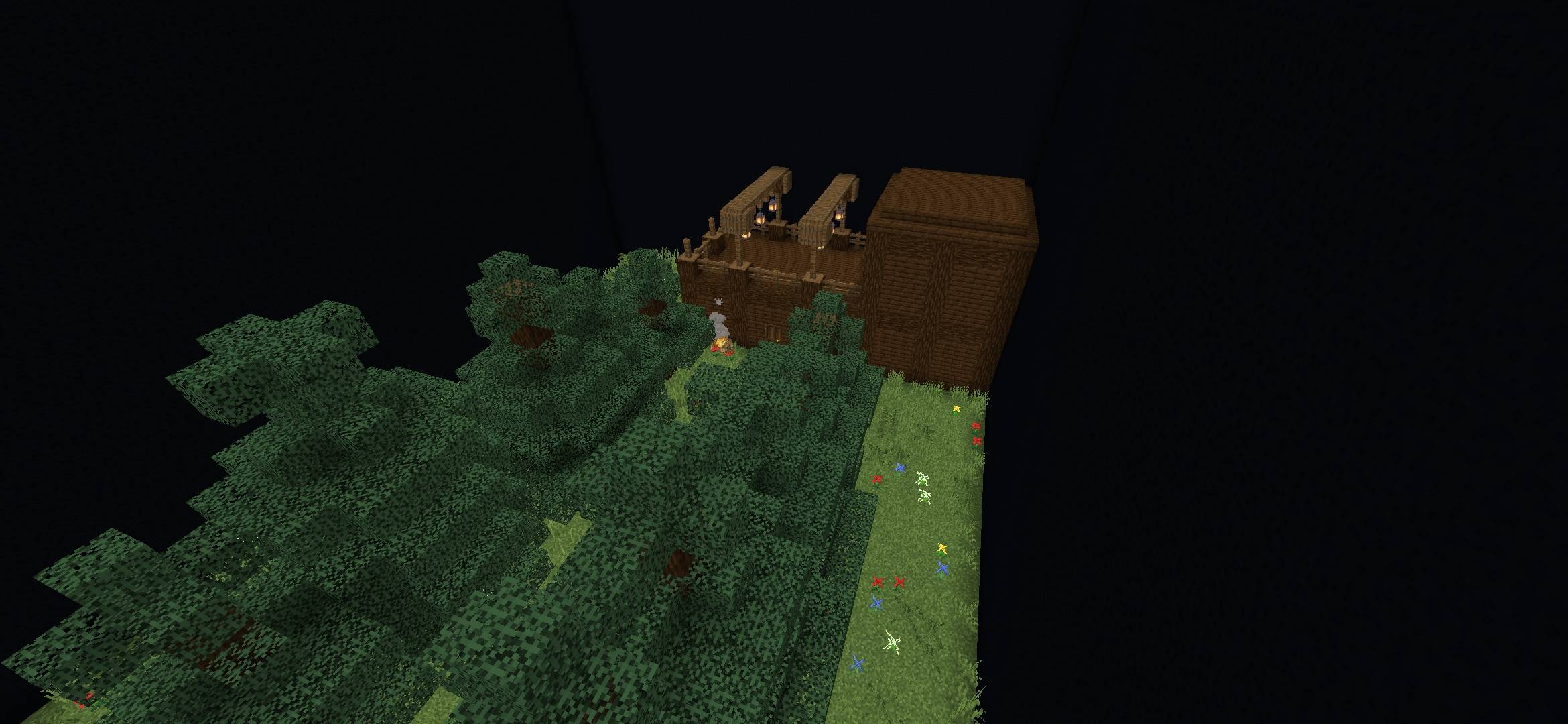
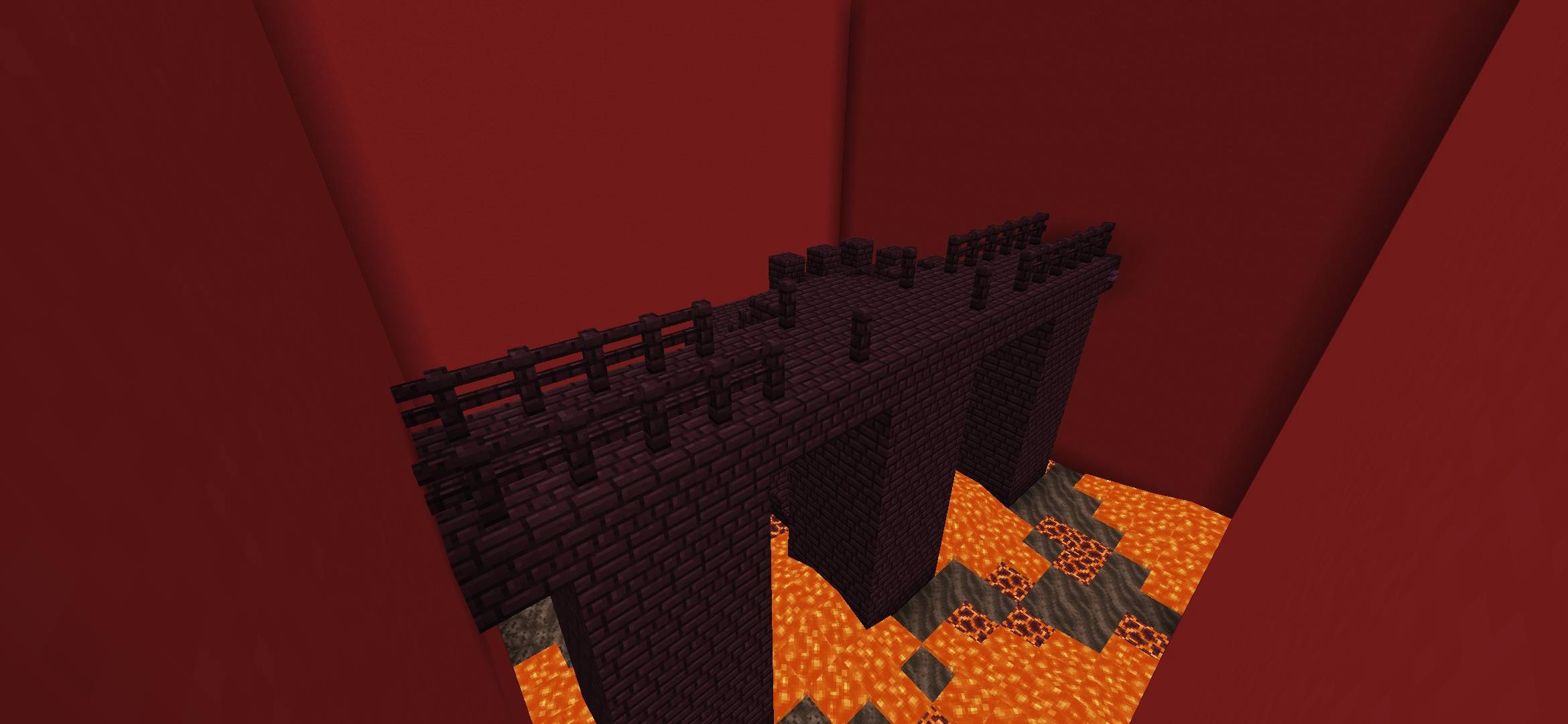
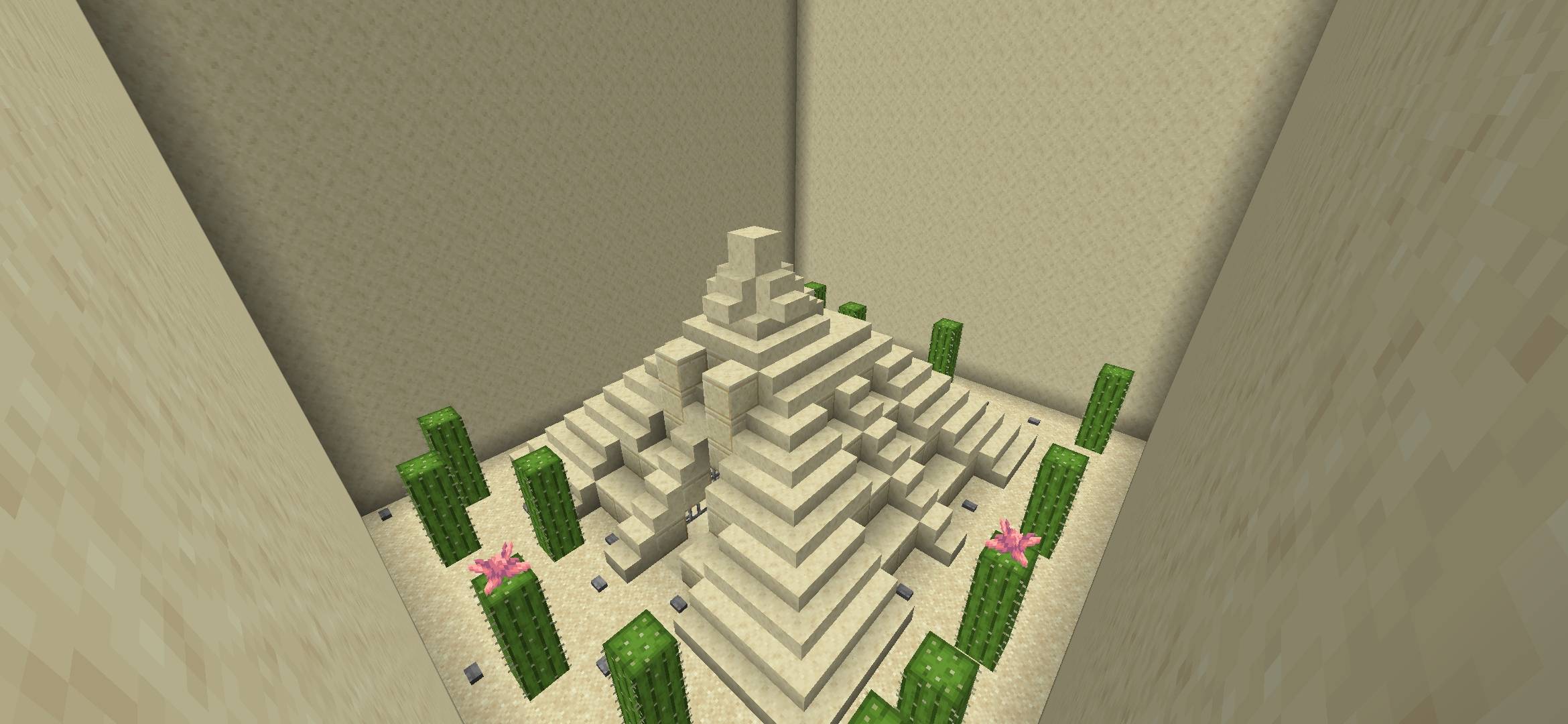
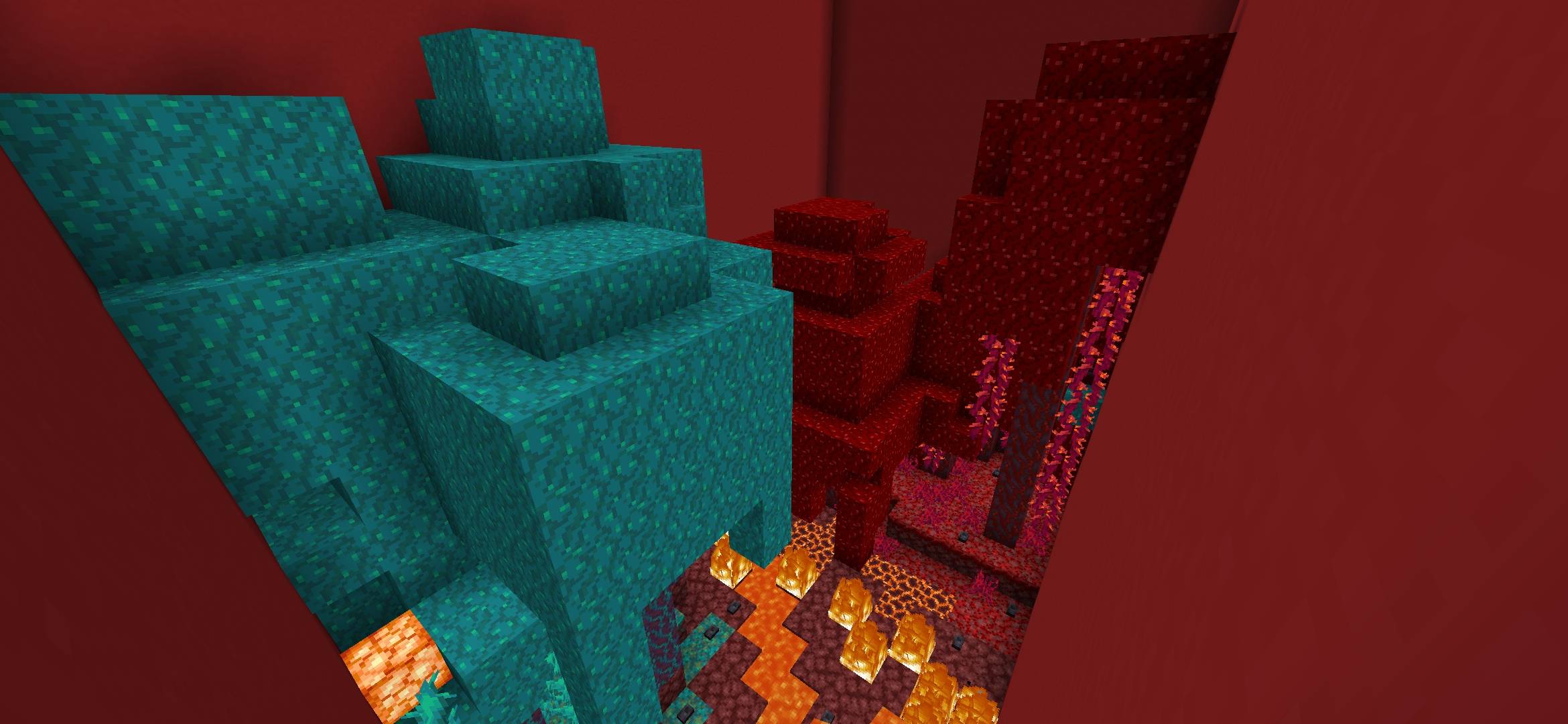
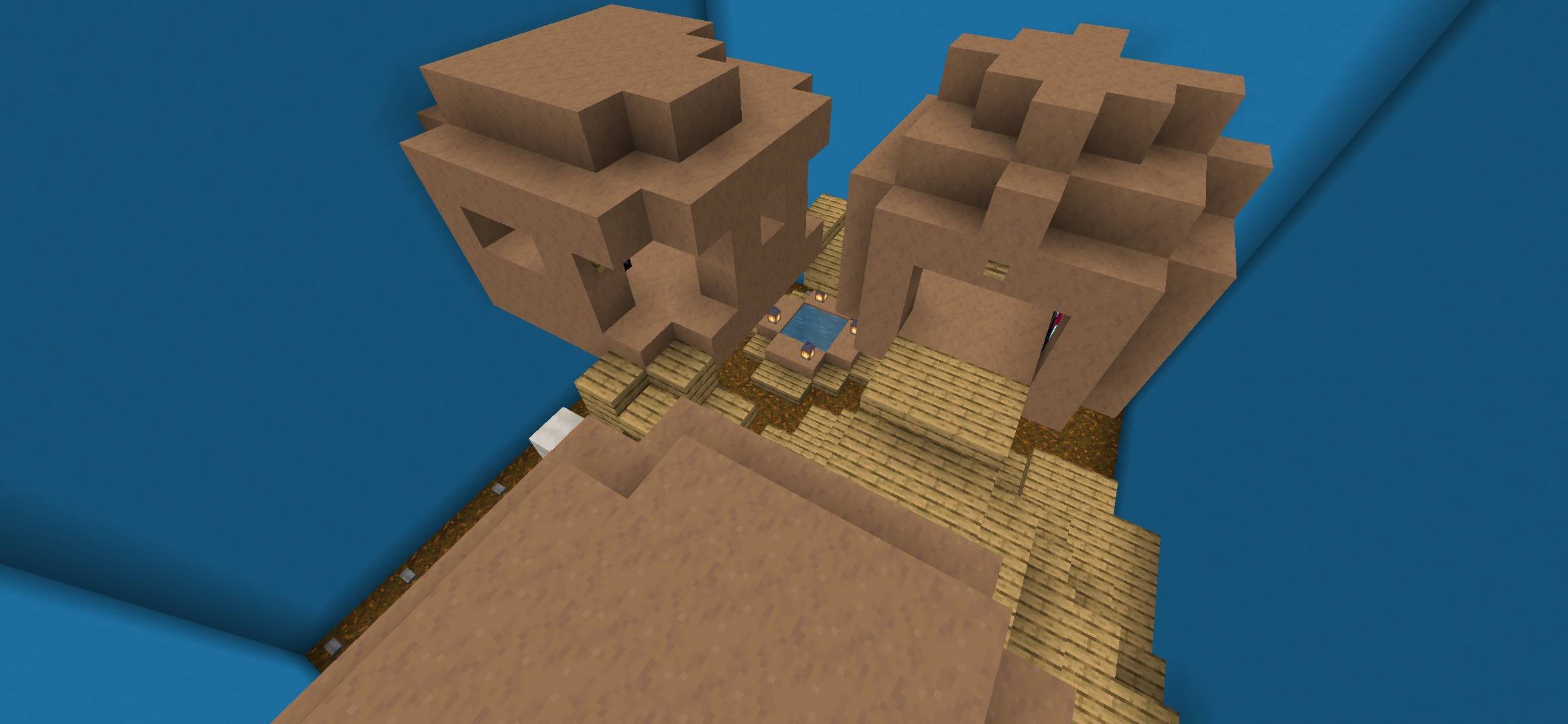
This map continues the idea of previous projects and invites players to dive into the search for cleverly hidden buttons across ten unique locations. Each level has its own unique design and presents a new challenge to your observation skills, attention to detail, and patience.
Quick facts
- Edition: Minecraft Bedrock
- File type: .mcworld
- Minecraft version listed: 26.30
- How to install: Download the .mcworld file. → Open it — Minecraft imports it as a new world. → Find it in your Worlds list and play.
- Where to get it: Opens on CurseForge — not every file is mirrored on our own servers.
Install steps are the general flow for this file type — How to install Minecraft Bedrock maps walks through it step by step.
Find the correct button is a free Minecraft Bedrock map. Compatible with Minecraft 26.30. Downloaded 30 times (via CurseForge). Download it and open it directly in the game.