Low Fire Plus Bedrock
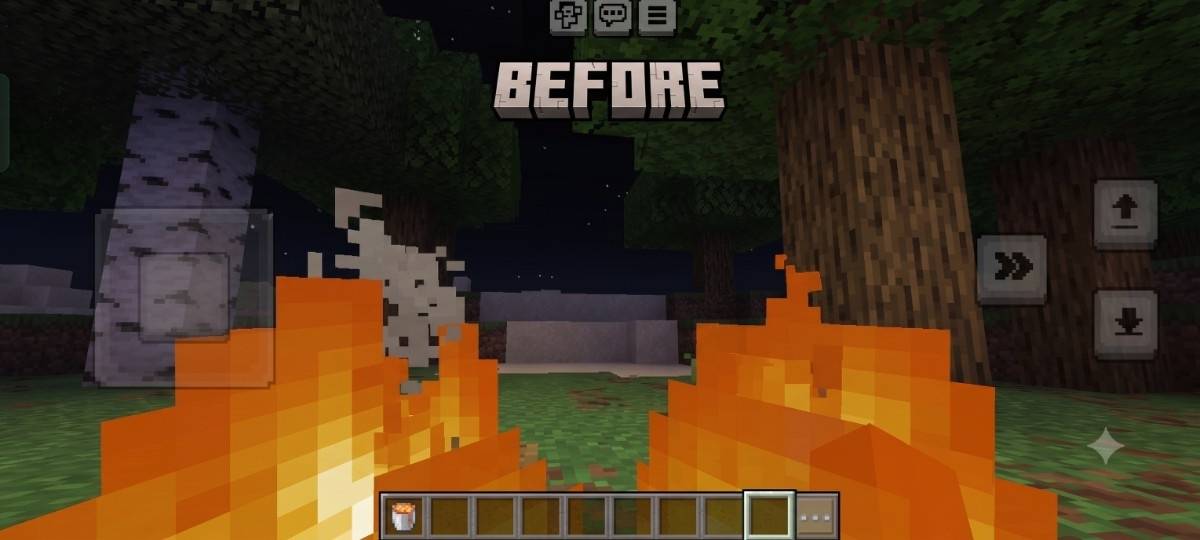
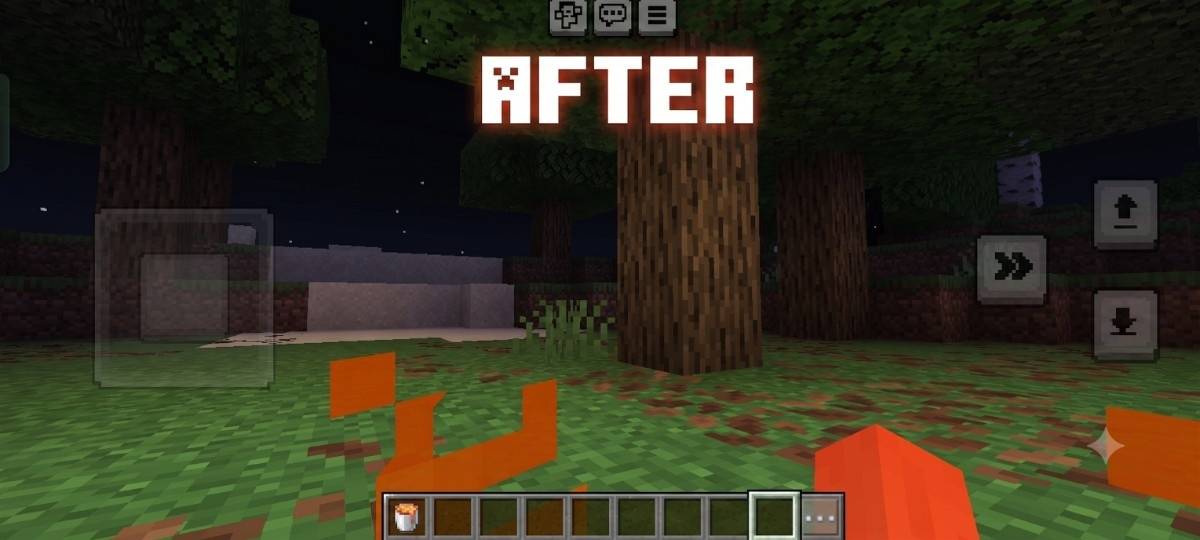
A vanilla-friendly resource pack that lowers the fire overlay to improve first-person visibility in Minecraft Bedrock Edition.
⬇ Download on CurseForge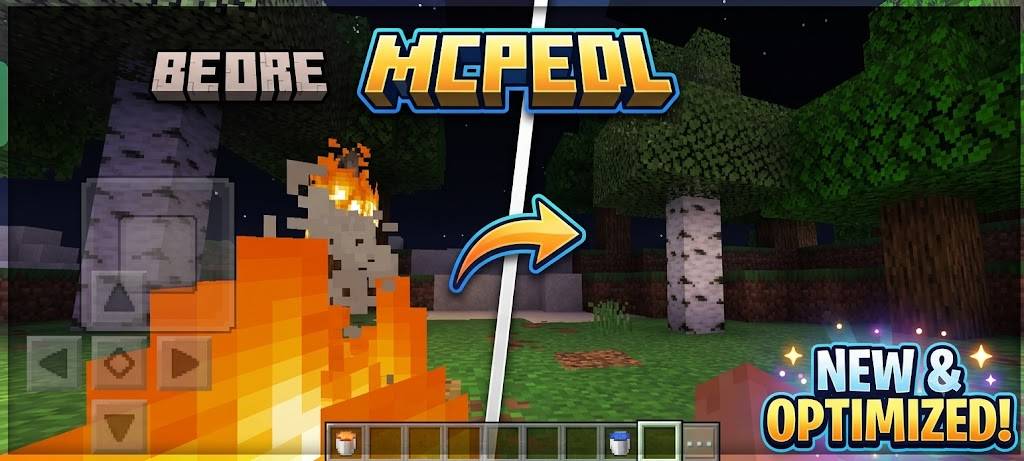
# 🔥 Low Fire Plus Bedrock
Low Fire Plus Bedrock is a lightweight resource pack that improves first-person visibility while keeping Minecraft's vanilla fire style.
Unlike packs that remove the fire completely, Fire Down is designed to preserve the original animation and appearance while making gameplay more comfortable.
---
## Features
- 🔥 Improved first-person visibility
- 🎨 Vanilla-inspired fire appearance
- ⚡ Lightweight and optimized
- 📱 Compatible with Minecraft Bedrock Edition
- 🌍 Multiplayer friendly
- 📦 Easy to install
---
## Installation
1. Download the `.mcpack` file.
2. Open it on your device.
3. Minecraft will import the resource pack automatically.
4. Enable it in **Settings → Global Resources** or inside your world.
---
## Compatibility
- Minecraft Bedrock Edition
- Tested on **1.26.40.26**
---
## Author
Created by **AbhiTech**
Thank you for downloading Fire Down Bedrock!
- Edition: Minecraft Bedrock
- File type: .mcpack
- Minecraft versions listed: 26.0.02, 26.0, 26.3
- How to install: Download the .mcpack. → Open it — Minecraft imports it under Resource Packs. → Activate it in Global Resources, or for one world under Resource Packs → Available.
- Where to get it: Opens on CurseForge — not every file is mirrored on our own servers.
Install steps are the general flow for this file type — How to install Minecraft Bedrock texture packs walks through it step by step.
- Pack type: .mcpack — a single pack
- Manifest requires Minecraft 1.21.0 or newer
- Complete pack — everything it depends on is inside the file
- Download size: 189 KB
- Download link checked 20 Sept 2026 — working
These come from our own check of the pack file, not from the source page.