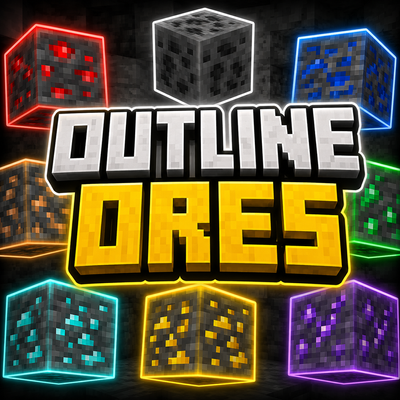
Outlineores++
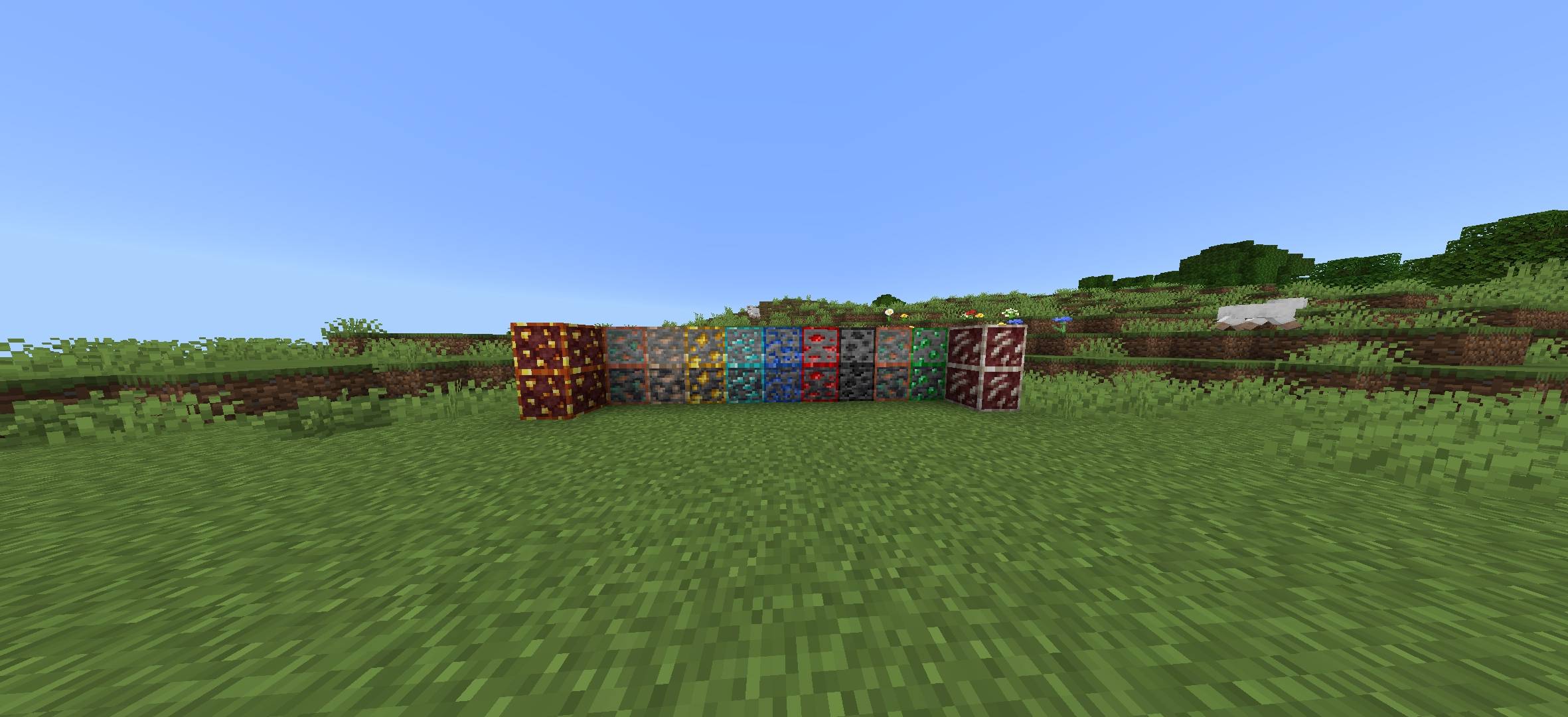
Outline Ores+ adds clean, bright outlines to every ore block, making them easier to spot while keeping the vanilla Minecraft style intact.
⬇ Download on CurseForge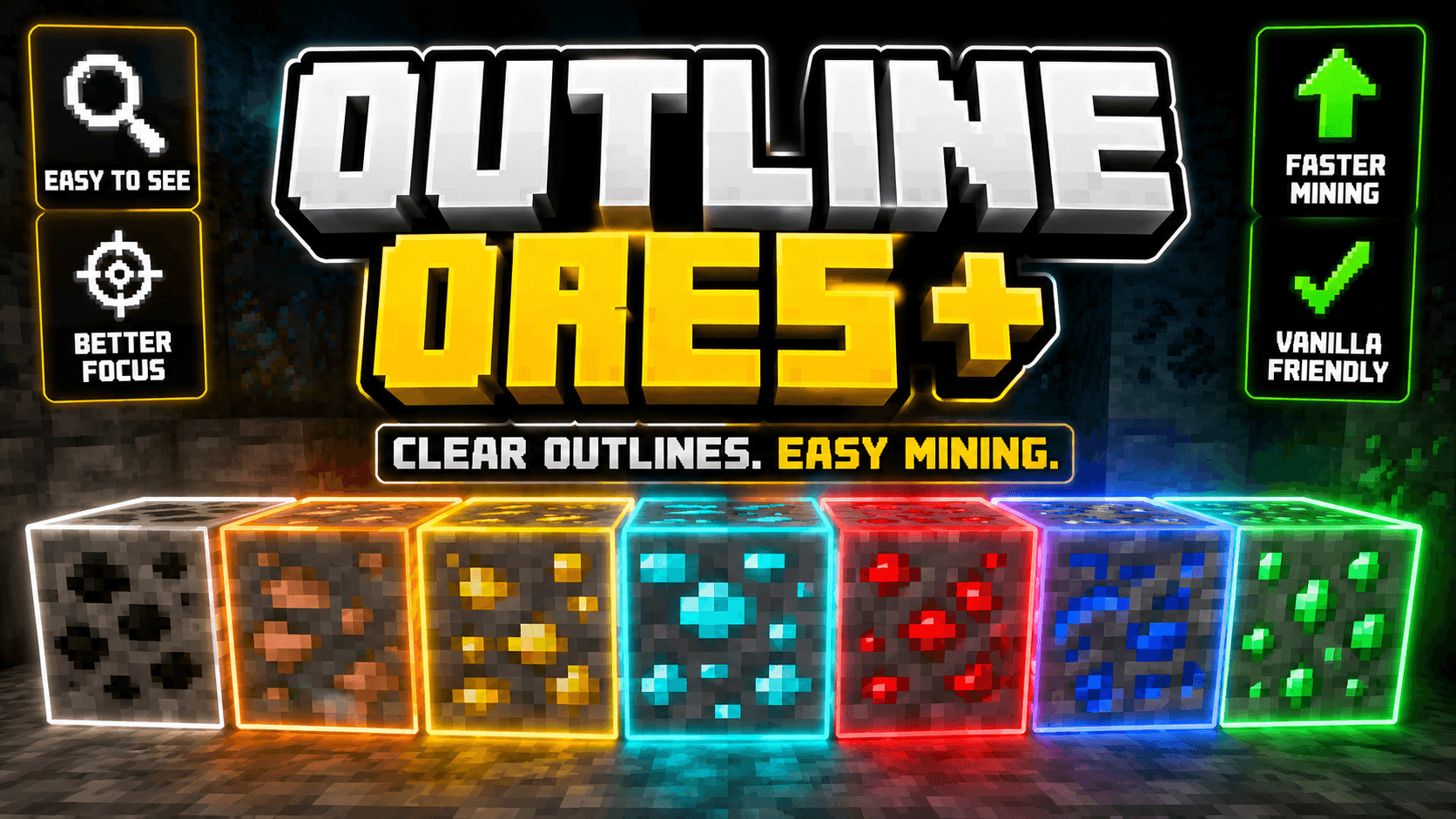
Outline Ores+
Never miss an ore again!
Outline Ores+ enhances the visibility of every ore block by adding clean, colorful outlines while preserving Minecraft's original textures. The pack is lightweight, performance-friendly, and perfect for survival, mining, caves, and exploration.
Features
- ✨ Bright outlines for all vanilla ores
- ⛏️ Faster and easier ore spotting
- 🎮 Keeps the vanilla Minecraft look
- ⚡ Lightweight and FPS-friendly
- 📱 Designed for Minecraft Bedrock Edition
- 🌍 Works great in Survival and Multiplayer
If you're looking for a simple visual improvement without changing the game's style, Outline Ores+ is the perfect choice.
- Edition: Minecraft Bedrock
- File type: .mcpack
- Minecraft versions listed: 26.20, 26.13, 26.30
- How to install: Download the .mcpack. → Open it — Minecraft imports it under Resource Packs. → Activate it in Global Resources, or for one world under Resource Packs → Available.
- Where to get it: Opens on CurseForge — not every file is mirrored on our own servers.
Install steps are the general flow for this file type — How to install Minecraft Bedrock texture packs walks through it step by step.
- Save it as outline ores++.mcaddon before opening — it downloads as .mcpack, but it is a .mcaddon pack
- Manifest requires Minecraft 1.17.0 or newer
- Complete pack — everything it depends on is inside the file
- Download size: 1.8 MB
- Download link checked 20 Sept 2026 — working
These come from our own check of the pack file, not from the source page.