Texture packsBedrock
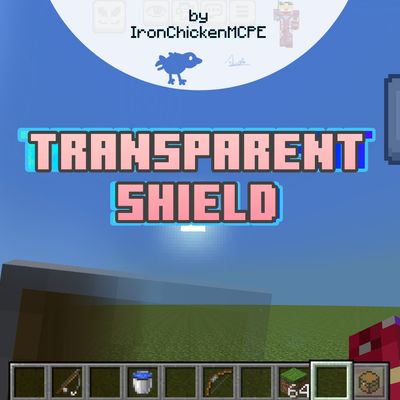
Transparent Shield by IronChickenMCPE
The author built this one for Minecraft 26.40. On other versions it may install and then do nothing.

This pack makes standard shields semi-transparent for much better screen visibility. It is highly recommended for PvP or regular survival gameplay, giving you a clear field of view without losing those classic vanilla vibes!
Discord server: here
It features 5 different subpack options so you can pick your perfect visual weight: 5% Opacity, 10% Opacity, 20% Opacity, 30% opacity, 40% opacity, and 50% Opacity.
Subpacks:

In-Game Previews:


Credits:
All by me, IronChickenMCPE.
Rules

Quick facts
- Edition: Minecraft Bedrock
- File type: .mcpack
- Minecraft version listed: 26.40
- How to install: Download the .mcpack. → Open it — Minecraft imports it under Resource Packs. → Activate it in Global Resources, or for one world under Resource Packs → Available.
- Where to get it: Opens on CurseForge — not every file is mirrored on our own servers.
Install steps are the general flow for this file type — How to install Minecraft Bedrock texture packs walks through it step by step.
Verified by MCModsHub
- Save it as transparent_shield_by_ironchickenmcpeV1.3.mcaddon before opening — it downloads as .mcpack, but it is a .mcaddon pack
- Manifest requires Minecraft 1.21.0 or newer
- Complete pack — everything it depends on is inside the file
- Download size: 388 KB
- Download link checked 20 Sept 2026 — working
These come from our own check of the pack file, not from the source page.