
Visual Clarity
Bedrock texture pack listed for Minecraft 1.21–26.x. File opened and checked on 9 Oct 2026; installs from the MC Bedrock Mods app on Android.
Improve your Minecraft experience with clearer textures, outlined ores, crop stages, durability displays, helpful item details, and more. Works globally…
⬇ Download on CurseForgeThe author built this one for Minecraft 26.40. On other versions it may install and then do nothing.
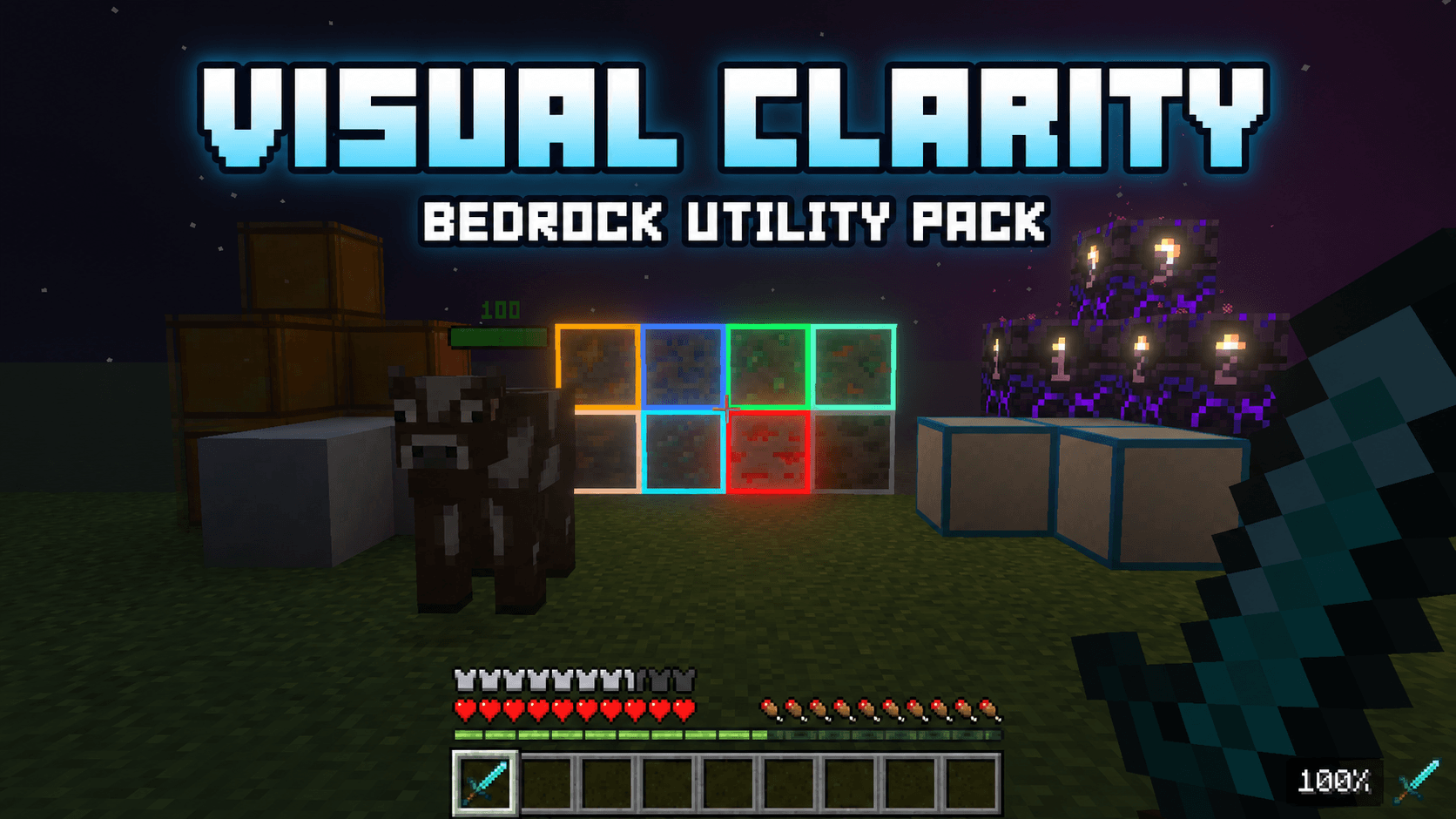
Visual Clarity 1.2.5
Visual Clarity is a utility resource pack for Minecraft Bedrock Edition. It makes useful information easier to read, improves block visibility, and reduces screen obstruction while preserving Minecraft’s original style.
Item and Inventory Information
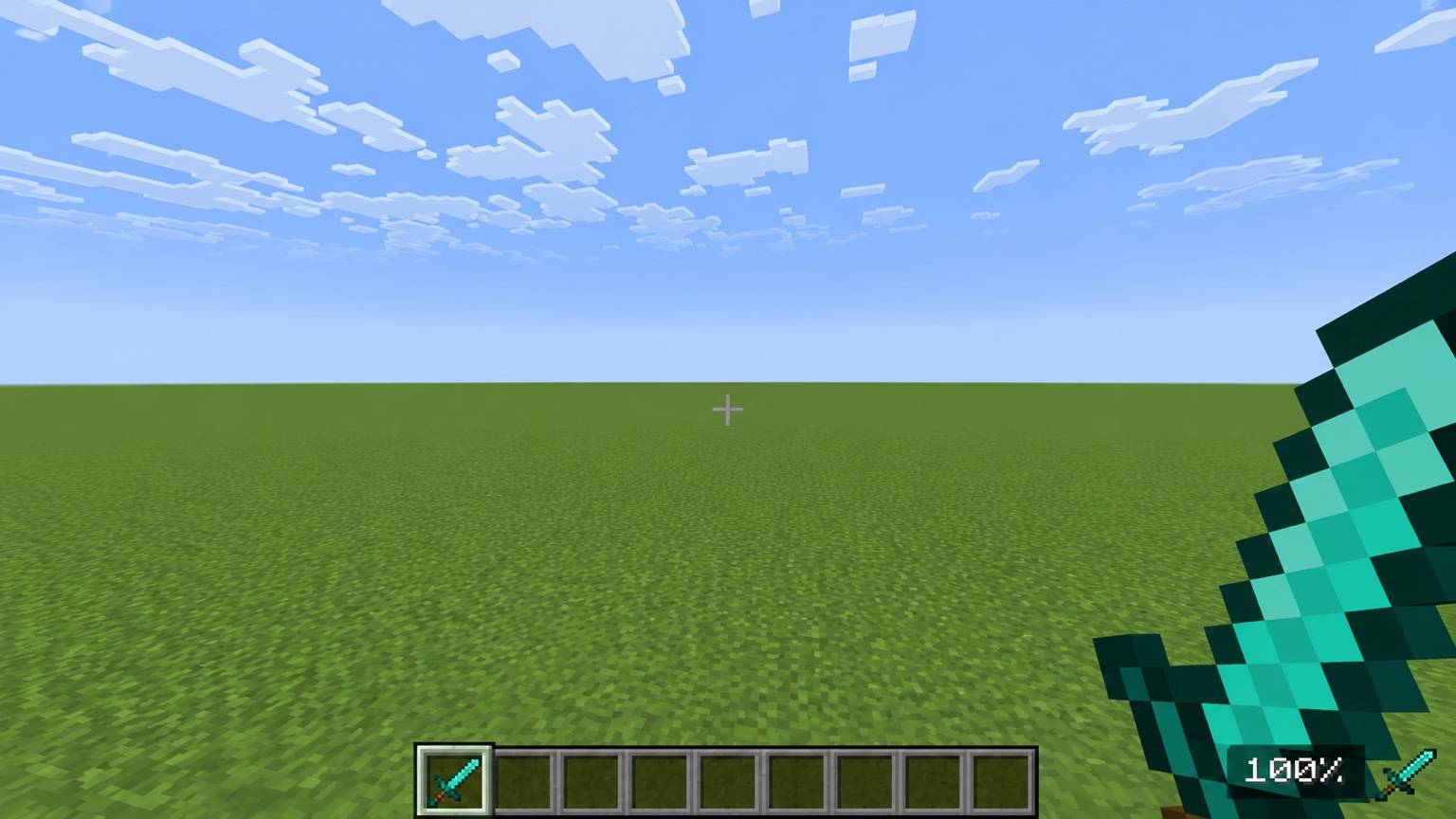
- Displays durability as a percentage
- Shows durability inside the inventory and during gameplay
- Shows weapon attack damage
- Shows armor protection values
- Shows how many hunger bars food restores
- Explains potion effects
- Displays potion-effect duration
- Uses clean, readable text that matches Minecraft’s interface
Mob Health Bars
- Adds compact health bars above mobs
- Displays the mob’s current health
- Changes color as health decreases
- Keeps the display above the mob’s head
- Works during regular survival gameplay and on servers
Outlined Ores
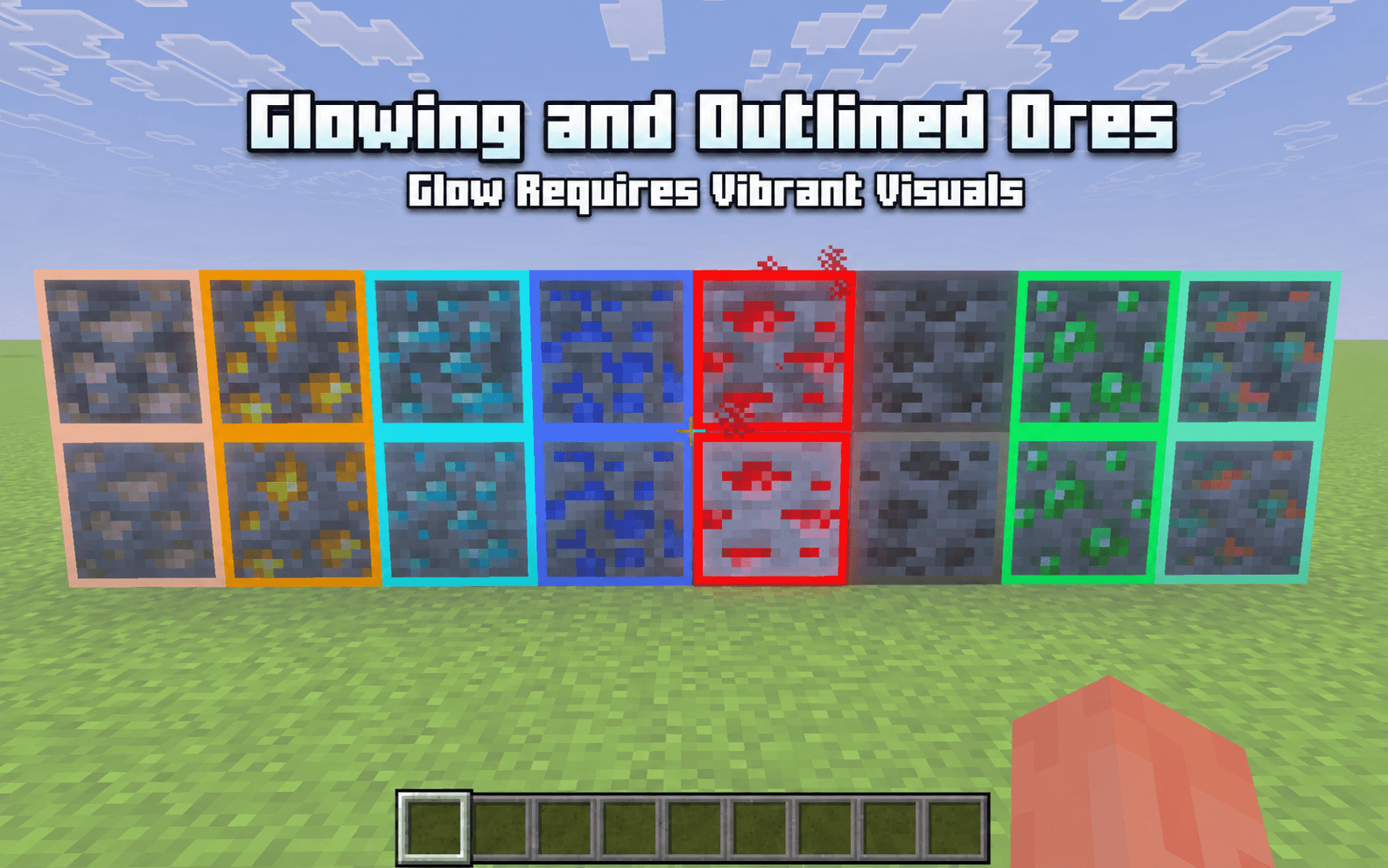
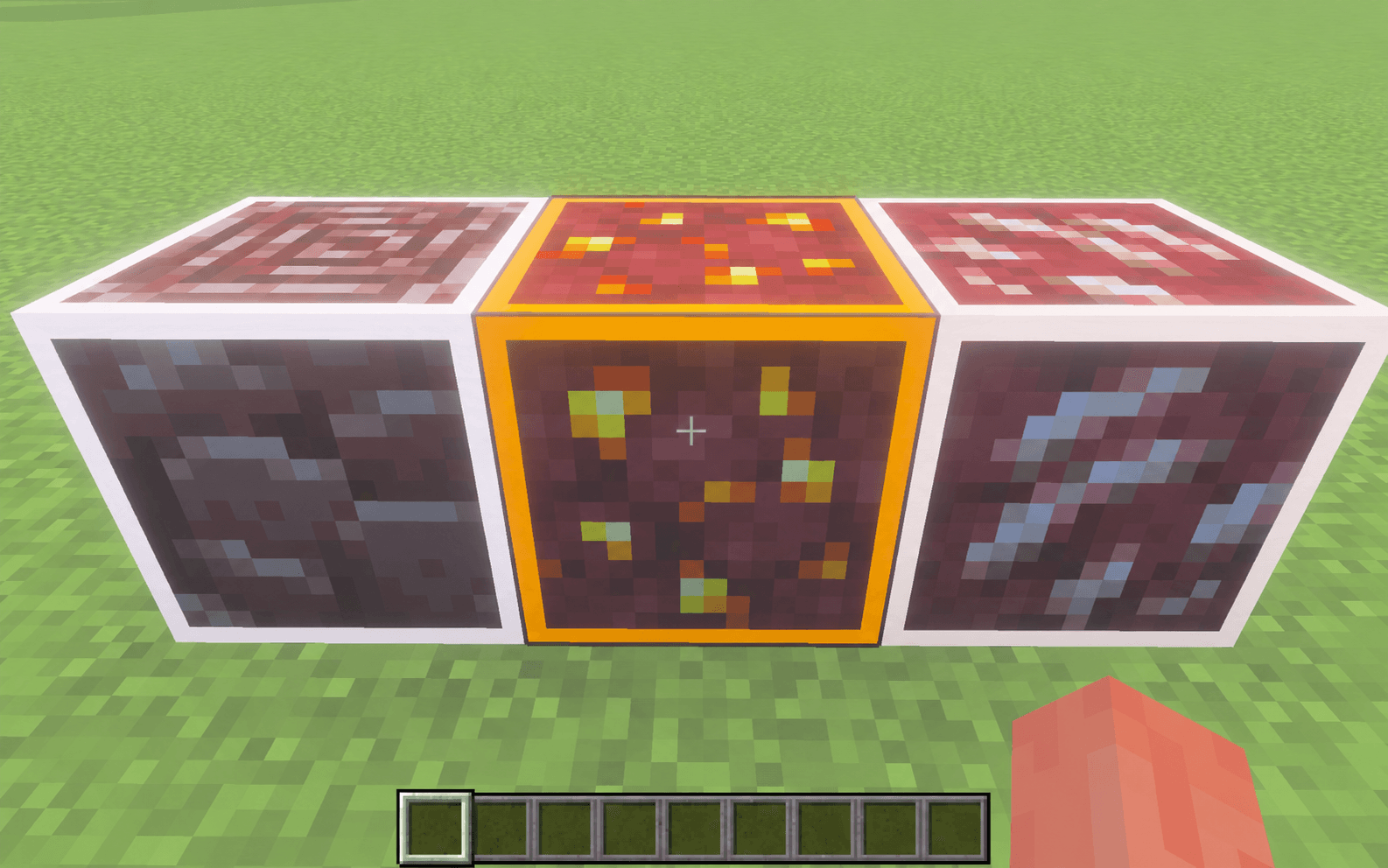
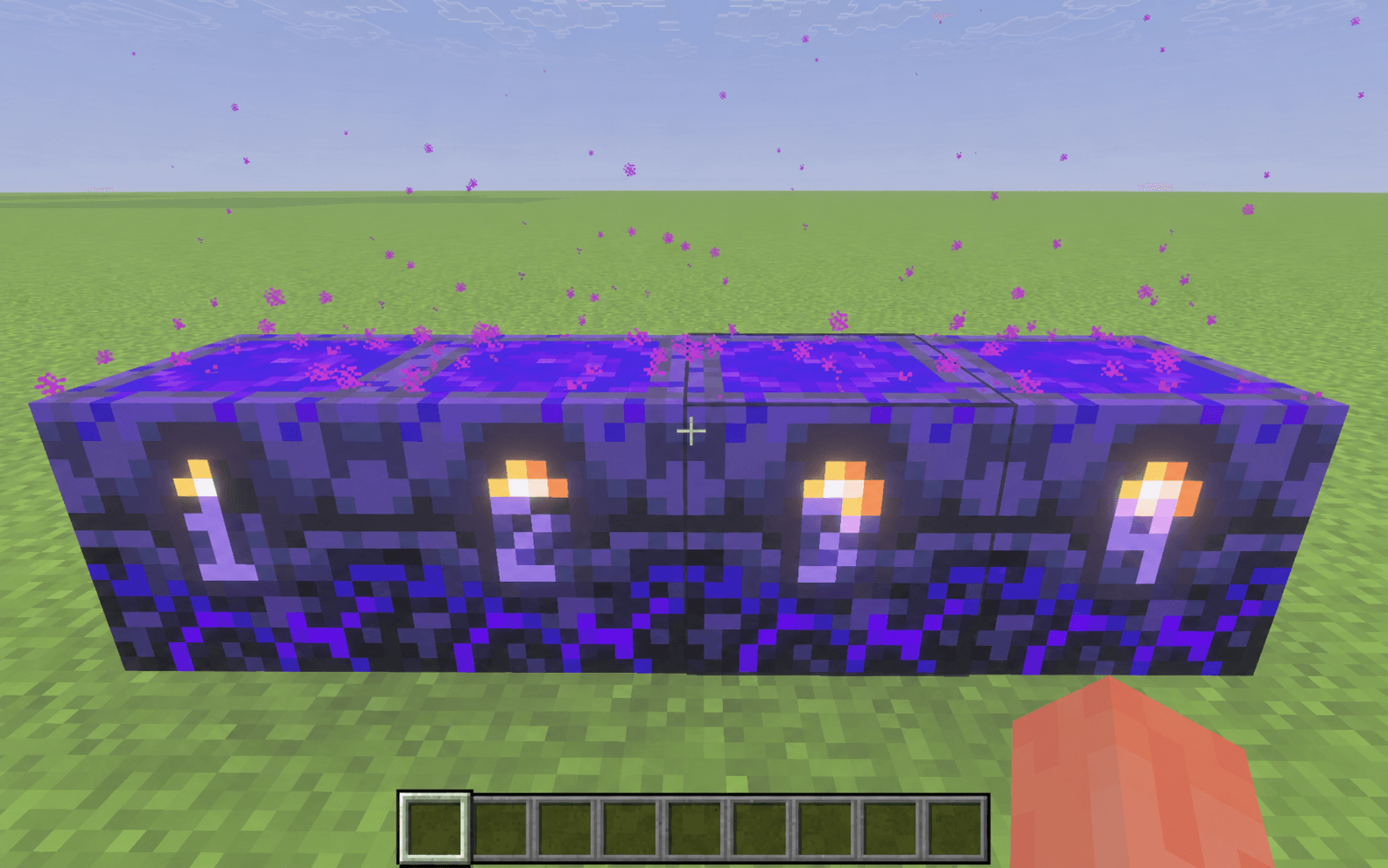
- Adds visible outlines to stone, deepslate, and Nether ores
- Includes ancient debris
- Makes ores easier to identify in dark areas
- Supports glowing ores with Vibrant Visuals
- Outlines still appear without Vibrant Visuals
Clear Borderless Glass
- Removes distracting borders and streaks
- Supports regular glass blocks and panes
- Supports every stained-glass color
- Supports tinted glass
- Gives windows and large glass builds a cleaner appearance
Crop Growth Indicators
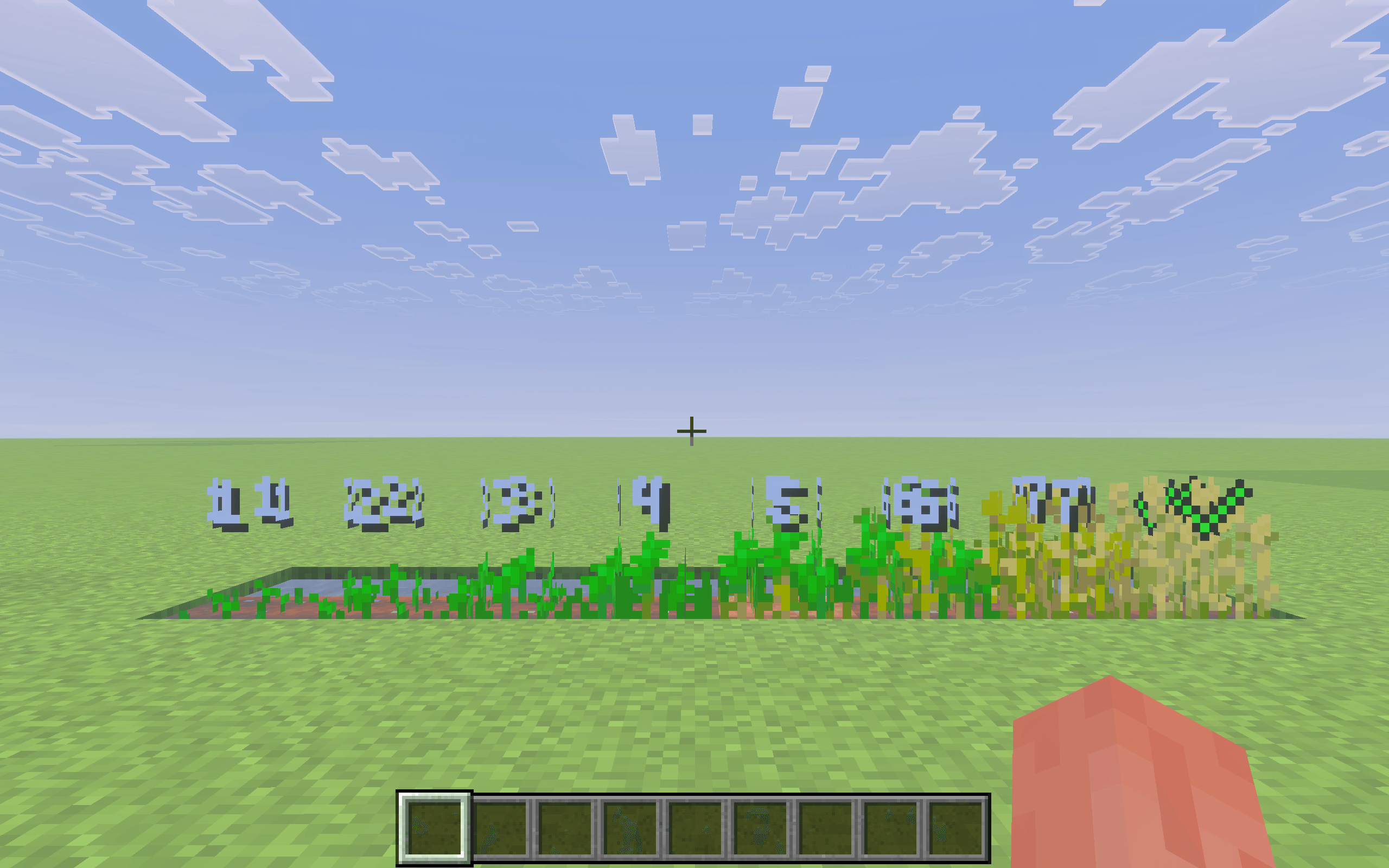
- Displays numbered growth stages on crops
- Supports wheat, carrots, potatoes, beetroot, and Nether wart
- Uses small indicators that keep the crops visible
- Crop Stages are enabled by default
- Turn Crop Stages ON or OFF through the pack’s gear icon
Powdered Snow Indicator
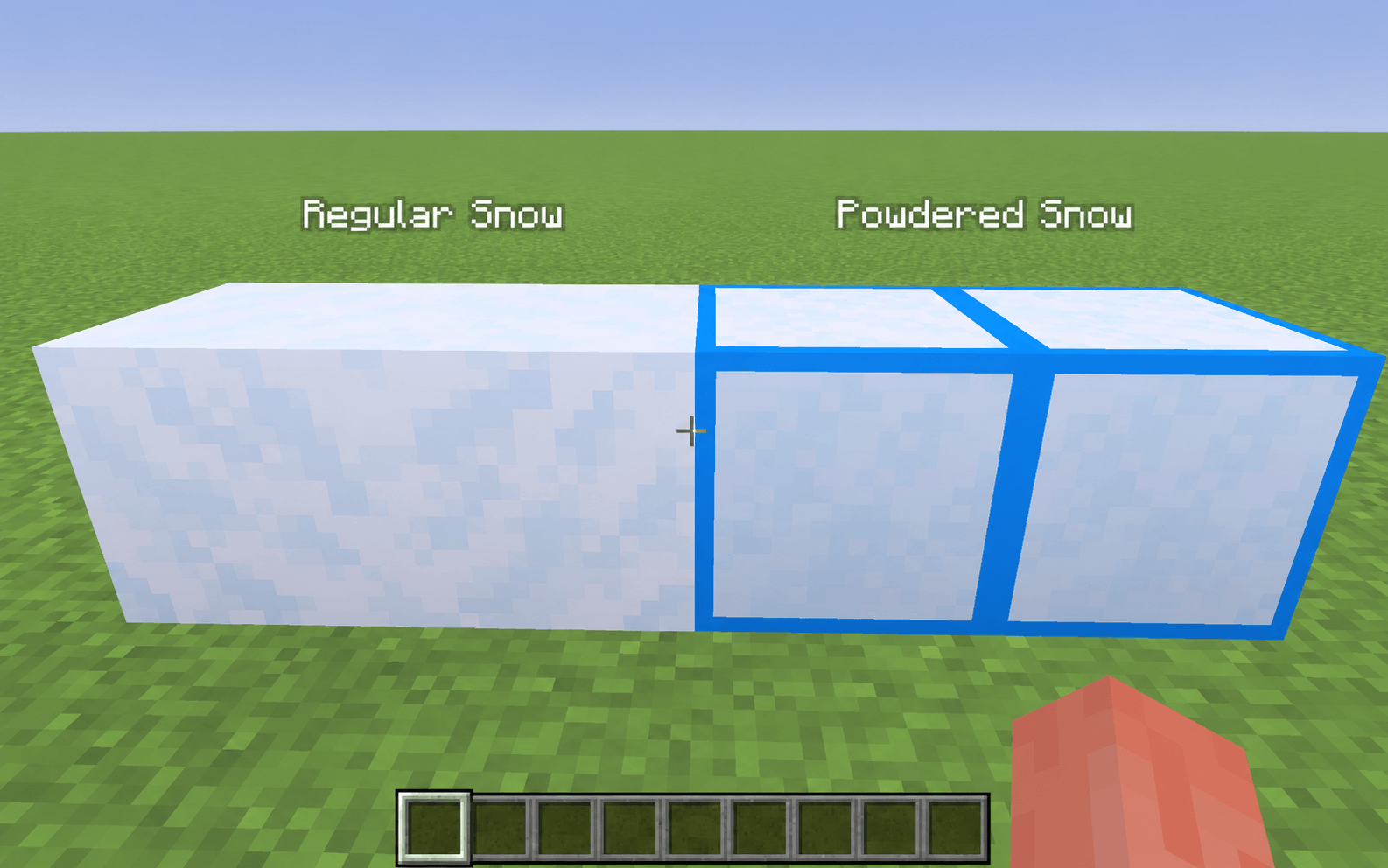
- Adds a blue border around powdered snow
- Covers every visible side
- Makes powdered snow easy to separate from regular snow
Visible Infested Blocks
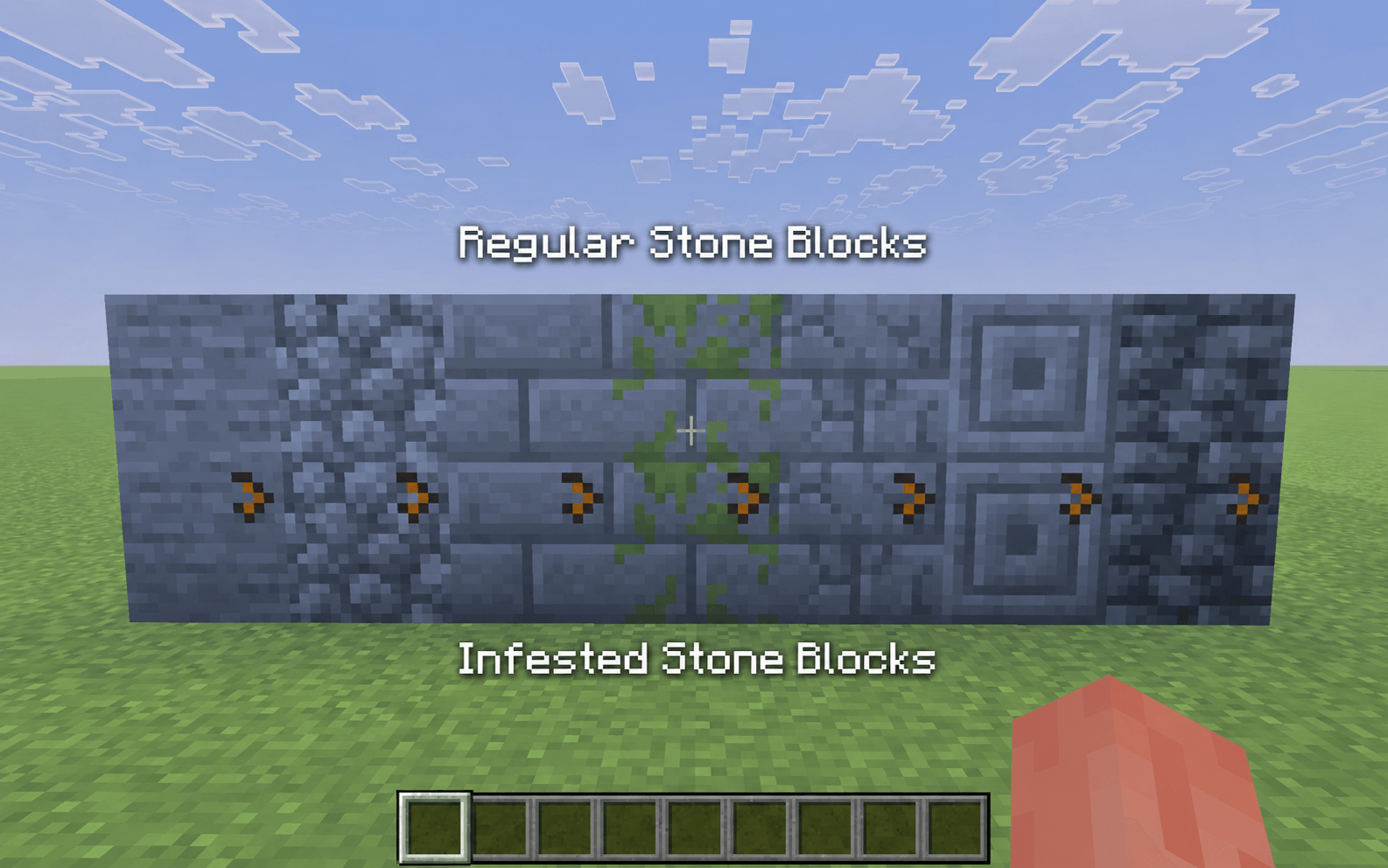
- Adds a clear orange indicator to infested stone blocks
- Makes infested blocks easier to identify
- Keeps the original stone textures recognizable
Clear Pumpkin Vision
- Removes the obstructive carved-pumpkin overlay
- Keeps your view clear while wearing a carved pumpkin
Low Fire
- Lowers the first-person fire overlay
- Keeps more of the screen visible while burning
Lower Shield
- Lowers the first-person shield position
- Stops the shield from covering a large part of the screen
Visible Tripwire
- Makes placed tripwire easier to see
- Uses a visible orange texture
- Helps with traps and redstone builds
Directional Hoppers
- Makes hopper direction easier to identify
- Helps when building storage systems and redstone machines
Pack Settings
The gear icon controls one feature:
- Crop Stages: ON
- Crop Stages: OFF
Durability is always displayed as a percentage. There is no durability-format setting.
Compatibility
- Made for Minecraft Bedrock Edition
- Works through Global Resources
- Works in survival and creative worlds
- Server and Realm friendly
- No scripts required
- Achievement friendly
- Standard crosshair preserved
- Preserves Minecraft’s vanilla appearance
These are only some of the improvements included in Visual Clarity. Try the pack in-game to see all its features.
- Edition: Minecraft Bedrock
- File type: .mcpack
- Minecraft version listed: 26.40
- How to install: Download the .mcpack. → Open it — Minecraft imports it under Resource Packs. → Activate it in Global Resources, or for one world under Resource Packs → Available.
- Where to get it: Opens on CurseForge — not every file is mirrored on our own servers.
Install steps are the general flow for this file type — How to install Minecraft Bedrock texture packs walks through it step by step.
- Pack type: .mcpack — a single pack
- Manifest requires Minecraft 1.21.120 or newer
- Complete pack — everything it depends on is inside the file
- Download size: 2.3 MB
- Download link checked 10 Oct 2026 — working
These come from our own check of the pack file, not from the source page.