Vibrant Visuals Shader Starter
Bedrock texture pack listed for Minecraft 1.21–26.x. File opened and checked on 8 Oct 2026; installs from the MC Bedrock Mods app on Android.
⬇ Download on CurseForge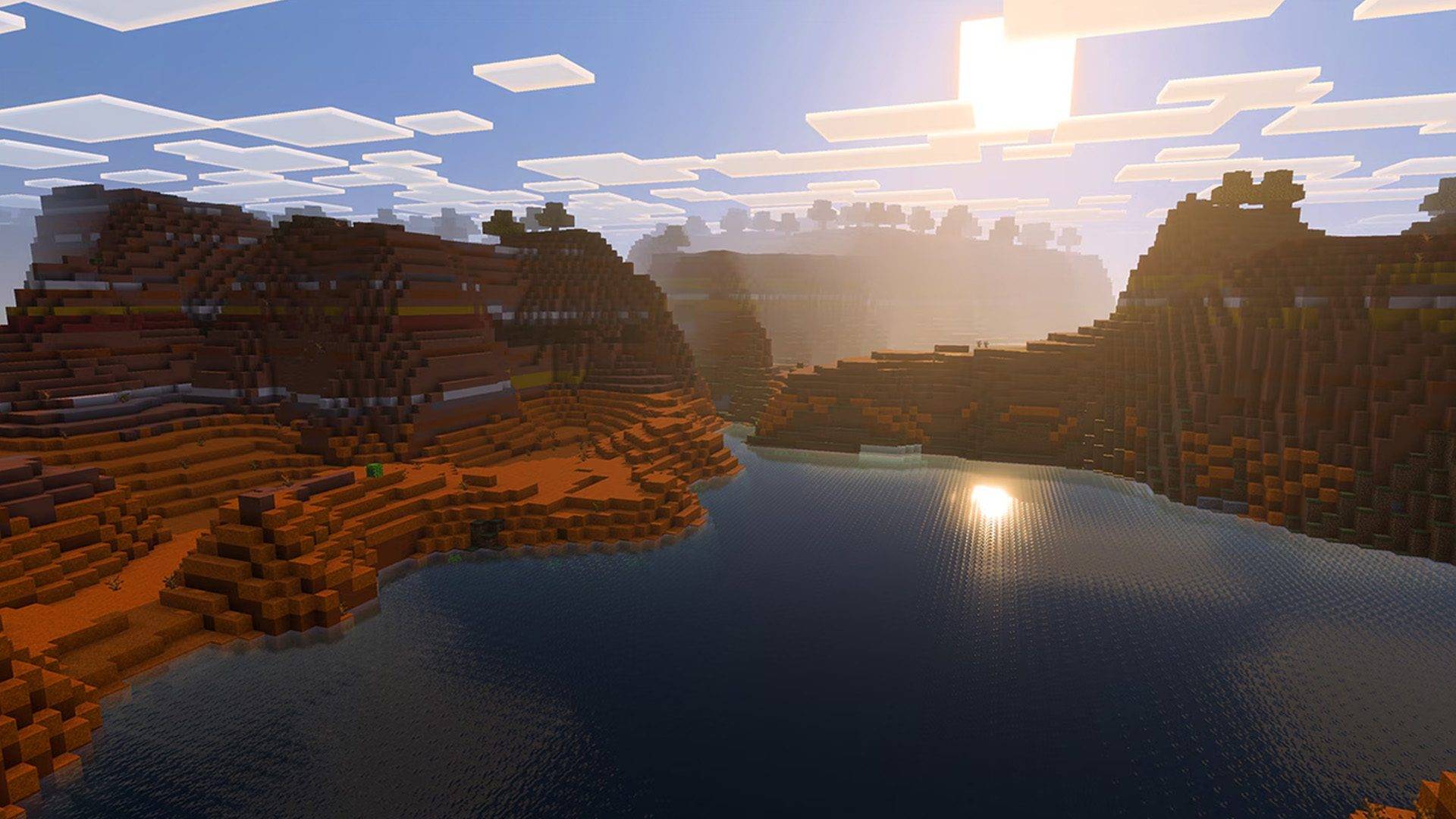
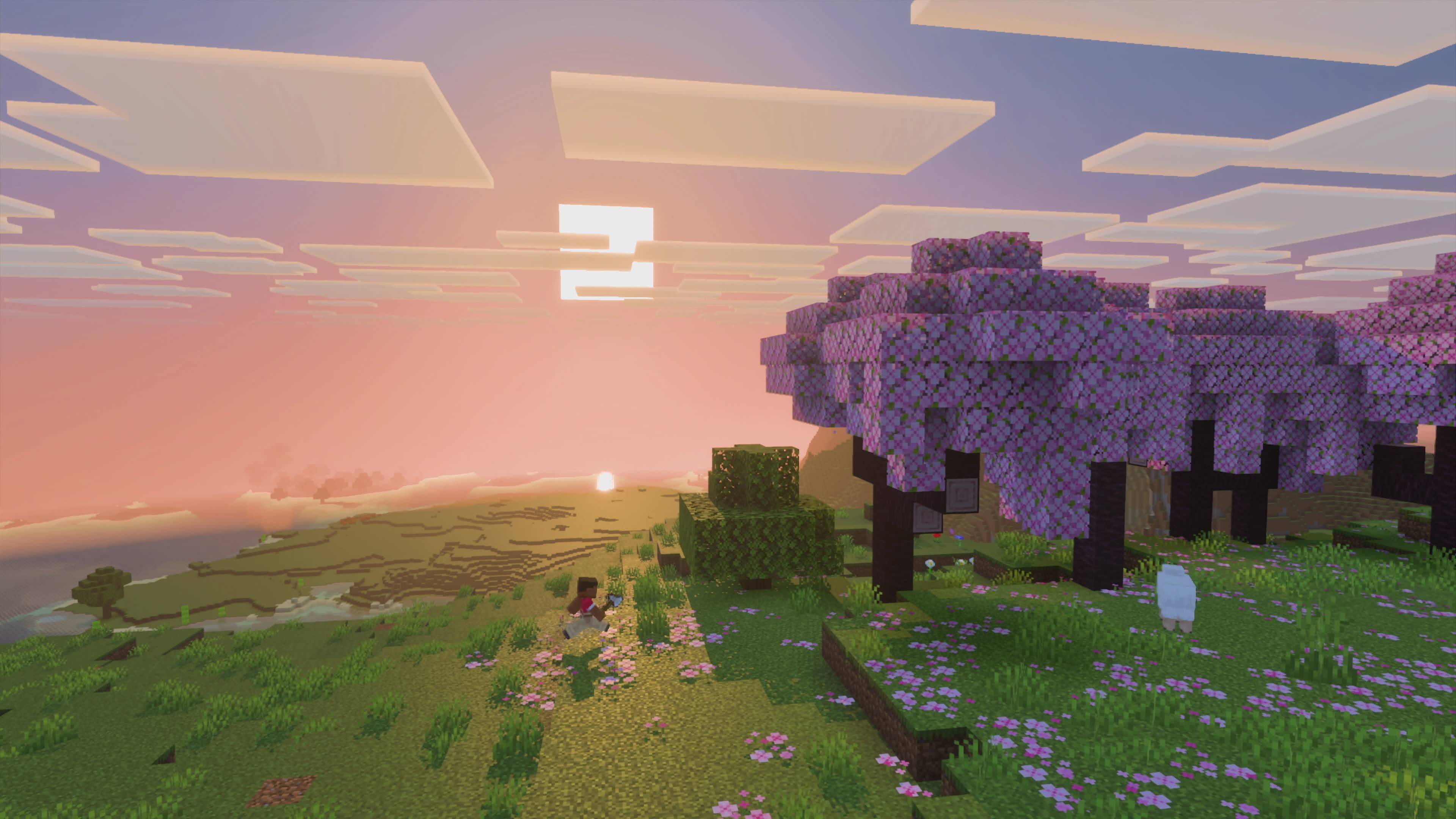
Vibrant Visuals Starter Shader
The VV Starter Shader is a shader in which you can edit to make it your own!
YOU MUST READ THE README.md! [make the file into .zip or use WinRAR to read it first!]
The File Structure:
VibrantVisuals_Shader_Starter/
├── manifest.json ← has the required "pbr" capability
├── lighting/global.json ← sun, moon, ambient, sky intensity
├── atmospherics/atmospherics.json ← sky colors + scattering
├── color_grading/color_grading.json ← saturation, contrast, temperature, tonemap
├── water/water.json ← clarity, caustics, waves
├── pbr/global.json ← default metalness / roughness for everything
├── local_lighting/local_lighting.json ← example torch/lantern colors
└── README.md ← full beginner guide
How to use it
Make the file into .zip (by renaming it YourShaderName.zip or use WinRAR.
Open any of the JSON files, change numbers, add a pack_icon.png and tweak the manifest.json!
Import the .mcpack into Minecraft.
Activate it in Global Resources (or the world).
Set Graphics Mode → Vibrant Visuals.
NOTE: The description above was made by AI, since I couldn't think of what to write.
- Edition: Minecraft Bedrock
- File type: .mcpack
- Minecraft versions listed: 1.21.93, 1.21.90, 1.21.101
- How to install: Download the .mcpack. → Open it — Minecraft imports it under Resource Packs. → Activate it in Global Resources, or for one world under Resource Packs → Available.
- Where to get it: Opens on CurseForge — not every file is mirrored on our own servers.
Install steps are the general flow for this file type — How to install Minecraft Bedrock texture packs walks through it step by step.
- Save it as VibrantVisuals_Shader_Starter.mcaddon before opening — it downloads as .mcpack, but it is a .mcaddon pack
- Manifest requires Minecraft 1.21.90 or newer
- Complete pack — everything it depends on is inside the file
- Download size: 8 KB
- Download link checked 10 Oct 2026 — working
These come from our own check of the pack file, not from the source page.