Red Black Anime Skin
Bedrock skin pack listed for Minecraft 1.16–26.x. File opened and checked on 9 Oct 2026; installs from the MC Skins app on Android.
⬇ Download on CurseForge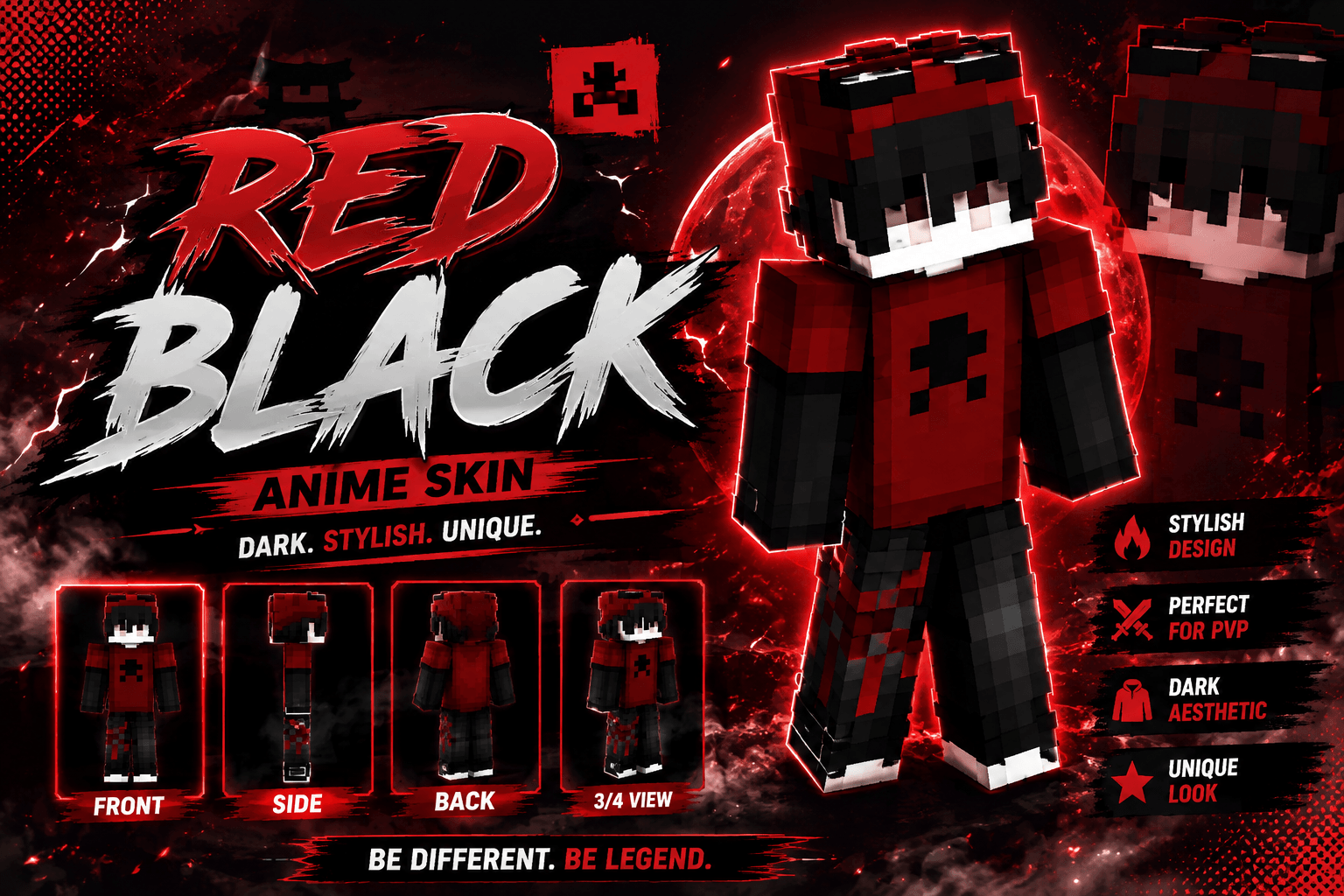
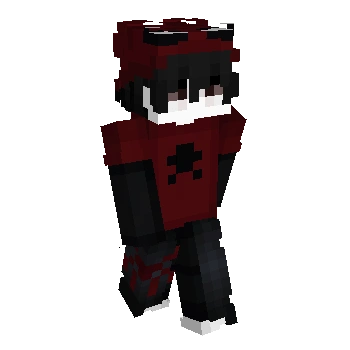
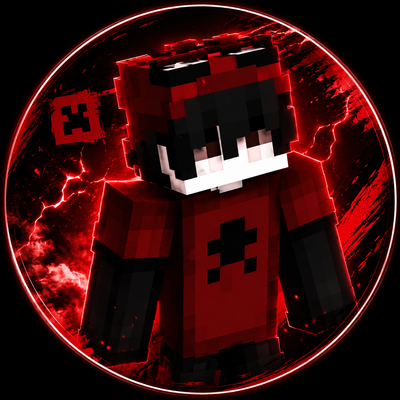
Enhance your gaming experience with this Red Black Anime Skin. Featuring a dark red and black outfit, black hair, a red hood, and a clean anime-inspired design, this skin is perfect for PvP, survival, BedWars, SkyWars, multiplayer servers, and everyday gameplay.
✨ Features ✔ Red and black color palette ✔ Anime-inspired design ✔ Dark streetwear aesthetic ✔ Clean pixel-art detailing ✔ Great for PvP and multiplayer ✔ Stylish and unique appearance
📦 Installation Download the skin file. Open it with Minecraft. Import the skin. Equip it in the Dressing Room. Enjoy your new look!
- Edition: Minecraft Bedrock
- File type: .mcpack
- Minecraft versions listed: 1.16.21, 26.40
- How to install: Download the .mcpack skin pack. → Open it — Minecraft imports it. → Open the Dressing Room and select the skin.
- Where to get it: Opens on CurseForge — not every file is mirrored on our own servers.
Install steps are the general flow for this file type — How to apply a custom Minecraft skin walks through it step by step.
- Pack type: .mcpack — a single pack
- Complete pack — everything it depends on is inside the file
- Download size: 3 KB
- Download link checked 12 Oct 2026 — working
These come from our own check of the pack file, not from the source page.