Texture packsBedrock
Java-Style Touch Control Buttons
Touch‑styled control buttons resource pack for Minecraft Bedrock. It brings Java‑like touch‑button visuals, optimizes on‑screen UI layout and offers…
⬇ Download on CurseForge
Please Note: This pack is only compatible with game version 26.10 or higher.
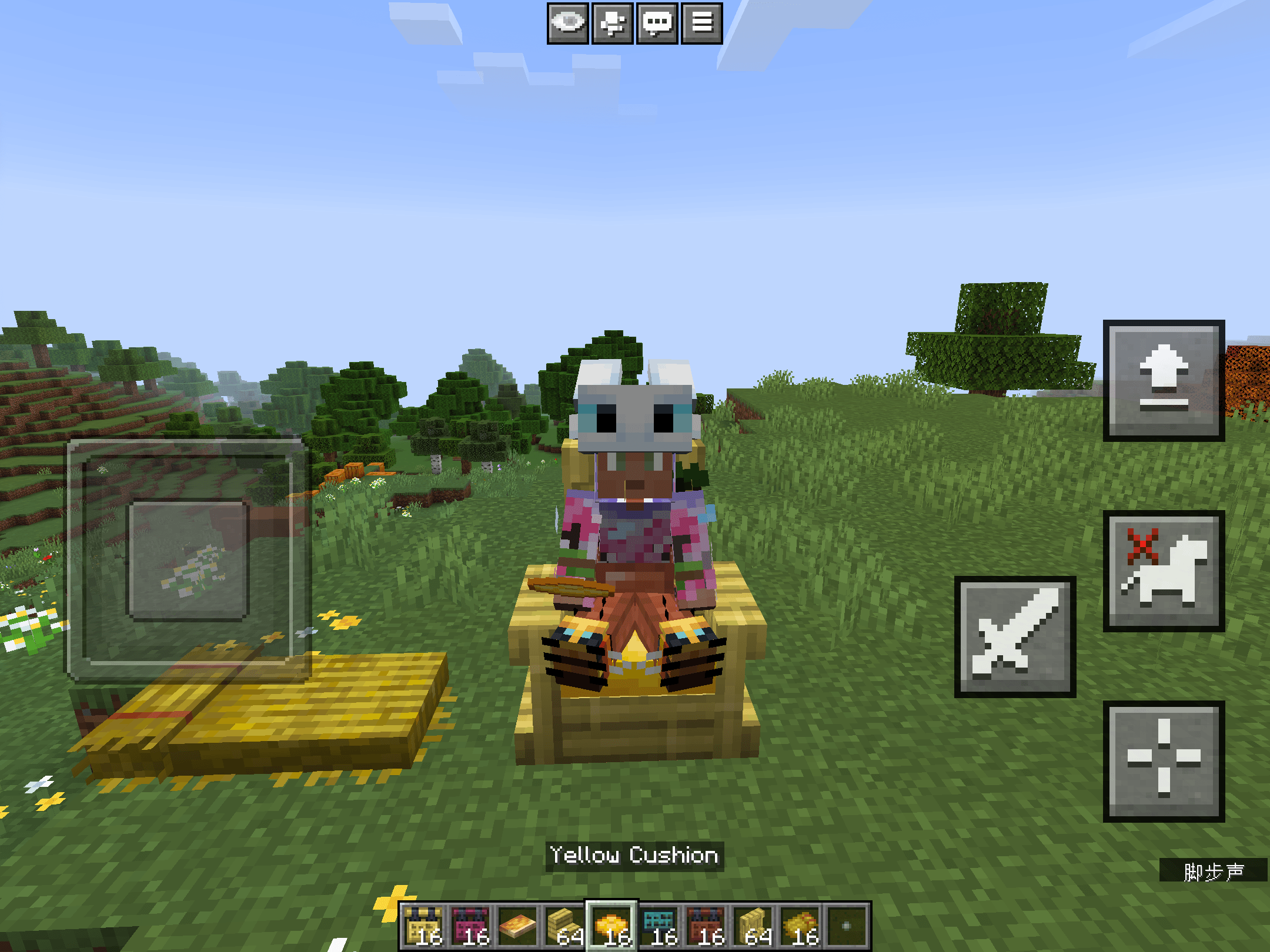
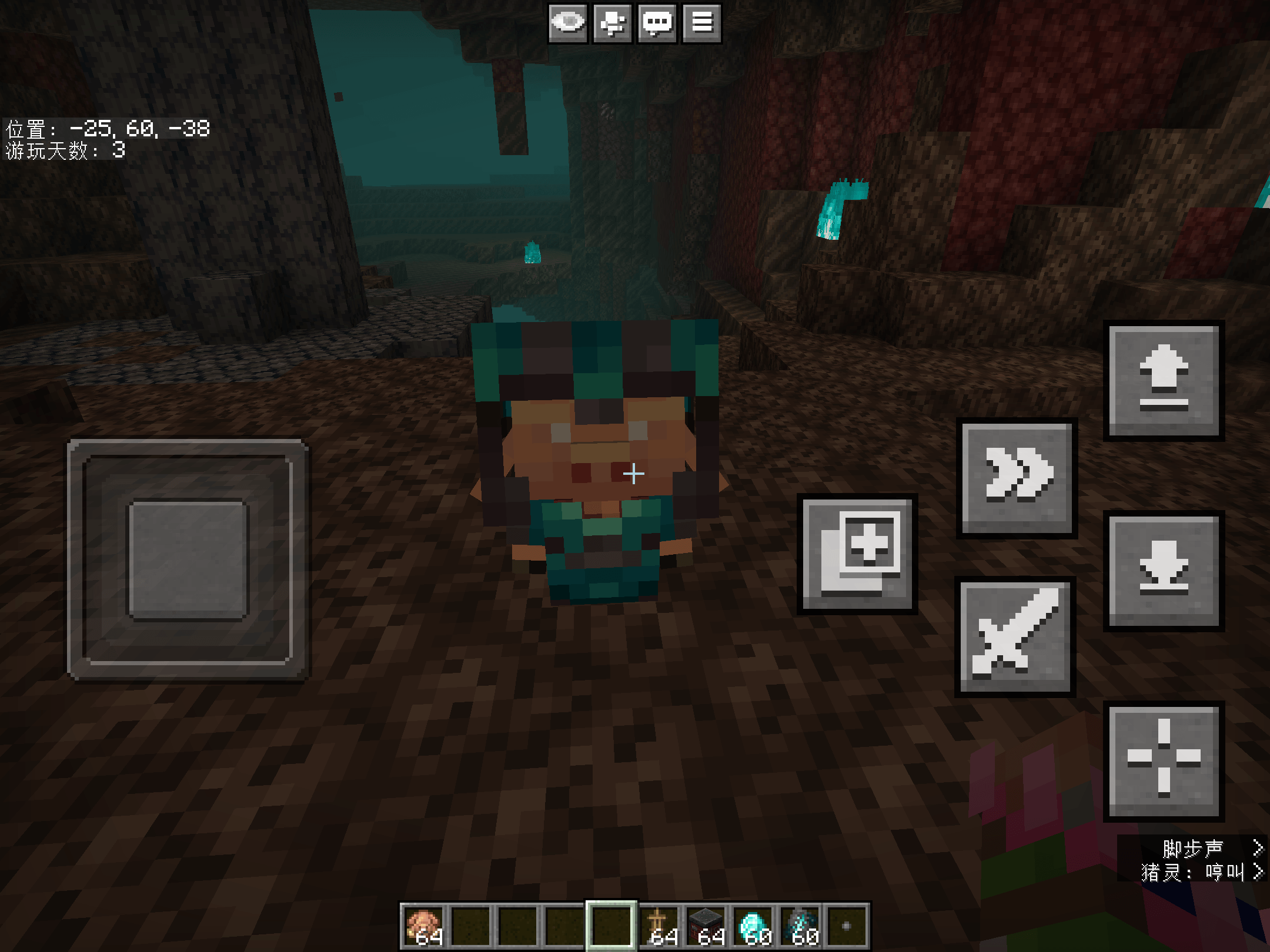
This resource pack redesigns on‑screen touch controls of Bedrock Edition.
It replaces the default Ore UI buttons with clean‑style UI inspired by Minecraft Java Edition.
The Main Feature
2 Variants of Java-Style Touch Control Buttons
*This pack provides "New Default" and "Programmer Art (Classic)" style, you can switch between styles by enabling different subpacks.
Quick facts
- Edition: Minecraft Bedrock
- File type: .mcpack
- Minecraft versions listed: 26.10, 26.11, 26.12
- How to install: Download the .mcpack. → Open it — Minecraft imports it under Resource Packs. → Activate it in Global Resources, or for one world under Resource Packs → Available.
- Where to get it: Opens on CurseForge — not every file is mirrored on our own servers.
Install steps are the general flow for this file type — How to install Minecraft Bedrock texture packs walks through it step by step.
Verified by MCModsHub
- Pack type: .mcpack — a single pack
- Manifest requires Minecraft 1.26.10 or newer
- Complete pack — everything it depends on is inside the file
- Download size: 444 KB
- Download link checked 22 Sept 2026 — working
These come from our own check of the pack file, not from the source page.