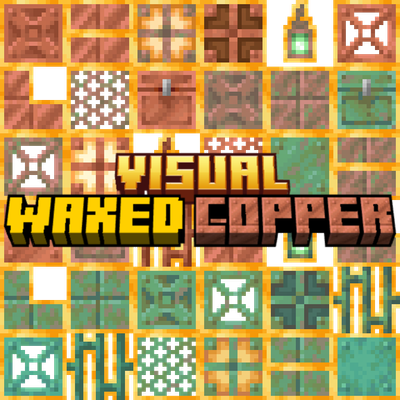
Visual Waxed Copper
Bedrock texture pack listed for Minecraft 26.x. File opened and checked on 10 Oct 2026; installs from the MC Bedrock Mods app on Android.
⬇ Download on CurseForgeThe author built this one for Minecraft 26.40. On other versions it may install and then do nothing.
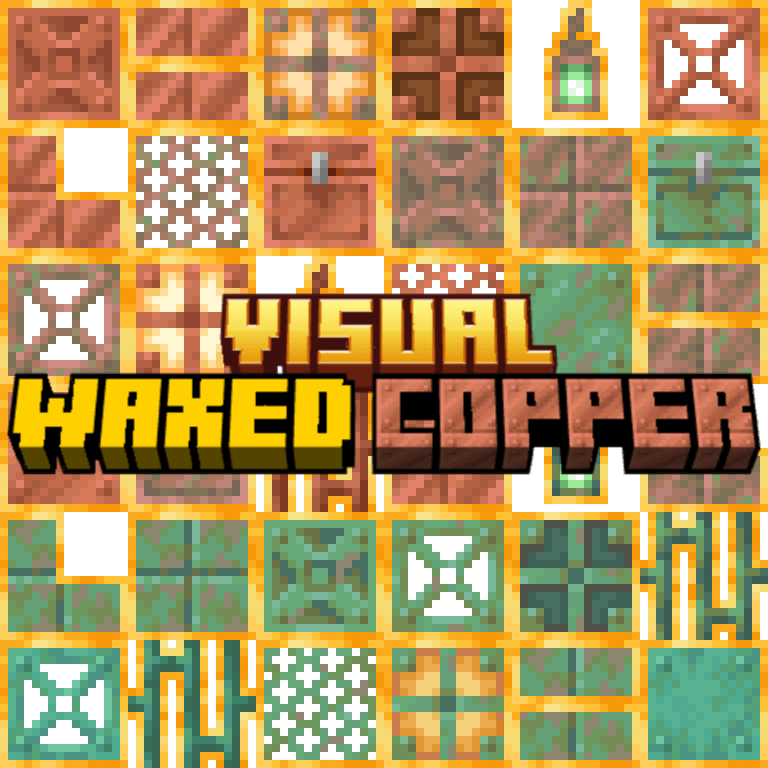
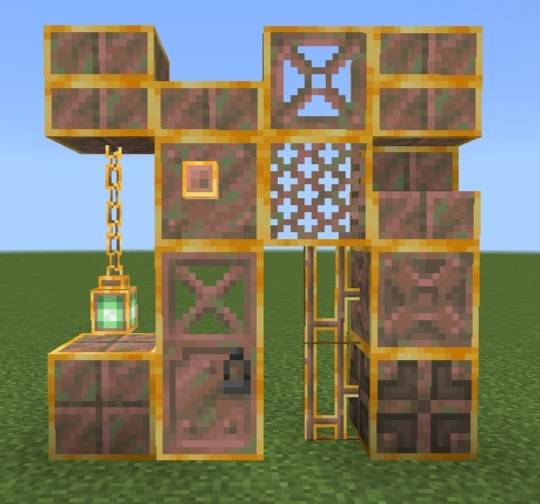
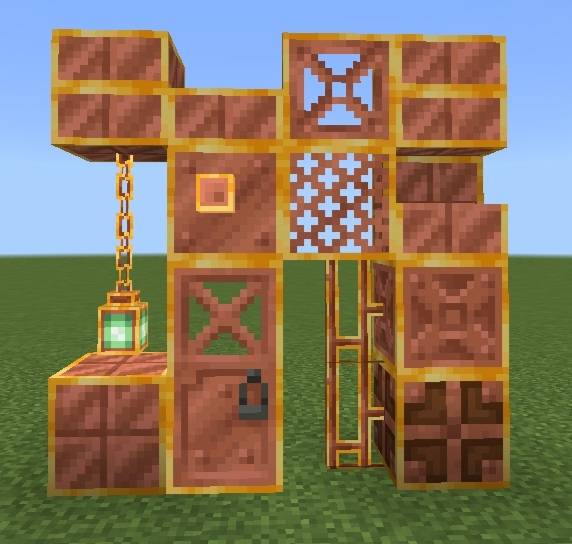
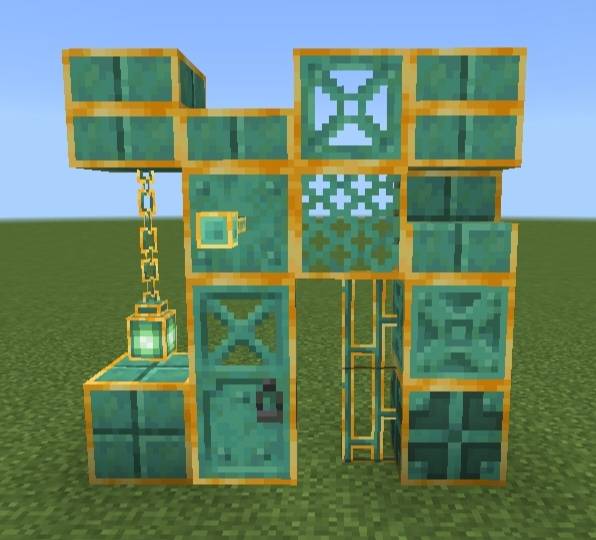
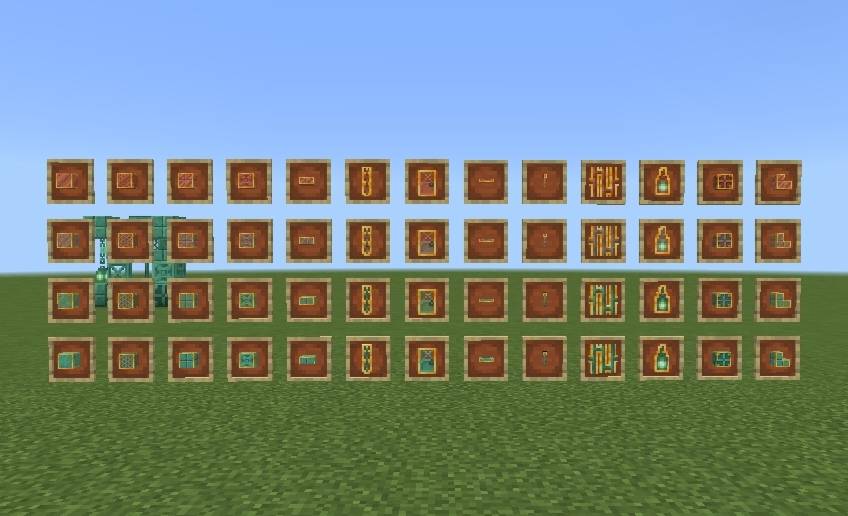
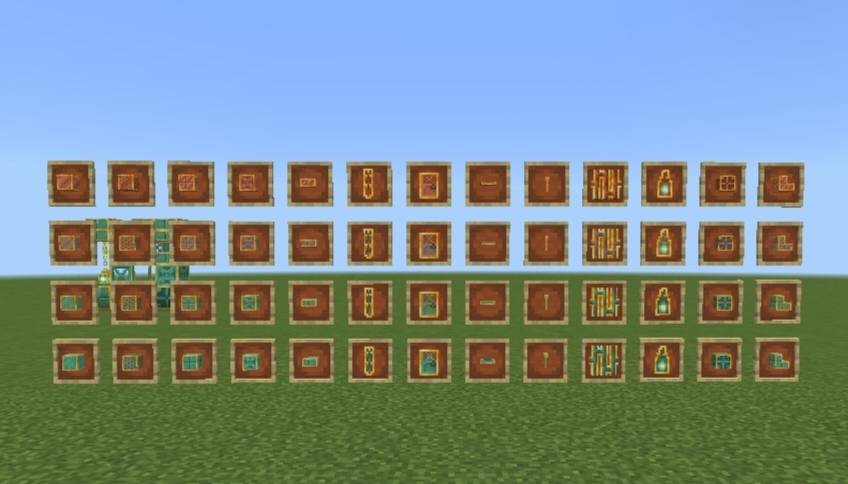
Visual Waxed Copper
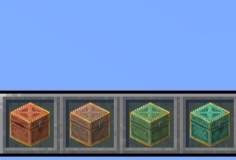
Now you can differentiate between waxed and unwaxed copper blocks! You can change which models get changed- items only or items + blocks using subpacks.
Coming soon to Bedrock Tweaked.
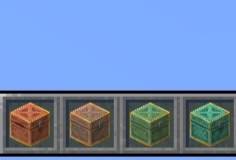
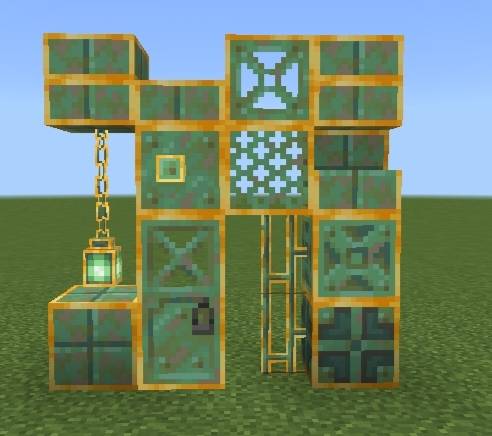
🖼️ Images-
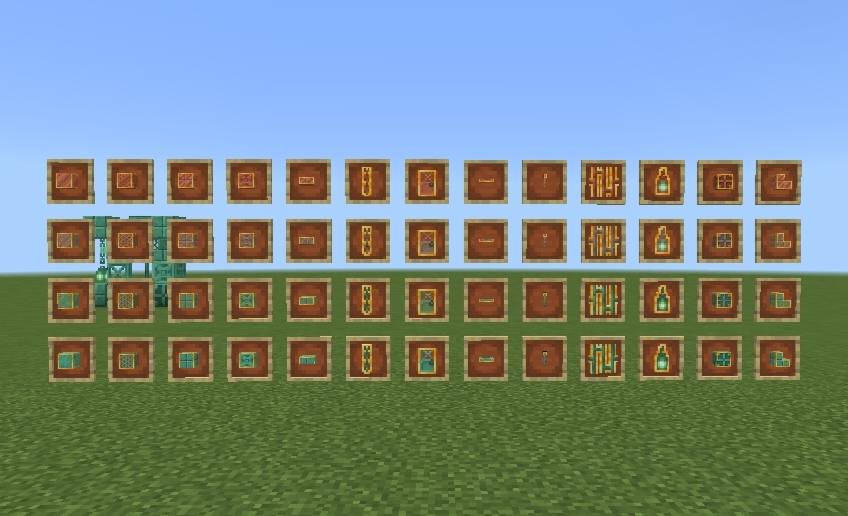
^ Items Only subpack
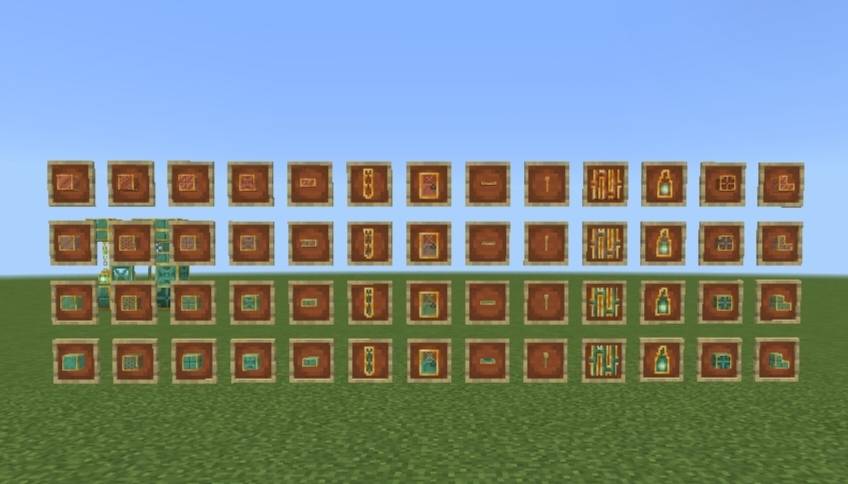
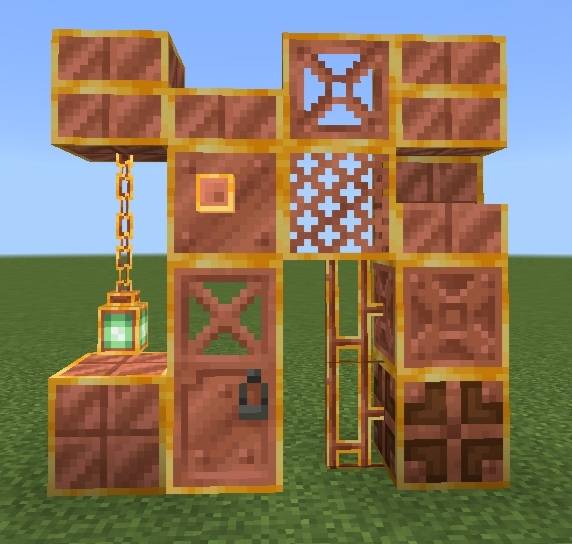
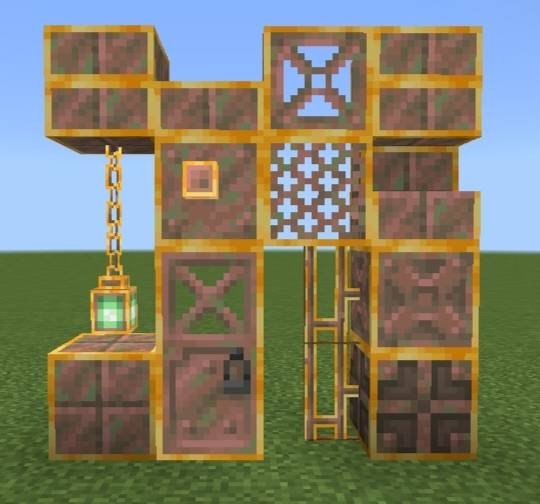
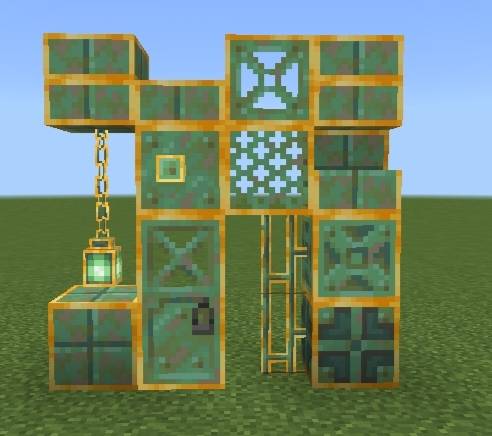
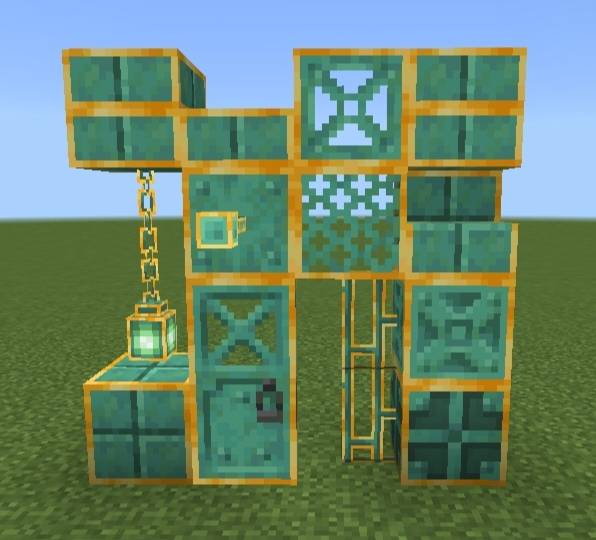
^ Items + Blocks subpack
📏 Known limitations-
Due to Minecraft Bedrock's hardcoded block models some blocks and entities like Copper Chests (block and held item model), Copper Golems and Copper Golem Statues could not be fully retextured in every view. This is a game limitation rather than a pack issue. A behaviour pack is needed in order to retexture them.
❓ How to use?
1. Import the .mcpack file in Minecraft.
2. Activate it in Global Resources, World Resources Packs, Realms or Servers.
3. Click on the pack after activating the pack.
4. Click the small "⚙️" button.
5. Select the mode you want - Items Only, Items + Blocks; using the slider.
6. Hop onto the world. The pack will be activated!
⚠️ If you don't see any change in the pack try doing these -
1. Restart Minecraft.
2. Try deactivating & activating the pack again.
- Edition: Minecraft Bedrock
- File type: .mcpack
- Minecraft version listed: 26.40
- How to install: Download the .mcpack. → Open it — Minecraft imports it under Resource Packs. → Activate it in Global Resources, or for one world under Resource Packs → Available.
- Where to get it: Opens on CurseForge — not every file is mirrored on our own servers.
Install steps are the general flow for this file type — How to install Minecraft Bedrock texture packs walks through it step by step.
- Save it as Visual Waxed Copper_v1.0.0.mcaddon before opening — it downloads as .mcpack, but it is a .mcaddon pack
- Manifest requires Minecraft 1.26.40 or newer
- Complete pack — everything it depends on is inside the file
- Download size: 225 KB
- Download link checked 12 Oct 2026 — working
These come from our own check of the pack file, not from the source page.