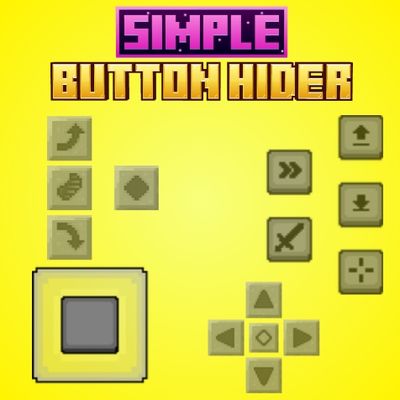
Simple Button Hider
Simple Button Hider is a lightweight Bedrock Resources Pack that hides selected on-screen controls like Jump, Crouch, and other buttons for a cleaner…
⬇ Download on CurseForgeThe author built this one for Minecraft 26.20–26.50. On other versions it may install and then do nothing.
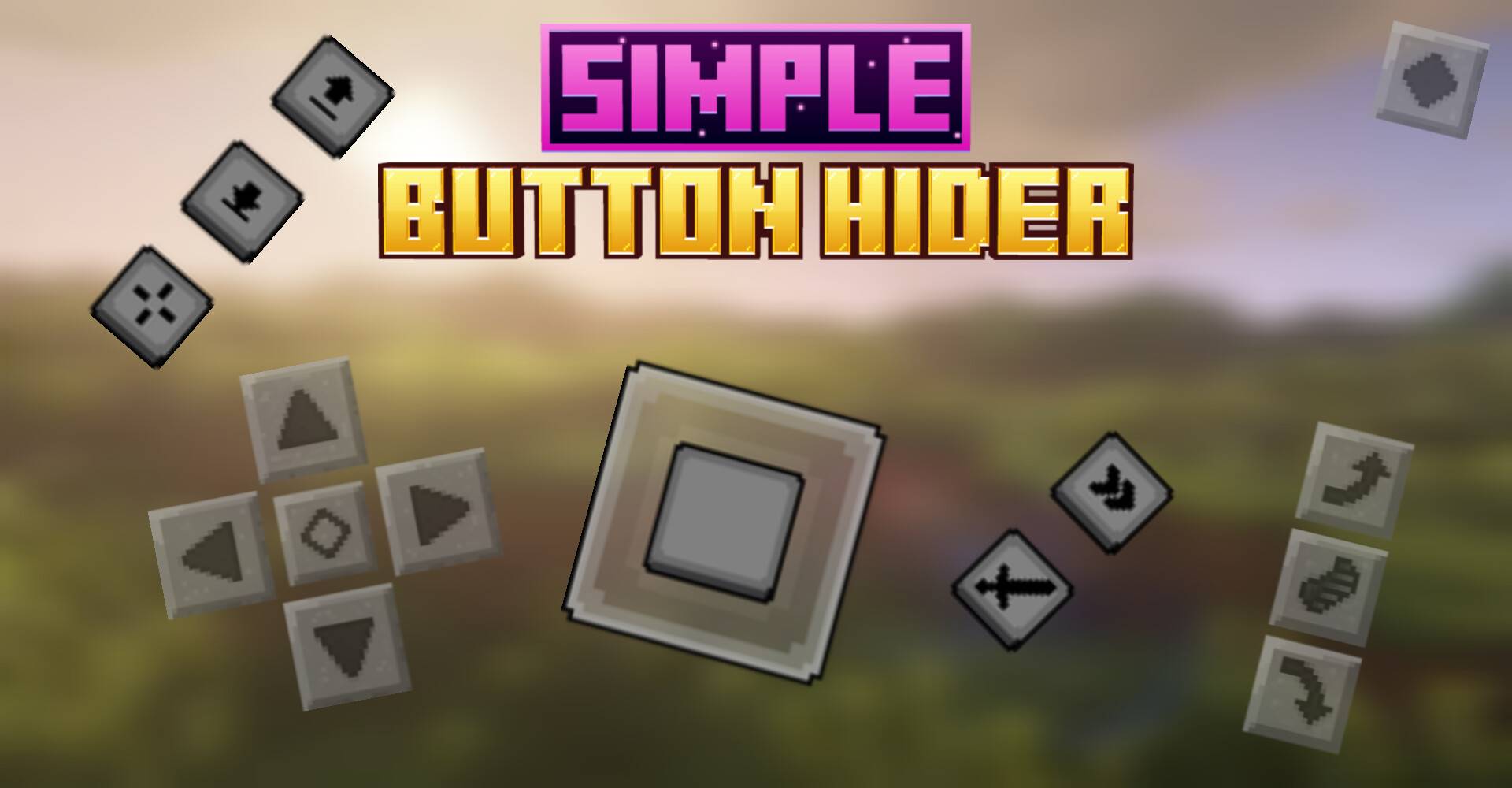
Simple Button Hider
Clean up your Minecraft Bedrock mobile HUD with Simple Button Hider by FleetMc Studio. This lightweight Resource Pack hides selected on-screen controls such as the Jump, Crouch/Sneak, and other gameplay buttons, giving your screen a cleaner and less cluttered look.
It is especially useful for gameplay recordings, screenshots, exploring, or simply enjoying Minecraft with a minimal mobile interface and fewer controls covering your screen.
✦ What It Does
- Hides the Jump button.
- Hides the Crouch/Sneak button.
- Hides other selected on-screen gameplay controls.
- Creates a cleaner and less cluttered mobile HUD.
- Useful for screenshots and gameplay recordings.
- Lightweight Resource Pack.
✦ How to Use
- Download the Resource Pack.
- Import it into Minecraft Bedrock.
- Open your world settings.
- Go to Resource Packs.
- Activate Simple Button Hider.
- Enter your world and enjoy the cleaner HUD.
✦ Compatibility
- Minecraft Bedrock Edition.
- Designed for mobile touchscreen gameplay.
- Resource Pack only.
- Lightweight and simple to use.
- No complicated setup required.
If you prefer a cleaner Minecraft mobile interface without unnecessary on-screen controls taking up space, Simple Button Hider keeps your HUD simple and distraction-free.
Created by FleetMc Studio
✦ Support FleetMc Studio
If you enjoy this Resource Pack and would like to support future updates, consider supporting FleetMc Studio on Ko-fi. I'm currently saving for a new laptop so I can create bigger, higher-quality Minecraft Bedrock addons, maps, and texture packs with faster updates and even more exciting features. Every contribution helps bring future projects to life. ❤️

Report a bug by clicking Here!
Also, give your rating by scrolling down 👇🏻
- Edition: Minecraft Bedrock
- File type: .mcpack
- Minecraft versions listed: 26.20, 26.30, 26.40
- How to install: Download the .mcpack. → Open it — Minecraft imports it under Resource Packs. → Activate it in Global Resources, or for one world under Resource Packs → Available.
- Where to get it: Opens on CurseForge — not every file is mirrored on our own servers.
Install steps are the general flow for this file type — How to install Minecraft Bedrock texture packs walks through it step by step.
- Save it as Simple Button Hider.mcaddon before opening — it downloads as .mcpack, but it is a .mcaddon pack
- Manifest requires Minecraft 1.26.0 or newer
- Complete pack — everything it depends on is inside the file
- Download size: 139 KB
- Download link checked 23 Sept 2026 — working
These come from our own check of the pack file, not from the source page.