Shadify MCBE v1.1
Bedrock texture pack listed for Minecraft 1.20–26.x. File opened and checked on 27 Sep 2026; installs from the MC Bedrock Mods app on Android.
I don't know my version
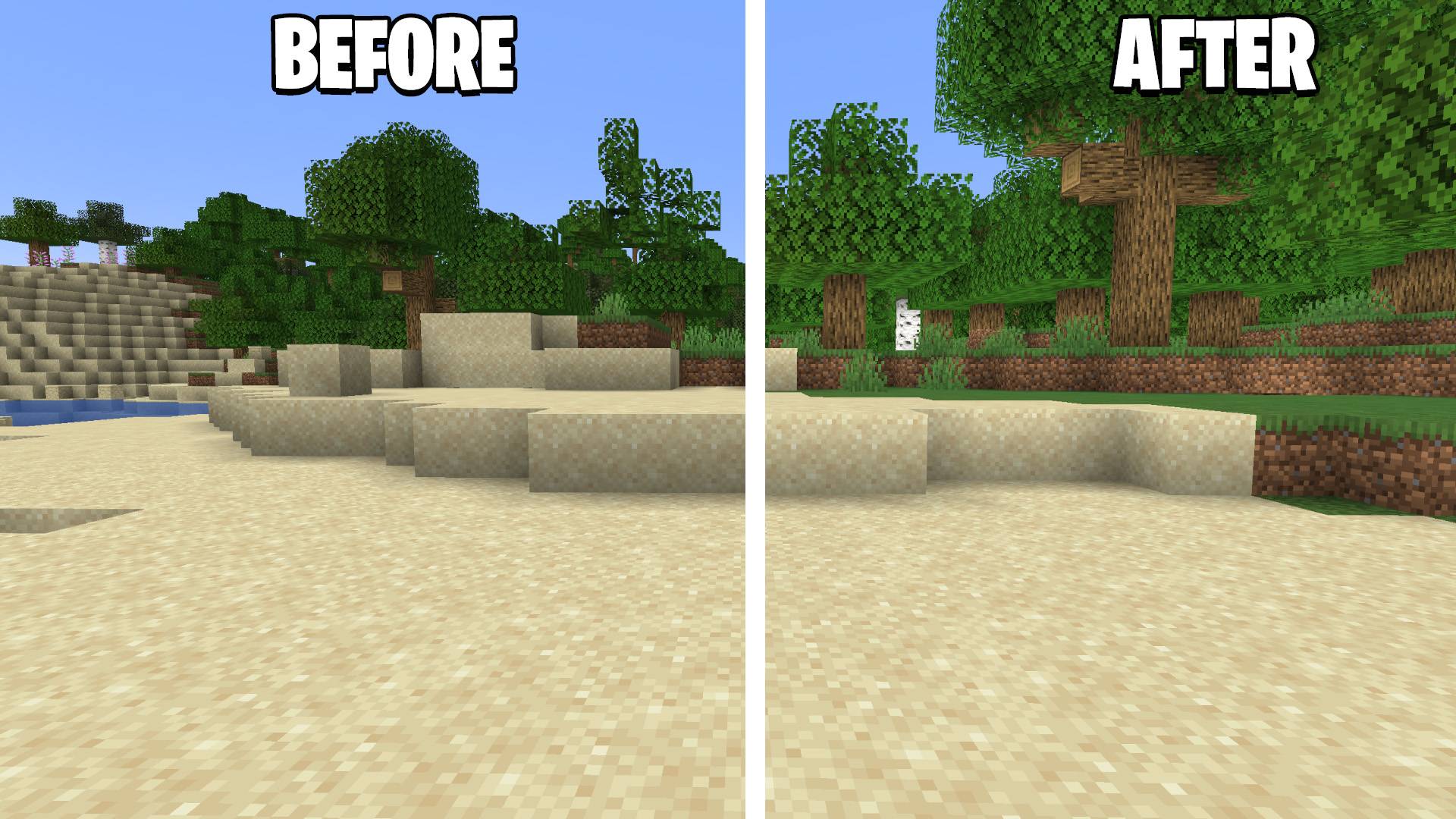
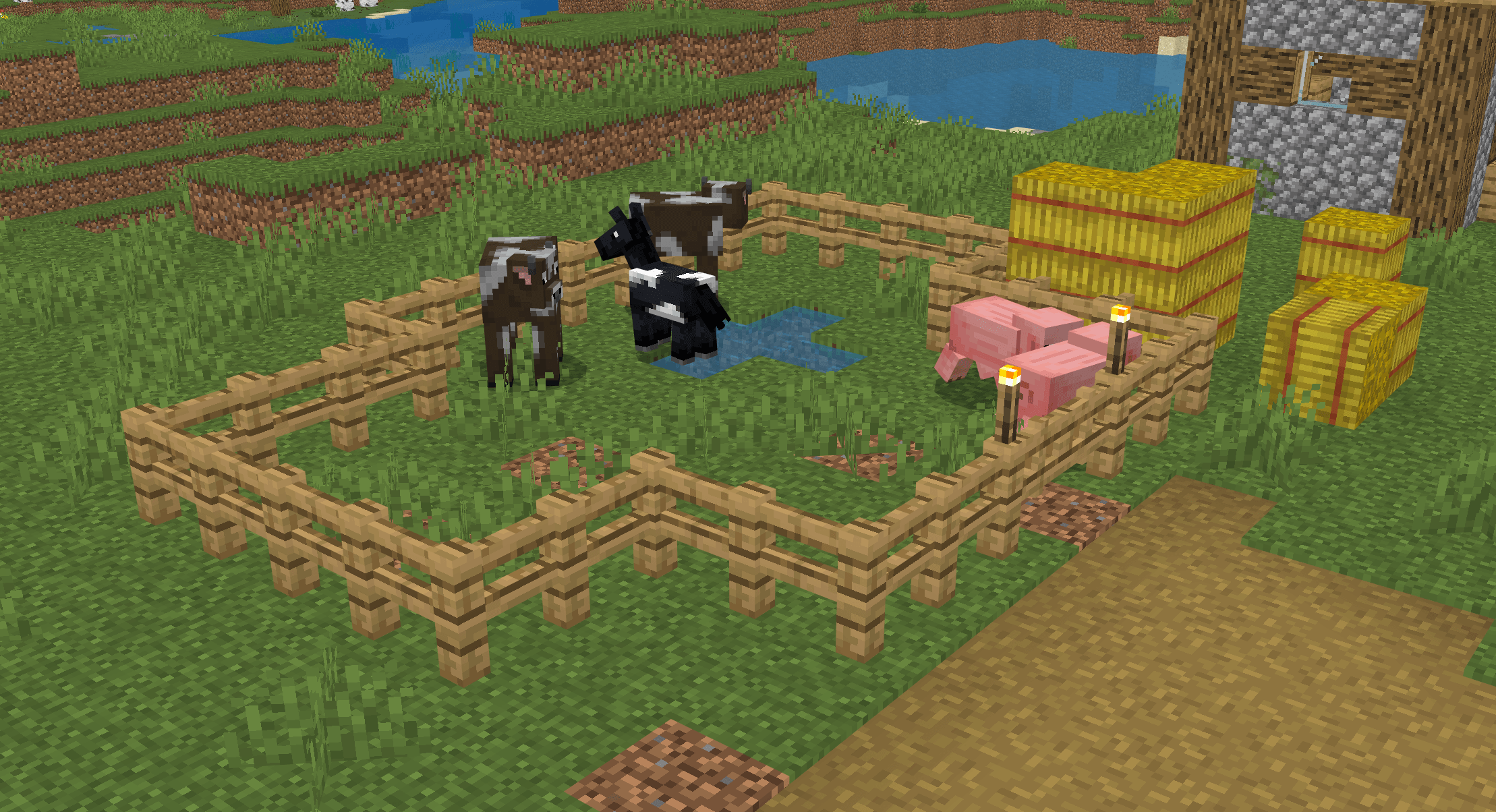
Shadify for Minecraft Bedrock Edition (MCPE)
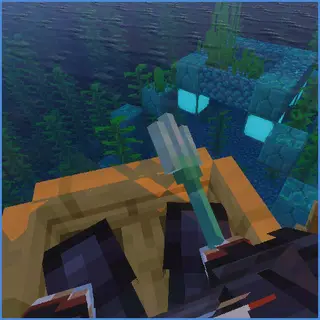
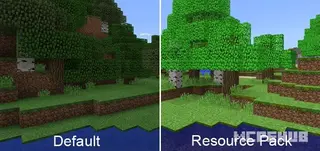
Make your Minecraft Bedrock world brighter and cleaner with Shadify MCBE! This lightweight resource pack removes the dark block shading found in vanilla Minecraft, giving your world a vibrant and fresh appearance without changing the original textures.
Unlike heavy shaders, Shadify keeps the classic Minecraft look while making every biome feel more colorful and alive. It also has almost no performance impact, making it a great choice for both low-end and high-end devices. The original Java version is designed to remove block shading and brighten the game without requiring mods.
Features
- 🌞 Removes dark block shading
- 🎨 Makes the world brighter and more vibrant
- ⚡ Lightweight with almost no FPS drop
- 📱 Works smoothly on Android, iOS, Windows, and Consoles
- 🪨 Keeps the original Minecraft Bedrock textures
- 🎮 Perfect for Survival, Creative, and PvP
- 💾 Easy to install (.mcpack)
Supported Versions
Shadify for Bedrock Edition supports:
- Minecraft Bedrock 1.21 to latest
- Minecraft Preview (latest compatible versions)
- Android
- iOS
- Windows 10/11
- Xbox (Resource Pack Support)
- PlayStation (Resource Pack Support)
Why Use Shadify?
If you love the default Minecraft textures but dislike the dark shadows between blocks, Shadify is the perfect solution.
It creates a cleaner visual style by removing unnecessary shading while preserving the vanilla experience. The result is a world that feels brighter, more colorful, and easier to see—especially when exploring caves, villages, forests, and large builds.
Performance
Shadify is designed to be extremely lightweight.
Since it only changes visual shading and doesn't add advanced lighting effects, it performs much better than traditional shaders and is suitable for almost every device.
Installation Guide
- Download the Shadify.mcpack file.
- Open the downloaded file.
- Minecraft Bedrock will import the resource pack automatically.
- Go to Settings → Global Resources.
- Activate Shadify.
- Restart the world if required.
Frequently Asked Questions
Does this add realistic shaders?
No. Shadify is not a shader. It simply removes vanilla block shading to create a brighter look.
Will it reduce FPS?
No. It is extremely lightweight and should have little to no impact on performance.
Can I use it with other resource packs?
Yes. As long as another pack doesn't modify the same rendering files, Shadify should work alongside most Bedrock resource packs.
Does it work in multiplayer?
Yes. Resource packs are client-side, so you can use Shadify on servers and Realms.
- Edition: Minecraft Bedrock
- File type: .mcpack
- Minecraft versions listed: 26.40, 26.50, 1.21.30
- How to install: Download the .mcpack. → Open it — Minecraft imports it under Resource Packs. → Activate it in Global Resources, or for one world under Resource Packs → Available.
- Where to get it: Opens on CurseForge — not every file is mirrored on our own servers.
Install steps are the general flow for this file type — How to install Minecraft Bedrock texture packs walks through it step by step.
- Pack type: .mcpack — a single pack
- Manifest requires Minecraft 1.20.0 or newer
- Complete pack — everything it depends on is inside the file
- Download size: 84 KB
- Download link checked 24 Sept 2026 — working
These come from our own check of the pack file, not from the source page.