AquaLite
The author built this one for Minecraft 26.40. On other versions it may install and then do nothing.
AquaLite enhances the appearance of water by giving it a vibrant yet natural turquoise colour, improving underwater visibility while maintaining a vanilla-friendly style. Alongside the visual improvements, the pack includes lightweight optimisations designed to reduce unnecessary effects and improve FPS, making gameplay smoother on both low-end and high-end devices.
Features
- 💧 Crystal-clear water for improved visibility
- 🌊 Natural turquoise water tint
- ⚡ Built-in FPS optimisations
- 🎮 Lightweight and performance-friendly
- 📱 Works on both mobile and PC
- ✅ Vanilla-friendly aesthetic
- 🔄 Compatible with most Bedrock worlds
Whether you're exploring oceans, building underwater, or simply want a cleaner and more vibrant look, AquaLite delivers improved visuals without sacrificing performance.
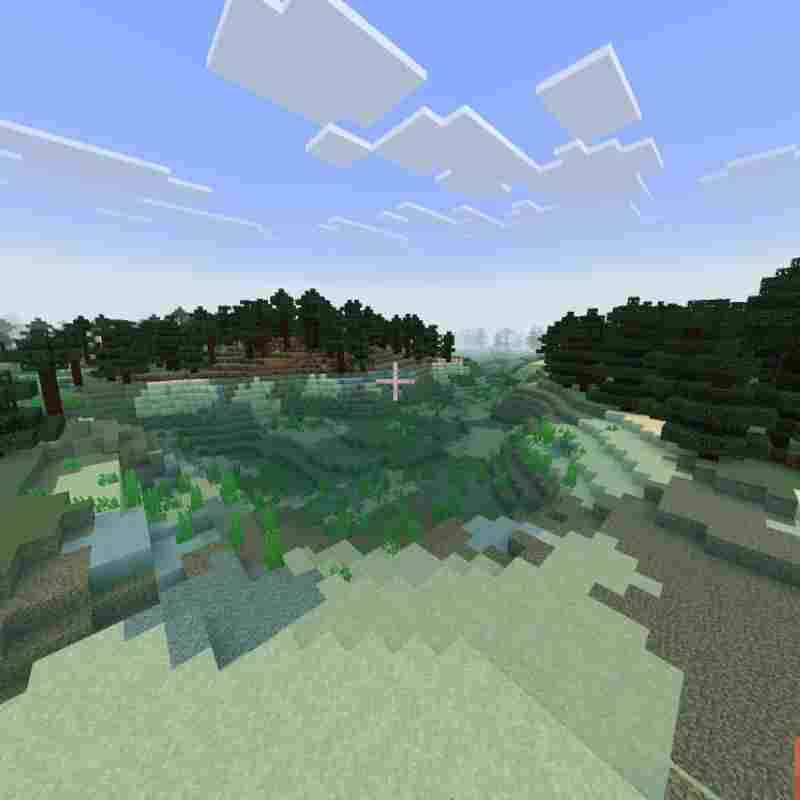
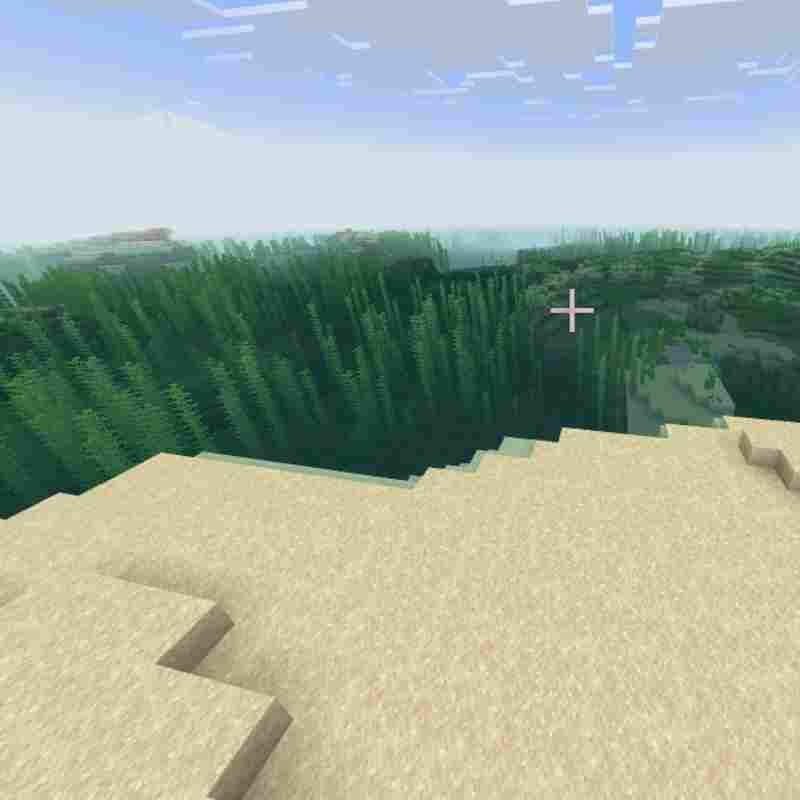
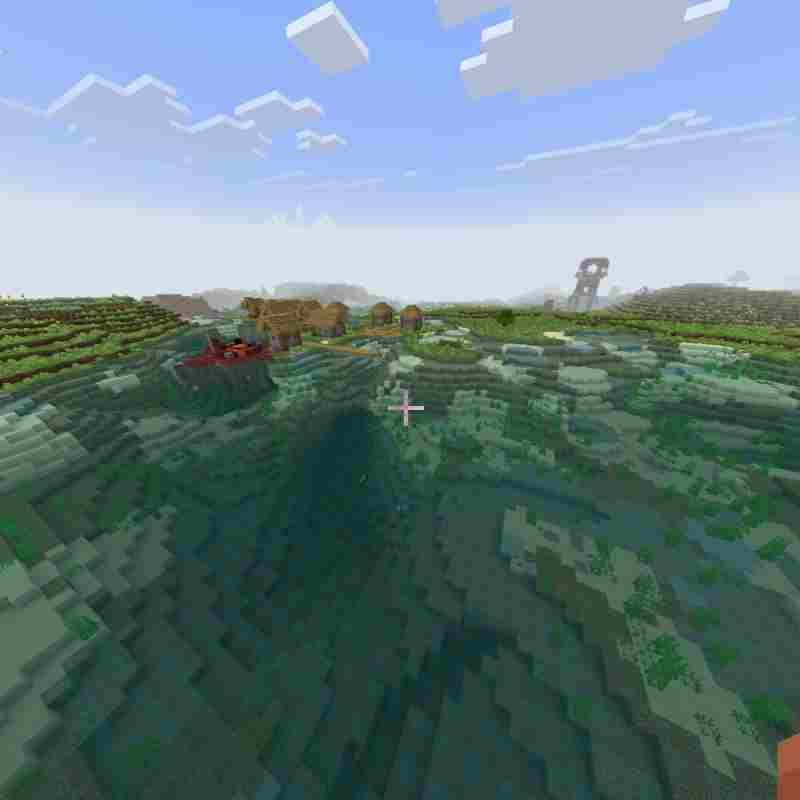
- Edition: Minecraft Bedrock
- File type: .mcpack
- Minecraft version listed: 26.40
- How to install: Download the .mcpack. → Open it — Minecraft imports it under Resource Packs. → Activate it in Global Resources, or for one world under Resource Packs → Available.
- Where to get it: Opens on CurseForge — not every file is mirrored on our own servers.
Install steps are the general flow for this file type — How to install Minecraft Bedrock texture packs walks through it step by step.
- Pack type: .mcaddon — behaviour and resource pack in one file
- Manifest requires Minecraft 1.26.30 or newer
- Complete pack — everything it depends on is inside the file
- Download size: 283 KB
- Download link checked 24 Sept 2026 — working
These come from our own check of the pack file, not from the source page.