CLEAR WATER AND LAVA BY BAKU
Clear Water + Lava improves Minecraft Bedrock visibility by reducing underwater and lava fog. Explore oceans, caves and lava areas with a much clearer…
⬇ Download on CurseForge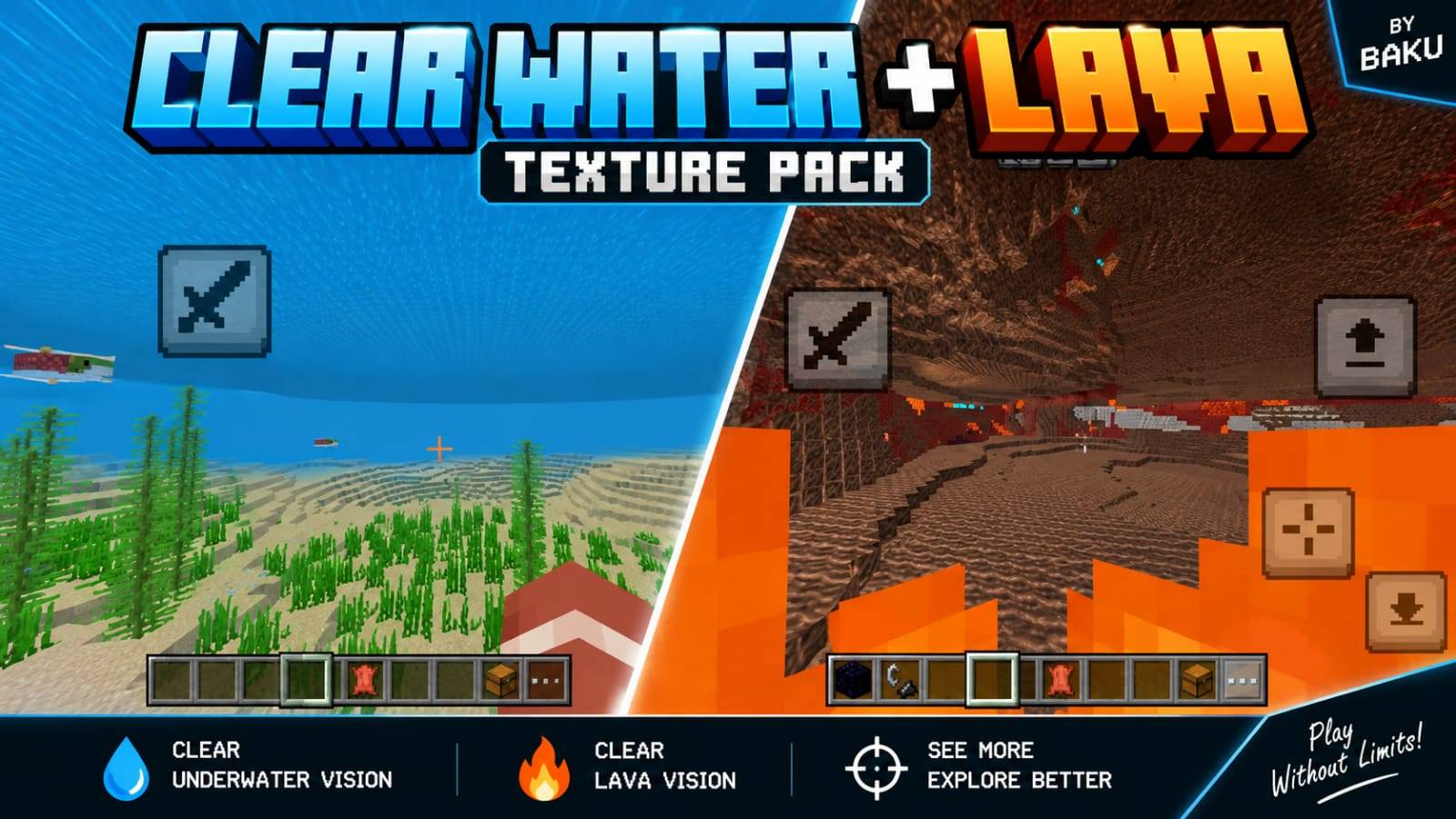
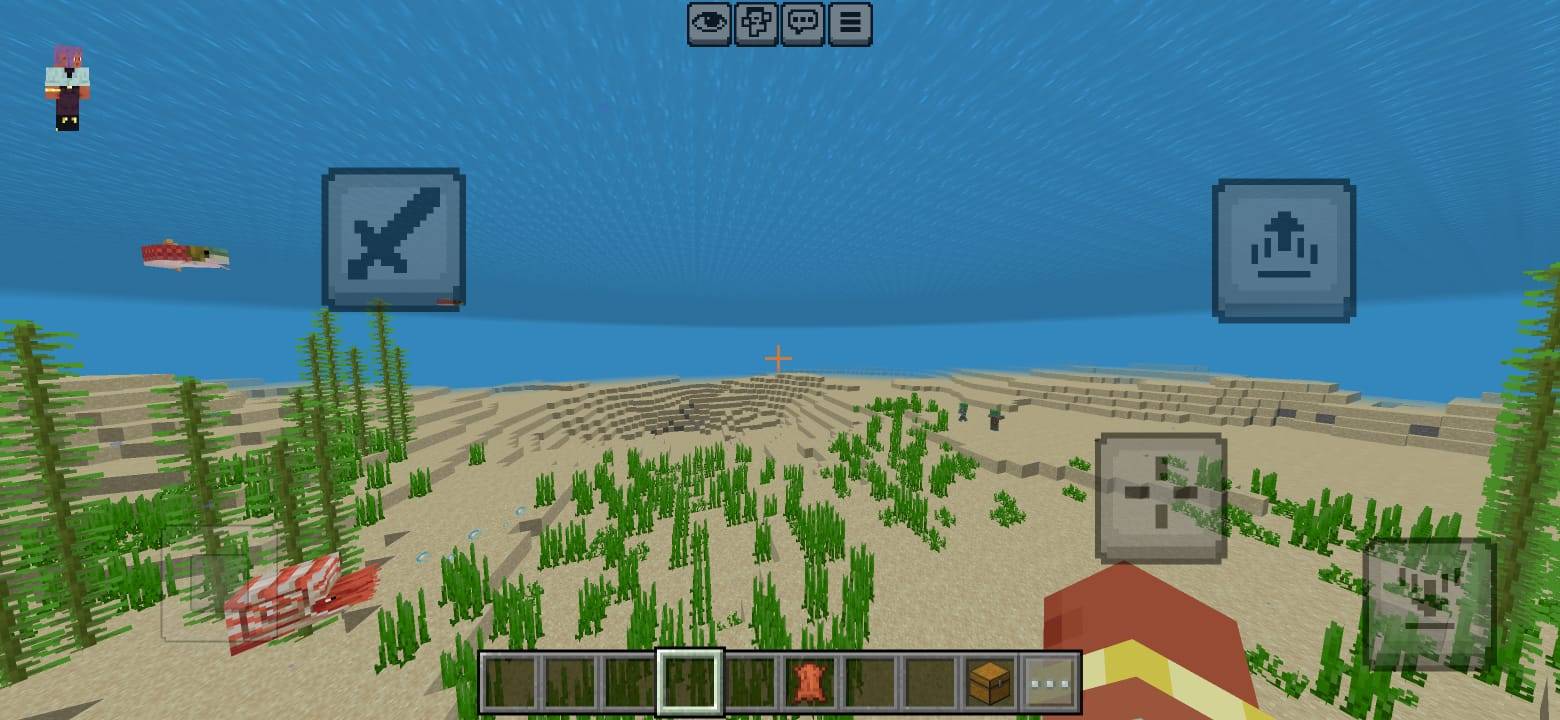
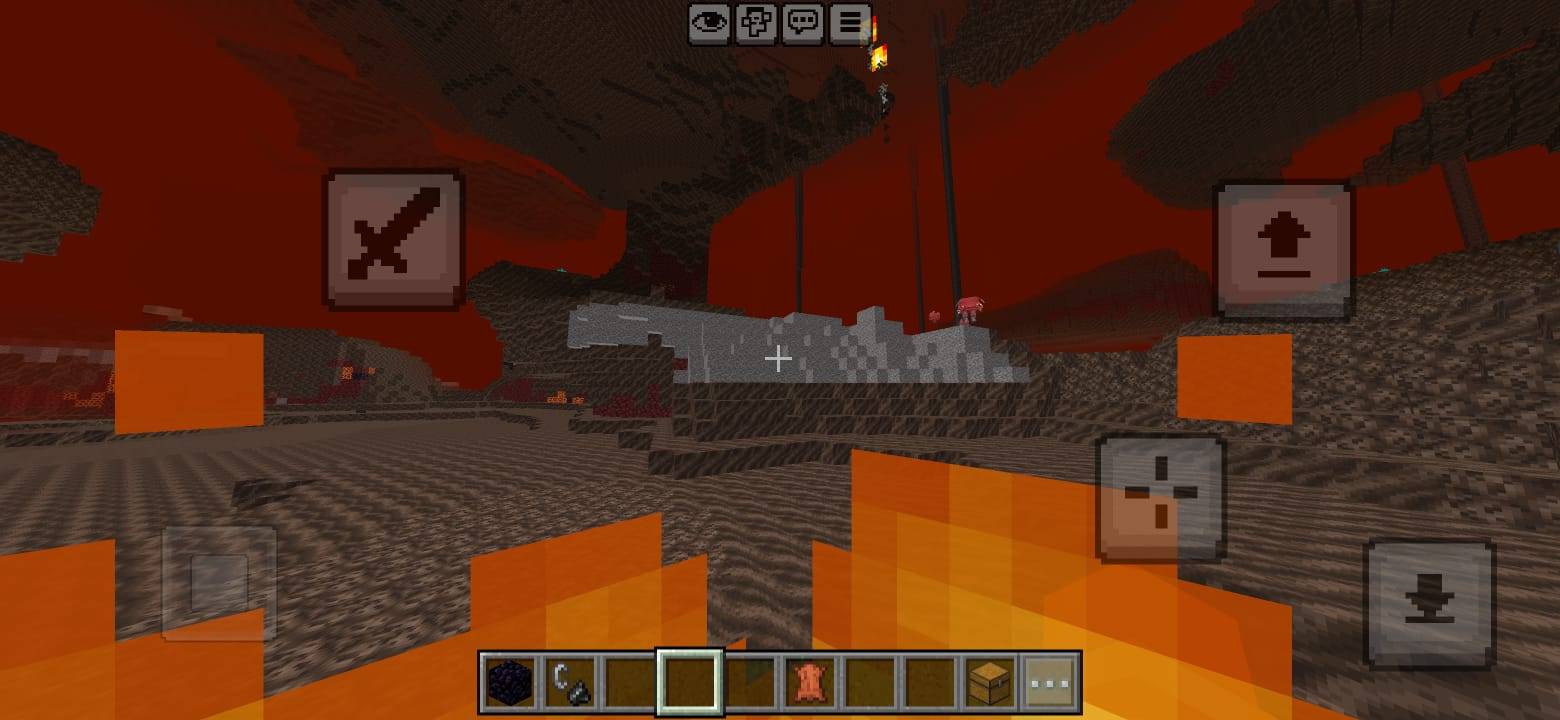
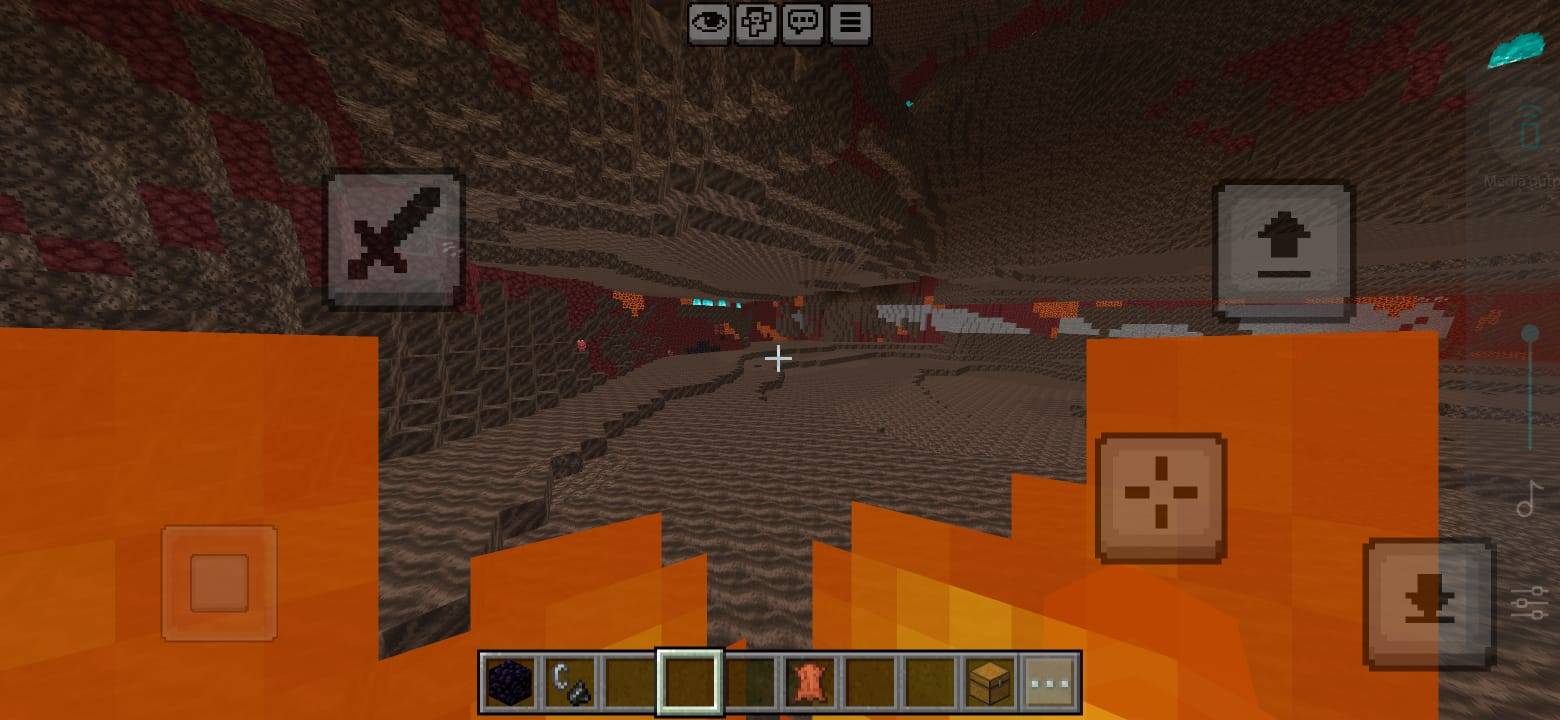
Clear Water + Lava
Clear Water + Lava is a Minecraft Bedrock resource pack designed to greatly improve visibility while exploring underwater areas and lava-filled environments.
About the Pack
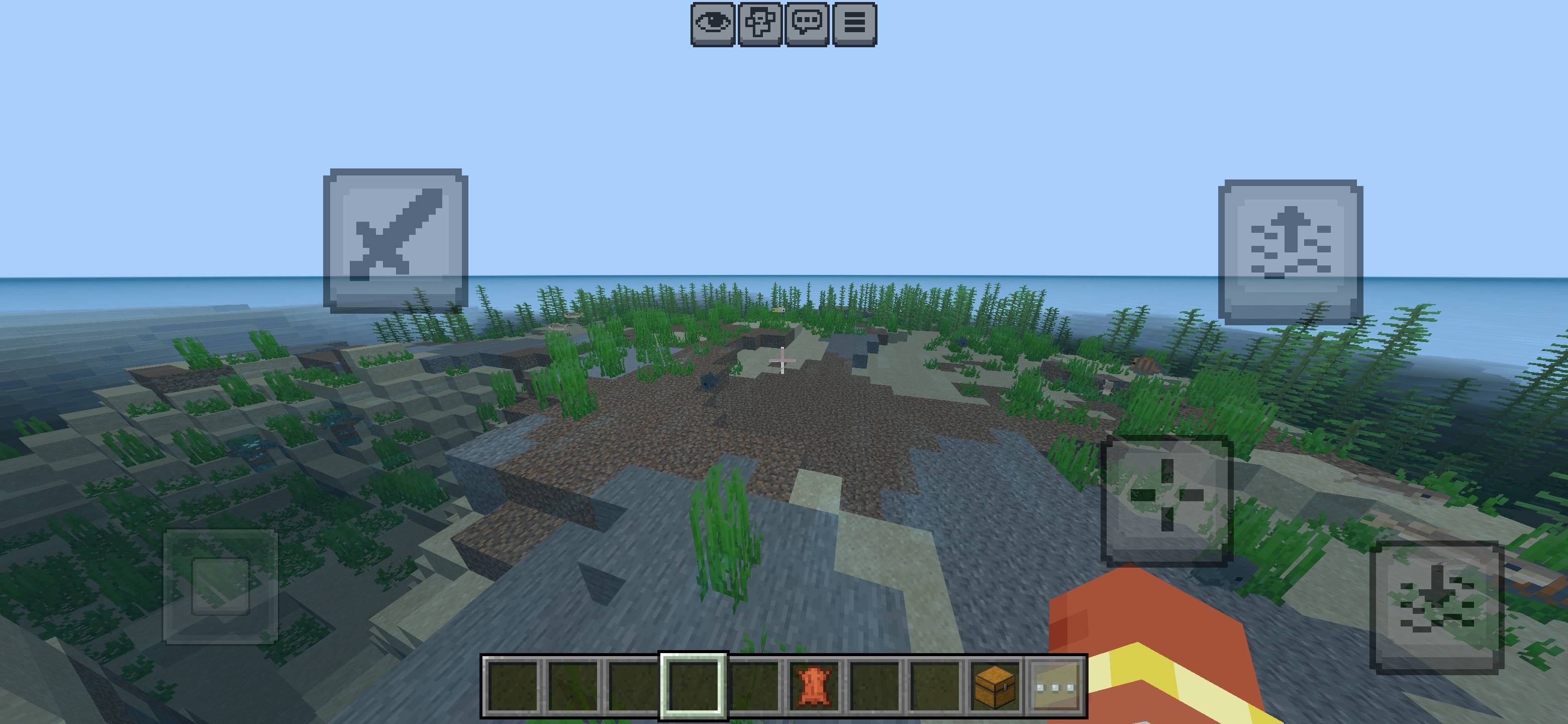
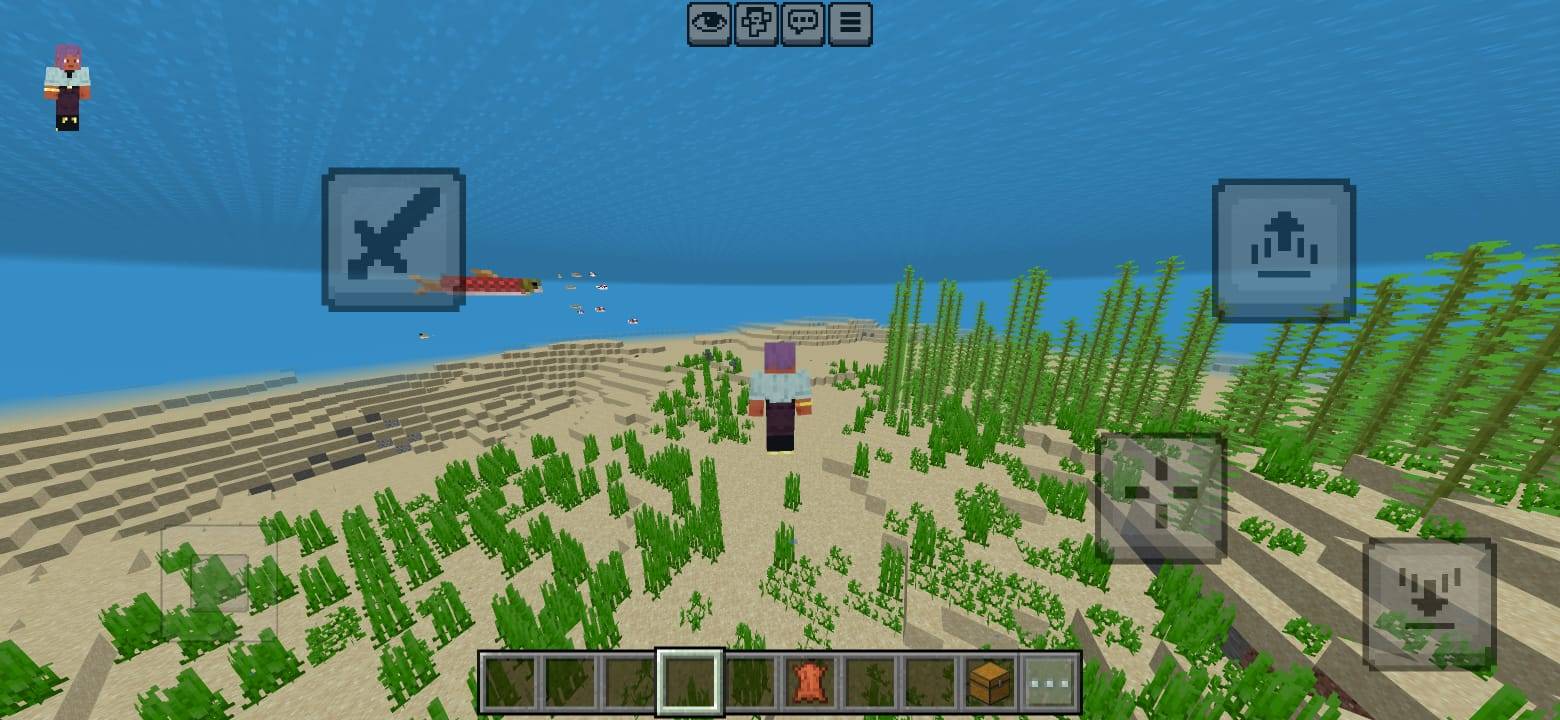
Minecraft's default underwater and lava fog can make exploration difficult by heavily limiting visibility. This pack reduces that visual obstruction, allowing you to see your surroundings much more clearly while swimming underwater or moving through lava.
Features
- Clearer underwater visibility
- Reduced water fog
- Improved visibility inside lava
- Reduced lava and lava resistance fog
- Better ocean and underwater exploration
- Useful for underwater structures, caves and mining
- Supports multiple Minecraft Bedrock biomes
- Clean and lightweight resource pack
- No gameplay mechanics are changed
Perfect For
This pack is ideal for players who frequently explore oceans, underwater caves, monuments, ravines, Nether areas or locations surrounded by lava. It gives you a cleaner view while keeping the original Minecraft experience recognizable.
Installation
- Download the .mcpack file.
- Open it with Minecraft Bedrock Edition.
- Wait for the resource pack to import.
- Activate the pack from your World or Global Resources settings.
- For best results, keep this pack above conflicting visual or fog resource packs.
Compatibility
Designed for modern versions of Minecraft Bedrock Edition. Compatibility may vary when used together with shaders, Vibrant Visuals, custom biome packs or other resource packs that modify water, lava or fog rendering.
Credits
Created and developed by Baku.
All development, design, pack configuration, concepts and associated credits belong to Baku.
Please give proper credit to Baku when showcasing, reviewing or sharing this resource pack.
Clear Water + Lava — See More. Explore Better.
© Baku. All Rights Reserved.
- Edition: Minecraft Bedrock
- File type: .mcpack
- Minecraft versions listed: 26.20, 26.13, 26.30
- How to install: Download the .mcpack. → Open it — Minecraft imports it under Resource Packs. → Activate it in Global Resources, or for one world under Resource Packs → Available.
- Where to get it: Opens on CurseForge — not every file is mirrored on our own servers.
Install steps are the general flow for this file type — How to install Minecraft Bedrock texture packs walks through it step by step.
- Pack type: .mcpack — a single pack
- Complete pack — everything it depends on is inside the file
- Download size: 145 KB
- Download link checked 24 Sept 2026 — working
These come from our own check of the pack file, not from the source page.