G-Flow Dark UI
Bedrock texture pack listed for Minecraft 1.21–26.x. File opened and checked on 2 Oct 2026; installs from the MC Bedrock Mods app on Android.
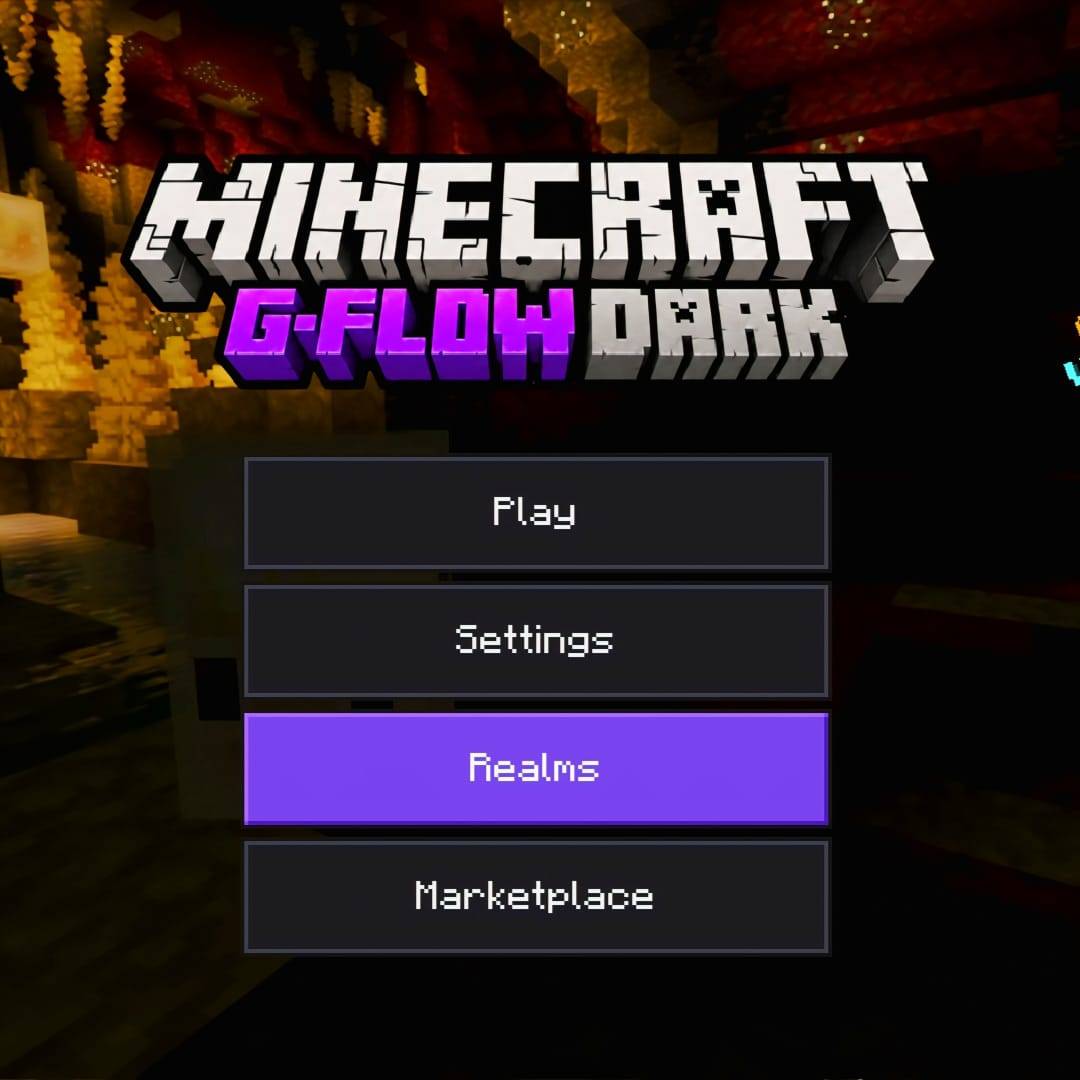
A clean, dark-themed UI for Minecraft Bedrock Edition, designed for players who prefer a darker interface while keeping the familiar Minecraft look.
⬇ DownloadThe author built this one for Minecraft 1.21–26.10. On other versions it may install and then do nothing.
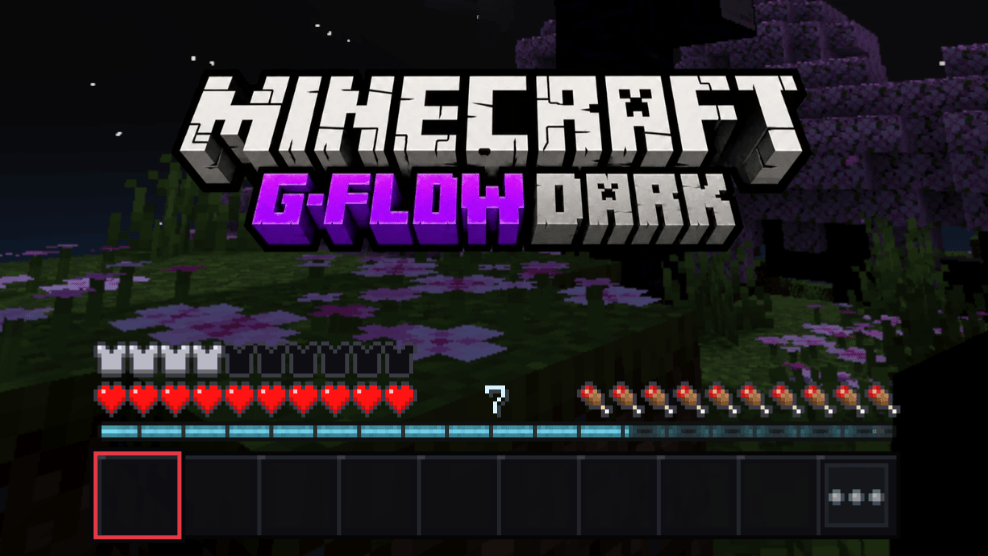
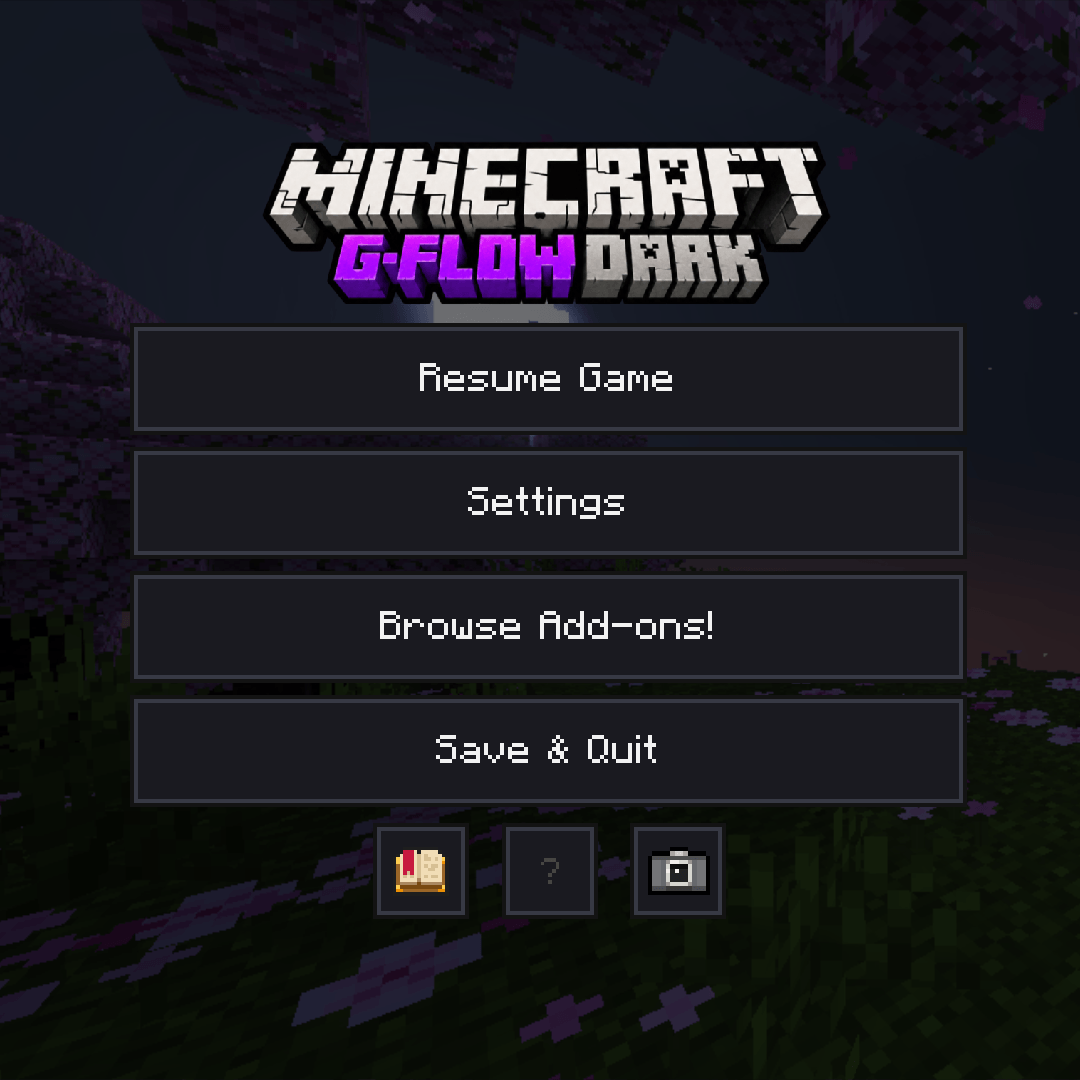
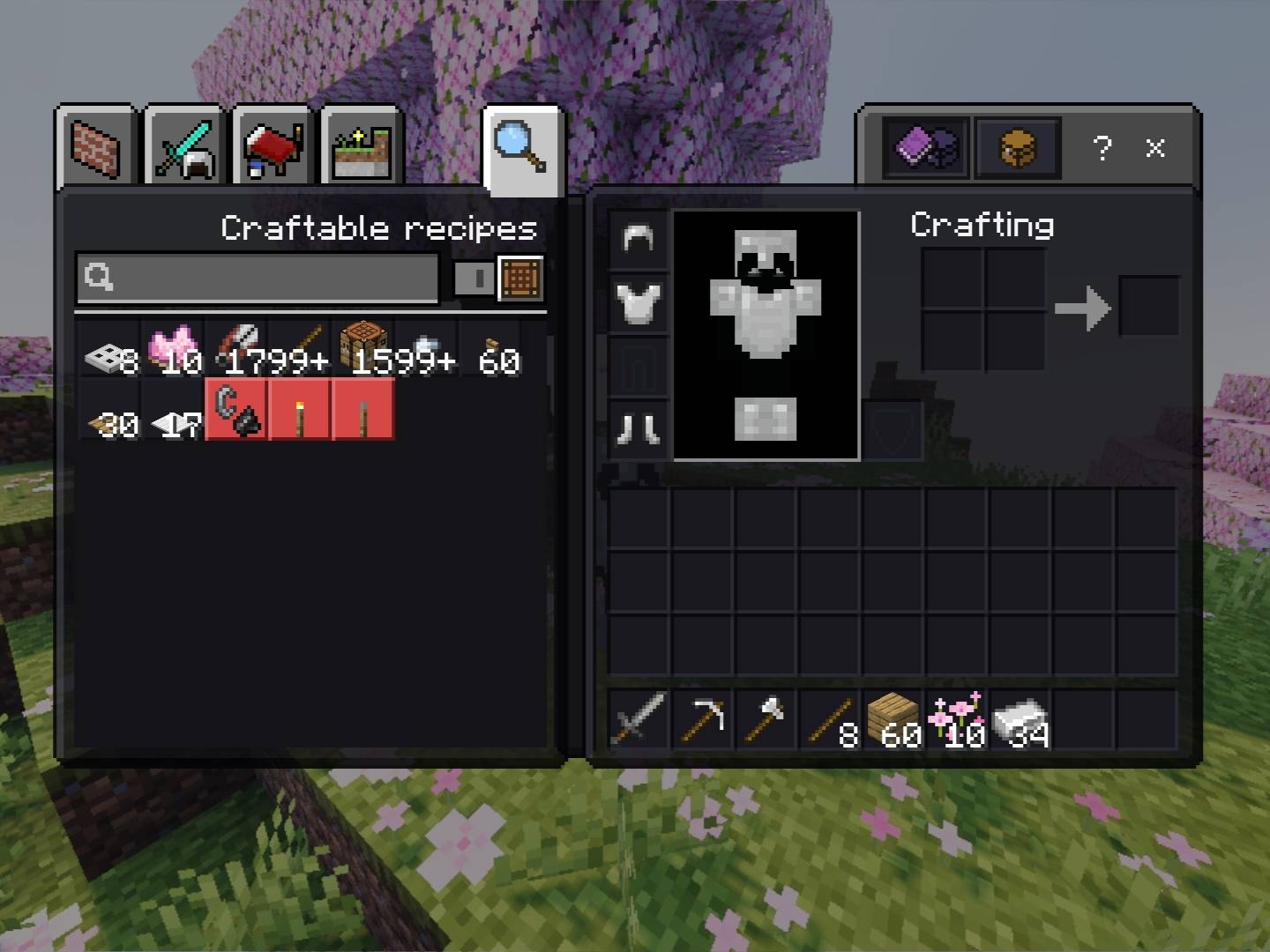
🌐 Website: Gameflowplayz
💎 Support: Buy me a Diamond
💬 Discord: Join Server
G-Flow Dark UI
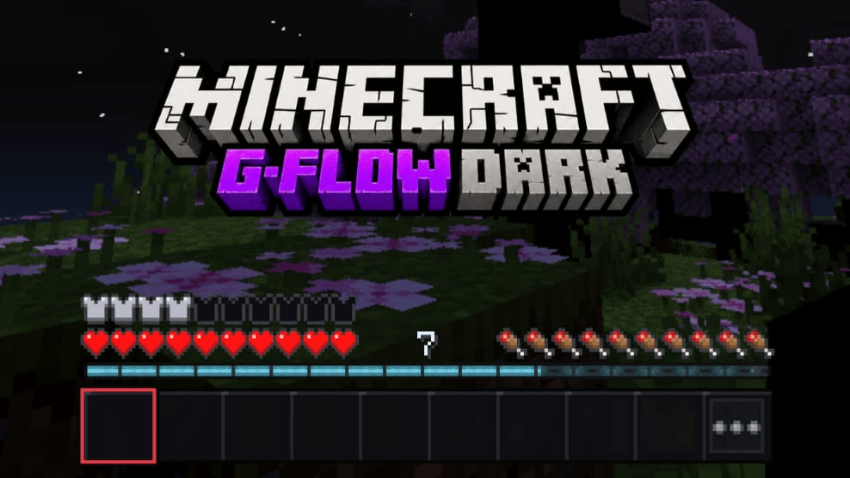
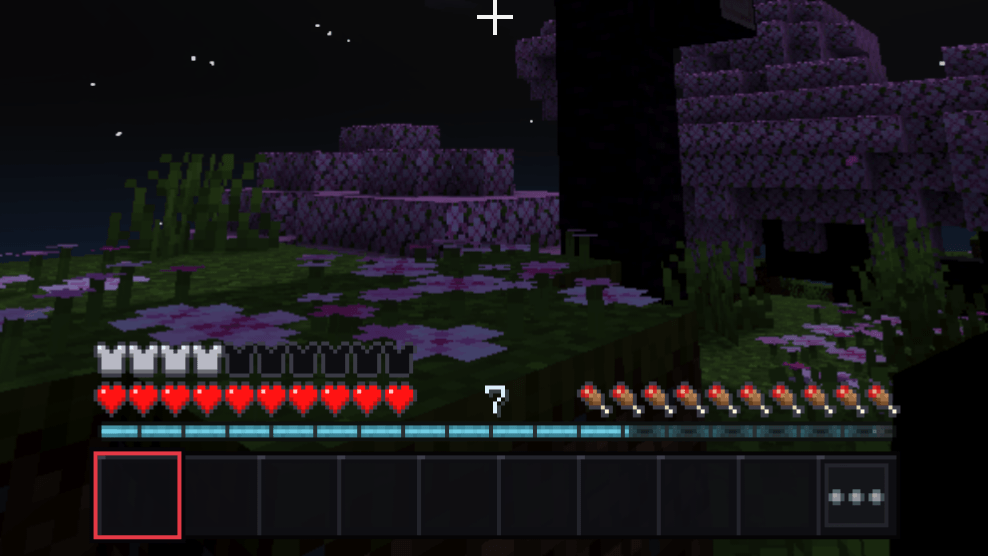
G-Flow Dark UI brings a darker, modern look to Minecraft Bedrock Edition without losing the classic Minecraft feel. Designed for players who prefer dark interfaces, it transforms the game's menus and HUD with clean dark panels, subtle purple accents, and a polished pixel-style design.
G-Flow Dark UI focuses on making the game's interface feel darker, cleaner, and more comfortable without completely changing Minecraft's visual identity.
Features
Customize your Colour
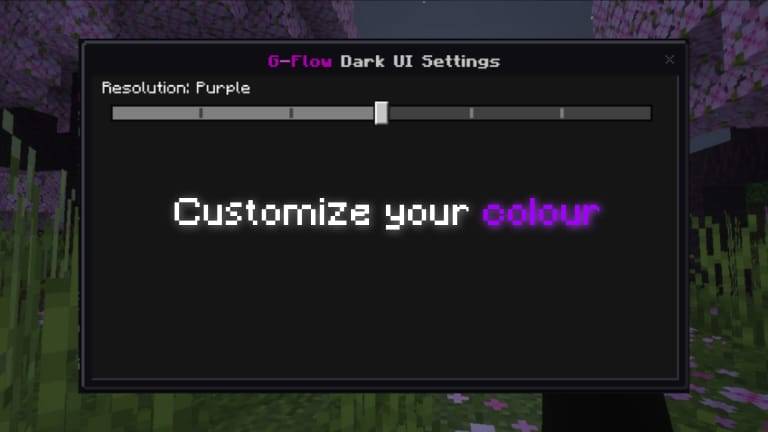
Available colours:
- 💎 Cyan: A bright, modern neon glow.
- 🔴 Red: A sharp, aggressive classic aesthetic.
- 🟡 Yellow: High-visibility, vibrant detailing.
- 🟣 Purple: A deep, sleek royal accent.
- 🔵 Blue: A calm, cool digital shade (New!).
- ⚫ Grey: A clean, muted stealth look (New!).
- 🟢 Green: The iconic, traditional toxic hue.
More Features
🌑 Dark-themed main menus
🎮 Dark pause/game menu
🎒 Redesigned inventory interface
⚔️ Darker in-game HUD and hotbar
🧱 Dark UI panels, buttons and slots
🟣 Subtle G-Flow purple accents
✨ Clean Minecraft-style pixel design
📱 Lightweight and designed for everyday gameplay
This pack covers all the possible Minecraft Uis via resource pack.
🎨 Vanilla+ Approach
G-Flow Dark UI doesn't try to completely redesign Minecraft.
Instead, it keeps the familiar Minecraft fonts, icons and overall layout while giving the interface a darker visual identity.
Compatibility
Minecraft Bedrock Edition
Designed to work alongside your existing worlds, textures and visual packs.
⚔️ PVP PLAYER?
Pair your dark interface with G-Flow PvP — optimized visuals for competitive gameplay. Cleaner shields, shorter weapons, reduced particles, and a streamlined UI built for PvP.
🔍 Mining?
Check out G-Flow Xray — hide stone, highlight ores. Mine faster, achievements safe.
Created by GameFlowPlayz
Feedback, suggestions and bug reports are always welcome as G-Flow Dark UI continues to evolve.
- Edition: Minecraft Bedrock
- File type: .mcpack
- Minecraft versions listed: 1.21.30, 1.21.50, 1.21.81
- How to install: Download the .mcpack. → Open it — Minecraft imports it under Resource Packs. → Activate it in Global Resources, or for one world under Resource Packs → Available.
- Where to get it: In MCModsHub, or directly above on this page.
Install steps are the general flow for this file type — How to install Minecraft Bedrock texture packs walks through it step by step.
- Pack type: .mcpack — a single pack
- Complete pack — everything it depends on is inside the file
- Download size: 903 KB
- Download link checked 24 Sept 2026 — working
These come from our own check of the pack file, not from the source page.