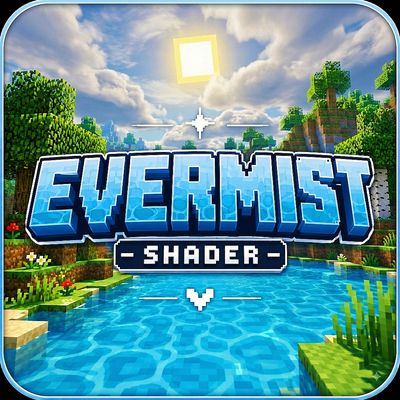
Evermist Shader
Evermist Shader is a vibrant and atmospheric shader for Minecraft Bedrock Edition that works without Vibrant Visuals, featuring realistic clouds, enhanced…
⬇ Download on CurseForge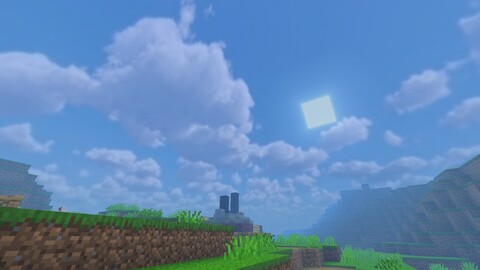
🌿 Evermist Shader
Evermist Shader is a vibrant and atmospheric shader for Minecraft Bedrock Edition that works without Vibrant Visuals.
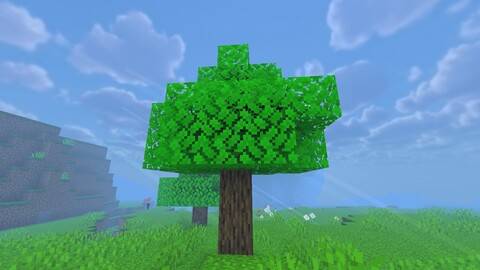
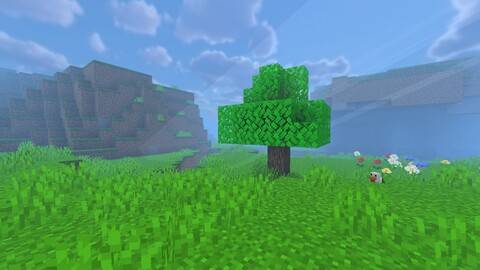
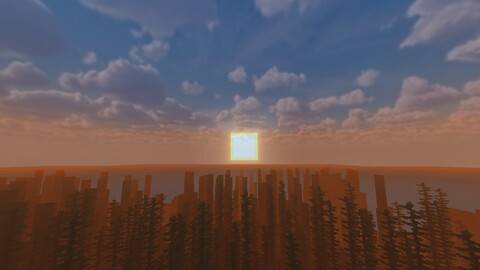
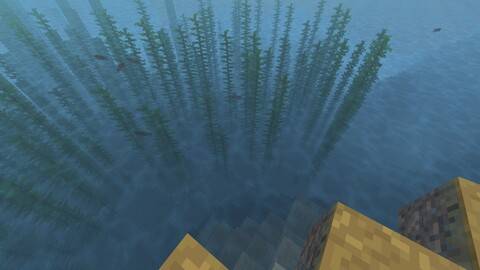
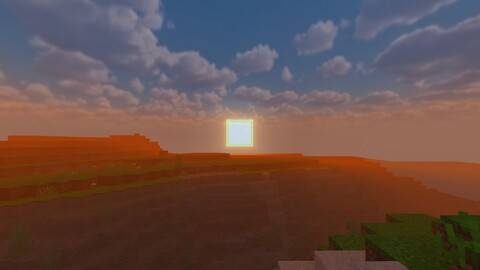
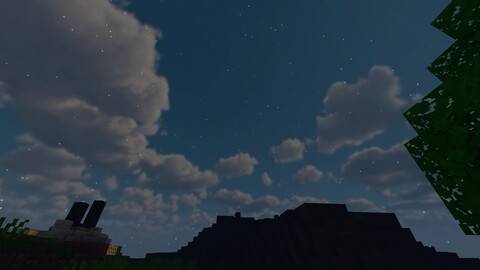
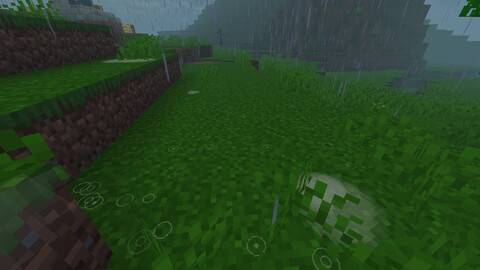
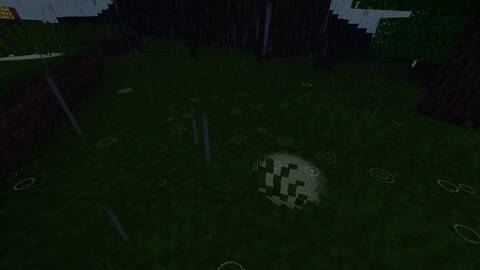
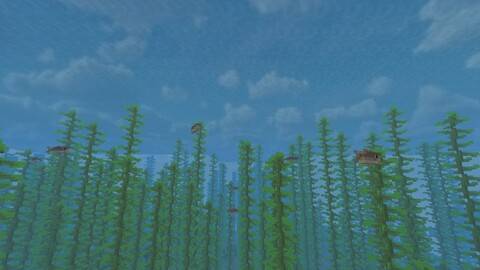
Experience brighter landscapes, realistic soft clouds, atmospheric fog, beautiful sunsets, dynamic weather, enhanced water, and immersive underwater environments while preserving Minecraft's iconic blocky style.
✨ Features
☁️ Realistic & soft clouds
☀️ Enhanced sunlight and atmospheric lighting
🌅 Beautiful sunrise & sunset effects
🌧️ Immersive rain and weather atmosphere
🌊 Enhanced water & underwater visuals
🌲 Vibrant vegetation and terrain
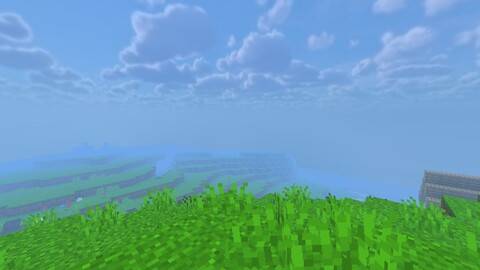
🌫️ Atmospheric fog and distance effects
🌙 Atmospheric nighttime sky
⭐ Visible stars at night
💡 Soft lighting and color grading
⚡ Works without Vibrant Visuals
🎮 Compatibility
Minecraft Bedrock Edition 1.21.0 and above
Vibrant Visuals is NOT required.
Evermist Shader is designed to provide an enhanced visual experience while Vibrant Visuals is disabled.
🇻🇳 Credits
Created by Kinh Bac — Vietnam 🇻🇳
Overworld Cubemap by Mr Sángg (@leanhsang26th1) 🇻🇳 on TikTok
Please respect the original creators and do not re-upload, redistribute, modify, or claim Evermist Shader or its assets as your own.
See © Copyright.txt included with the shader for the full copyright and usage terms.
Bring a brighter, softer, and more atmospheric world to Minecraft with Evermist Shader. 🌿☁️
- Edition: Minecraft Bedrock
- File type: .mcpack
- Minecraft versions listed: 1.21.2, 1.21.20, 1.21
- How to install: Download the .mcpack. → Open it — Minecraft imports it under Resource Packs. → Activate it in Global Resources, or for one world under Resource Packs → Available.
- Where to get it: Opens on CurseForge — not every file is mirrored on our own servers.
Install steps are the general flow for this file type — How to install Minecraft Bedrock texture packs walks through it step by step.
- Save it as Evermist Shader.mcaddon before opening — it downloads as .mcpack, but it is a .mcaddon pack
- Manifest requires Minecraft 1.21.0 or newer
- Complete pack — everything it depends on is inside the file
- Download size: 5.3 MB
- Download link checked 24 Sept 2026 — working
These come from our own check of the pack file, not from the source page.