All Classic
Bedrock texture pack listed for Minecraft 1.17–26.x. File opened and checked on 27 Aug 2026; installs from the MC Bedrock Mods app on Android.
⬇ Download on CurseForgeThe author built this one for Minecraft 26.40. On other versions it may install and then do nothing.
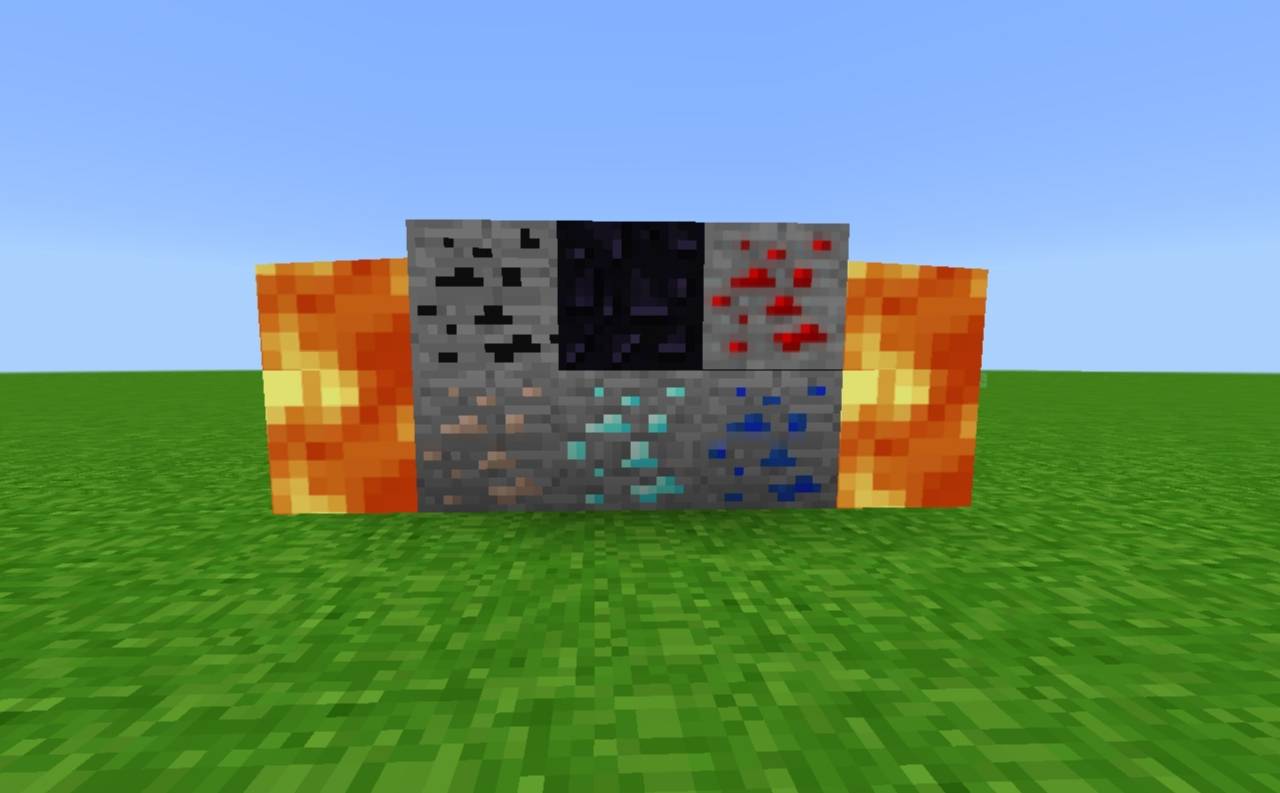
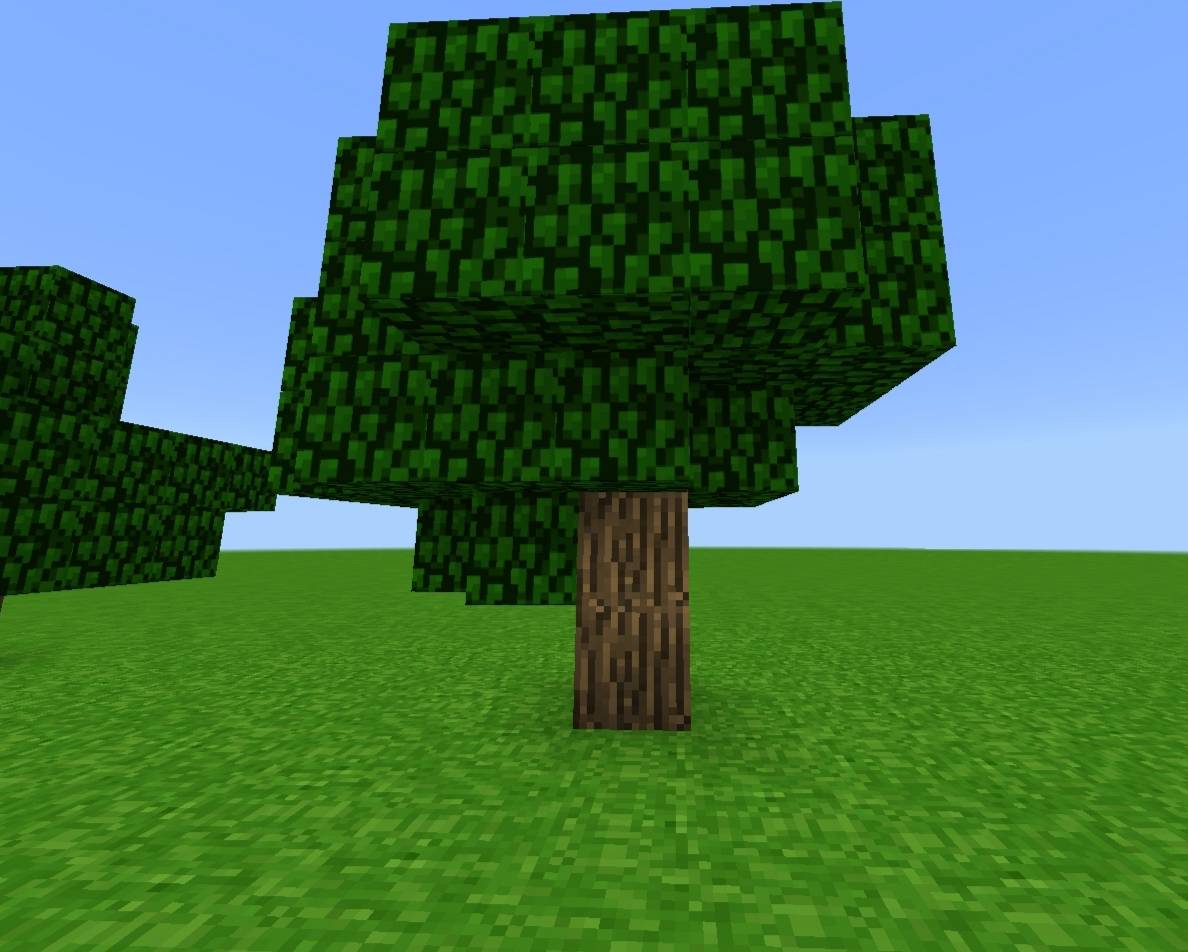
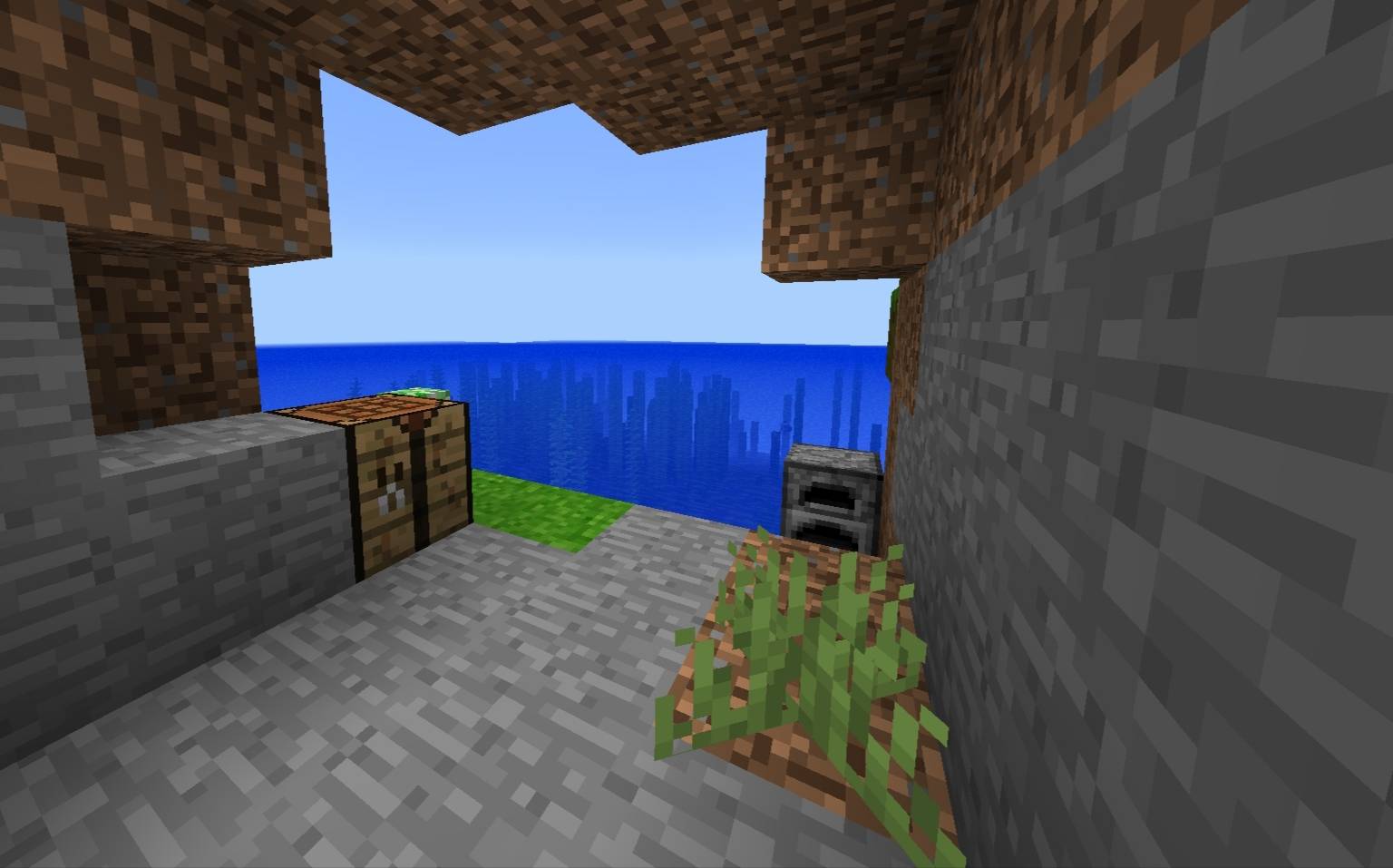
All Classic is a Minecraft Bedrock Edition resource pack designed to bring the classic Minecraft visual style to modern versions. It recreates the classic textures for blocks and other game elements while keeping the pack lightweight and easy to use.
This project is being developed in multiple versions, with more textures and features planned for future updates. The pack is currently in beta, so some textures may still need improvements or corrections.
If you find a bug, missing texture, or other issue, please report it through the official All Classic Discord server so it can be investigated and fixed in a future update.
Current version: 1.0.0 Beta
Platform: Minecraft Bedrock Edition
Status: Beta / actively being developed (The pack is stable, it won't break or crash Minecraft)
IMPORTANT:
Make sure to set this up on your Global Resources settings before you do anything.
JOIN THE OFFICIAL DISCORD SERVER TO RECEIVE SNEAK PEAKS
- Edition: Minecraft Bedrock
- File type: .mcpack
- Minecraft version listed: 26.40
- How to install: Download the .mcpack. → Open it — Minecraft imports it under Resource Packs. → Activate it in Global Resources, or for one world under Resource Packs → Available.
- Where to get it: Opens on CurseForge — not every file is mirrored on our own servers.
Install steps are the general flow for this file type — How to install Minecraft Bedrock texture packs walks through it step by step.
- Pack type: .mcpack — a single pack
- Manifest requires Minecraft 1.17.0 or newer
- Complete pack — everything it depends on is inside the file
- Download size: 891 KB
- Download link checked 15 Oct 2026 — working
These come from our own check of the pack file, not from the source page.