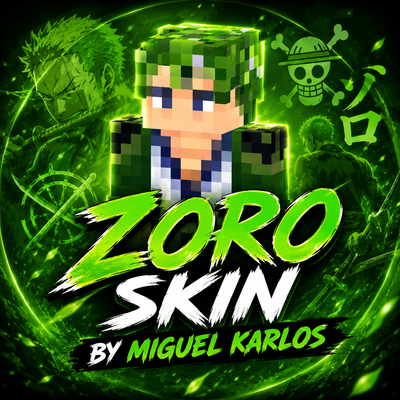
ZORO SKIN BY MIGUEL KARLOS
Zoro Skin brings a bold green anime-inspired style to Minecraft, featuring Zoro-themed colors, details, and a unique character design for fans who want a…
⬇ Download on CurseForge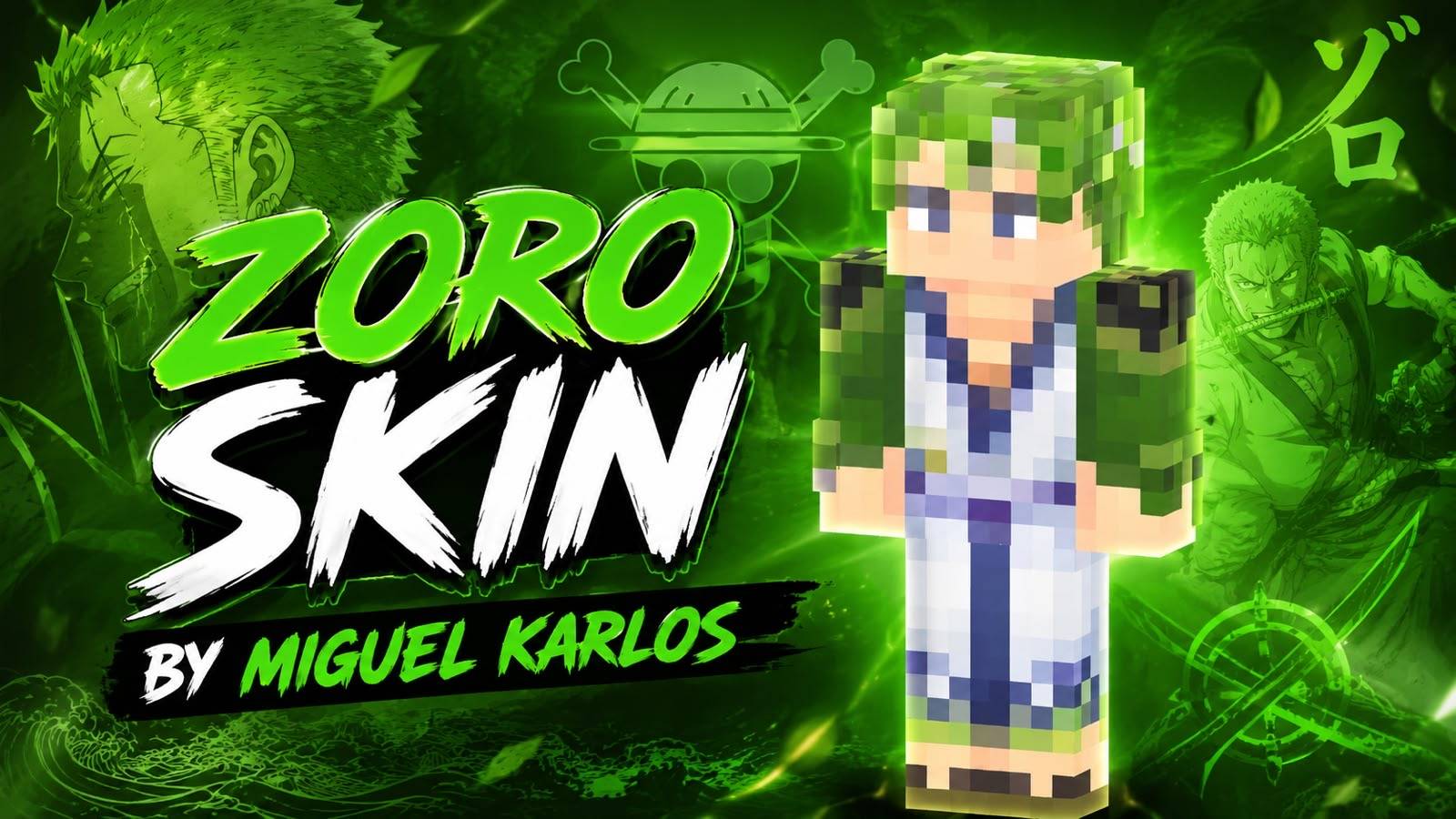
🧟 Zombie Skin by Miguel Karlos
Experience a unique and powerful Minecraft zombie skin designed with a creative, detailed, and modern gaming aesthetic. Perfect for players and creators who want to give their character a fresh zombie-inspired look.
🎮 Creator: Miguel Karlos
🧟 Skin: Zombie Skin
✨ Style: Creative & Gaming
© All Rights Reserved.
All rights, credits, and ownership of this skin design are given to Miguel Karlos. Please do not redistribute, re-upload, modify, or claim this work as your own without permission.
- Edition: Minecraft Bedrock
- File type: .mcpack
- Minecraft versions listed: 26.20, 26.13, 26.30
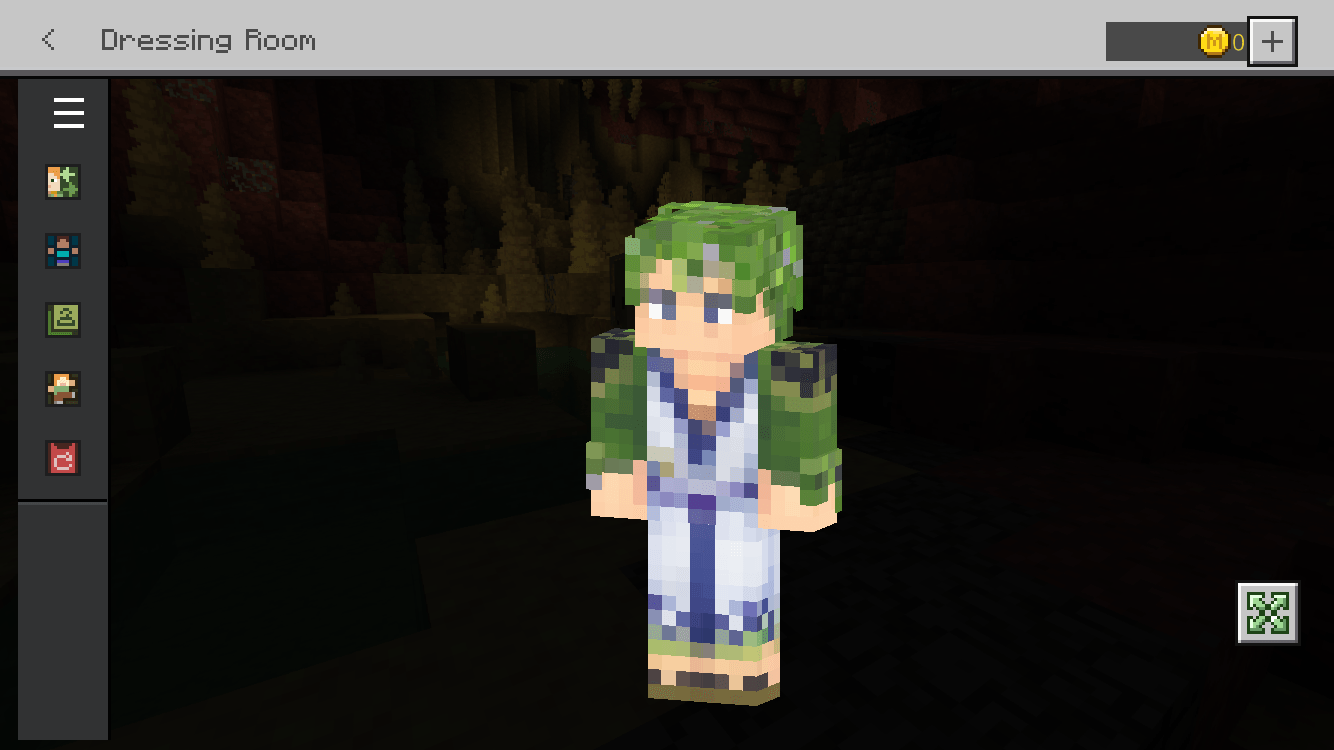
- How to install: Download the .mcpack skin pack. → Open it — Minecraft imports it. → Open the Dressing Room and select the skin.
- Where to get it: Opens on CurseForge — not every file is mirrored on our own servers.
Install steps are the general flow for this file type — How to apply a custom Minecraft skin walks through it step by step.
- Save it as ZORO.mcaddon before opening — it downloads as .mcpack, but it is a .mcaddon pack
- Complete pack — everything it depends on is inside the file
- Download size: 7 KB
- Download link checked 24 Sept 2026 — working
These come from our own check of the pack file, not from the source page.