A realistic-themed RenderDragon Shader by BatmanBinSuparman49 with resplendent skies, atmospheric fog and water.
MiINECRAFT DOES NOT OFFICIALLY SUPPORT SHADERS! YOU NEED TO APPLY SOME MODS! USE THE APPROPRIATE INSTALLATION METHOD GIVEN BELOW!
Features
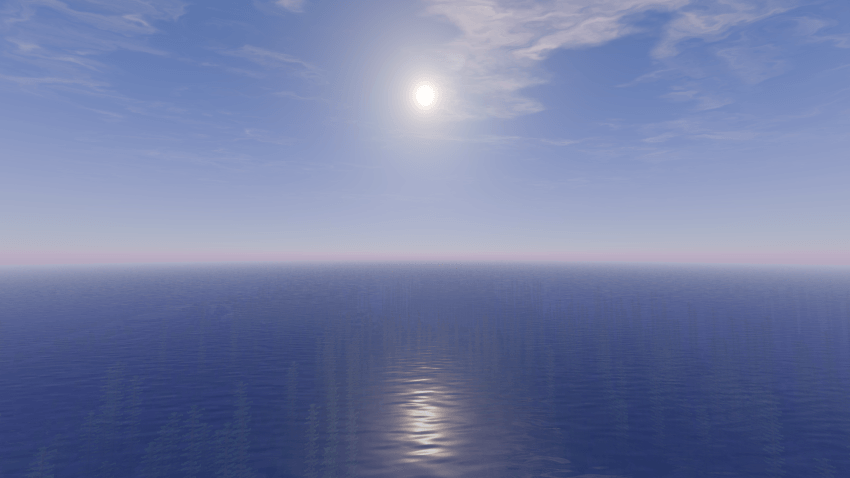
Realistic Sky
Cirrus Clouds
Round, blazing Sun
Realistic Water
Sky, Clouds, and Sun Reflection in Water
Diffuse lighting
Atmospheric Fog
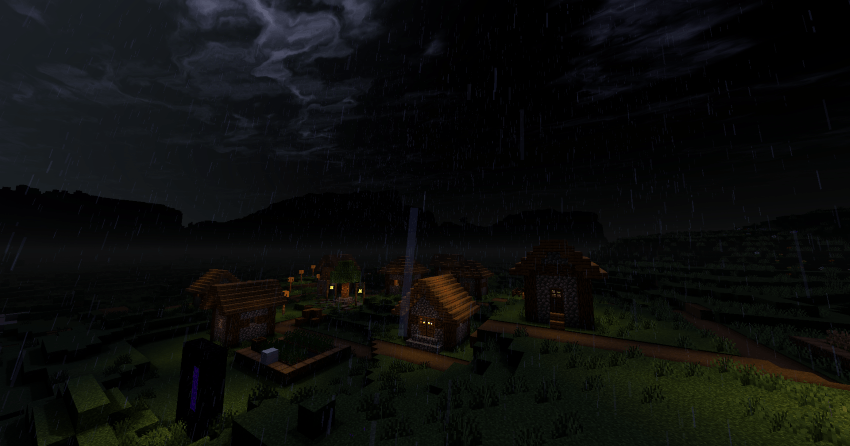
Desaturated Rain
Shadows
Screenshots
Sunrise
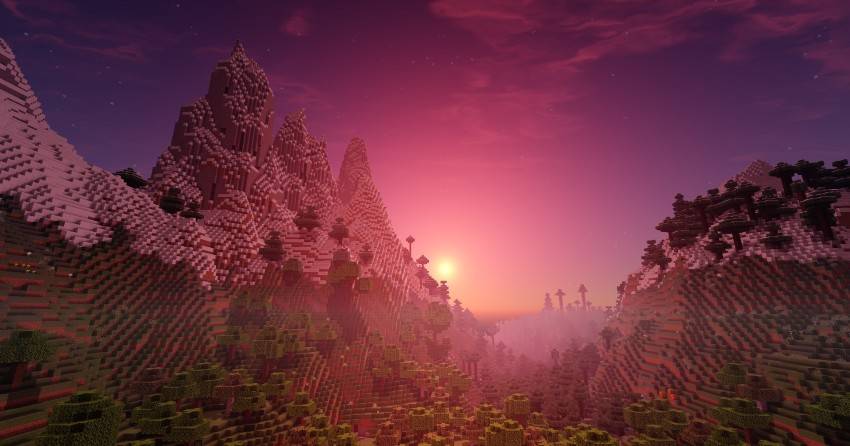
Day
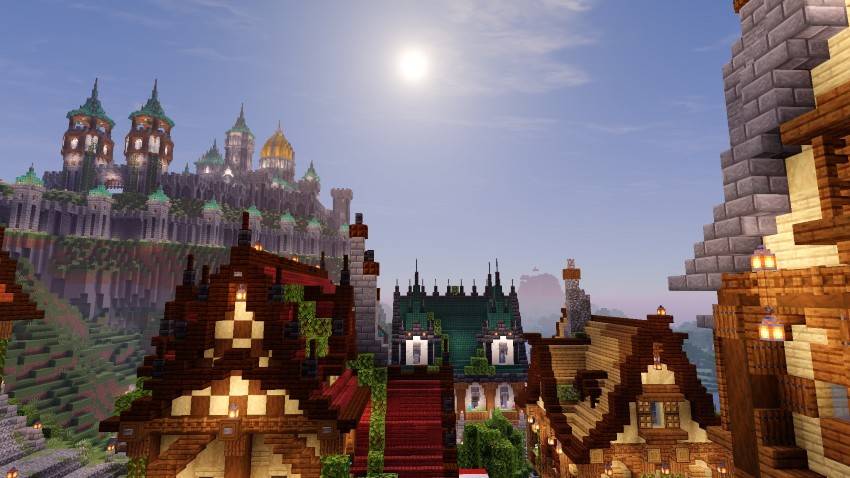
Night
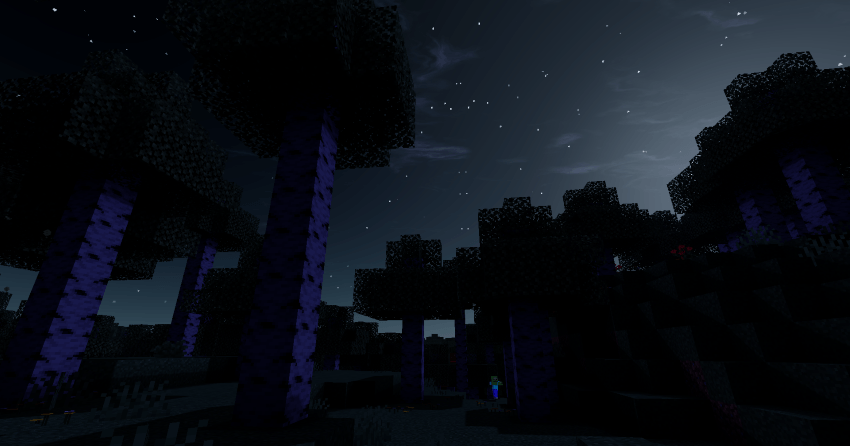
Moon & Nigh-time Fog
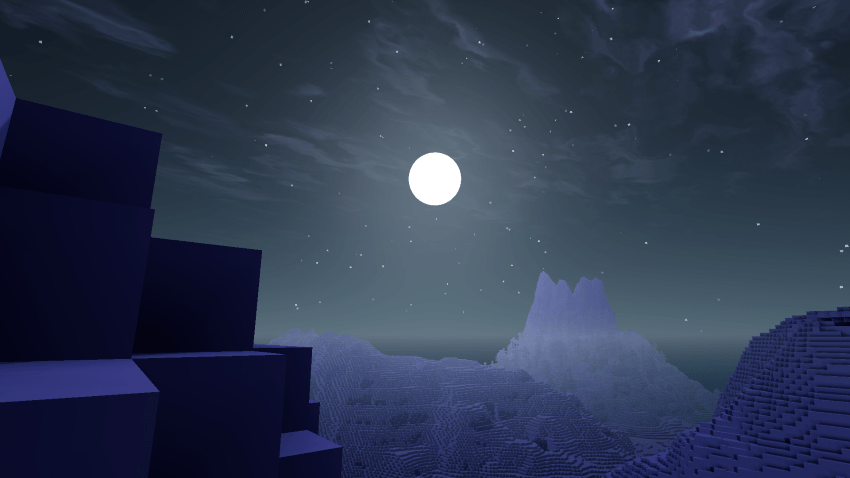
Day-time Fog
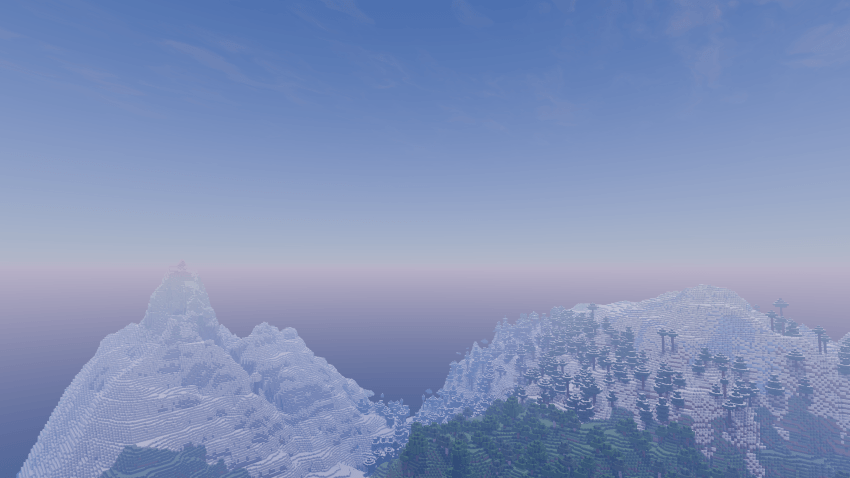
Sun, Sky & Clouds
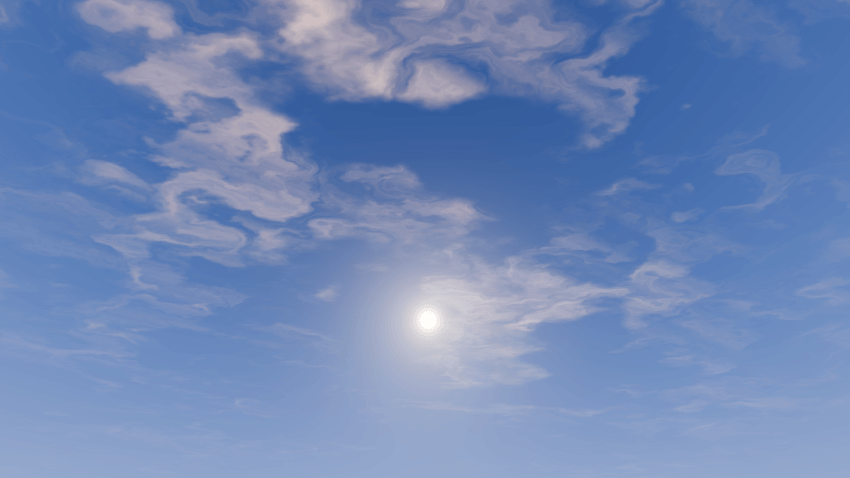
Water & Sky and Sun Reflection
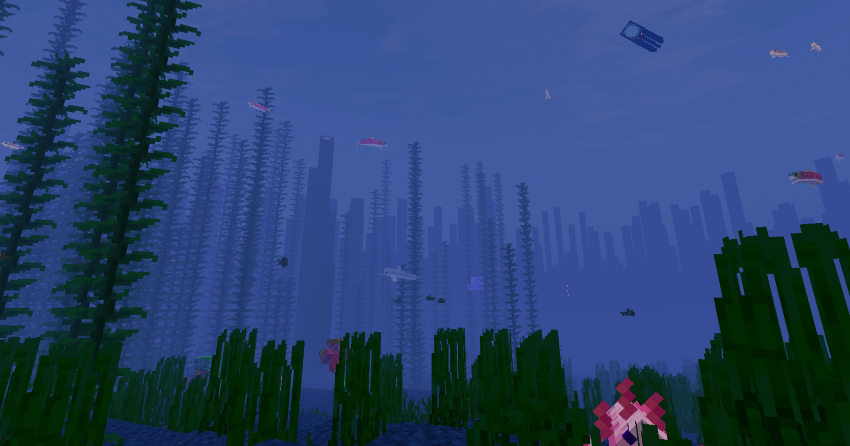
Underwater
Rain
INSTALLATION METHOD
Android
| Using MB Loader App |
|---|
| 1. Install MB Loader App |
| 2. Launch Minecraft from MB Loader. |
| 3. Import the resource pack and activate it in global resources. |
Windows
| Using Wyvern Loader |
|---|
| 1. Download and setup Wyvern from here |
| 2. Open Minecraft then click 'Inject' in Wyvern |
| 3. Import the resource pack and activate it in global resources. |
Linux / Mac
This method is for mcpelauncher-manifest.
| Using MaterialBinLoader mod (Recommended): x86_64 arch |
|---|
| 1. Install mcpelauncher-materialbinloader-mod. |
| 2. Import the resource pack and activate it in global resources. |
| Using shaders mod: x86_64, x86, arm64, arm arch |
| ----------------------------------------------- |
| 1. Download mcpelauncher-shadersmod. |
| 2. Follow this guide to setup. |
iOS
Using shaders on iOS is not very straightforward and not recommended for beginners.
| Using Minecraft with Hynis |
|---|
| 1. Download Minecraft with Hynis IPA file from our Discord server. |
| 2. Sideload it with your preferred sideloading tool. |
| 3. Import the resource pack and activate it in global resources. |
If you are having trouble following this guide, you can ask for support in Newb discord server.
Quick facts
- Edition: Minecraft Bedrock
- File type: .mcpack
- Minecraft versions listed: 26.30, 26.40
- How to install: Download the .mcpack. → Open it — Minecraft imports it under Resource Packs. → Activate it in Global Resources, or for one world under Resource Packs → Available.
- Where to get it: Opens on CurseForge — not every file is mirrored on our own servers.
Install steps are the general flow for this file type — How to install Minecraft Bedrock texture packs walks through it step by step.
Verified by MCModsHub
- Pack type: .mcpack — a single pack
- Manifest requires Minecraft 1.21.30 or newer
- Complete pack — everything it depends on is inside the file
- Download size: 4.5 MB
- Download link checked 25 Sept 2026 — working
These come from our own check of the pack file, not from the source page.