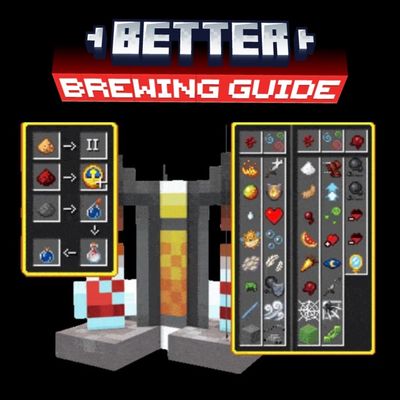
Better Brewing Guide
Never forget a potion recipe again! Better Brewing Guide adds a clean, in-game visual brewing chart directly to your Minecraft PE brewing stand interface…
⬇ Download on CurseForge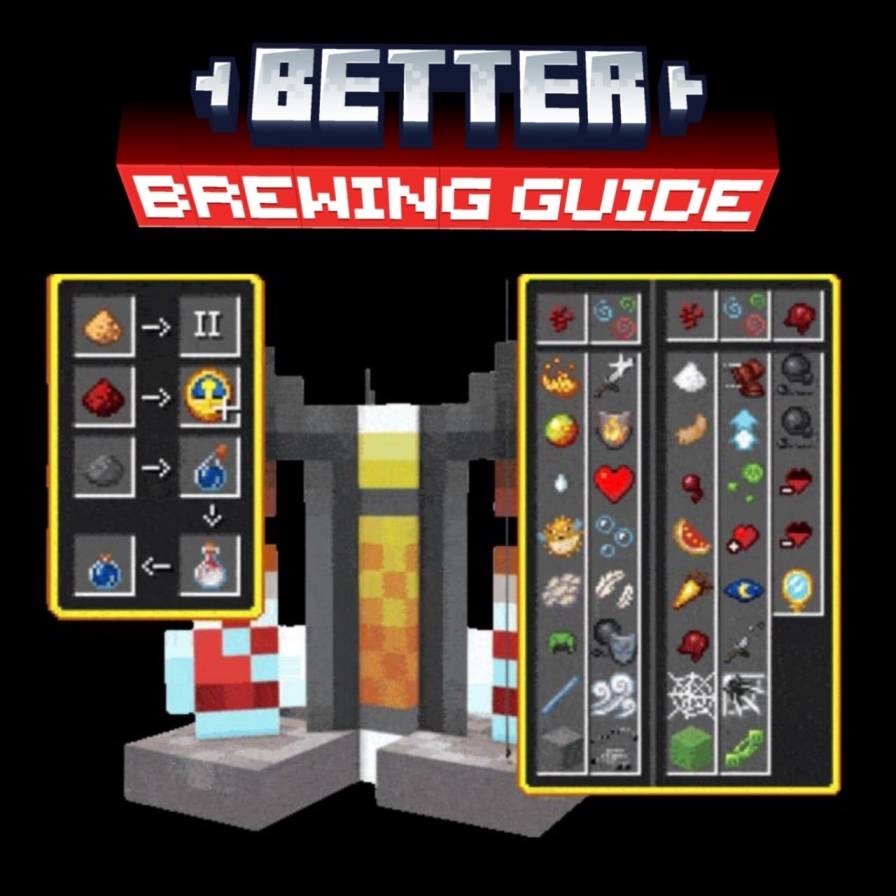
Better Brewing Guide (MCPE / Bedrock)
Tired of alt-tabbing or searching online every time you need to brew a potion? **Better Brewing Guide** solves that problem by embedding a complete, easy-to-read brewing recipe chart directly inside the brewing stand user interface!
Key Features
* Built-in UI Guide: View base ingredients, modifiers, and final potion outcomes right inside the brewing stand screen.
* Vanilla Friendly: Designed to seamlessly match the default Minecraft Bedrock / PE aesthetic without clutter.
* Survival Ready: Ideal for fast-paced survival, PvP, and raid preparation where quick potion crafting is essential.
How to Install
1. Download the `.mcpack` file.
2. Open the file to automatically import it into Minecraft Bedrock / PE.
3. Go to Settings > Global Resources** (or apply it directly to your specific world resource packs) and activate Better Brewing Guide.
Credits & Thanks
* Creator / Resource Pack Author: AZIBGAMINGWORLD
* Special Thanks: Thank you to the Minecraft Bedrock community for your support and feedback!
- Edition: Minecraft Bedrock
- File type: .mcpack
- Minecraft version listed: 26.40
- How to install: Download the .mcpack. → Open it — Minecraft imports it under Resource Packs. → Activate it in Global Resources, or for one world under Resource Packs → Available.
- Where to get it: Opens on CurseForge — not every file is mirrored on our own servers.
Install steps are the general flow for this file type — How to install Minecraft Bedrock texture packs walks through it step by step.
Better Brewing Guide is a free Minecraft Bedrock texture pack. Compatible with Minecraft 26.40. Downloaded 313 times (via CurseForge). Download it and open it directly in the game.