Texture packsBedrock
Reze's Better Leaves
Denser, more realistic leaves for every tree in Minecraft — choose Bushy and lightweight, or full 3D bushy canopies with custom leaf-cluster geometry for…
⬇ Download on CurseForge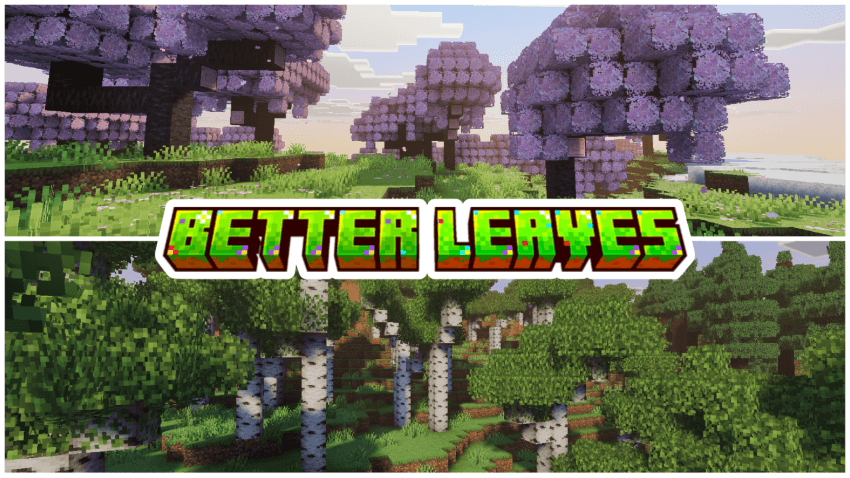
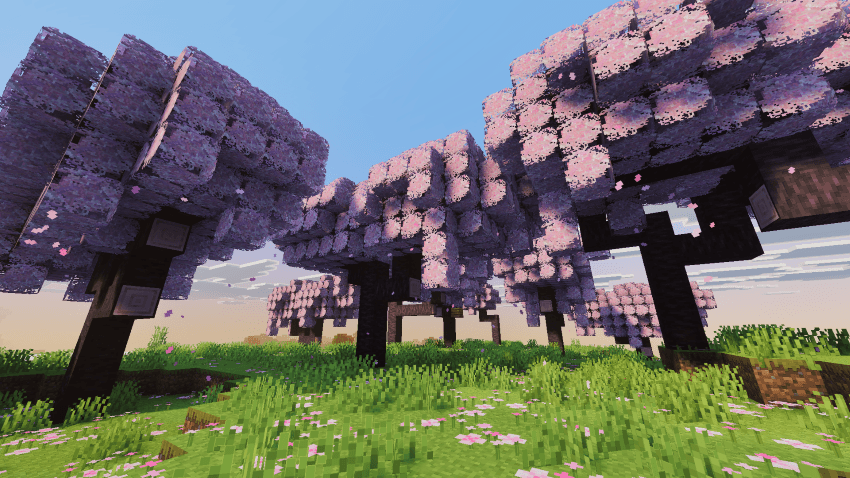
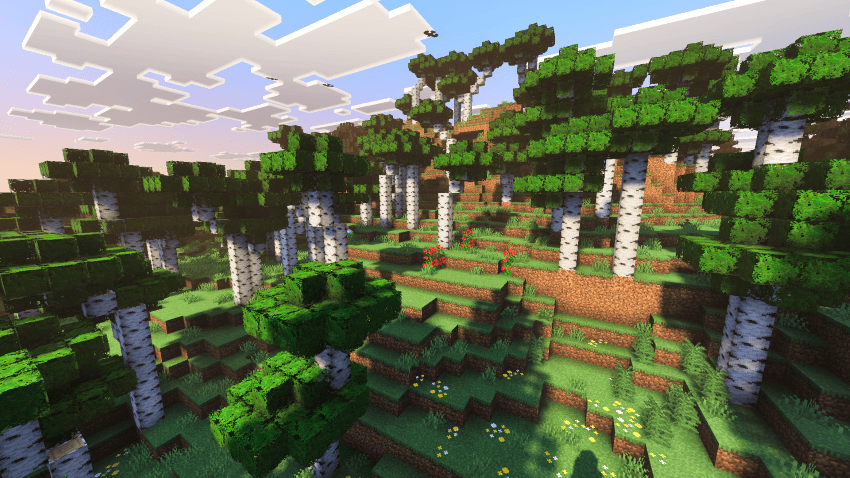
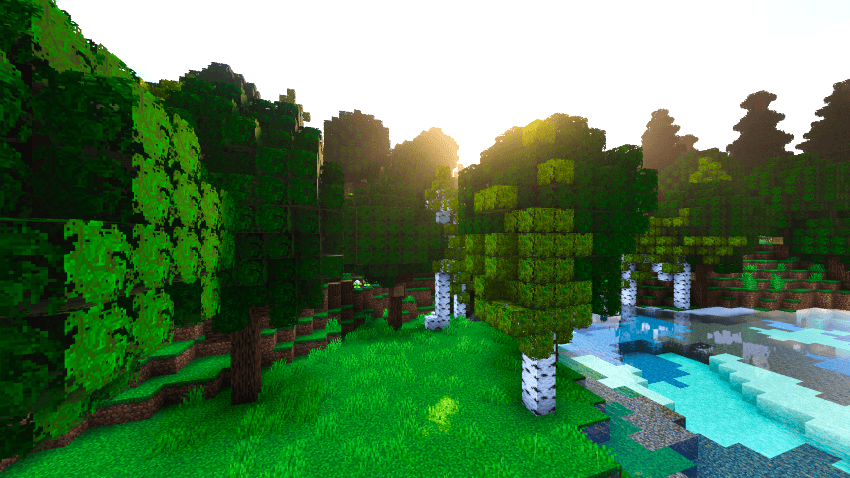
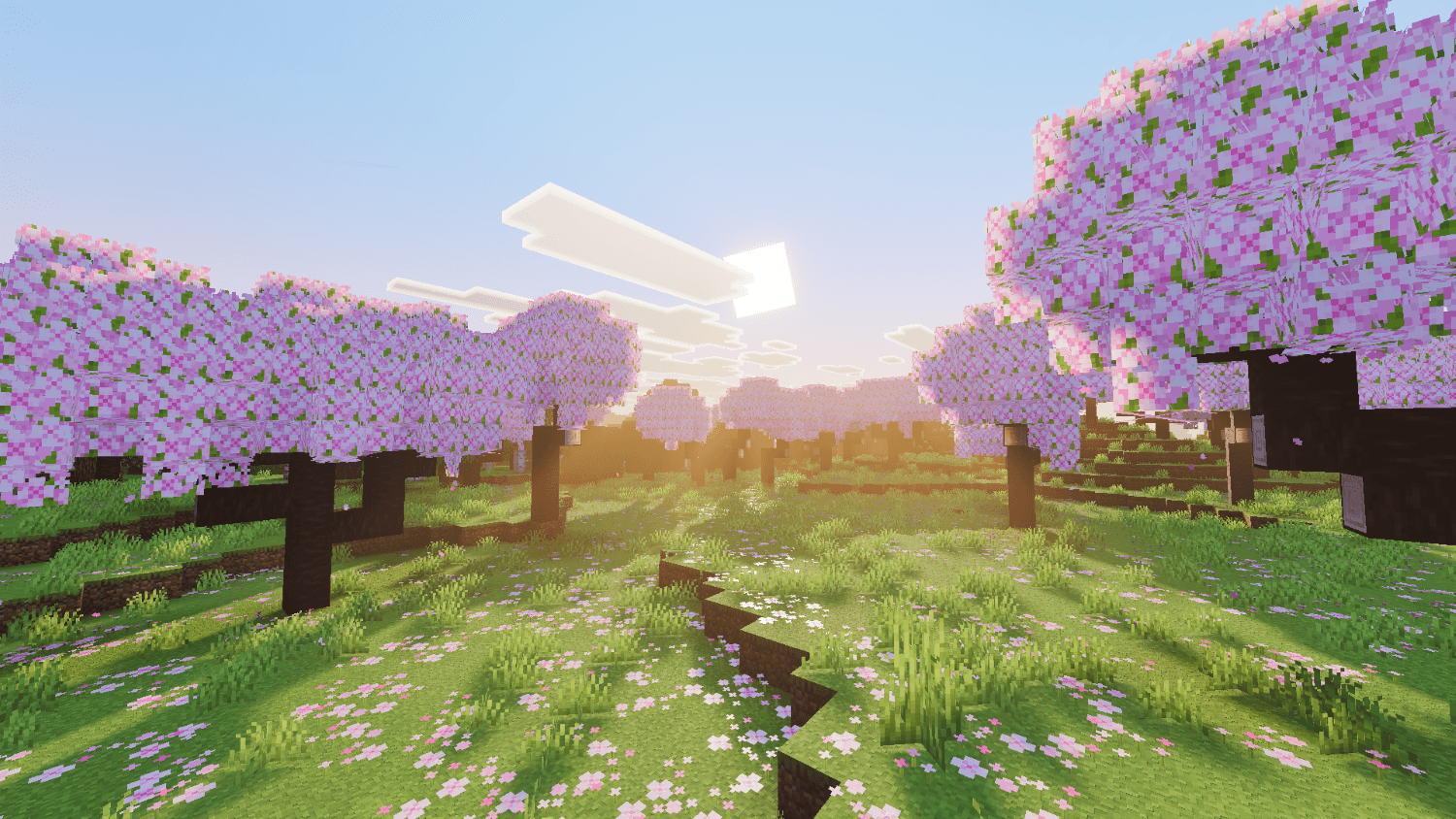
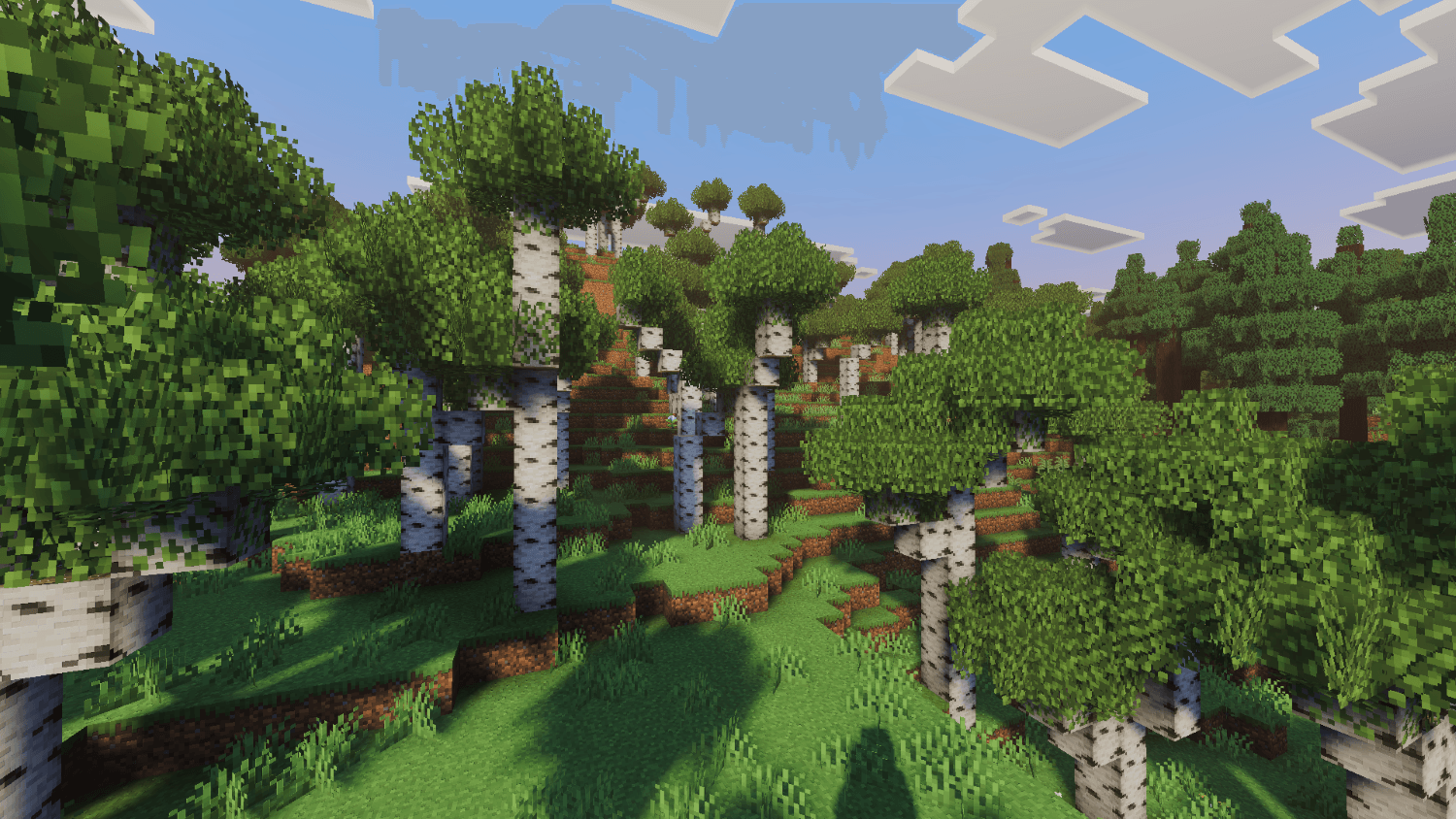
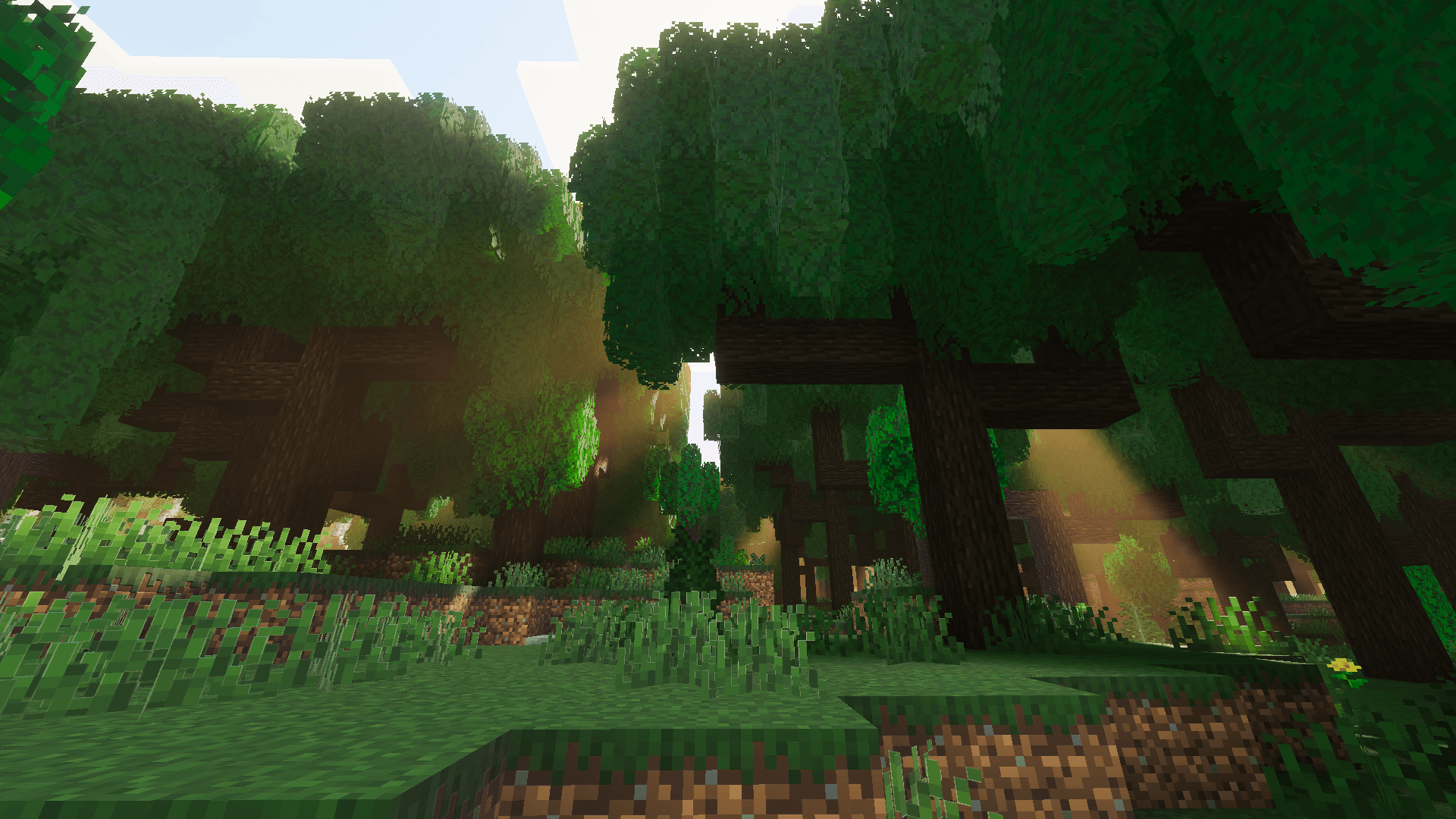
Tired of Minecraft's flat, blocky foliage? Reze's Better Leaves replaces every vanilla leaf block with dense, natural-looking canopies — choose between a clean flat overhaul or fully volumetric 3D bushes, and let sunlight scatter through the leaves like it's supposed to.
🌿 Two Ways to Play
- Flat Leaves — a lightweight, low-memory retexture of every leaf block with refined detail and PBR shading, built for smooth performance
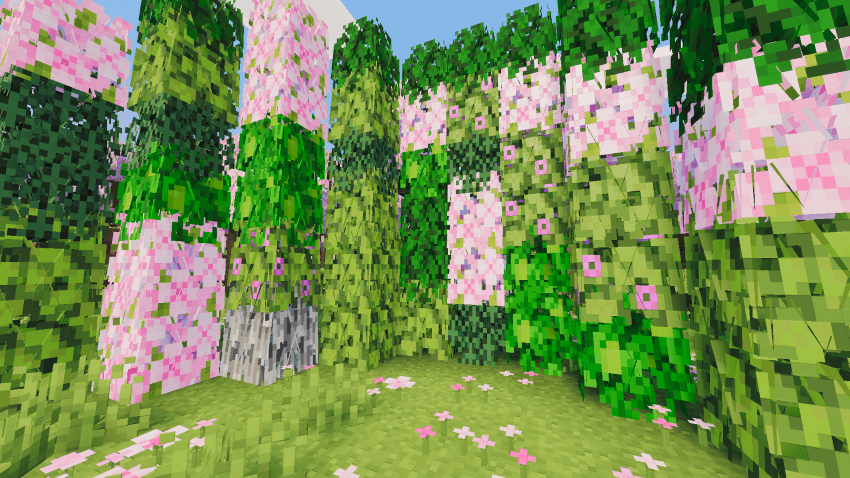
- 3D Bushy Leaves — full custom leaf-cluster geometry replaces the flat cross model, giving every tree real volume and depth
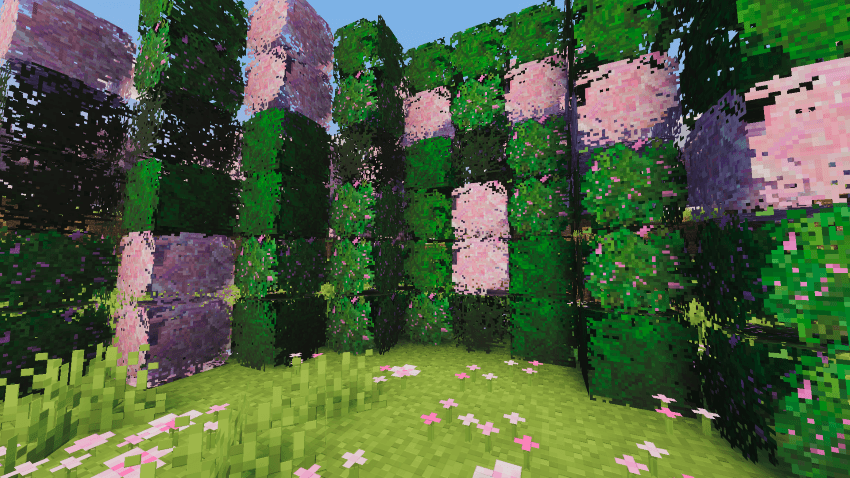
✨ Features
- 11 leaf types fully covered: Oak, Birch, Spruce, Jungle, Acacia, Dark Oak, Mangrove, Cherry, Pale Oak, Azalea, and Flowering Azalea
- PBR subsurface scattering on every leaf texture, so light glows through the canopy instead of just bouncing off it
- Custom
leaf_clustergeometry on the 3D subpack for natural, non-flat silhouettes - Switchable in-game via subpack selection — pick Flat for performance or 3D for looks, no reinstall needed
⚙️ Requirements
- Minecraft Bedrock 1.21.80+
- PBR / Vibrant Visuals-capable device recommended for full subsurface scattering effect (works without it too, just flatter shading)
📥 Installation
- Download the
.mcpackfile - Open it — Minecraft will import it automatically
- Apply it to your world from Settings → Resource Packs
- In pack settings, choose either the Flat or 3D subpack
Quick facts
- Edition: Minecraft Bedrock
- File type: .mcpack
- Minecraft versions listed: 1.21.50, 1.21.101, 1.20.80
- How to install: Download the .mcpack. → Open it — Minecraft imports it under Resource Packs. → Activate it in Global Resources, or for one world under Resource Packs → Available.
- Where to get it: Opens on CurseForge — not every file is mirrored on our own servers.
Install steps are the general flow for this file type — How to install Minecraft Bedrock texture packs walks through it step by step.
Verified by MCModsHub
- Pack type: .mcpack — a single pack
- Manifest requires Minecraft 1.21.80 or newer
- Complete pack — everything it depends on is inside the file
- Download size: 1.0 MB
- Download link checked 26 Sept 2026 — working
These come from our own check of the pack file, not from the source page.