Texture packsBedrock
Bloom Visuals
The author built this one for Minecraft 26.50. On other versions it may install and then do nothing.
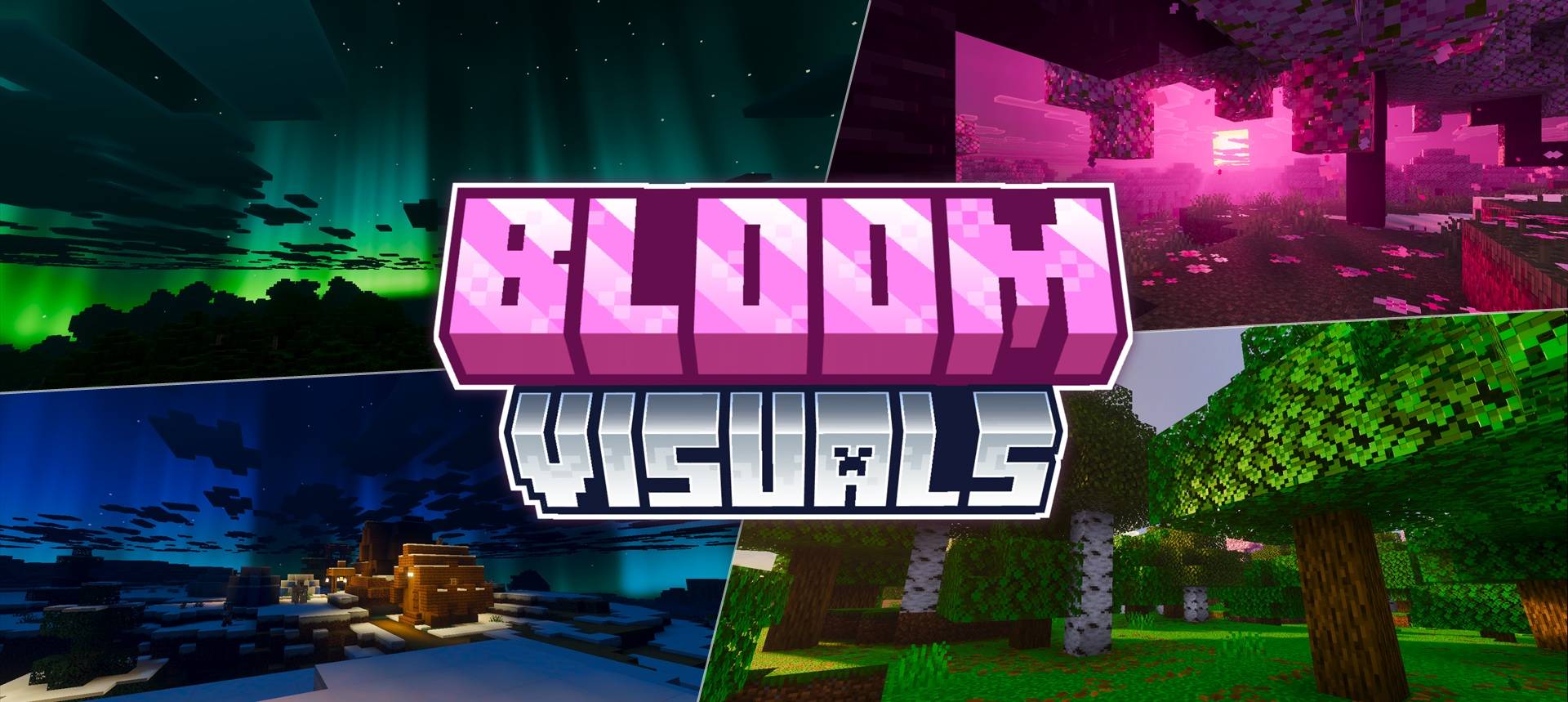
Bloom Visuals gives every biome its own mood, with aurora skies, golden hour sunrises and sunsets, and PBR reflections on metal blocks and items. Crisp starry nights completes the look.
Quick facts
- Edition: Minecraft Bedrock
- File type: .mcpack
- Minecraft version listed: 26.50
- How to install: Download the .mcpack. → Open it — Minecraft imports it under Resource Packs. → Activate it in Global Resources, or for one world under Resource Packs → Available.
- Where to get it: In MCModsHub, or directly above on this page.
Install steps are the general flow for this file type — How to install Minecraft Bedrock texture packs walks through it step by step.
Verified by MCModsHub
- Pack type: .mcpack — a single pack
- Complete pack — everything it depends on is inside the file
- Download size: 7.9 MB
- Download link checked 26 Sept 2026 — working
These come from our own check of the pack file, not from the source page.