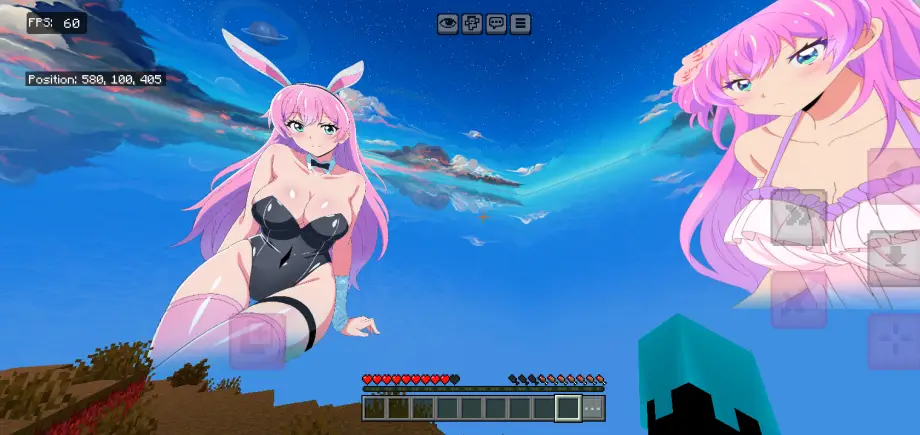
Akari Watanabe Anime Sky Texture Pack for MCPE 26.50
Anime-inspired texture pack replacing skies, beds, and item textures with hand-drawn visuals, optimized for mobile and improved performance.
⬇ Download⚡Ultimate Custom Minecraft Texture Pack Showcase
This custom Minecraft texture pack completely transforms the standard visual aesthetic into a personalized, vibrant world inspired by anime culture and sleek modded designs. It brings a unique mix of high-contrast item re-textures, stylized environmental overlays, and custom entity blocks tailored for players who want to stand out.
Please See This GiF Before Download
Pack Highlights & Visual Features
🌌 Cinematic Anime Sky Overlay
Atmospheric Redesign: Replaces the default procedural Minecraft sky box with a custom, hand-drawn anime sky.
Swirling Clouds: Features stylized, dramatic blue and white cloud patterns that mimic modern romantic-comedy and slice-of-life anime aesthetics.
Seamless Horizon: Blends beautifully with standard ground biomes, giving a cinematic backdrop to everyday survival or multiplayer PvP.
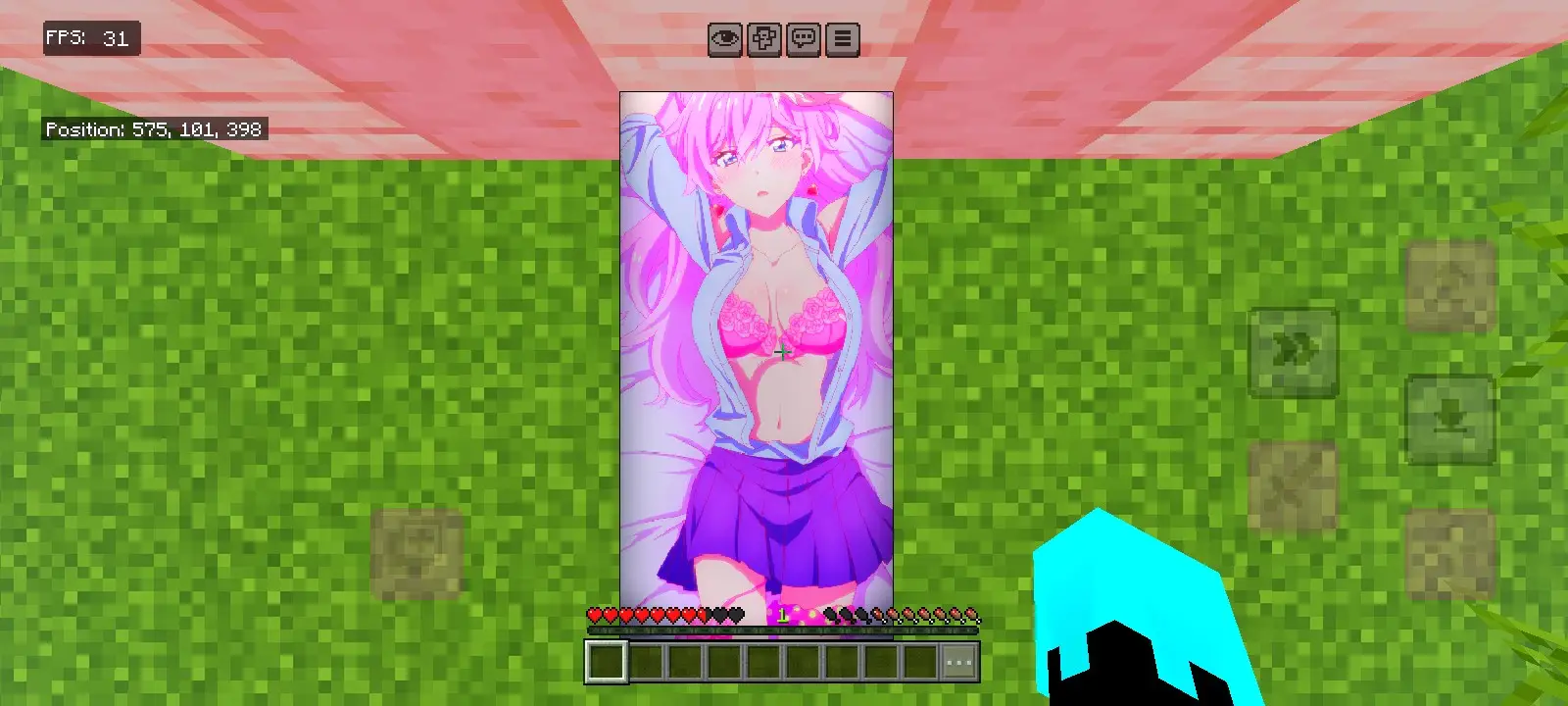
🛏️ Akari Watanabe Custom Bed Texture
- Featured Character: High-resolution, vibrant illustration of Akari Watanabe from the anime More Than a Married Couple, But Not Lovers (Fuufu Ijou, Koibito Miman).
- Detailed Artwork: Showcases her iconic bright pink hair, detailed character design, pink top, and purple styling, neatly stretched over the bed block model.
- Aesthetic Focus: Serves as a perfect centerpiece for base decoration, bedrooms, or map lobbies.
In-Game Interface & Compatibility
- Clean UI Layout: Optimized to fit seamlessly with classic Bedrock Edition mobile, console, or PC HUD elements.
- Bright Character Hand Styling: Fully compatible with neon or custom skins, as seen with the striking cyan-and-black player model hand.
- Performance Friendly: Designed to run smoothly even on mobile devices, maintaining a stable gameplay experience alongside high-quality visual changes.
- Edition: Minecraft Bedrock
- File type: .mcpack
- How to install: Download the .mcpack. → Open it — Minecraft imports it under Resource Packs. → Activate it in Global Resources, or for one world under Resource Packs → Available.
- Where to get it: In MCModsHub, or directly above on this page.
Install steps are the general flow for this file type — How to install Minecraft Bedrock texture packs walks through it step by step.
- Pack type: .mcpack — a single pack
- Manifest requires Minecraft 1.21.0 or newer
- Complete pack — everything it depends on is inside the file
- Download link checked 10 Sept 2026 — working
- Mirrored on our own servers — the download does not depend on the original host
These come from our own check of the pack file, not from the source page.