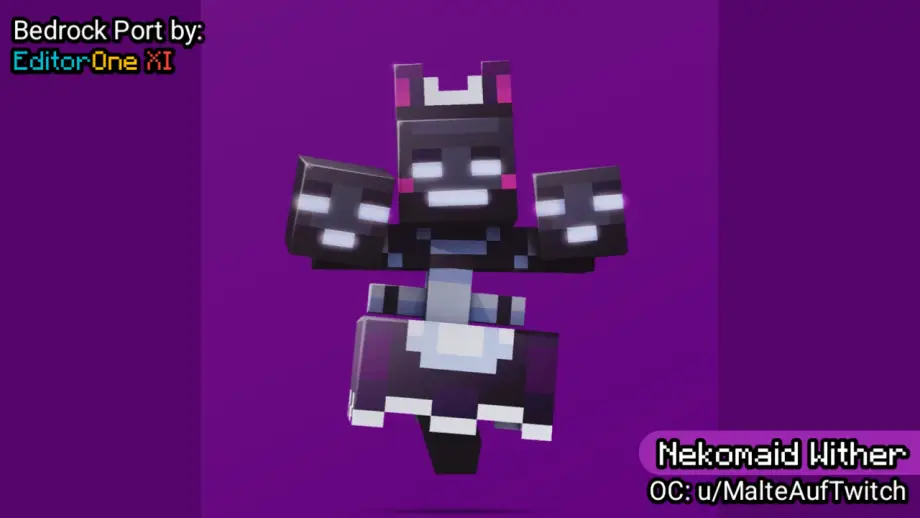
Nekomaid Wither Texture Pack for Minecraft Bedrock 26.50
Bedrock texture pack listed for Minecraft 26.x. File opened and checked on 9 Sep 2026; installs from the MC Bedrock Mods app on Android.
Nekomaid Wither texture pack replaces the Wither with a maid-themed model, including armor and invulnerable textures. Easy .mcpack import.
⬇ DownloadNekomaid Wither texture pack replaces the Wither model with a maid-themed skin for fun; includes armor and invulnerable state textures. Easy import via .mcpack.
Preview
These are some images of the Nekomaid Wither.
Wither Model
Blockbench Preview:
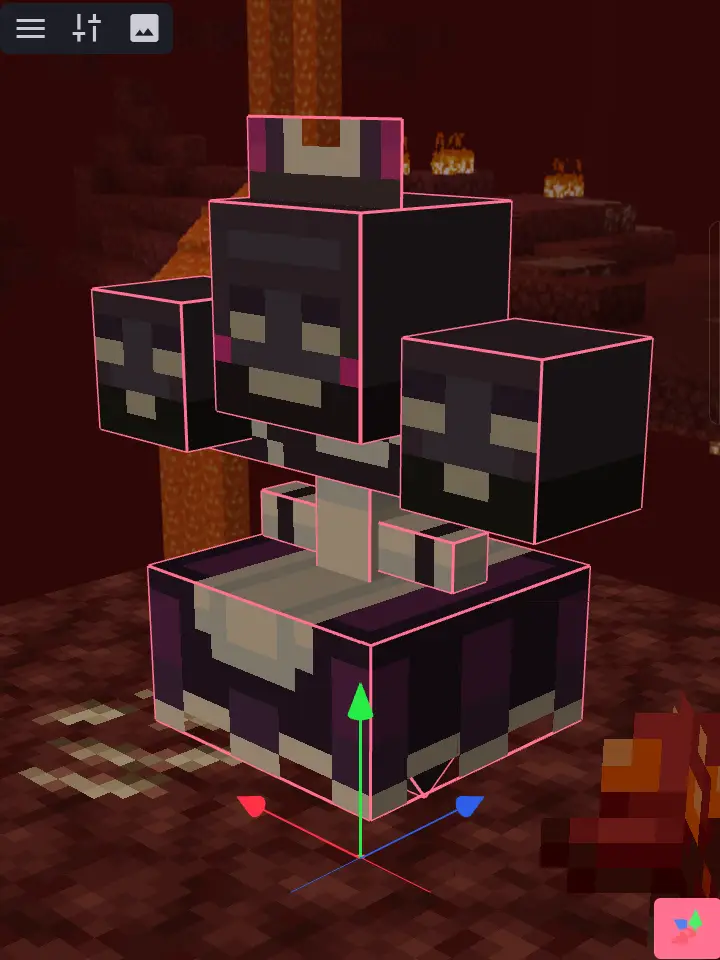
In-game Screenshots:
Default State:
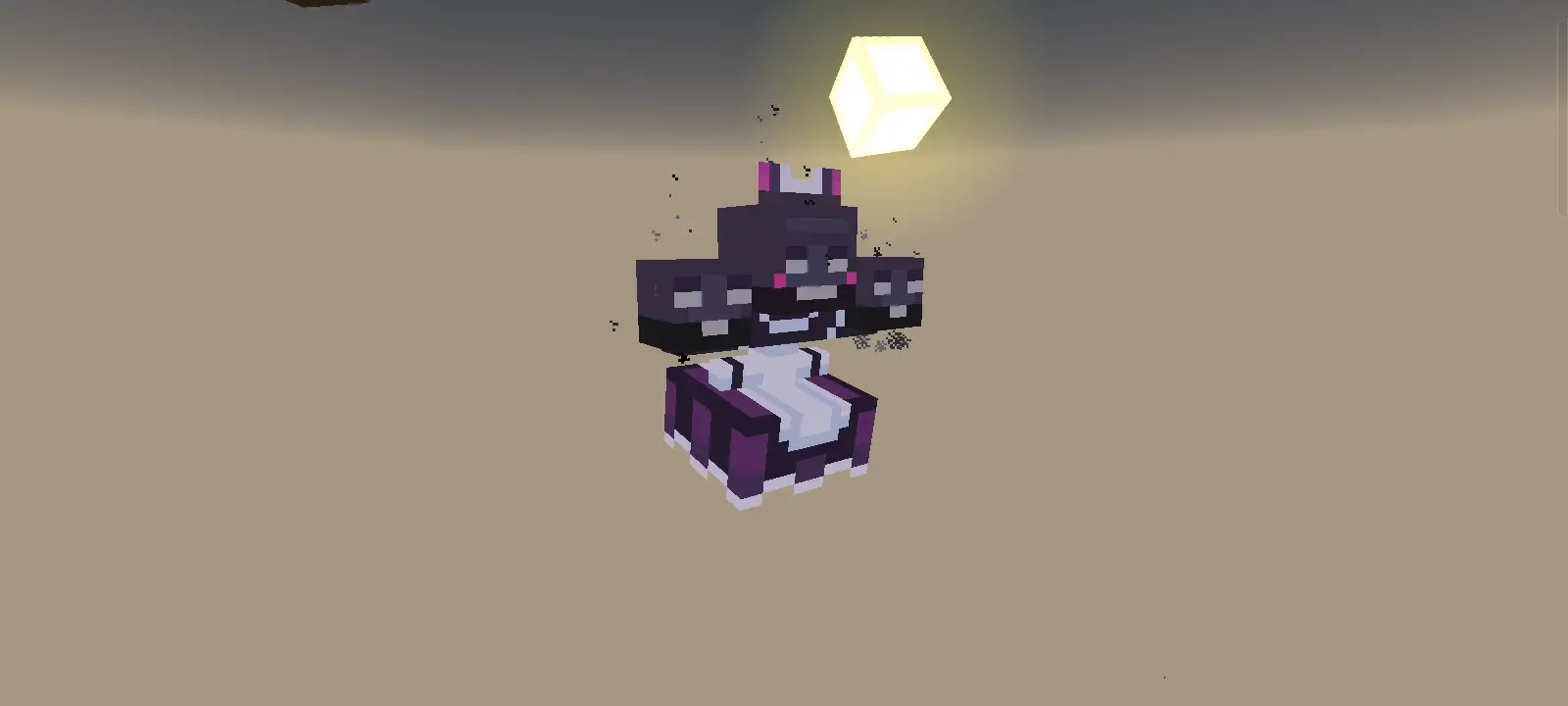

Armored State:
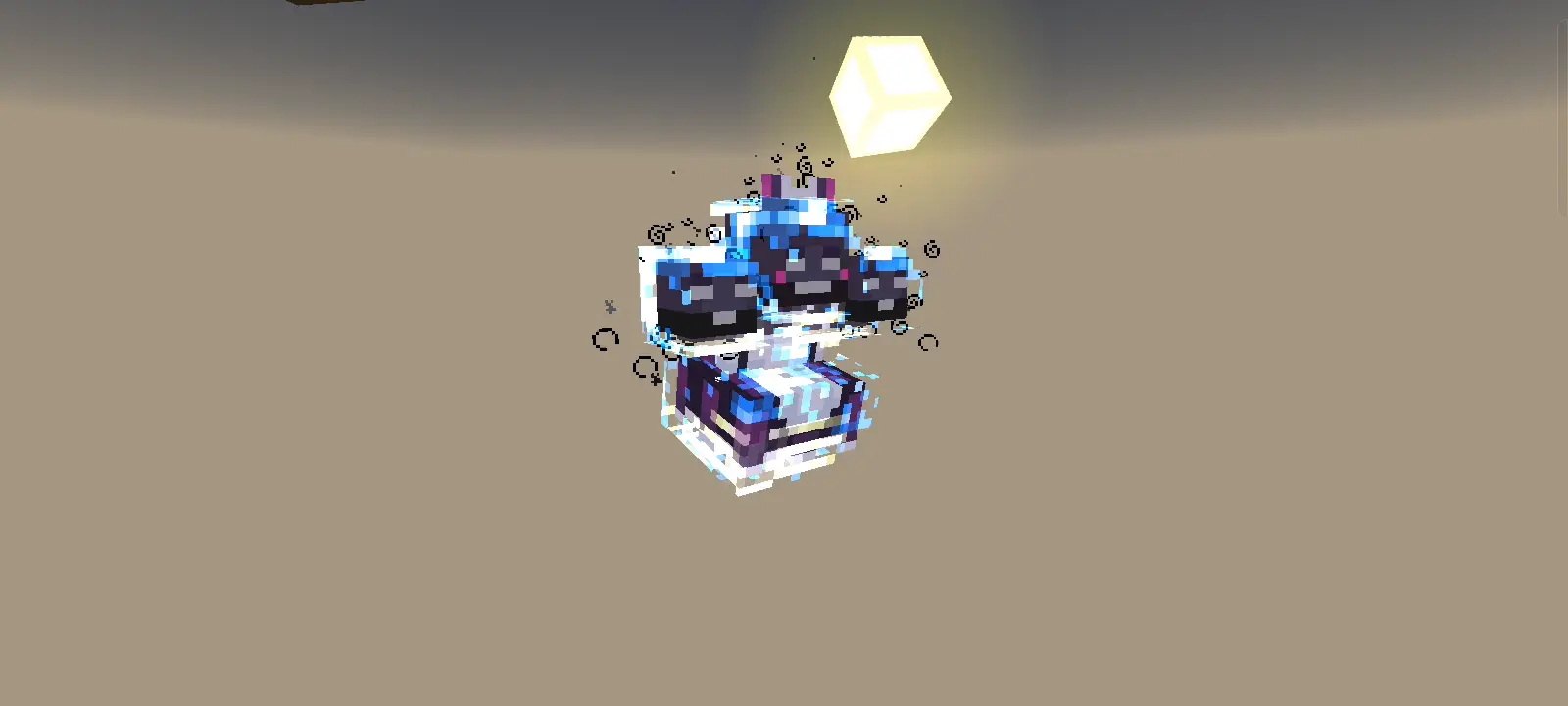


Invulnerable State (Reverted the White Overlay because of changes with it):
Changelog (v1.1.0)
- Modified Wither Armor and Wither Skull (Entity) models to match the Wither's model.
- Modified texture set for Vibrant Visuals, and PBR/Ray Tracing packs to match the model.
- Revised Wither Invulnerable texture.
Credits
- Texture by Gabi34 on his Java version of this pack. PlanetMinecraft: Nekomaid Wither by u/MalteAufTwitch texture pack
- Originally Created by u/MalteAufTwitch on a Reddit Post.
Installation
To download and import this add-on to your world, navigate to Download links and select an add-on version.
- Download the
.mcpackfile. - After downloading the file, navigate where the file is stored.
- Click the file then select Open with Minecraft (Method may vary).
- If the add-on is imported successfully, activate the add-on to your world and enjoy!
NOTE: Minecraft packs use Universally Unique Identifier (UUID) to identify every pack stored locally in Minecraft. When the add-on failed to import because of "Duplicate pack detected" even when no match is found, it is most likely caused by a matching UUID with the other packs.
NOT AN OFFICIAL MINECRAFT PRODUCT. NOT APPROVED BY OR ASSOCIATED WITH MOJANG OR MICROSOFT.
- Edition: Minecraft Bedrock
- File type: .mcpack
- How to install: Download the .mcpack. → Open it — Minecraft imports it under Resource Packs. → Activate it in Global Resources, or for one world under Resource Packs → Available.
- Where to get it: In MCModsHub, or directly above on this page.
Install steps are the general flow for this file type — How to install Minecraft Bedrock texture packs walks through it step by step.
- Pack type: .mcaddon — behaviour and resource pack in one file
- Manifest requires Minecraft 1.26.33 or newer
- Complete pack — everything it depends on is inside the file
- Download link checked 10 Sept 2026 — working
- Mirrored on our own servers — the download does not depend on the original host
These come from our own check of the pack file, not from the source page.