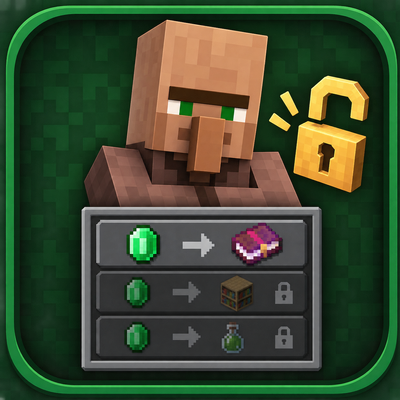
VILLAGER TRADE REVEALER
Bedrock texture pack listed for Minecraft 26.x. File opened and checked on 10 Sep 2026; installs from the MC Bedrock Mods app on Android.
Preview every locked villager trade before leveling up! See future items, enchanted books and offers instantly with this lightweight Minecraft Bedrock…
⬇ Download on CurseForge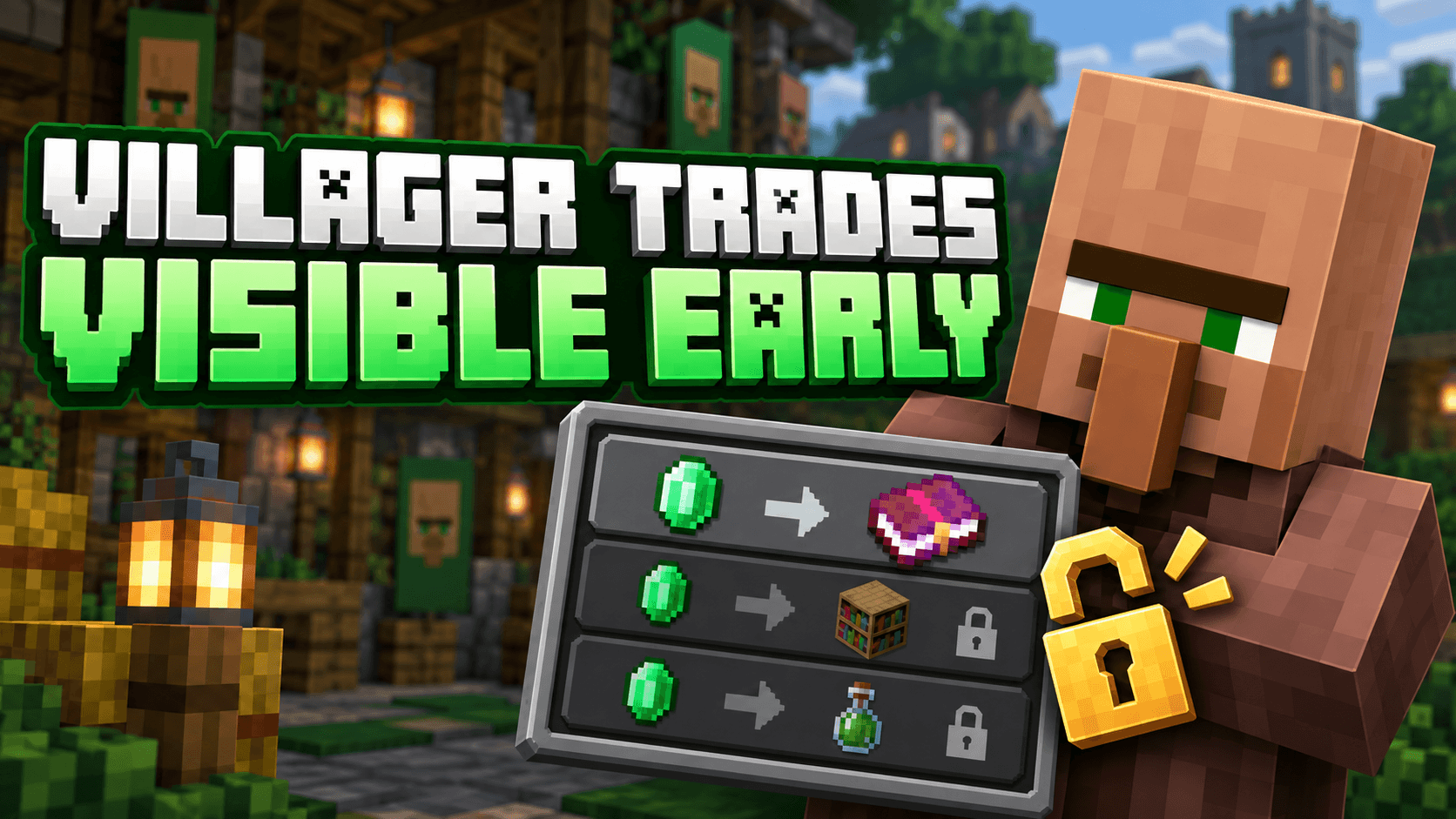
🧑🌾 Villager Trade Preview
View locked and future villager trades before leveling them up!
📖 About the Pack
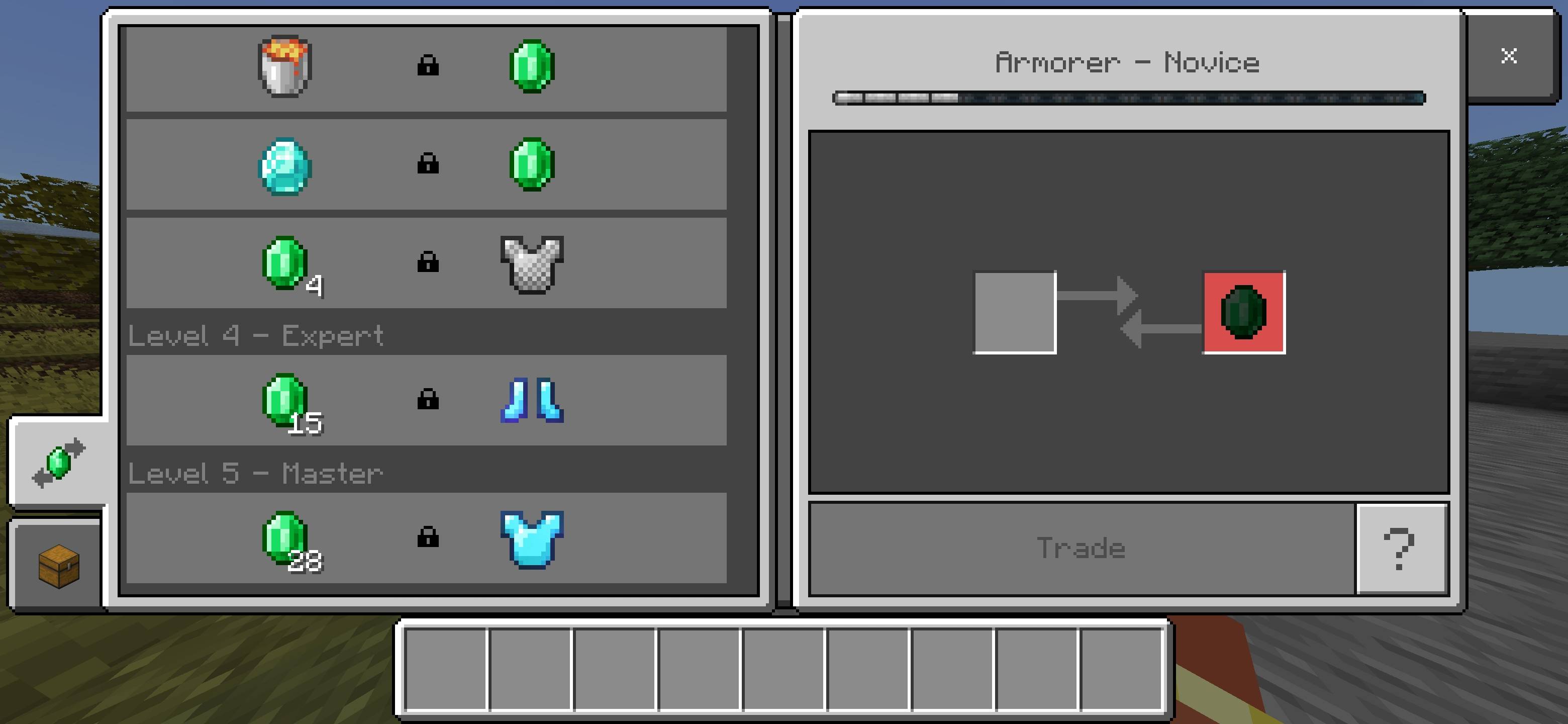
Villager Trade Preview is a lightweight Minecraft Bedrock resource pack that displays every locked and future villager trade from the beginning. You can preview upcoming items, enchanted books and other offers before spending resources to level up a villager.
The pack only reveals hidden trade information. Locked trades will remain locked until the villager reaches the required level, keeping normal survival progression balanced.
✨ Features
- Displays locked and future villager trades early
- Shows trade items, names and available enchantment details
- Works with every villager profession
- Supports Pocket UI and Classic UI
- Does not unlock trades or change villager mechanics
- Lightweight and performance-friendly
- Does not disable achievements
- Compatible with Minecraft Bedrock 1.26.40
📥 Installation
- Download the .mcpack file.
- Open the file using Minecraft.
- Wait for the resource pack to import successfully.
- Activate it from Global Resources or your world's Resource Packs menu.
- Place it above other UI packs to prevent compatibility issues.
⚠️ Important Information
This resource pack previews future trades but does not remove their level requirements. Other packs that modify the villager trading interface may conflict with it.
👑 Credits
Created, designed and maintained by Baku.
All pack branding and distribution credits belong to Baku.
This is an unofficial Minecraft resource pack and is not affiliated with Mojang Studios or Microsoft.
- Edition: Minecraft Bedrock
- File type: .mcpack
- Minecraft versions listed: 26.20, 26.30, 26.40
- How to install: Download the .mcpack. → Open it — Minecraft imports it under Resource Packs. → Activate it in Global Resources, or for one world under Resource Packs → Available.
- Where to get it: Opens on CurseForge — not every file is mirrored on our own servers.
Install steps are the general flow for this file type — How to install Minecraft Bedrock texture packs walks through it step by step.
- Pack type: .mcpack — a single pack
- Complete pack — everything it depends on is inside the file
- Download size: 20 KB
- Download link checked 27 Sept 2026 — working
These come from our own check of the pack file, not from the source page.